
JSON Formatter & Validator
Format, validate, and minify JSON with error highlighting — instantly beautify messy JSON responses.
This page is the fastest starting point when you need browser tools but cannot risk exposing sensitive payloads, screenshots, tokens, drafts, or client files to an unknown upload service.
Updated · Reviewed by The Free AI Tools Editorial Team — Security and privacy review
Format, validate, and minify JSON with error highlighting — instantly beautify messy JSON responses.

Generate secure, random passwords with customizable length, numbers, and special characters — no data sent to any server.

Compress and optimize images with adjustable quality and live preview — reduce file size for faster web performance.

Remove image backgrounds in the browser with color picking, flood fill, and edge-aware controls — client-side, no upload.

Convert plain text to formatted PDF documents with customizable page size — free, no software required.

Generate SEO-friendly meta tags including Open Graph, Twitter Card, and canonical tags — copy-ready HTML with live preview.

Decode and inspect JSON Web Tokens to view header, payload, and signature structure — essential for API debugging.

Encrypt and decrypt text with AES-GCM using the Web Crypto API — secure client-side encryption tool.
Generate RSA-OAEP public and private key pairs in PEM format — essential for asymmetric encryption workflows.

Read EXIF and basic image metadata from uploaded files — inspect camera settings, GPS, and creation dates.

Check image metadata for location, device, and timestamp details, then strip the fields you do not want to share. It is especially useful for press kits, listings, and personal photos shared publicly.

Inspect PDF author, title, subject, timestamps, and hidden metadata before sharing files. It helps teams remove accidental identifiers from proposals, resumes, and reports without sending documents to a server.

Score passwords for length, character variety, and repetition risk — fully private, nothing sent anywhere.

Create and compare common hash outputs for text input instantly - useful for checksums and integrity checks.
Generate and compare bcrypt hashes in one browser-based workspace - secure password hashing with no server upload.

Test regular expressions with live match highlighting — debug patterns instantly with flags, groups, and capture support.

Compare two blocks of text and highlight additions and removals — visualize code and content changes instantly.
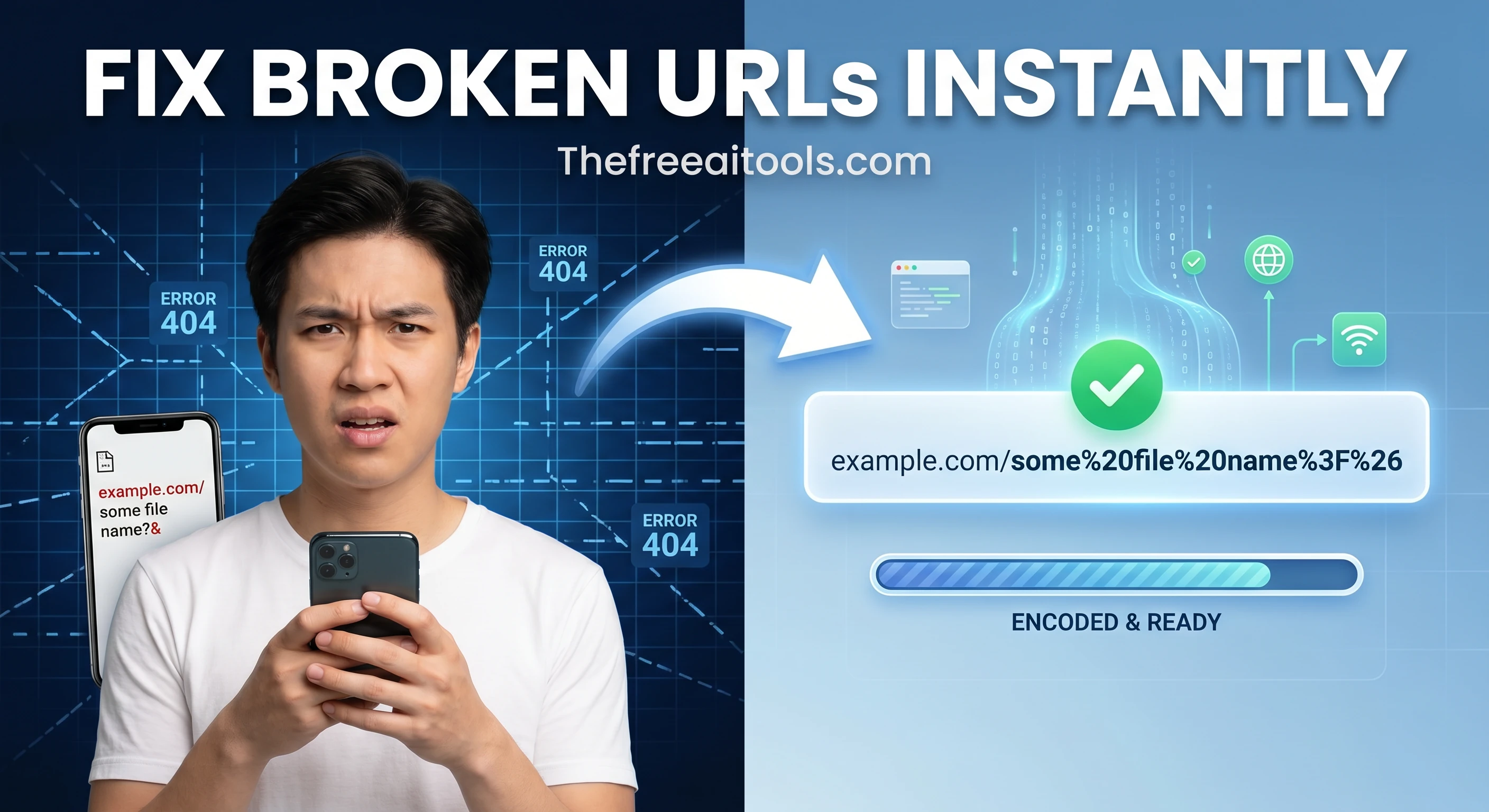
Encode and decode URLs with percent-encoding support — fix broken query strings and API parameters instantly.
Encode and decode text to and from Base64 format instantly in your browser — essential developer utility.
Most free utility sites optimize for speed of launch, not for data handling clarity. They ask for uploads first, then explain privacy later in tiny text that does not answer practical questions. A privacy-first hub flips that order. It starts by keeping local workflows explicit: paste, process, copy, and continue inside your browser. That difference matters when you are working with access tokens, production payloads, internal screenshots, draft legal copy, unreleased campaign assets, or customer-support transcripts that should not pass through an unknown third-party pipeline.
The second advantage is workflow continuity. Teams often lose time when a simple one-minute task turns into account friction, paywall prompts, API limits, or delayed queue processing. Browser-based tools remove most of that drag. You can open the exact route, complete the task, then jump to the next linked tool without waiting for uploads, confirmations, or re-download cycles. For developers this may mean decoding a token then formatting JSON in the same session. For marketers it can mean compressing an image, checking metadata, and generating a snippet before publishing.
Privacy-first does not mean every route is offline forever or that no tool ever touches a network. Some categories, like DNS lookups or speed checks, naturally require live network requests to produce useful output. What matters is transparency and scope: tools should state when network access is needed and limit it to the minimum required for that specific function. This hub prioritizes routes where local processing is practical and where users can understand what happens to their input before they click anything.
Use this page as your default bookmark when data sensitivity is a real requirement, not an afterthought. It supports agency teams handling client accounts, product teams triaging production incidents, content teams managing embargoed assets, and solo builders who want fast tools without unnecessary risk. Start from the featured set, then move into the full category lists below to find the exact browser-based utility you need for conversion, formatting, validation, analysis, and cleanup workflows.
Quick answers about the workflow, privacy, and where this tool fits in a broader job.
The core workflows run in the browser, which removes the default need to upload raw user input to a remote processing server for common tasks like formatting, compression, and conversion.
Yes. Browser-based processing reduces risk, but strong local security practices still matter for secrets, tokens, customer data, and regulated content.
JSON formatting, password generation, token inspection, image cleanup, and metadata checks are common privacy-sensitive tasks where local browser execution is a practical advantage.
The complete toolkit
Every tool runs instantly in your browser — no account, no download, no cost. Across 13 categories for everyday tasks.