
Meta Tags Generator
Generate SEO-friendly meta tags including Open Graph, Twitter Card, and canonical tags — copy-ready HTML with live preview.
This hub page groups the strongest SEO and search-focused workflows on the site, including metadata helpers, crawl-file generators, lookup tools, and snippet tooling that support technical SEO work in 2026 and beyond.
Updated · Reviewed by The Free AI Tools Editorial Team — SEO review and technical QA
Generate SEO-friendly meta tags including Open Graph, Twitter Card, and canonical tags — copy-ready HTML with live preview.

Create robots.txt files for your website — control search engine crawlers, disallow paths, and set sitemaps.

Generate XML sitemaps from a list of URLs — set priorities, change frequencies, and download instantly.

Check SSL certificate validity, expiry, and HTTPS status for any domain — essential web security audit tool.

Look up DNS records (A, MX, TXT, NS, CNAME) for any domain — check propagation and diagnose email issues.

Parse browser, operating system, and device details from user agent strings — useful for analytics debugging.

Create canonical link tags for pages, product variants, and paginated URLs — prevent duplicate content issues.

Generate hreflang link tags for multilingual and multi-region sites — correct international SEO targeting.

Preview how Open Graph titles, descriptions, and images appear when shared on social media — OG tag tester.

Validate Twitter Card meta tags and preview card-style output — test X/Twitter link sharing appearance.

Estimate performance bottlenecks and Core Web Vitals from page metrics — lightweight Lighthouse simulator.

Check a list of URLs and mark timeout or fetch failures — find and fix 404 errors on your website.

Inspect pasted HTML for title, description, canonical, and social tags — audit any page's SEO meta structure.
Analyze repeated phrases and top keywords inside any text block — optimize content for search rankings.

Estimate Flesch-Kincaid readability and sentence complexity from text — optimize content grade level instantly.
Preview title tags, URLs, and meta descriptions in a Google-style search result layout — SEO snippet tool.
Turn page titles into clean, readable, SEO-friendly URL slugs — remove stop words and special characters.

Assign sitemap priorities and change frequencies to a URL inventory — generate XML sitemap attributes.
Visualize redirect chains from pasted crawl exports, response logs, or manually entered hops so teams can trim unnecessary redirects. This is useful during migrations, replatforms, and large-scale URL cleanup projects.

Generate valid JSON-LD for articles, organizations, products, FAQs, and local businesses with instant preview and rule checks. It helps SEO teams ship structured data faster without copy-pasting uncertain snippets.

Turn pasted URL and link-export data into a visual internal-link graph to spot orphaned pages, weak clusters, and overlinked nodes. It helps SEO teams plan site structure without sending crawl exports to an outside tool.

Create consistent UTM URLs, validate naming conventions, and catch messy campaign tagging before links go live. It helps marketing teams keep analytics cleaner across channels and stakeholders.
Review meta descriptions for character length and snippet-friendly ranges — bulk SEO meta audit tool.

Parse URLs and query strings into readable key-value parameters — debug API requests and redirects instantly.
Check foreground and background color contrast against WCAG AA and AAA thresholds — accessibility audit tool.
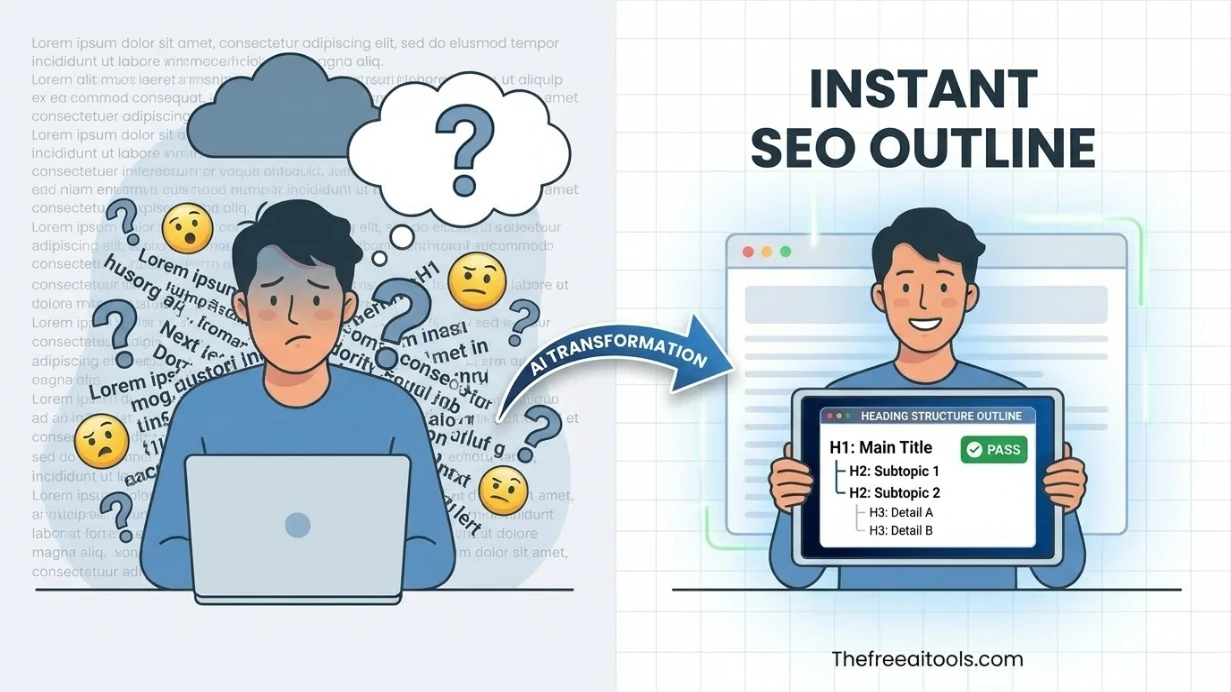
Audit pasted HTML for heading order, skipped levels, and document outline clarity — accessibility and SEO check.
Review interactive elements for missing accessible names and weak ARIA labeling — screen reader audit.
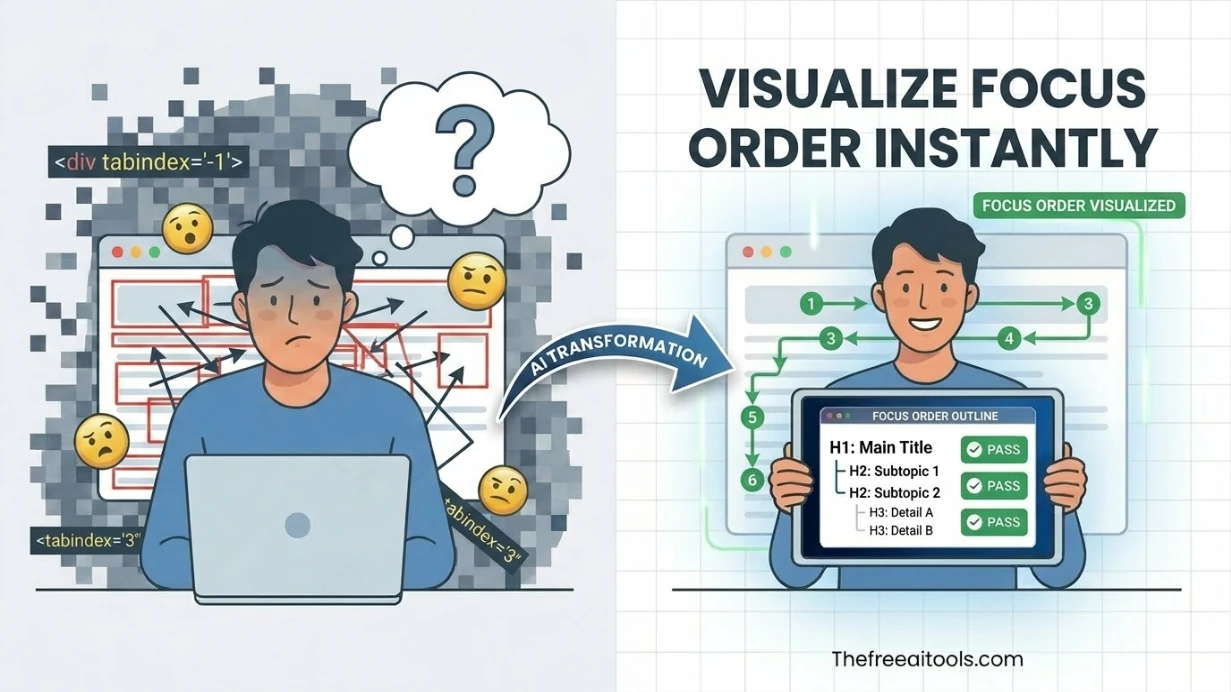
List focusable controls, tabindex order, and skip-link coverage from pasted markup — keyboard navigation audit.

Map keyboard tab order, skip-link flow, and focus traps from pasted HTML so teams can catch navigation issues before shipping. The visual overlay makes a11y reviews faster for product, QA, and frontend teams.
Review image alt text for length, clarity, duplication, and decorative-image handling. It helps content teams write accessible image descriptions without relying on AI or third-party APIs.

Extract a color palette from pasted CSS or HTML color values — build brand color systems instantly.

Find your IP address, geolocation, ISP, and country — what is my IP made simple with instant results.
Search engine optimization in 2026 requires a broader technical toolkit than it did five years ago. AI-generated content has raised the volume and reduced the differentiation of published pages, which means the technical signals — metadata accuracy, crawl correctness, canonical clarity, structured data completeness — matter more than ever for ranking. This hub brings together the most practical free SEO tools available in a browser, organized for the real workflow: write, check, fix, and publish without switching between disconnected apps or managing another subscription.
The most common SEO mistakes are still the simplest ones: titles that are too long or too short, descriptions that are missing or duplicated, canonical tags pointing to the wrong URL, robots.txt rules that accidentally block valuable pages, and sitemaps that fall out of sync with the actual live URL set. A browser-based toolkit removes the excuse for skipping these checks. Each tool on this hub is designed to surface one specific issue quickly so you can fix it before a page goes live rather than discovering it weeks later in a crawl report.
For teams running AI-assisted content operations, technical SEO review becomes a gate rather than an afterthought. Before an AI-generated article is published, it needs metadata that reflects the actual content, structured data that passes validation, and canonical intent that matches the site architecture. These checks are fast when the right tools are a bookmark away. This hub is designed to be that bookmark — a single URL that surfaces the most reusable technical SEO utilities without friction, paywall, or account management.
Use this page as your default launchpad for technical SEO maintenance throughout the publishing cycle. It supports solo content creators working at speed, agency teams managing multi-client campaigns, developers enforcing metadata standards during CI, and SEO specialists building repeatable audit checklists. Start with the featured tools for the most common jobs, then explore the full category index below for deeper coverage of crawl, snippet, redirect, and accessibility workflows.
Quick answers about the workflow, privacy, and where this tool fits in a broader job.
You can generate metadata, review snippets, create crawl files, inspect SSL and DNS behavior, and support technical search workflows without installing extra software. The 2026 tool set also includes AI-assisted metadata suggestions and structured data helpers.
Yes. The hub focuses on public browser-based pages that are fast to open, easy to share, and designed for repeat technical workflows across desktop and mobile devices.
No. Every tool linked from this hub opens immediately without signup, login, or payment. You can bookmark individual tool pages and return to them as part of your regular SEO publishing workflow.
Yes. Many tools on this hub generate structured outputs — metadata blocks, canonical tags, sitemap XML — that feed cleanly into AI content pipelines, headless CMS systems, and automated publishing workflows.
The complete toolkit
Every tool runs instantly in your browser — no account, no download, no cost. Across 13 categories for everyday tasks.