Security & Encoding★ Free forever✓ No account🔒 No upload📴 Works offlineUpdated April 28, 2026

Free Online Bcrypt Generator & Verifier

Generate a bcrypt hash from any password, or verify that a plaintext input matches an existing bcrypt hash — all in the browser, with no data sent to a server.

Browse all toolsBrowse more security & encoding toolsBuilt by Achraf A., Full-Stack Developer · Morocco
Bcrypt Toolkit — free online tool interface

Free Bcrypt Hash Generator & Checker

Quick Answer

What salt rounds should I use for bcrypt password hashing?

The recommended bcrypt salt rounds (cost factor) in 2024–2026 is 12 for most web applications. Salt rounds 10 is the historical default (used by many frameworks) and is still acceptable for lower-risk applications. Rounds 12 is the current best practice — it takes ~300ms on modern hardware, which is fast enough for users but expensive enough to slow brute-force attacks. Avoid rounds below 10 in new code. Rounds 14+ provide extra security but add noticeable latency (1+ seconds per hash). The cost factor doubles the work for every increment: rounds 12 = 2× slower than rounds 11.

Free Bcrypt Generator — hash and verify passwords with bcrypt online

A fast, secure, and client‑side developer tool to generate Bcrypt password hashes and verify plain‑text passwords against existing hashes. Customize your salt rounds and test your authentication flows instantly.

Configuration

bcrypt silently truncates passwords longer than 72 bytes.

Cost 12: ~~80ms per hash

Meets or exceeds OWASP recommendation.

Output
OWASP Security Guidance

The OWASP Password Storage Cheat Sheet recommends bcrypt with a minimum cost factor of 10, targeting approximately 1 second of computation on the authentication server. Increase the cost factor over time as hardware improves.

For new systems, prefer Argon2id (see algorithm comparison below) , it offers better memory-hardness and resistance to GPU attacks compared to bcrypt.

The 72-byte password limit in bcrypt is a well-known limitation. Passwords longer than 72 bytes are silently truncated. Consider pre-hashing with SHA-256 if users may have very long passwords (though this introduces its own tradeoffs).

Password Hashing Algorithm Comparison

bcrypt is widely supported, but it is not the only option. Use this table to choose the right algorithm for your project.

AlgorithmMemoryParallelismOWASP RatingNotes
bcrypt4 KB (fixed)NoAcceptable (cost ≥ 10)Widely supported. Max 72-byte password limit. Use cost ≥ 12 for new systems.
Argon2idBest choice19–64 MBYesFirst choiceOWASP #1 recommendation. Resistant to GPU and side-channel attacks. Winner of PHC 2015.
scrypt16–64 MBLimitedAcceptableMemory-hard like Argon2. N=32768, r=8, p=1 is the OWASP baseline. Less common library support.
PBKDF2NegligibleNoAcceptable (≥ 600k iterations)FIPS-approved. Native in Node.js crypto module. GPU-parallelizable — requires very high iteration count.
MD5 / SHA-1NegligibleN/ANEVER useCryptographically broken. No work factor. Billions of hashes/second on commodity GPU. For reference only.

OWASP recommendation (2024): Use Argon2id for new systems with minimum parameters: 19 MB memory, 2 iterations, 1 thread. For bcrypt: minimum cost 10, target cost 12+. Never use MD5, SHA-1, or unsalted hashes for password storage.


Why bcrypt is designed to be slow

Bcrypt was designed in 1999 specifically for password hashing. Its defining feature is the cost factor (also called work factor or rounds): a number between 4 and 31 that controls how many iterations the algorithm runs. At cost 10, a single bcrypt hash takes about 100ms on modern hardware. At cost 12, it takes about 400ms. This slowness is intentional.

A GPU can compute billions of SHA-256 hashes per second. The same GPU can compute roughly 10,000–100,000 bcrypt hashes per second at cost 10. If a database of bcrypt-hashed passwords is breached, the attacker's cracking speed is roughly 100,000× slower than against SHA-256. The extra 100ms per login that users don't notice protects them against a breach they don't know about.

Choosing the right cost factor

CostIterationsApprox. time (modern server)Use case
101,024~100 msStandard web application login (OWASP minimum)
112,048~200 msHigher security, slightly more CPU cost
124,096~400 msHigh-value accounts, slow traffic sites
13+8,192+800ms+Usually not worth the user-facing latency

OWASP recommends cost 10 as the minimum. Increase it every few years as servers get faster — the goal is to keep hash time at roughly 100ms. This tool uses bcryptjs (MIT), a pure JavaScript implementation that runs entirely in the browser.

What bcrypt does not protect against

  • 72-byte limitBcrypt truncates input at 72 bytes. Passwords longer than 72 characters produce the same hash as the 72-character prefix. For very long passphrases, pre-hash with SHA-256 before bcrypt if this matters.
  • Null bytesSome bcrypt implementations stop at the first null byte. Avoid passwords that include null characters.
  • Weak passwordsBcrypt slows down brute force but can't protect a password like "123456". It will still be cracked — just a bit slower. Password strength and hashing work together.

TheFreeAITools — Bcrypt Hash Generator & Checker is a fully private, client‑side developer tool that generates Bcrypt hashesand verifies passwords against them. All processing stays on your device — no uploads, no sign‑ups, and completely free. The fastest way to create and test secure password hashing in 2026.

Was this tool helpful?

What is Bcrypt Toolkit?

Bcrypt Generator & Verifier is a free browser-based tool for hashing passwords using the bcrypt adaptive hashing algorithm and verifying whether a given password matches a stored hash. Bcrypt is the industry-standard algorithm for password hashing in web applications, used by thousands of frameworks and services including Django, Laravel, Rails, Node.js (bcryptjs), and Spring Security.

Unlike SHA-256 or MD5, bcrypt is designed to be intentionally slow through configurable 'cost factor' or 'work factor' (also called salt rounds). The cost factor is a power of 2: cost 10 means 2^10 = 1,024 iterations; cost 12 means 4,096 iterations. This makes brute-force and dictionary attacks exponentially more expensive as compute power grows, while only slightly slowing down legitimate login verification (typically 100–300ms per hash at cost 10–12).

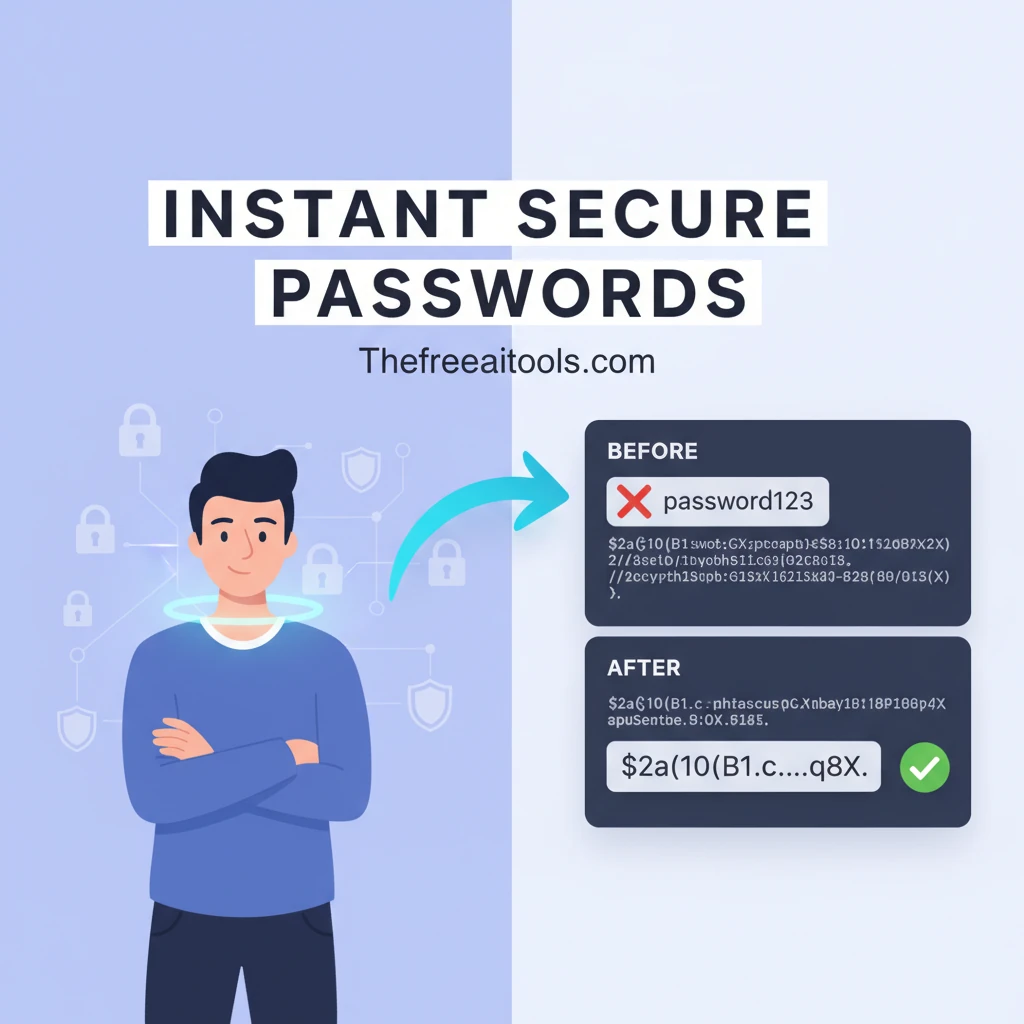
Common uses for this tool: testing how bcrypt hashing feels at different cost factors before choosing one for production, verifying that a stored bcrypt hash was correctly generated from a given password, learning how bcrypt salt and hash output format works ($2a$10$...), and debugging authentication failures in development environments.

How to use Bcrypt Toolkit in 3 steps
  1. 1

    Enter the password to hash

    Type the plaintext password you want to hash. The input stays in your browser — nothing is sent to a server.

  2. 2

    Choose the cost factor (salt rounds)

    Select a cost factor between 10 and 14. Cost 10 is standard for most apps; cost 12 is more secure but takes longer. Higher values are exponentially slower.

  3. 3

    Generate the hash or verify a match

    Generate a bcrypt hash to copy into your database, or paste an existing hash and compare it against the plaintext to verify a match.

Key features and benefits
  • Generates bcrypt hashes with configurable cost factor (salt rounds)
  • Verifies that a plaintext password matches a stored bcrypt hash
  • Runs entirely in the browser — password input never leaves your device
  • Useful for authentication testing, debugging, and learning bcrypt format
  • Shows the full bcrypt output including version, cost, and salt
Common use cases

A developer tests their authentication flow by generating a bcrypt hash at cost 12, inserting it into their test database, and verifying the login works correctly.

A security engineer audits a database export and verifies that stored password hashes follow the expected bcrypt format and cost factor.

A student learns how bcrypt works by experimenting with different cost factors and observing how generation time increases exponentially.

Why browser-based works better

Running bcrypt in the browser means your test passwords never leave your machine, which matters when you are testing with values similar to real credentials.

A dedicated verifier is also faster than writing a Node.js script or setting up a REPL just to check whether a hash matches a password during debugging.

Bcrypt Toolkit FAQs

Quick answers about the workflow, privacy, and where this tool fits in a broader job.

What cost factor (salt rounds) should I use?

Cost 10–12 is the standard recommendation for most web applications as of 2026. Cost 10 takes ~100ms per hash; cost 12 takes ~400ms. Choose the highest cost factor that keeps your login response time acceptable.

Is bcrypt safe for storing passwords in 2026?

Yes. Bcrypt remains a widely recommended password hashing algorithm. Alternatives with comparable or stronger security include scrypt and Argon2, which are also memory-hard. All three are far superior to SHA-256 or MD5 for password storage.

What does the bcrypt hash format mean ($2a$10$...)?

$2a identifies the bcrypt version. $10 is the cost factor. The next 22 characters are the salt. The remaining characters are the hash. The full string is self-contained — everything needed to verify a password is in the hash itself.

Can I reverse a bcrypt hash to recover the password?

No. Bcrypt is a one-way function. The only way to 'crack' it is brute force — trying every possible password against the hash — which the cost factor is specifically designed to make slow and expensive.

Does bcrypt have a maximum password length?

Yes. Most bcrypt implementations truncate input at 72 bytes. Passwords longer than 72 bytes are treated as identical up to that limit. For very long passphrases, pre-hash with SHA-256 before bcrypt.

Keep the workflow moving with nearby tools that solve the next likely step.

Built and maintained by

Achraf A.

Founder & developer — built and maintains every tool on this site

Last updated:

Tested in Chrome, Firefox, and Safari on desktop and mobile.

☕ Support Us