Free Online Word & Character Counter

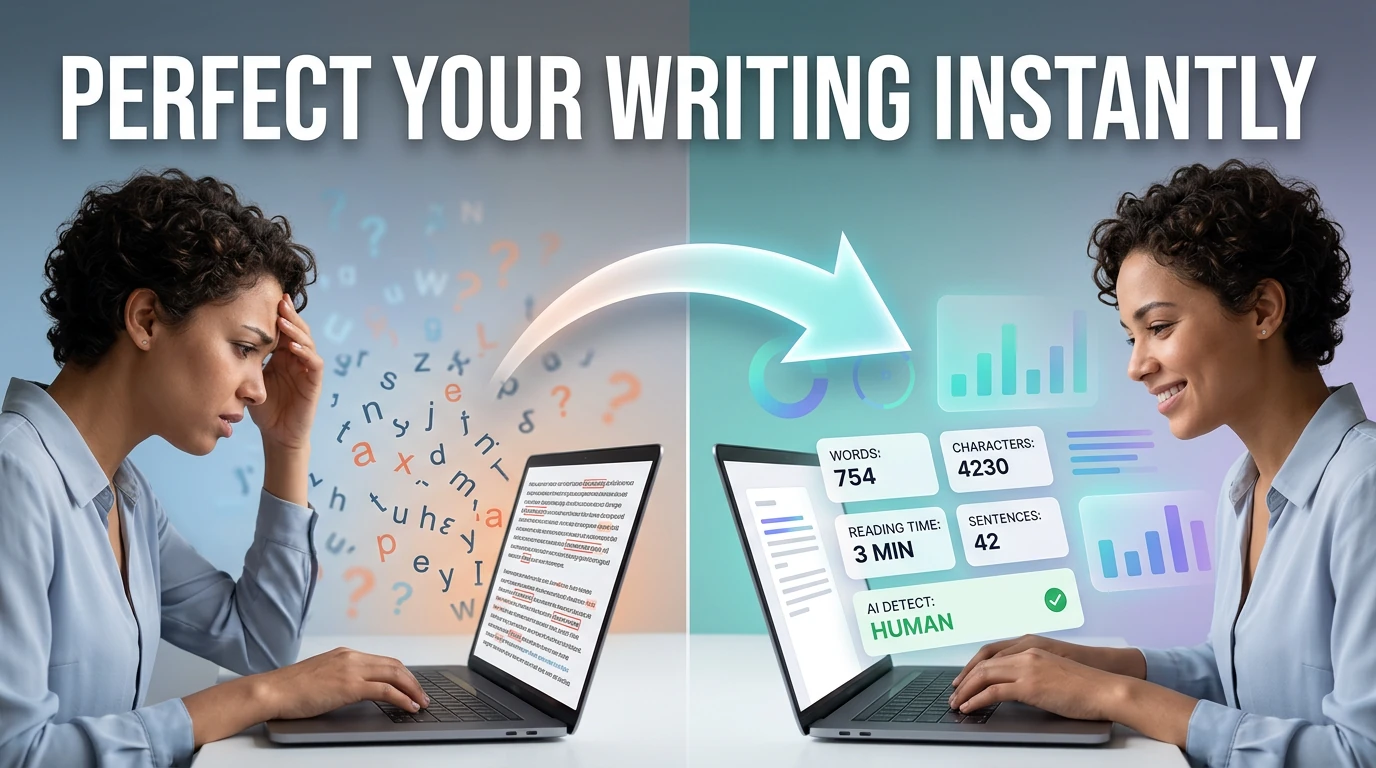
Instantly track your word count, character limits, sentence totals, and estimated reading time. A 100% secure, client-side text analyzer built for writers, students, SEO professionals, and marketers. No data is ever sent to our servers.

Free Word Counter  ,  count words, characters, and reading time online instantly
Text & AI ContentFree online toolNo account requiredNo server uploadUpdated April 28, 2026

Free Online Word Counter

Paste any text and instantly see your word count, character count, sentence count, and paragraph count , useful for essays, articles, social media posts, and any writing with a length requirement.

Content Utility

Free Word & Character Counter

Instantly analyze your text. Count words, characters, sentences, and paragraphs in real-time while estimating reading and speaking times.

1. Text Input
2. Real-Time Analytics

Words

0

Characters

0

Characters (no spaces)
0
Sentences
0
Paragraphs
0

Time Estimates

Reading

~0 min

Speaking

~0 min

Why Use an Online Word Counter?

Whether you are writing an essay with a strict word limit, crafting a tweet with a rigid character cap, or timing a speech for a presentation, knowing the exact length of your text is critical. Our Free Online Word & Character Counter provides instant, real-time analytics for your documents.

Unlike traditional word processors that hide this data inside menus, this tool acts as a live dashboard. It continuously updates your word count, character count, and paragraph metrics as you type, allowing you to perfectly tailor your content for social media, SEO constraints, or academic requirements.

How to Analyze Your Text

  1. 1
    Paste Your ContentType directly into the editor or paste your pre-written document from Word, Google Docs, or your clipboard.
  2. 2
    Review the DashboardLook to the right panel. The metrics update instantaneously with every keystroke, requiring no page reloads.
  3. 3
    Check Time EstimatesUse the Reading and Speaking time metrics to ensure your blog post or presentation fits within your allotted time slot.
  4. 4
    Copy or ClearUse the quick-action buttons above the editor to copy your finalized text or clear the board to start a new draft.

Key Features

  • 100% Client-Side PrivacyYour essays, confidential emails, and notes are completely secure. The counting algorithms run entirely in your local browser memory.
  • Advanced Spacing LogicThe algorithm intelligently strips out double spaces and blank lines, ensuring your word count matches strict academic processor standards.
  • Time EstimatesPerfect for YouTubers, podcasters, and public speakers trying to gauge how long their script will take to present.

Frequently Asked Questions

Common questions about text limits, reading speeds, and analytics.

How is Reading Time calculated?

Research shows the average adult reads at approximately 225 to 250 words per minute. We divide your total word count by 225 to provide a realistic estimate of how long it will take an average user to read your article.

Does "Characters" include spaces?

The primary "Characters" metric includes all keystrokes, including spaces, tabs, and enter keys. We also provide a secondary "Characters (no spaces)" metric for platforms or forms that strictly count letters and numbers.

What are common character limits?

X (Twitter) allows 280 characters. Instagram captions allow 2,200 characters. SEO Meta Descriptions should ideally stay under 160 characters. SMS text messages are traditionally split into 160-character segments.

Will this work offline?

Because this application is built using modern web standards and processes all data locally on your device, you can safely disconnect from the internet after the page loads and continue using the counter.

Related Content Utilities

What is Word & Character Counter?

Word Counter is a free browser-based tool that counts words, characters, sentences, and paragraphs as you type or paste. It is useful any time you need to meet a specific length requirement , college essays, cover letters, blog articles, tweet drafts, meta descriptions, or professional reports.

Unlike the word count built into Microsoft Word or Google Docs, this tool works directly in the browser without requiring you to open a document editor. Paste the text you want to measure, and the counts update instantly. There is no sign-up, no file upload, and no processing delay.

Word counts matter across a wide range of writing tasks. College application essays commonly cap at 250–650 words. LinkedIn posts perform better under 1,300 characters. Google meta descriptions should stay under 160 characters. Academic papers require meeting minimum word counts. Having a dedicated counter makes hitting these targets accurate and effortless.

How to use Word & Character Counter in 3 steps
  1. 1

    Paste or type your text

    Copy your essay, article, or any text into the input area. The counter updates in real time as you type.

  2. 2

    Check your word and character counts

    See your total word count, character count (with and without spaces), sentence count, and paragraph count at a glance.

  3. 3

    Adjust your writing to hit the target

    If you are over or under a limit, edit your text directly in the tool and watch the count update instantly.

Key features and benefits
  • Counts words, characters, sentences, and paragraphs in real time
  • No sign-up, no file upload , works entirely in the browser
  • Useful for essays, cover letters, social media posts, and SEO content
  • Shows both character count with spaces and without spaces
  • Instant feedback as you type or paste , no submit button needed
Common use cases

A student writing a college application essay checks their word count against the 650-word Common App limit before submitting.

A marketer drafts a meta description and uses the character counter to stay under 160 characters for optimal search display.

A blogger pastes a finished article to confirm it meets a 1,500-word minimum before publishing.

Why browser-based works better

A dedicated word counter in the browser is faster than opening a document editor just to check a count. Paste the text, read the number, and move on.

It also works on text from any source , paste from a PDF, email, website, or CMS , without needing to import it into a word processor first.

Word & Character Counter FAQs

Quick answers about the workflow, privacy, and where this tool fits in a broader job.

Does word counter count spaces as characters?

Yes, the character count includes spaces by default. The tool also shows character count without spaces separately so you can use whichever figure applies to your requirement.

How does the tool define a 'word'?

Words are defined as any sequence of characters separated by whitespace. Hyphenated words like 'well-known' count as one word. Numbers count as words.

Can I use the word counter for Twitter or X posts?

Yes. Twitter/X has a 280-character limit. Paste your tweet draft and watch the character count to stay under the limit.

Does it work for languages other than English?

Yes. The counter works on any language that uses whitespace to separate words, including French, Spanish, German, and Portuguese.

Is there a text length limit?

No hard limit. The tool handles very long documents , paste a full article, report, or manuscript and the count will still update instantly.

Keep the workflow moving with nearby tools that solve the next likely step.

Reviewed by

The Free AI Tools Editorial Team

Editorial review and product QA

Last updated:

Need policy details? Visit the contact, privacy, and security pages linked in the site footer.


What Is the Word Counter?

The Word Counter is an advanced, real-time text analysis utility designed to provide immediate feedback on your writing metrics. While standard word processors like Microsoft Word or Google Docs require navigating through menus to find your statistics, our web-based tool calculates and displays your metrics instantly as you type or paste content.

Beyond simply counting words, this tool functions as a comprehensive text analyzer. It processes raw string data locally in your browser, parsing spaces, punctuation, and line breaks to accurately determine the exact number of characters (both with and without spaces), total sentences, paragraphs, and even the estimated time it would take an average adult to read or speak the text.

Best Practices / Educational Guide

Understanding word and character constraints is critical across various professional, academic, and digital marketing fields. Here are industry-standard guidelines to help you optimize your content:

  • Search Engine Optimization (SEO): While Google has officially stated that word count is not a direct ranking factor, extensive correlation studies show that long-form content consistently ranks higher. Aim for 1,500 to 2,500 words for pillar blog posts and ultimate guides, ensuring the depth of the content matches the length.
  • Social Media Character Limits: Every platform enforces strict limits. Twitter/X requires brevity with a 280-character limit (for standard users). Instagram captions max out at 2,200 characters, though engagement drops sharply after 125 characters. LinkedIn posts allow up to 3,000 characters.
  • Meta Tags and Descriptions: To prevent your search snippets from being truncated on Google, keep your Title Tags under 60 characters and Meta Descriptions between 150 and 160 characters.
  • Academic Writing: University essays, thesis papers, and research grants often have strict upper and lower word count boundaries. A standard academic page double-spaced in 12pt font equals approximately 250 words. Always exclude bibliographies and appendices from your core word count unless instructed otherwise.

Key Features

Real-Time Tracking

Every keystroke updates the dashboard instantly. There are no 'Submit' buttons to click and no waiting for page reloads to see your metrics.

100% Client-Side Privacy

Your intellectual property is safe. We use JavaScript to process your text entirely within your local browser. Nothing is ever transmitted to a server.

Reading & Speaking Time

Planning a presentation or writing a blog? Instantly see how long your text will take to read silently (based on 225 WPM) or present out loud (130 WPM).

Deep Character Analysis

Some platforms count spaces, while others don't. We provide independent metrics for characters with spaces and characters without spaces.

Structure Breakdown

Ensure your pacing is correct by tracking the exact number of sentences and paragraphs. Long paragraphs can hurt readability on mobile devices.

Offline Functionality

Once the tool loads, it is cached locally. You can completely disconnect from the internet and continue to analyze your documents offline.

Common Use Cases

Copywriting & Advertising

Google Ads, Facebook Ads, and email subject lines require highly optimized, punchy copy that fits within very tight character constraints. Using a live character counter prevents layout truncation.

Translators & Localization

Translating English text into German or Spanish often expands the character count by 20% to 30%. Translators use character counters to ensure the newly translated text will still fit within the client's UI or app layout.

Novelists & Authors

Authors tracking their daily writing goals (like during NaNoWriMo) rely on accurate word counts. A standard fiction novel sits between 70,000 and 100,000 words.

Speechwriting & Presentations

When a keynote speaker is given a strict 15-minute slot, word count translates directly to time. The speaking time estimator helps writers cut fluff to meet precise presentation schedules.

Frequently Asked Questions

Is my text secure when using this word counter?
Yes, 100% secure. Our Word Counter runs entirely in your browser using client-side JavaScript. Your text is never sent over the internet, stored on any server, or saved in any database.
How does the tool calculate reading time?
The estimated reading time is calculated based on the average adult reading speed, which is approximately 225 to 250 words per minute. Speaking time is calculated at roughly 130 words per minute.
Does it count characters with or without spaces?
Our tool calculates and displays both metrics simultaneously. You can easily see your total character count including spaces, as well as the exact character count excluding spaces.
Why is word count important for SEO?
Search engines favor comprehensive, in-depth content. While there is no strict minimum, long-form articles (typically 1,000 to 2,000+ words) often rank higher because they tend to answer user queries more thoroughly and earn more backlinks.
Does this tool work offline?
Yes. Once the page has loaded in your browser, you can disconnect your internet connection and continue using the word and character counter indefinitely.
☕ Support Us