
JSON Formatter & Validator
Format, validate, and minify JSON with error highlighting — instantly beautify messy JSON responses.
This hub is the definitive collection of free browser tools that open immediately with zero account friction in — no email, no signup form, no paywall, no download. Open, use, and close.
Updated · Reviewed by The Free AI Tools Editorial Team — No-signup tools and privacy-first utilities review
Format, validate, and minify JSON with error highlighting — instantly beautify messy JSON responses.

Generate secure, random passwords with customizable length, numbers, and special characters — no data sent to any server.
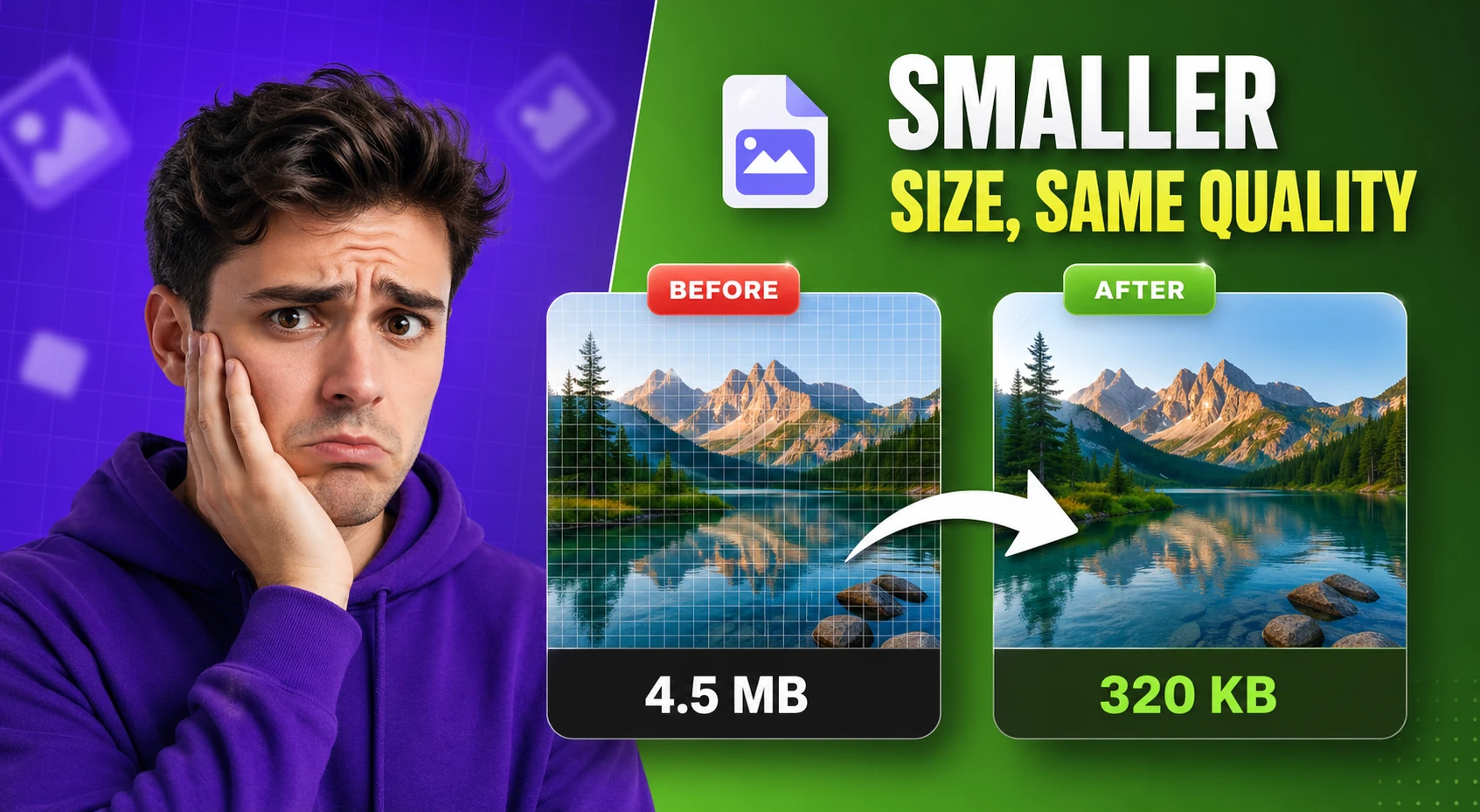
Compress and optimize images with adjustable quality and live preview — reduce file size for faster web performance.

Count words, characters, sentences, and estimate reading time — with keyword density analysis.

Generate SEO-friendly meta tags including Open Graph, Twitter Card, and canonical tags — copy-ready HTML with live preview.
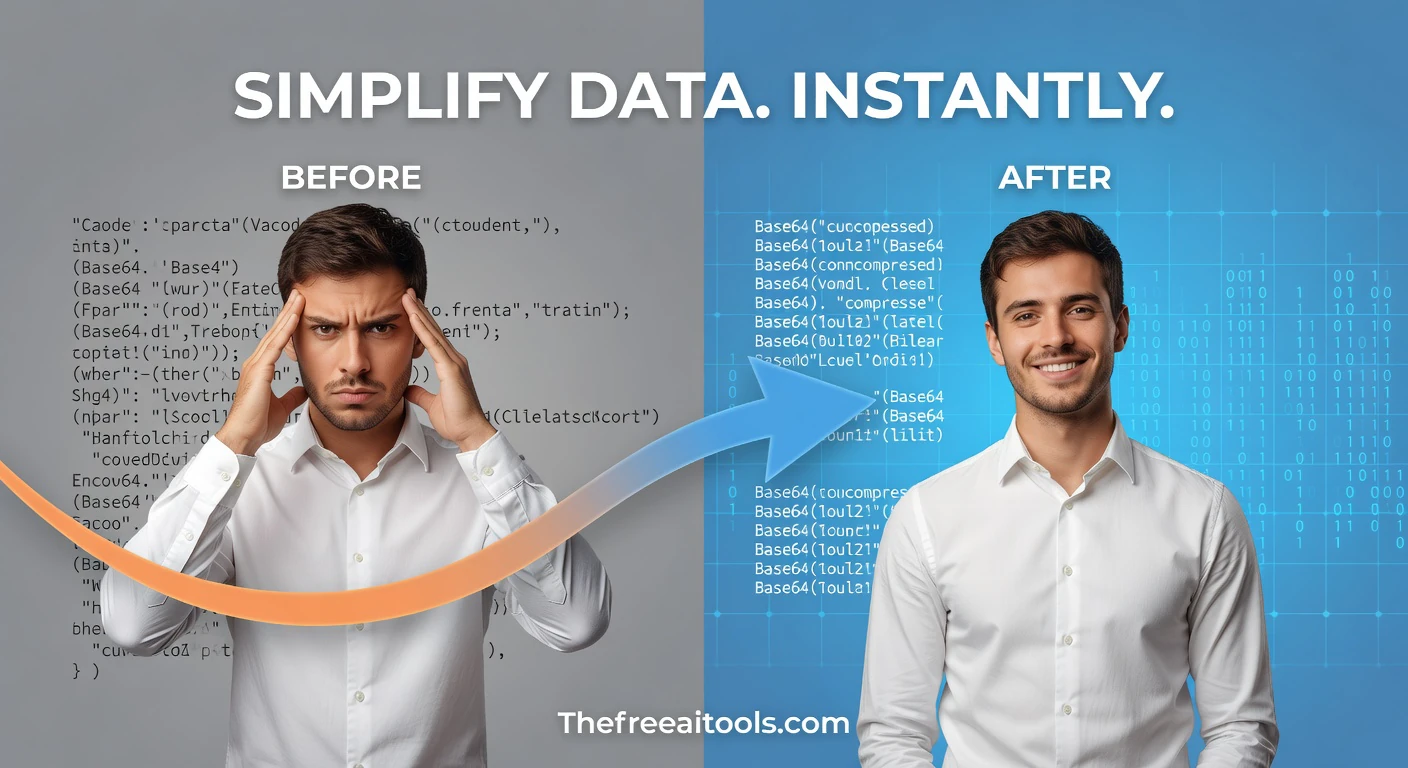
Encode and decode text to and from Base64 format instantly in your browser — essential developer utility.
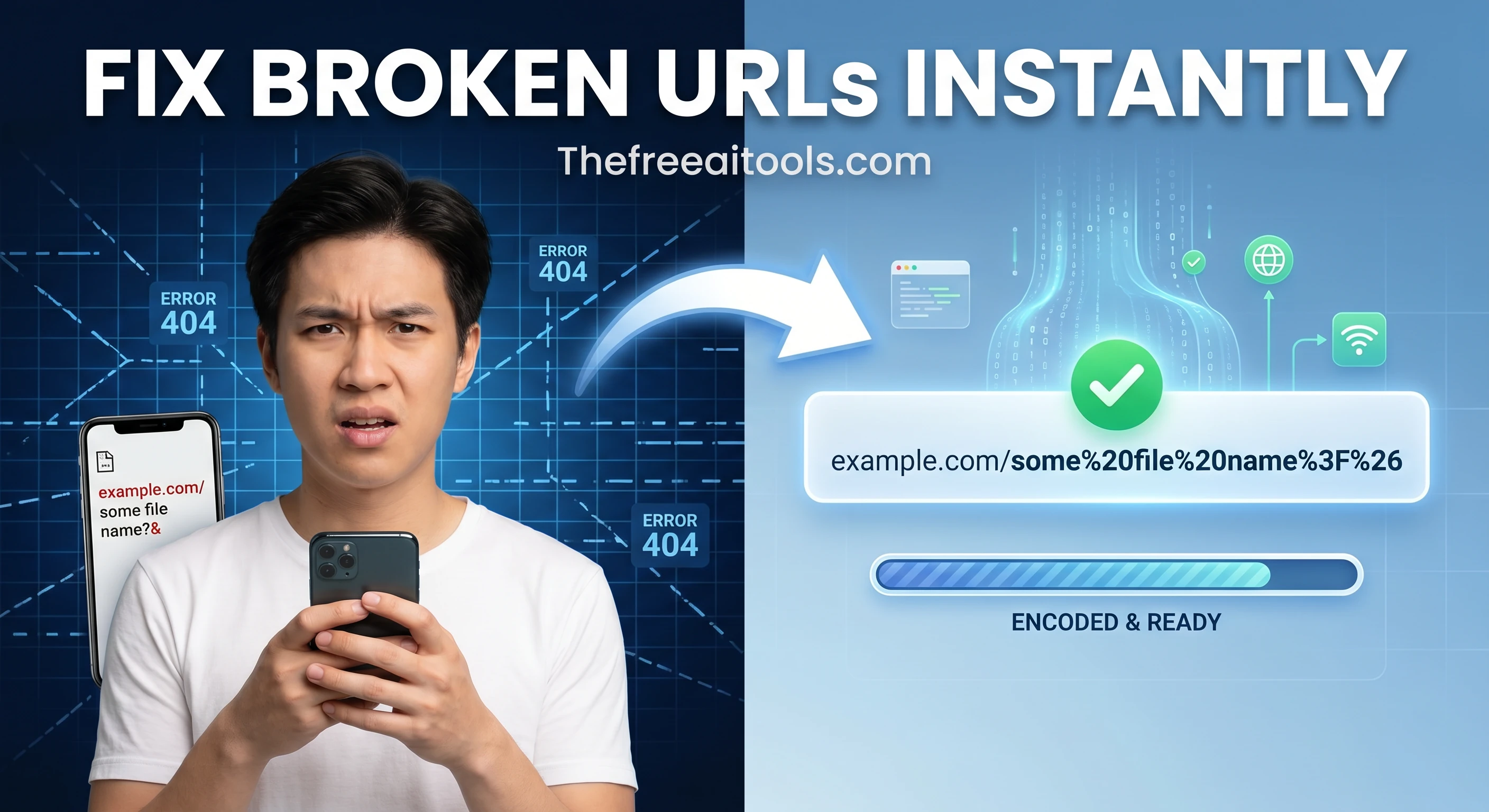
Encode and decode URLs with percent-encoding support — fix broken query strings and API parameters instantly.

Test regular expressions with live match highlighting — debug patterns instantly with flags, groups, and capture support.
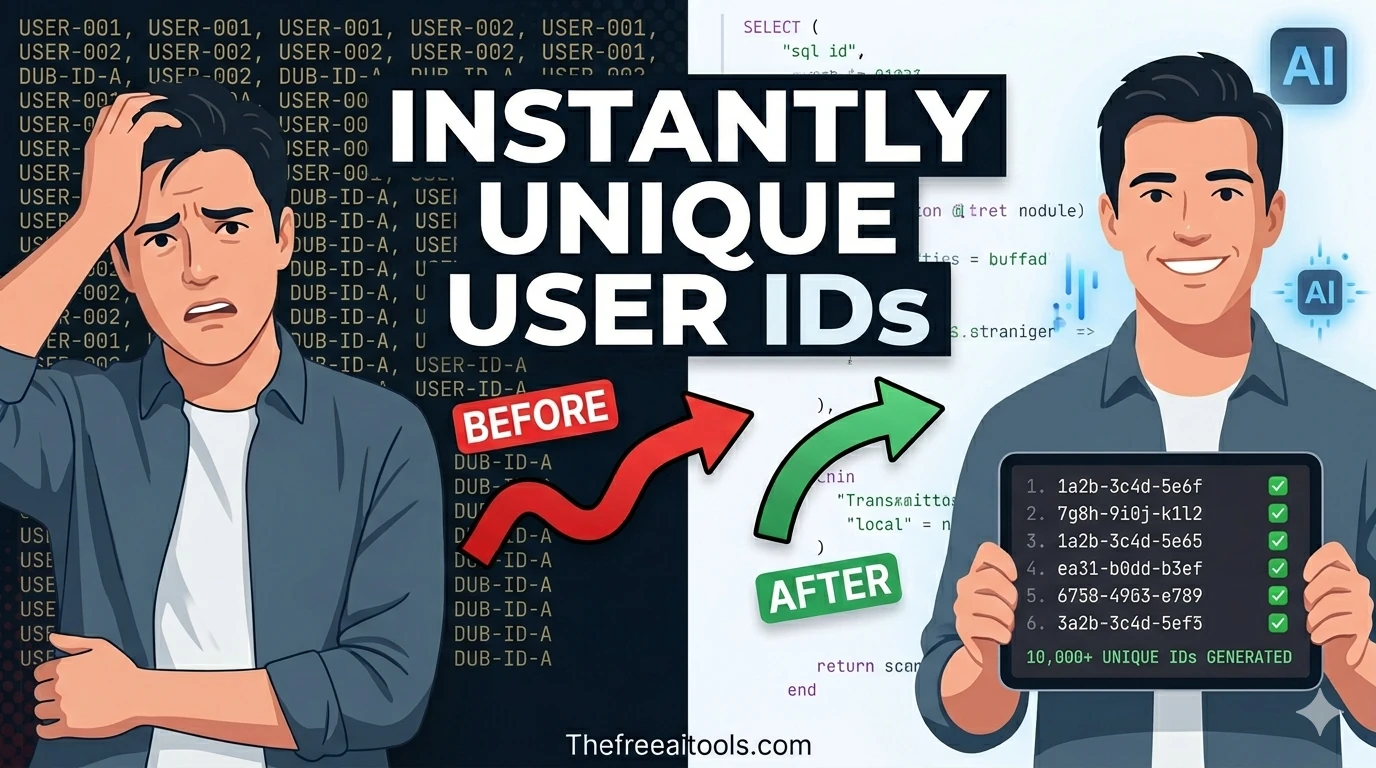
Generate UUIDs (v4) in bulk with instant copy and export — unique identifiers for databases and APIs.

Create QR codes for URLs, text, WiFi credentials, and email with one-click download — instantly in your browser.

Create and compare common hash outputs for text input instantly - useful for checksums and integrity checks.

Compare two blocks of text and highlight additions and removals — visualize code and content changes instantly.

Decode and inspect JSON Web Tokens to view header, payload, and signature structure — essential for API debugging.

Convert text between upper, lower, title, camelCase, snake_case, and kebab-case — one-click text transformation.
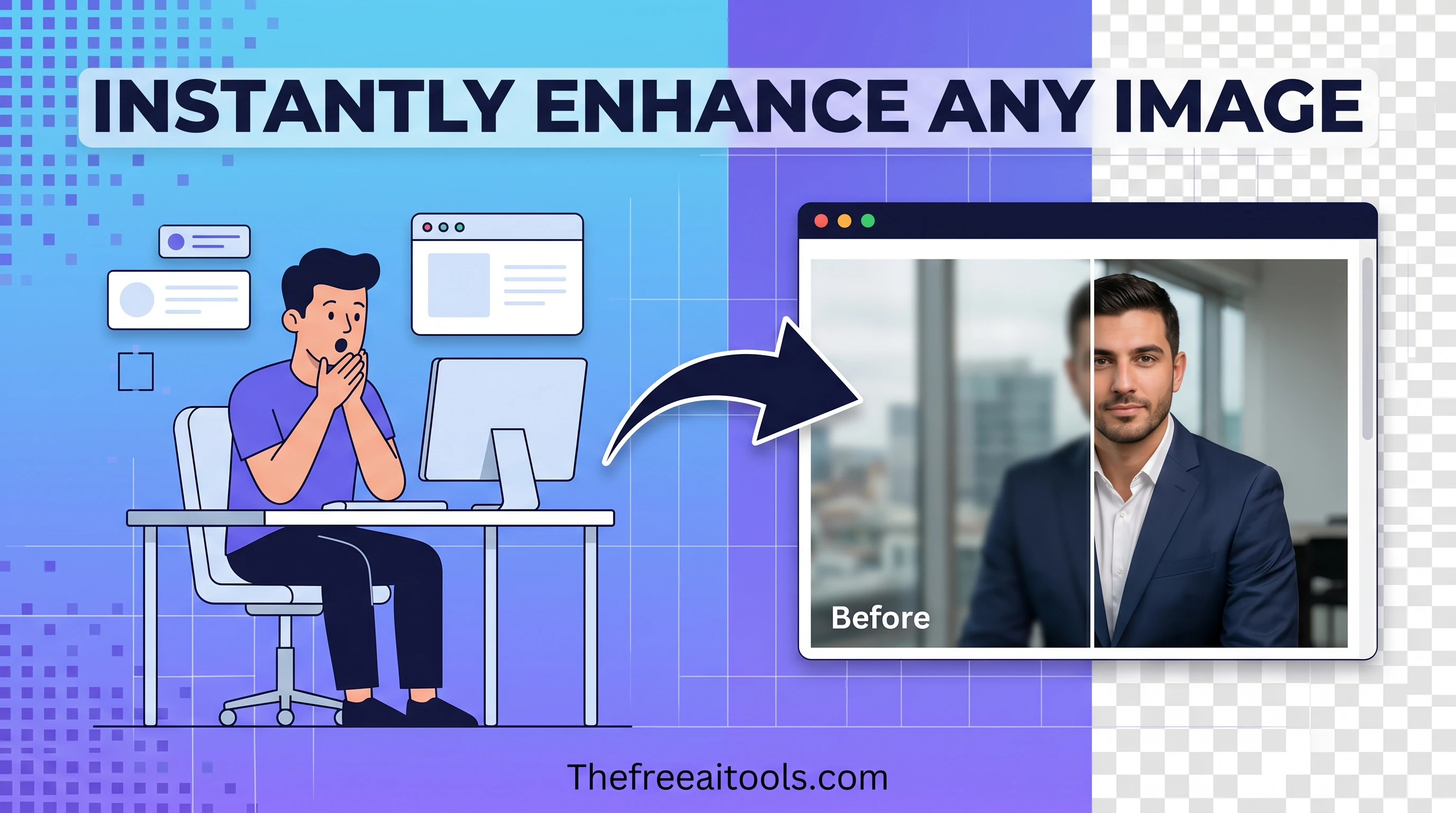
Pick colors and convert between HEX, RGB, and HSL formats — with live preview and clipboard copy.

Resize images to preset or custom dimensions — social media presets, pixel-perfect, and percentage-based scaling.
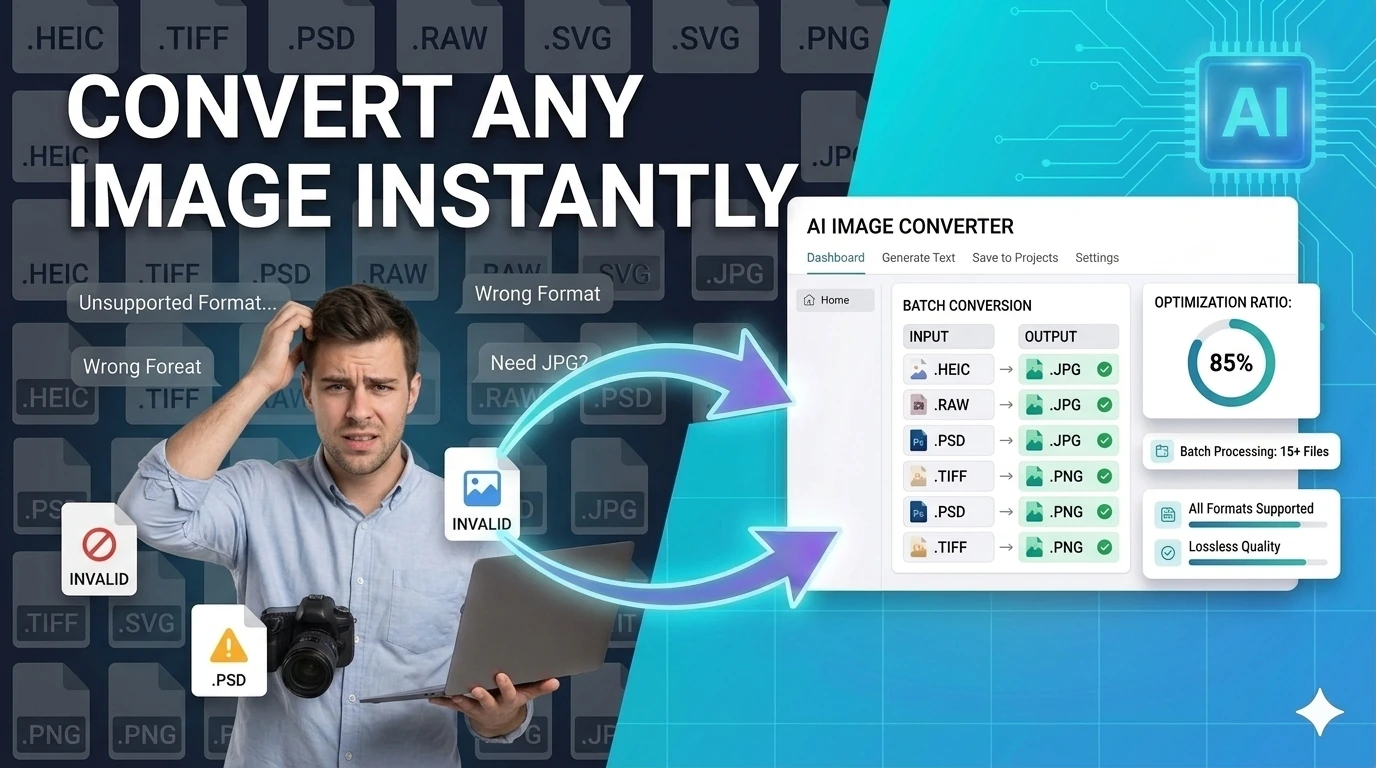
Convert images between JPG, PNG, WebP, ICO, and AVIF formats instantly in your browser — no upload required.

Generate placeholder text in paragraphs, sentences, or words — perfect for mockups and UI design prototyping.

Convert plain text to formatted PDF documents with customizable page size — free, no software required.

Solve common percentage calculations instantly — what is X% of Y, percentage change, and reverse percent.

Convert between common units for length, weight, speed, and temperature — instant multi-unit calculator.

Measure the exact duration between two dates and times — calculate days, weeks, months, and hours between dates.

Create robots.txt files for your website — control search engine crawlers, disallow paths, and set sitemaps.

Generate XML sitemaps from a list of URLs — set priorities, change frequencies, and download instantly.

Create canonical link tags for pages, product variants, and paginated URLs — prevent duplicate content issues.

Preview title tags, URLs, and meta descriptions in a Google-style search result layout — SEO snippet tool.

Check SSL certificate validity, expiry, and HTTPS status for any domain — essential web security audit tool.

Look up DNS records (A, MX, TXT, NS, CNAME) for any domain — check propagation and diagnose email issues.

Find your IP address, geolocation, ISP, and country — what is my IP made simple with instant results.
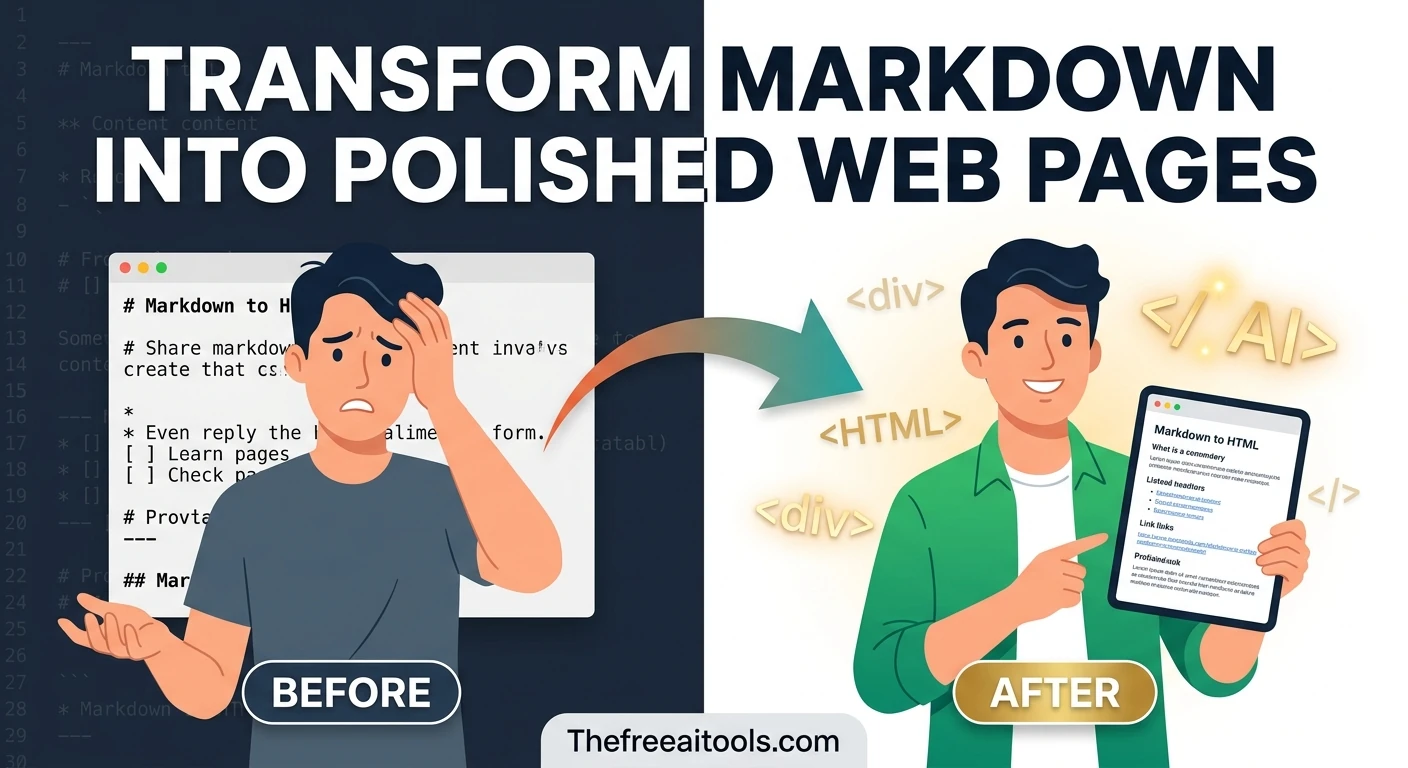
Render markdown into clean sanitized HTML with a live preview — convert .md files to web-ready markup.
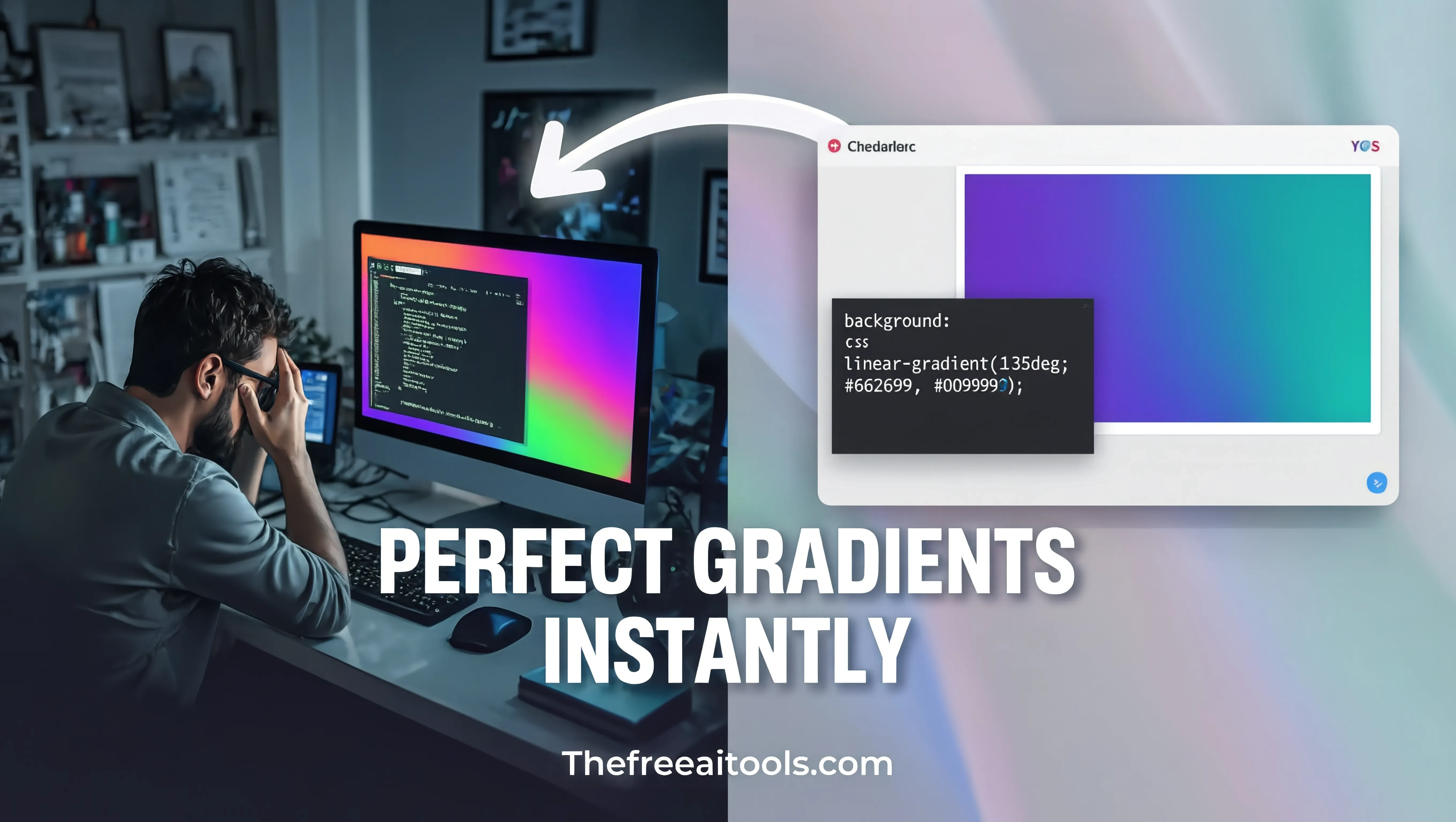
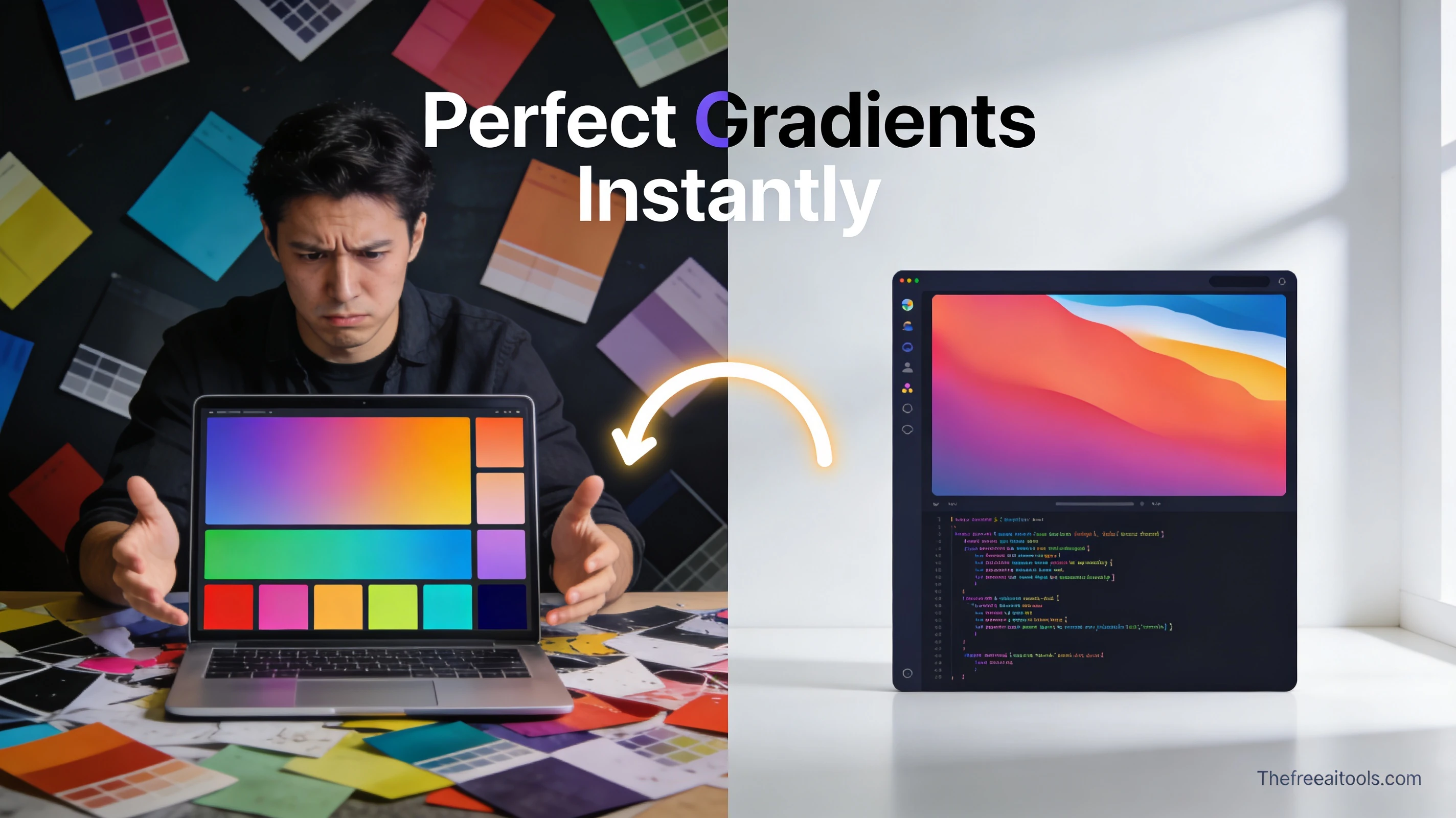
Create linear and radial gradients with multiple color stops — copy ready-to-use CSS background-image code.
Create CSS box shadows visually with offset, blur, spread, and color controls — copy production-ready code.
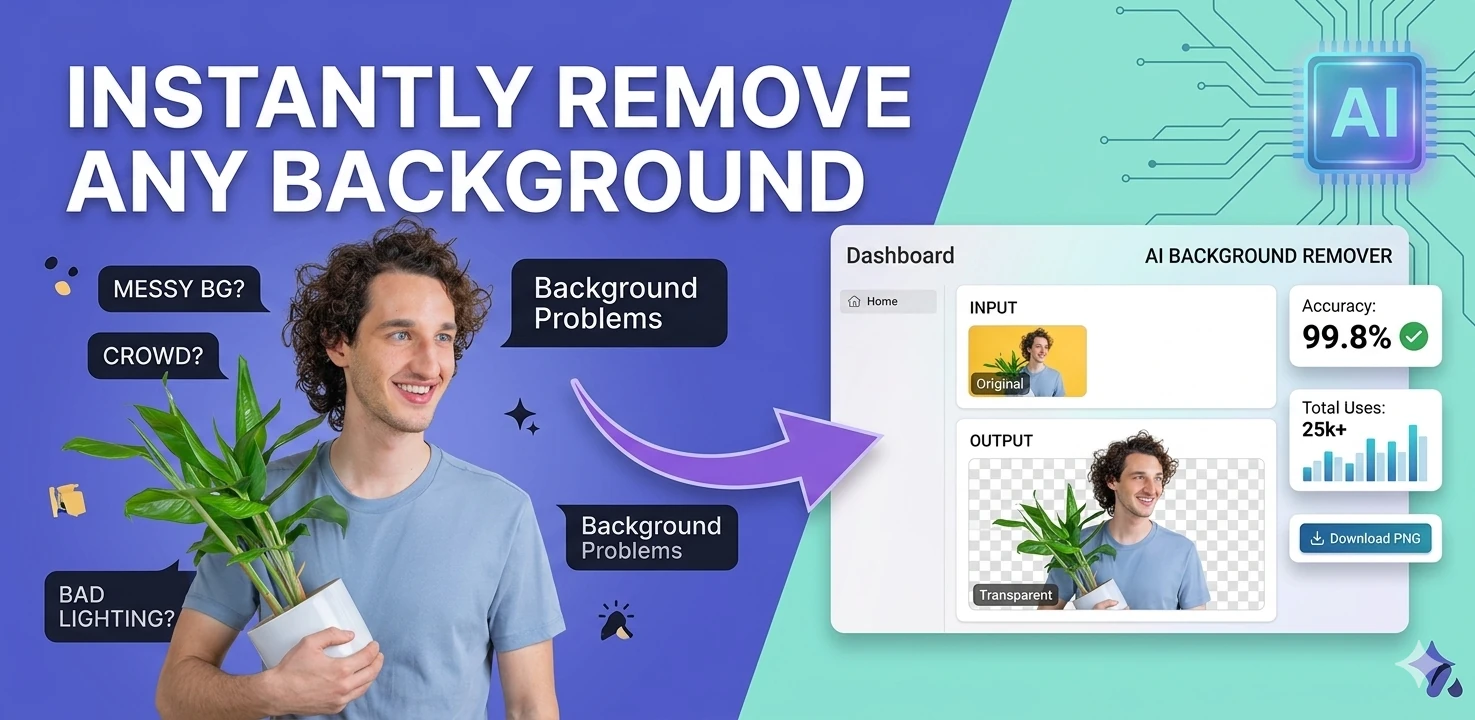
Remove image backgrounds in the browser with color picking, flood fill, and edge-aware controls — client-side, no upload.
Generate multi-size favicon assets from an uploaded source image — download ICO, PNG, and Apple touch icon formats.
Email-gating free tools is one of the most widespread dark patterns on the internet in 2026. A user searches for a simple JSON formatter, finds what looks like a free tool, starts using it — and then hits a modal demanding an email address after two minutes of use. This hub exists to be the opposite of that experience. Every tool listed here opens completely, works fully, and asks for nothing in return. Zero friction is the design principle, not a marketing claim.
The practical argument for no-signup tools extends beyond annoyance. When a developer is debugging a production incident at 2am, or a marketer is trying to fix a broken meta description before a campaign goes live, or a student is trying to convert a document before a deadline — the last thing they need is a registration form. The tools on this hub are built for those moments: fast access, immediate utility, no interruption.
Privacy is the second reason no-email tools matter. Entering your email on a utility site means accepting an unknown marketing relationship. Many tool sites sell or share email lists, trigger automated nurture sequences, or use your address to build retargeting audiences across ad networks. Using no-signup browser tools eliminates that data exposure at the source.
This hub is also particularly valuable in enterprise and education environments where IT policies restrict software installation and where creating external accounts on personal or company devices involves compliance considerations. No-signup browser tools bypass all of these friction points: no install request, no account creation, no privacy policy to review with legal, no personal email tied to a corporate workflow. Open the URL, complete the task, close the tab.
Quick answers about the workflow, privacy, and where this tool fits in a broader job.
Most tool sites use email capture as their primary business model — turning free tool users into email marketing leads. Every tool on this hub is genuinely free to open and use without providing any personal information.
Yes. The hub focuses exclusively on tools that open completely without a signup wall, paywall prompt, usage limit gate, or email capture form interrupting your workflow.
The most-used no-signup developer tools are the JSON formatter, base64 encoder, regex tester, UUID generator, JWT decoder, diff checker, and URL encoder — all of which work entirely in the browser without any account.
Yes. Every tool page on this hub is a stable, bookmarkable URL. Many users bookmark their three to five most-used tools and return to them daily without ever encountering a login prompt.
Browser-based no-install tools are among the safest options for managed corporate devices because they require no local installation, no browser extension, and no admin privileges.
The complete toolkit
Every tool runs instantly in your browser — no account, no download, no cost. Across 13 categories for everyday tasks.