What patterns make AI-generated text detectable
AI language models generate text by predicting the most statistically likely next token. This creates detectable patterns: uniform sentence length (most sentences cluster around 15–25 words), excessive use of transition phrases ("Furthermore," "Moreover," "It is important to note"), consistent paragraph structure where every paragraph has the same arc (claim → evidence → conclusion), and low lexical diversity (the same words reused where a human writer would vary).
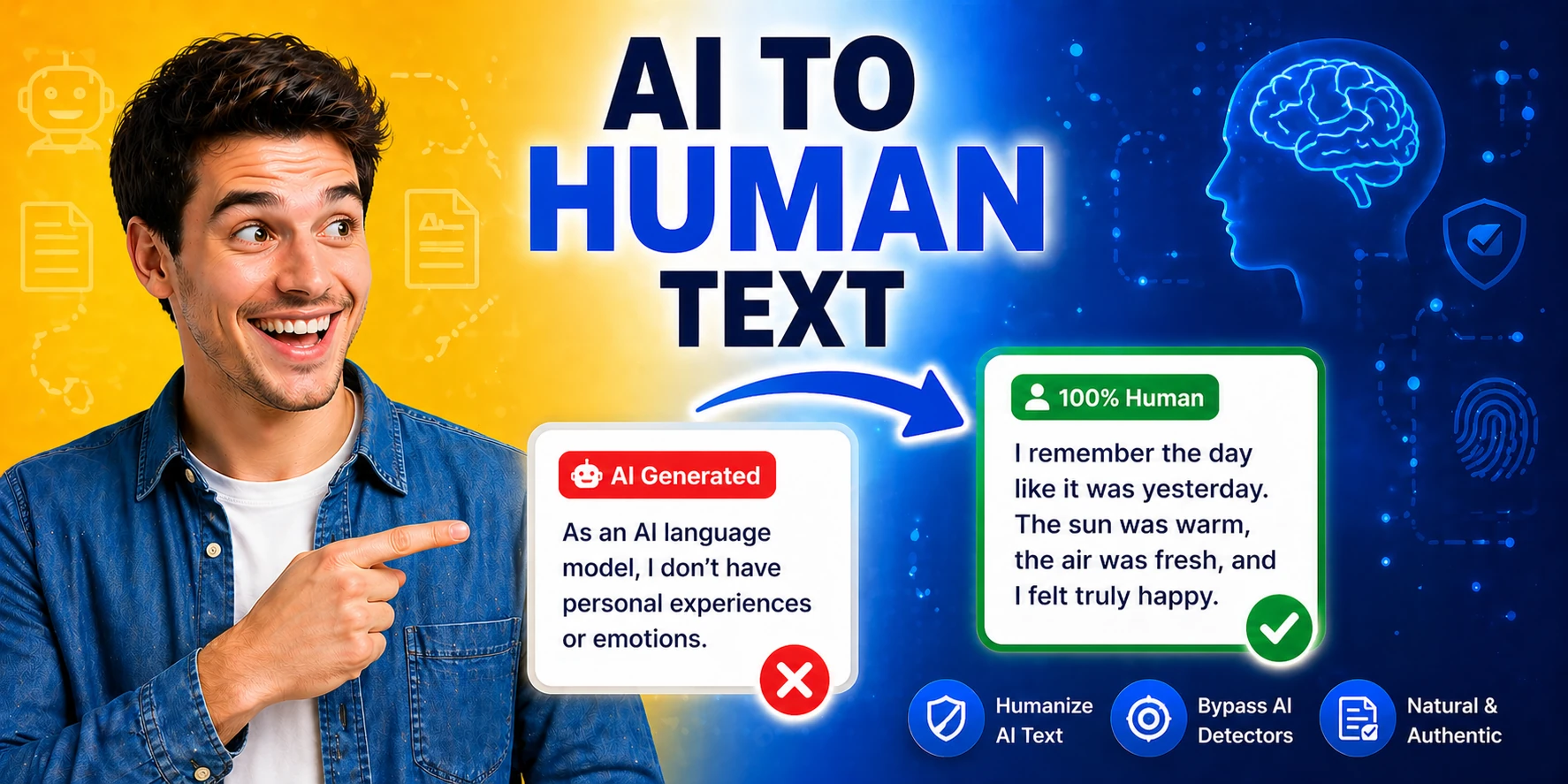
AI detectors look for these statistical regularities. A humanizer tool introduces variation: sentence length variance, synonym substitution, structural rearrangement, and removal of stock transition phrases. The result is statistically less uniform — closer to what human writing looks like in aggregate.
Where humanizing AI text genuinely improves it
- Drafts as a starting pointAI-generated first drafts are often verbose and structurally repetitive. A humanizer pass that shortens sentences, removes filler phrases, and introduces structural variety makes the draft faster to edit into a final piece — even if you plan to rewrite most of it manually.
- Technical content with flat toneAI documentation and explanatory text tends to be technically accurate but tonally flat — every sentence carries equal weight. A humanizer can vary sentence rhythm so key points land harder than supporting detail, improving reader comprehension.
What a humanizer cannot fix
A humanizer works on surface-level patterns — word choice, sentence length, transitions. It cannot add original insights, first-person experience, or specific examples that only a real person would know. AI detectors increasingly look for content originality and specificity (real numbers, named sources, personal perspective) rather than just surface patterns. A humanized version of generic AI content is still generic. The strongest signal of human writing is the presence of specific, verifiable, opinionated content — a humanizer tool cannot generate that.