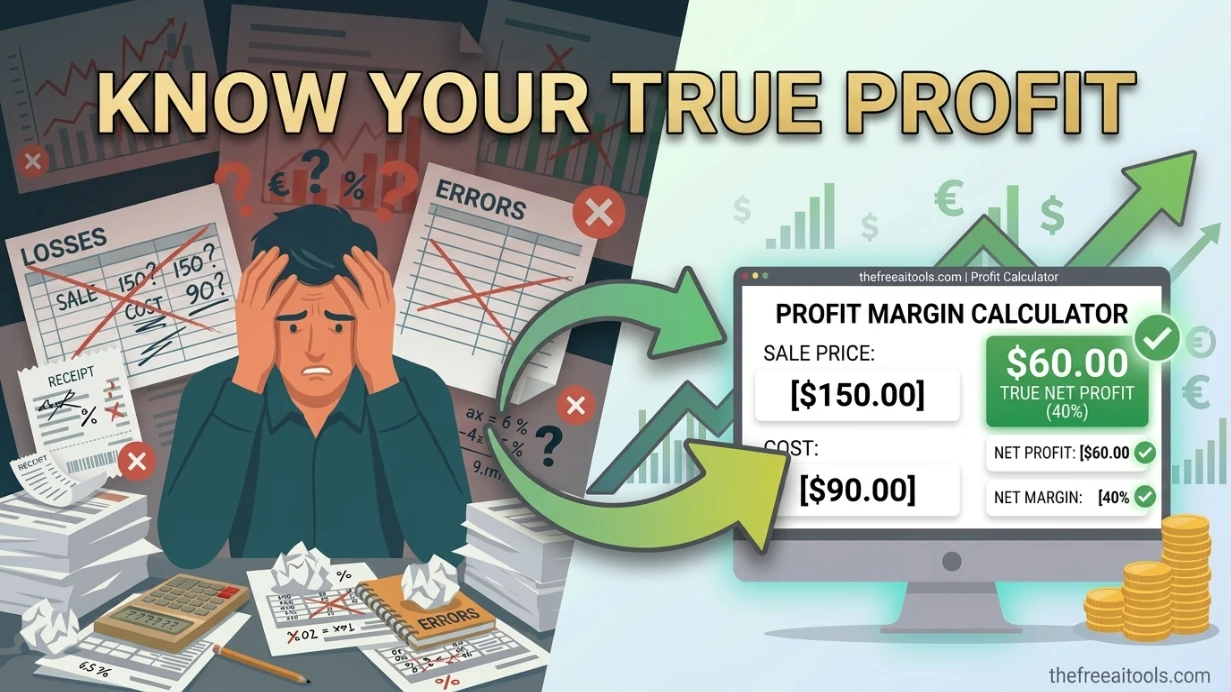
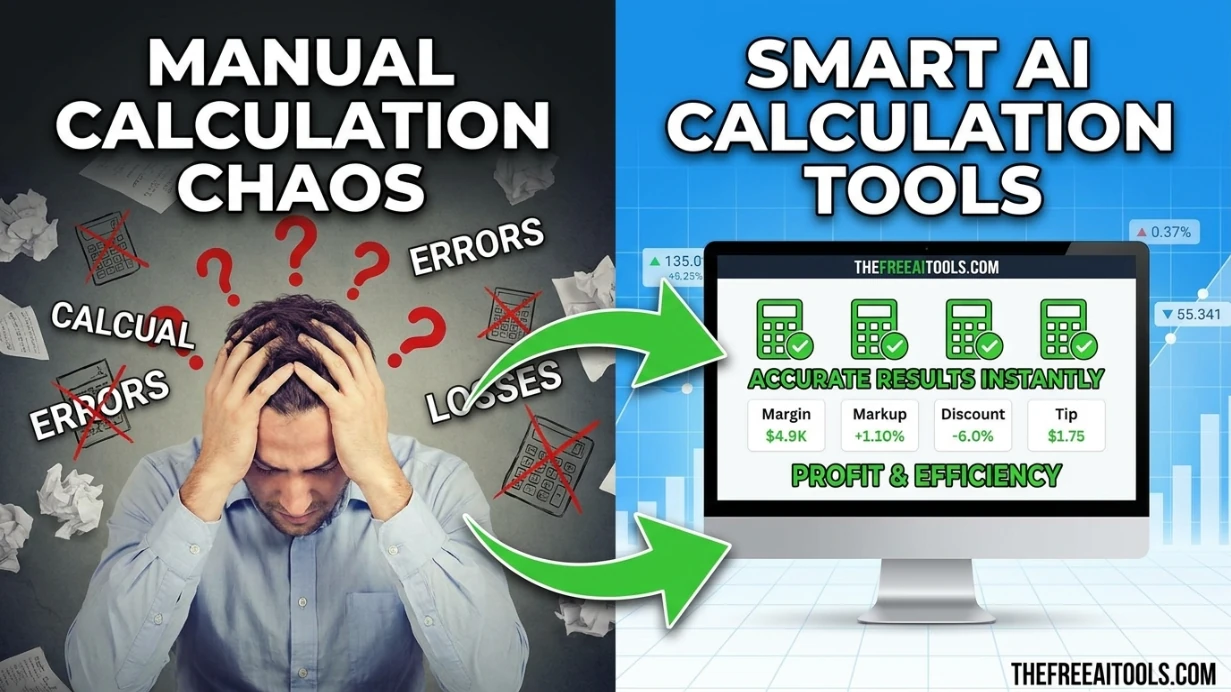
Profit Margin Calculator
Calculate profit, markup, and gross margin from revenue and cost inputs — quick business profitability tool.
This hub collects the most useful free browser-based tools for independent freelancers in 2026: finance calculators, writing tools, image editors, file converters, security utilities, and productivity helpers — no signup, no install, no cost.
Updated · Reviewed by The Free AI Tools Editorial Team — Freelancer productivity and business tools review
Calculate profit, markup, and gross margin from revenue and cost inputs — quick business profitability tool.
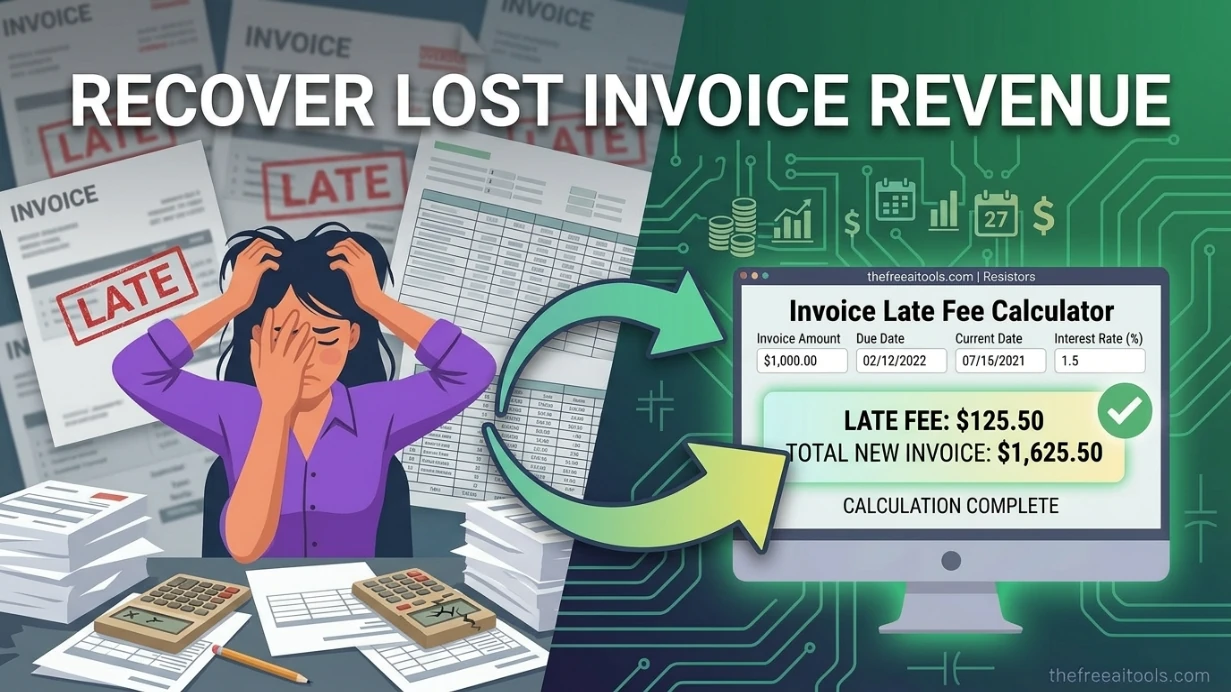
Calculate due dates, grace periods, and simple late-fee scenarios for invoices across common billing terms. It helps freelancers and small businesses stay organized without relying on online accounting portals.
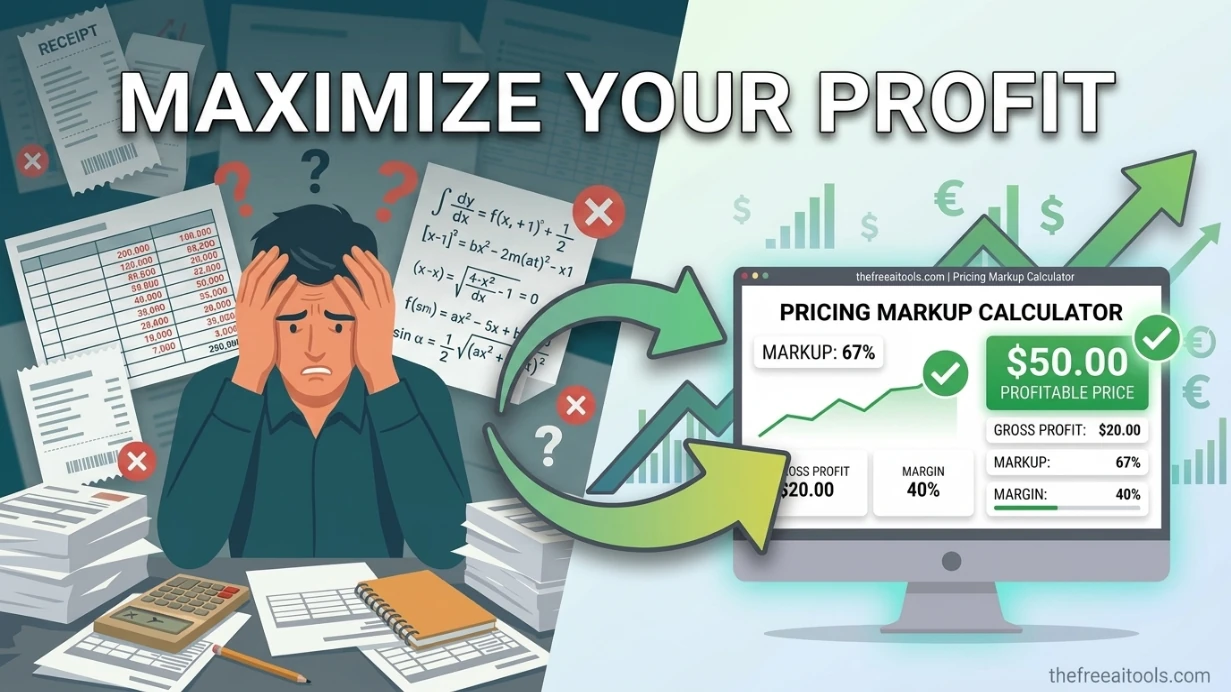
Turn unit cost and target markup percentage into a selling price and gross margin estimate — retail pricing tool.
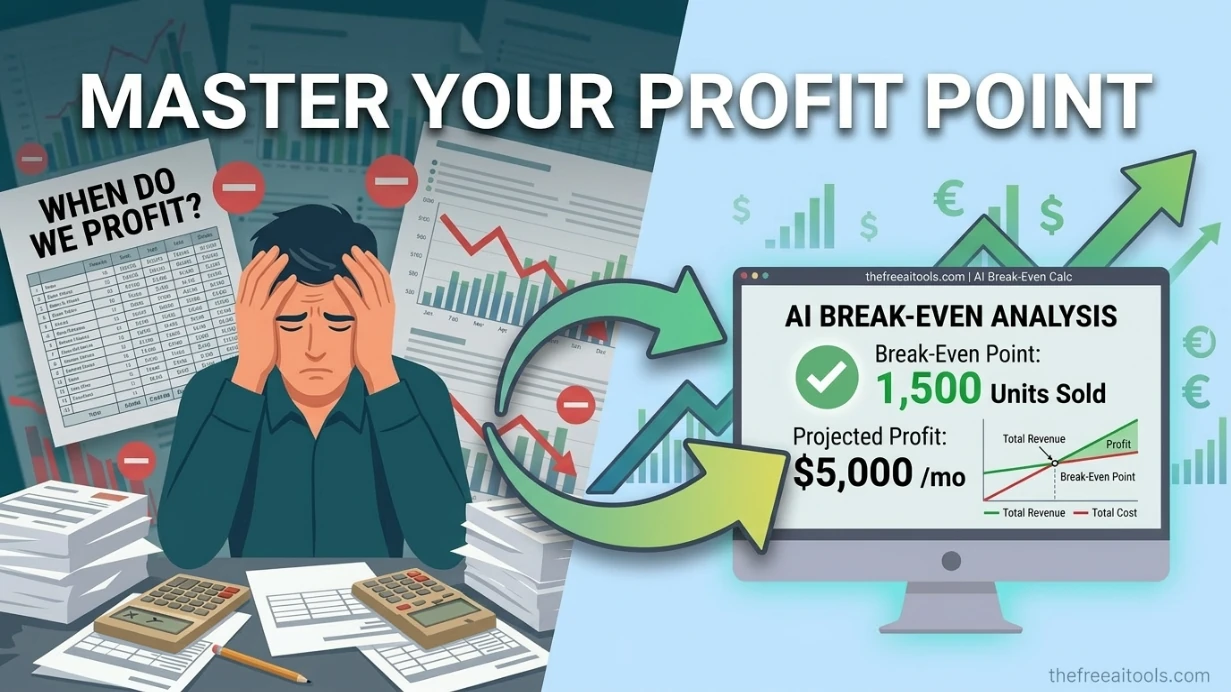
Calculate break-even units, target revenue, and contribution margin with interactive charts and scenario sliders. It gives founders, operators, and consultants a fast way to test pricing and cost assumptions privately.
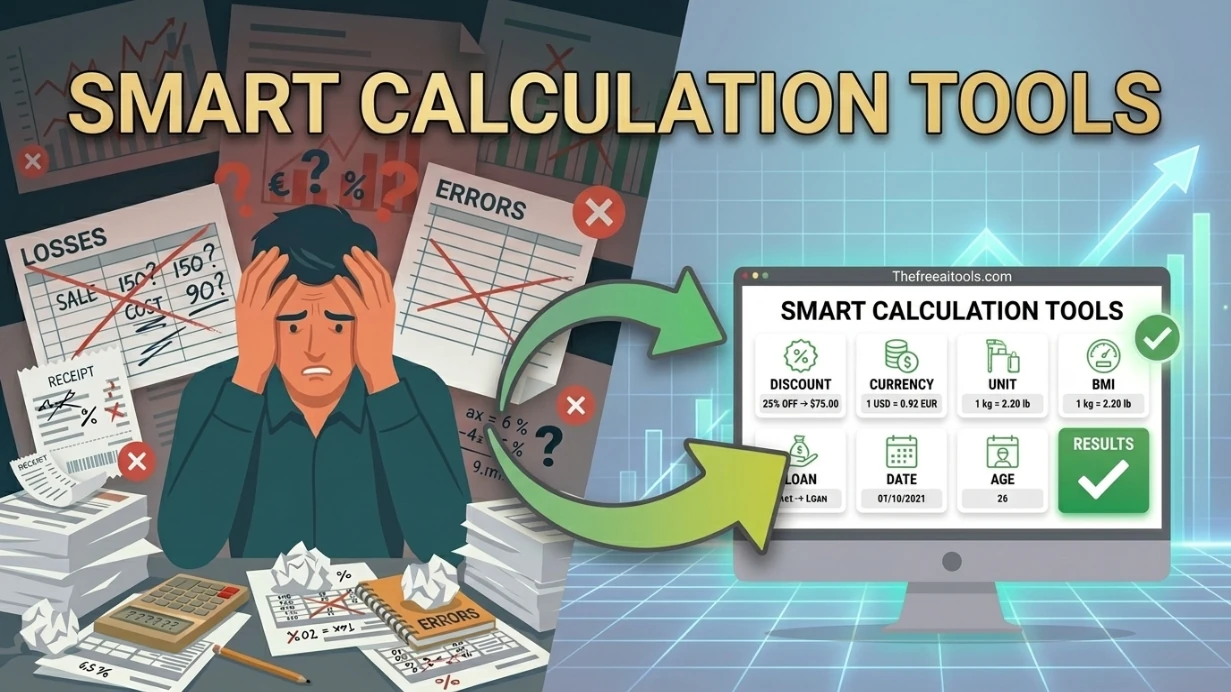
Work out discount savings and final price after percentage reductions — calculate sale prices instantly.

Solve common percentage calculations instantly — what is X% of Y, percentage change, and reverse percent.
Estimate future value and earned interest with annual compound growth — investment and savings planning tool.

Paraphrase and rewrite text using AI to sound natural, improve clarity, and bypass AI content detectors.
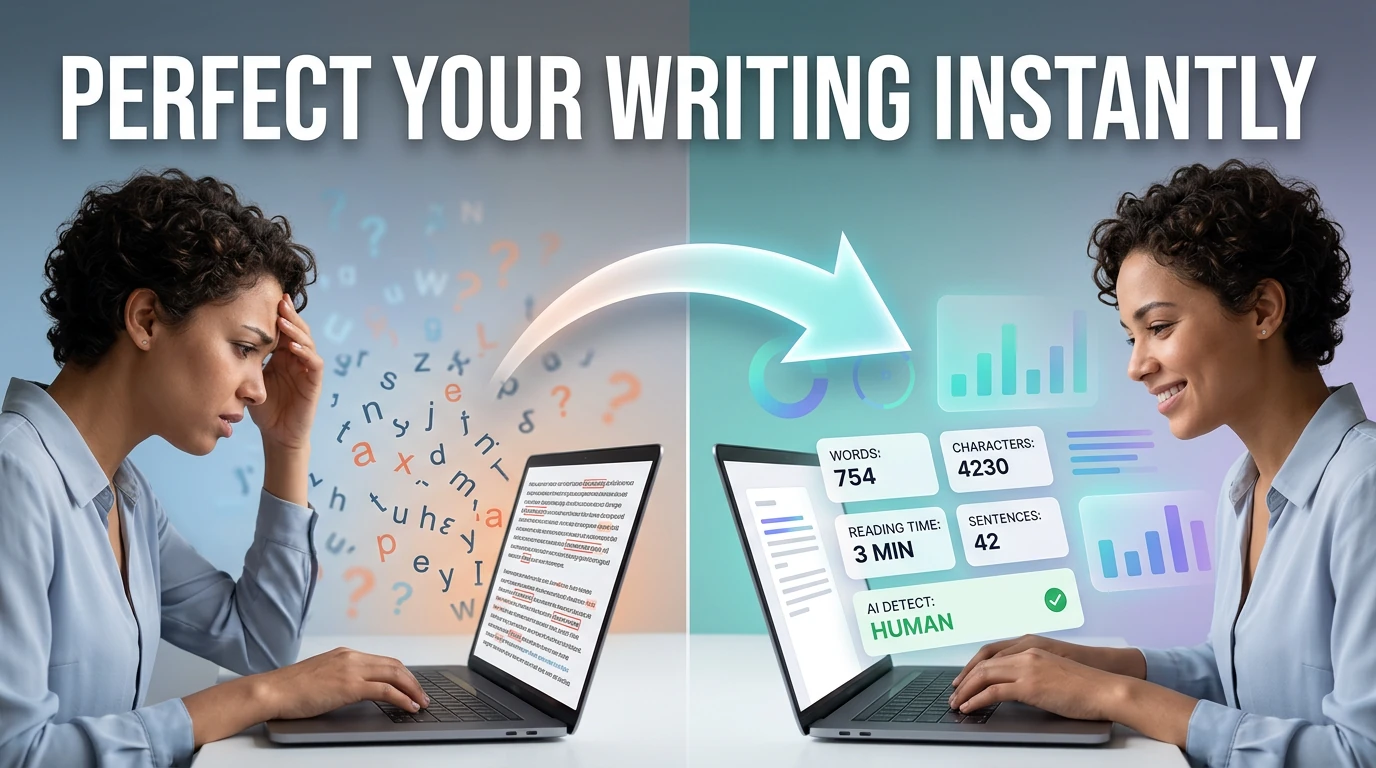
Count words, characters, sentences, and estimate reading time — with keyword density analysis.
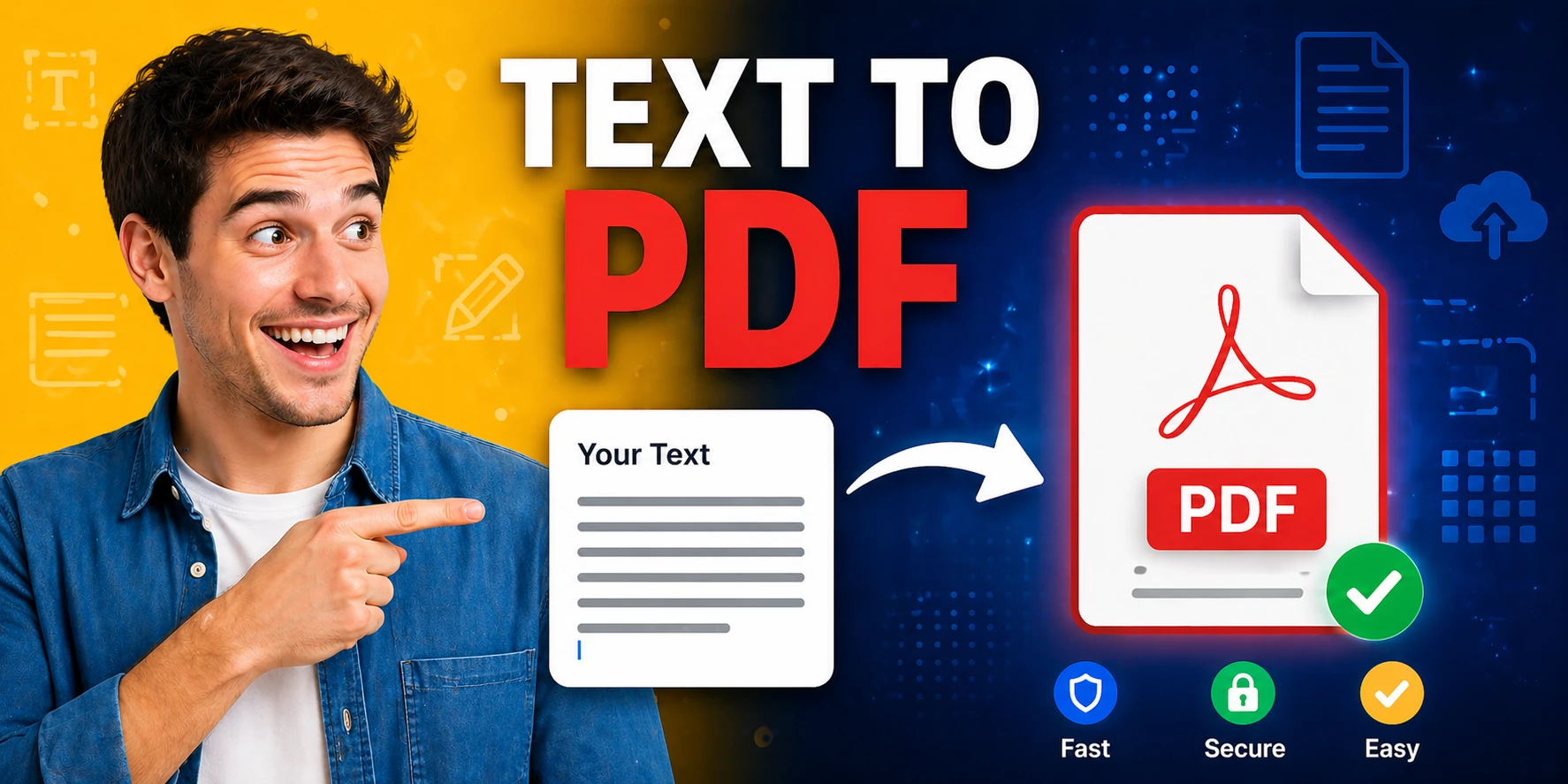
Convert plain text to formatted PDF documents with customizable page size — free, no software required.

Generate Word documents (.docx) from plain text instantly — download ready-to-share documents in seconds.
Extract text from PDF and convert it into an editable Word document — free browser-based PDF converter.
Convert Word documents to PDF format instantly in your browser — no Microsoft Office or plugins needed.
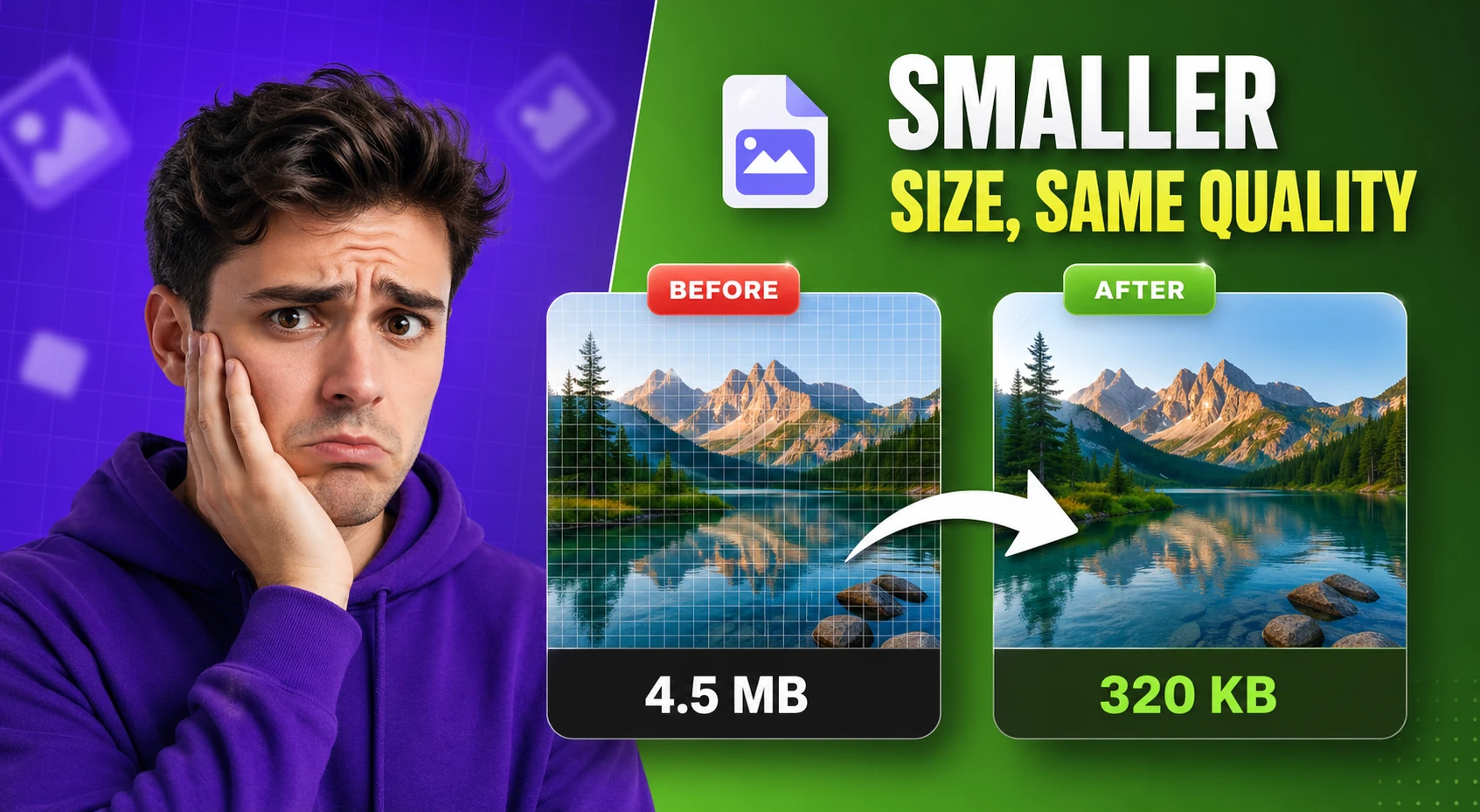
Compress and optimize images with adjustable quality and live preview — reduce file size for faster web performance.
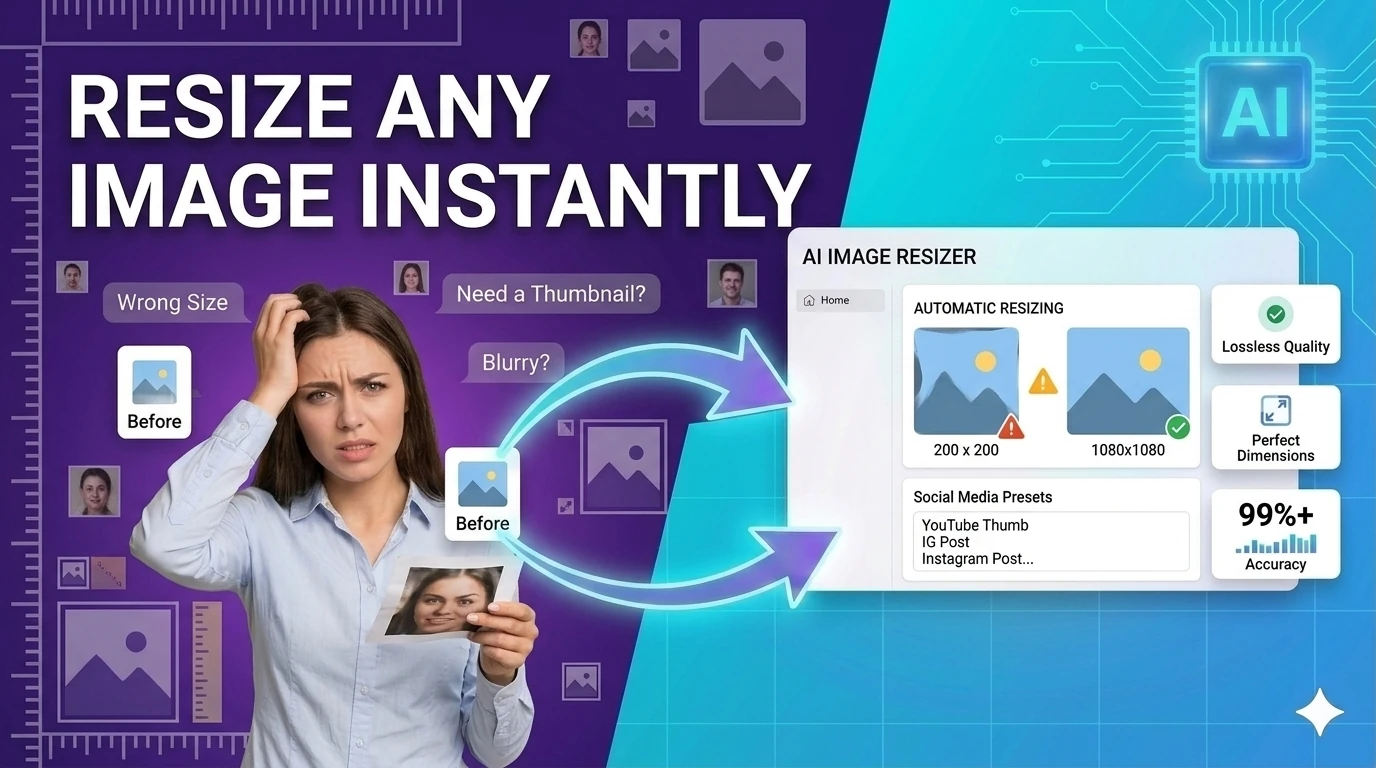
Resize images to preset or custom dimensions — social media presets, pixel-perfect, and percentage-based scaling.
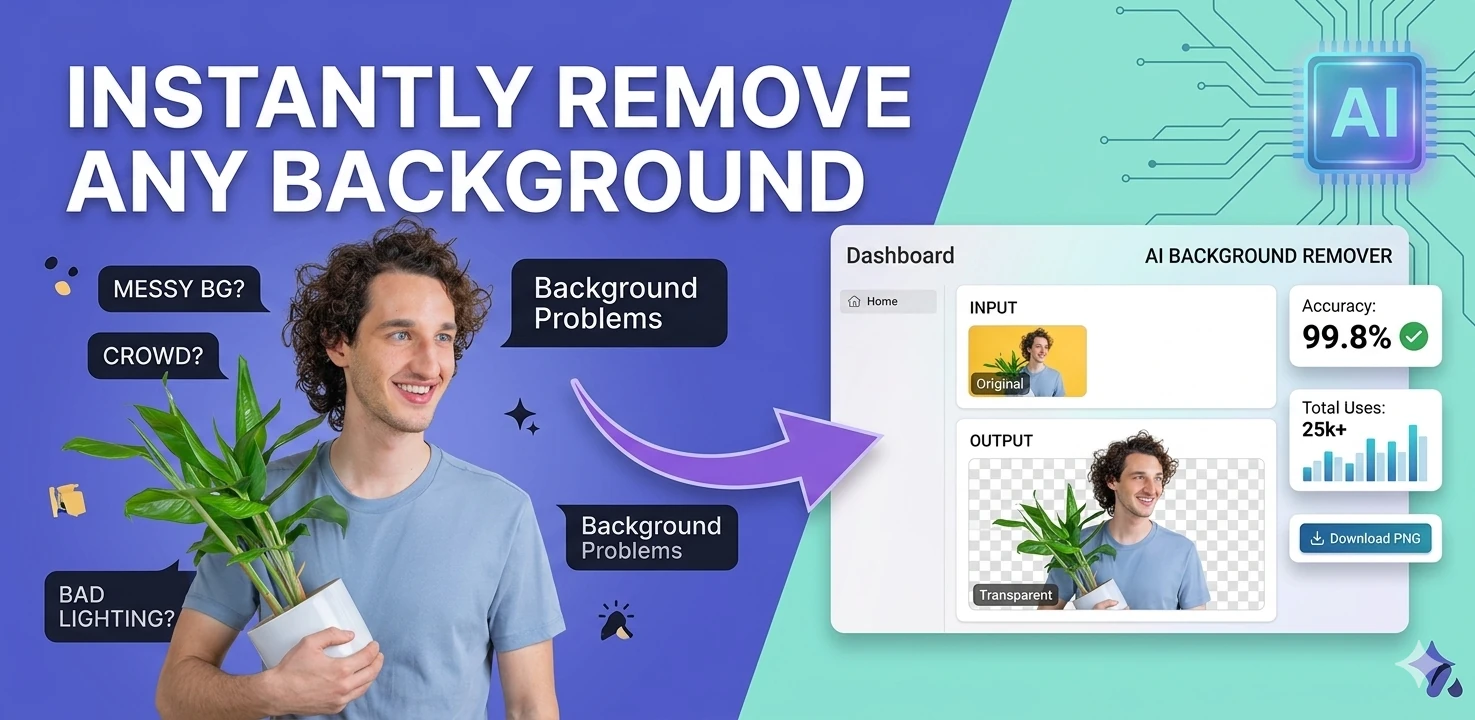
Remove image backgrounds in the browser with color picking, flood fill, and edge-aware controls — client-side, no upload.
Generate multi-size favicon assets from an uploaded source image — download ICO, PNG, and Apple touch icon formats.

Generate secure, random passwords with customizable length, numbers, and special characters — no data sent to any server.

Create and compare common hash outputs for text input instantly - useful for checksums and integrity checks.

Create QR codes for URLs, text, WiFi credentials, and email with one-click download — instantly in your browser.
Create consistent UTM URLs, validate naming conventions, and catch messy campaign tagging before links go live. It helps marketing teams keep analytics cleaner across channels and stakeholders.

Generate SEO-friendly meta tags including Open Graph, Twitter Card, and canonical tags — copy-ready HTML with live preview.

Estimate Flesch-Kincaid readability and sentence complexity from text — optimize content grade level instantly.
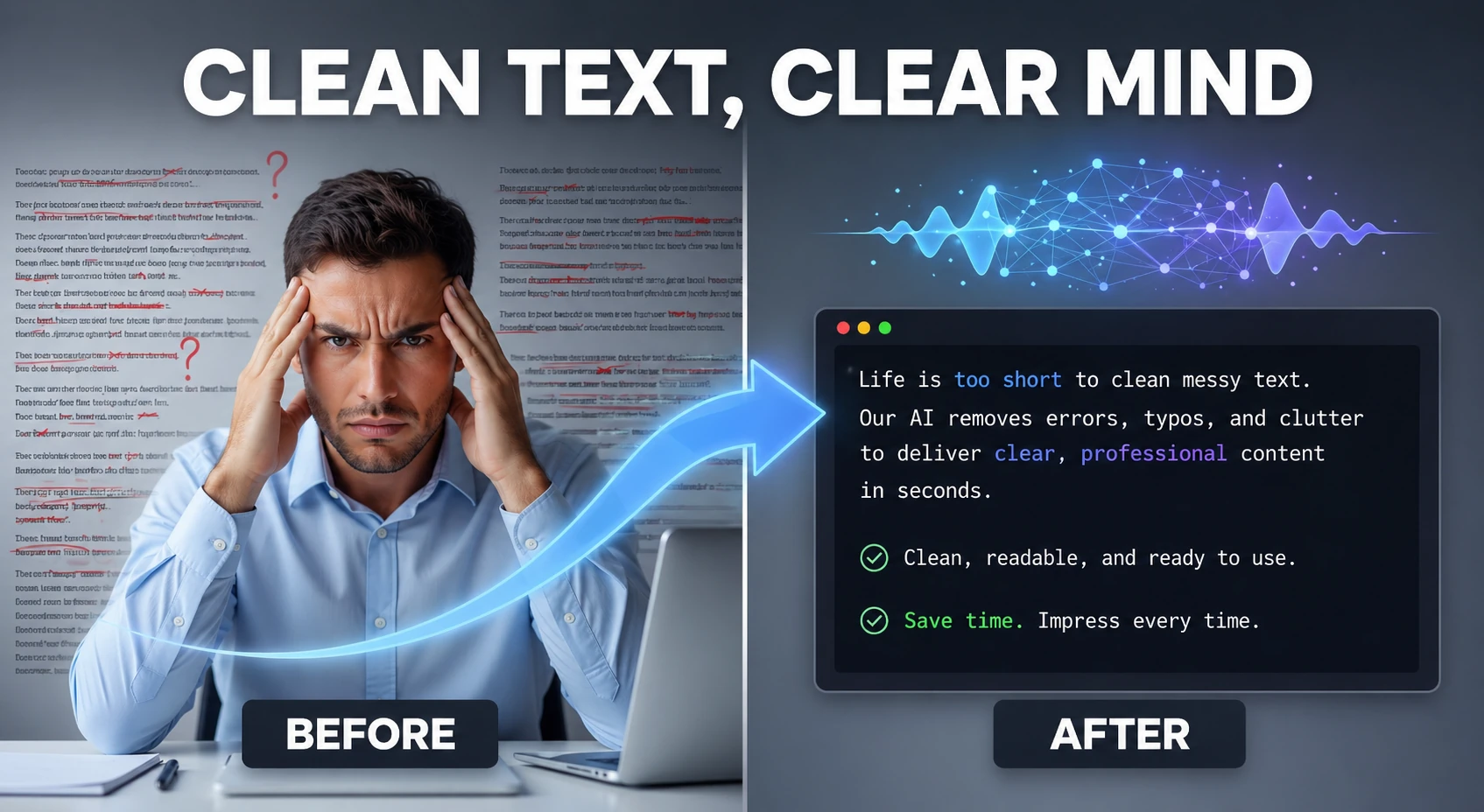
Clean and humanize AI-generated text to sound natural and help bypass AI detectors — powered by AI.

Analyze text and estimate the likelihood it was generated by AI — detects ChatGPT, Claude, Gemini, and more using AI.
Freelancing in 2026 means running a small business from a browser tab. Client proposals, project scoping, content delivery, invoicing, and follow-up all happen across a mix of tools — but most freelancers waste time switching between disconnected apps, paying subscriptions they barely use, or manually doing math that a calculator handles in seconds. This hub is designed around the real daily workflow of a freelancer: price a project, write the proposal, deliver the work, get paid, and track profitability over time.
Pricing is where most freelancers lose money without realizing it. The profit margin calculator on this hub helps freelancers answer the real question — not 'what hourly rate should I charge' but 'what does this project actually net after expenses, revisions, and time invested.' Running that calculation before sending a quote prevents the most common freelance business mistake: underpricing high-complexity work.
Client communication quality directly affects perceived value. A polished PDF proposal converts better than a pasted email. An AI-assisted cover letter for a cold pitch reduces the time spent staring at a blank page. A QR code on a quote links the client to your portfolio. The writing and file tools in this hub handle these tasks in under two minutes each, allowing freelancers to spend their actual time on billable creative or technical work.
Security matters more than most freelancers recognize. Client accounts, project management platforms, and payment portals all need strong unique passwords. File deliverables sometimes contain embedded metadata that clients do not want shared externally. The security tools in this hub — password generator, EXIF remover, PDF metadata checker — address these risks without requiring a cybersecurity background.
Quick answers about the workflow, privacy, and where this tool fits in a broader job.
The highest-demand free tools for freelancers are profit margin calculators for pricing projects correctly, PDF converters for delivering polished documents, AI writing assistants for drafts and proposals, image editors for visual deliverables, and password generators for client account management.
The invoice late fee calculator computes the correct late payment charge based on your payment terms, invoice total, and the number of days overdue — giving you the exact figure to add to a follow-up invoice without spreadsheet math.
For most solo freelancers, free browser-based tools cover the majority of daily needs across writing, design, finance, and file management without requiring any paid subscriptions.
The profit margin calculator is the essential starting point. Understanding your true profit after all costs — not just your hourly rate — is the foundation of sustainable freelance pricing.
Browser-based tools process most tasks locally without uploading to external servers. For client documents with sensitive information, use tools with explicit local processing, like the JSON formatter and password generator, which are entirely client-side.
The complete toolkit
Every tool runs instantly in your browser — no account, no download, no cost. Across 13 categories for everyday tasks.