Image ToolsDesign & UIFree · No sign-up

Free AI Image Generator Tools Online 2026 — Create & Enhance Images with AI

This hub collects the best free AI-powered image creation and editing tools in 2026: AI image generators, old photo restorers, background change tools, 3D generators, image fixers, and AI editors — all browser-based with no subscription.

Top free tools

Open any tool instantly — no account or download required.

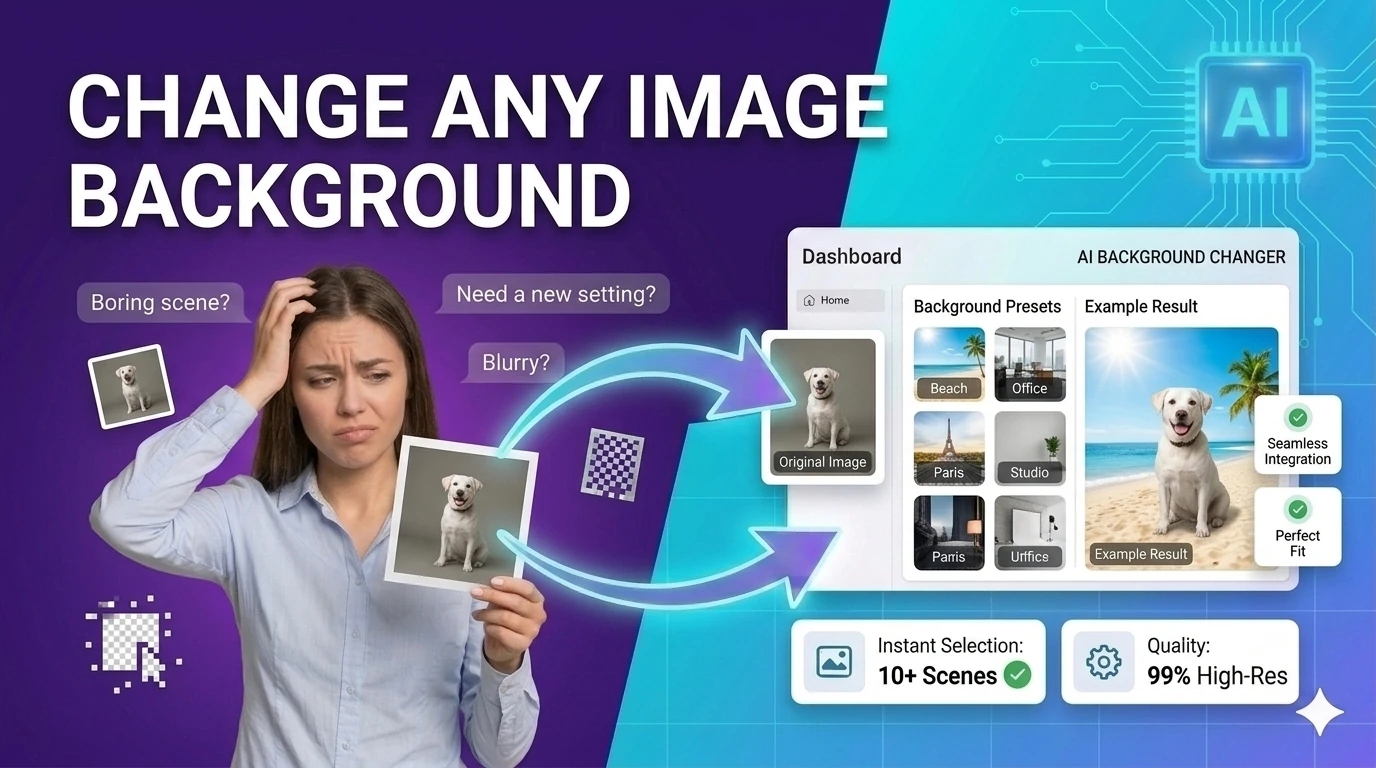
Change Background preview

Change Background

Replace image backgrounds with a solid color, gradient, or uploaded image — browser-based compositing, no upload required.
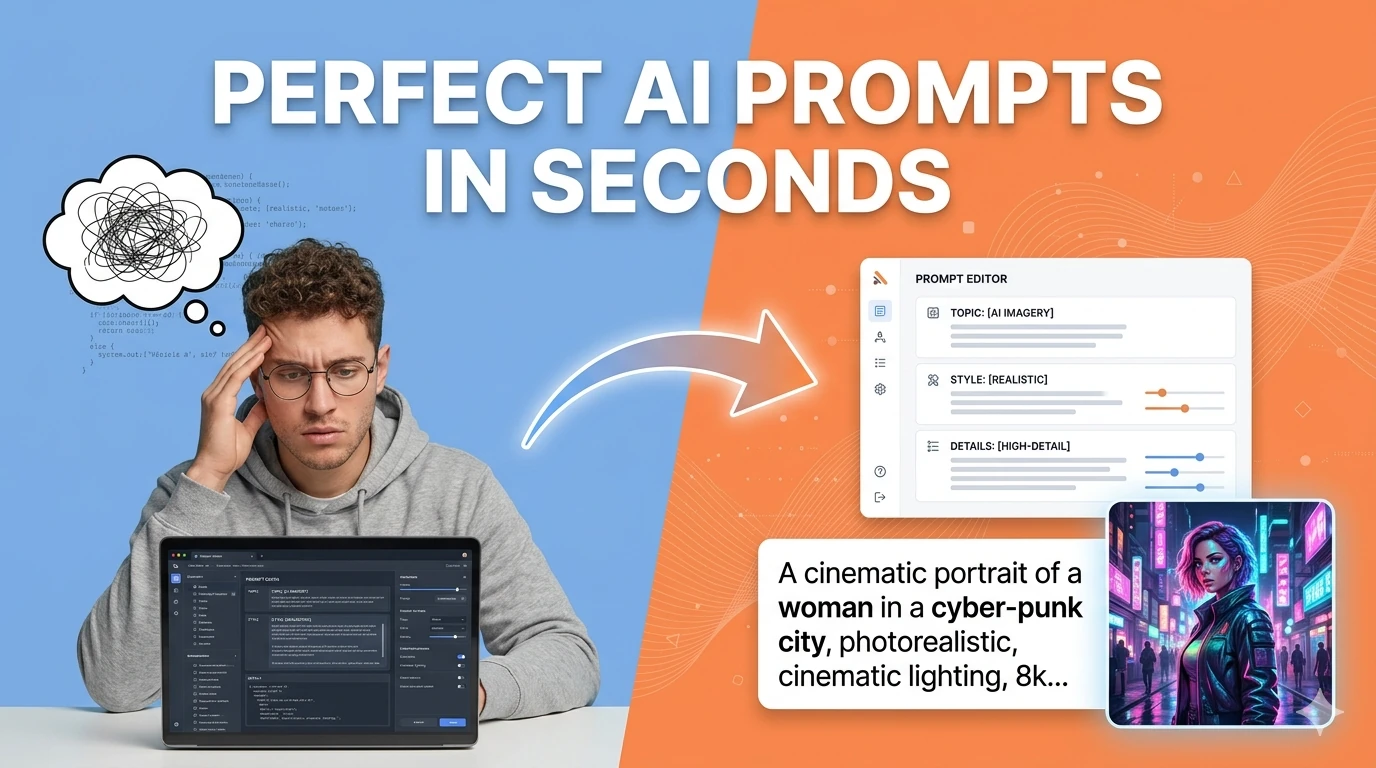
AI Prompt Generator preview

AI Prompt Generator

Turn simple ideas into highly detailed, optimized prompts for Midjourney, ChatGPT, Stable Diffusion, Claude, and DALL-E using AI.

About these tools

AI image generation crossed from impressive demo to practical production tool in 2025-2026. The quality of outputs from modern generative image models has reached the threshold where they are genuinely useful for content production, design ideation, and product visualization.

Text-to-image generation is the most transformative of these capabilities for content creators and marketers. The ability to produce a custom illustration or product mockup from a text description eliminates the need for stock photo licenses for many common content needs.

Photo restoration is a capability that has particular emotional value. Old family photographs from decades past — faded, scratched, or physically damaged — can be digitally restored to reveal detail and color that was previously invisible.

Background modification is one of the highest-frequency professional image editing tasks. E-commerce product photography requires clean backgrounds, and AI background change tools in 2026 handle complex subjects automatically.

All tools in this topic

Every free tool related to this topic, organised by category.

Image Tools

2D to 3D Image EffectApply depth-style 3D transformations to flat images — browser-based 3D photo effect generator.AI Video to Image ConverterExtract frames from any video and convert them to images — free browser-based video frame extractor.Background RemoverRemove image backgrounds in the browser with color picking, flood fill, and edge-aware controls — client-side, no upload.Change BackgroundReplace image backgrounds with a solid color, gradient, or uploaded image — browser-based compositing, no upload required.Color PickerPick colors and convert between HEX, RGB, and HSL formats — with live preview and clipboard copy.EXIF GPS RemoverCheck image metadata for location, device, and timestamp details, then strip the fields you do not want to share. It is especially useful for press kits, listings, and personal photos shared publicly.Favicon GeneratorGenerate multi-size favicon assets from an uploaded source image — download ICO, PNG, and Apple touch icon formats.Fix Old Photos AIRestore faded and damaged photos with AI enhancement controls directly in your browser.Free AI Image GeneratorCreate images from text prompts using a free AI model — generate visuals for any idea without cost.Free AI Image Generator With No RestrictionsBuild detailed AI image prompts, negative prompts, and creative variations with no signup, no watermark workflow, and flexible style controls.Image Batch ConverterConvert multiple images to JPG, PNG, or WebP and download them together — bulk image format conversion.Image CompressorCompress and optimize images with adjustable quality and live preview — reduce file size for faster web performance.Image ConverterConvert images between JPG, PNG, WebP, ICO, and AVIF formats instantly in your browser — no upload required.Image Converter AIConvert images between popular formats with quality controls in a browser-based AI workspace.Image CropperCrop images with common aspect ratios and download the result — precise browser-based image cropping tool.Image FlipperFlip images horizontally or vertically and export the result — mirror photos instantly in your browser.Image Metadata ViewerRead EXIF and basic image metadata from uploaded files — inspect camera settings, GPS, and creation dates.Image Repair ToolRestore damaged or corrupted images and improve visual clarity — browser-based image recovery.Image ResizerResize images to preset or custom dimensions — social media presets, pixel-perfect, and percentage-based scaling.Image RotatorRotate images by presets or custom angles in the browser — fix sideways photos instantly.Image to Base64Convert images to Base64-encoded data URIs with instant preview — embed images inline in CSS or HTML.Image WatermarkerAdd a text or logo watermark to images with full positioning controls — protect photos in your browser.Old Photo RestorerImprove aging and degraded photos with restoration controls — enhance old family photos in your browser.Pseudo 3D Image EffectsGenerate layered pseudo-3D image looks from flat source visuals — creative image depth effect.Random Image GeneratorDiscover and export random images through a lightweight browser discovery workflow — visual inspiration tool.Random Image Generator FreeDiscover and download random royalty-free images for design inspiration and placeholders.Remove & Change Background AIRemove image backgrounds and replace them with custom colors or scenes using browser-based AI tools.Remove BackgroundRemove studio-style backgrounds from images and export a transparent PNG — client-side, no upload required.Resize ImageResize images to exact pixels, percentages, or social media presets while preserving aspect ratio — instantly in browser.Screenshot CaptureCapture a styled preview card as an image with html2canvas — export UI previews without browser extensions.SVG EditorBuild simple SVG graphics with shapes, labels, and export-ready markup — browser-based SVG design tool.

Design & UI

Aspect Ratio Layout CalculatorCalculate reduced ratios, responsive CSS padding tricks, and layout dimensions from any frame size.Border Radius GeneratorGenerate CSS border-radius values for custom rounded shapes — visual editor with live preview and copy.Box Shadow GeneratorCreate CSS box shadows visually with offset, blur, spread, and color controls — copy production-ready code.CSS Filter GeneratorAdjust blur, brightness, contrast, hue-rotate, and saturation with live CSS filter output — instant visual preview.CSS Gradient GeneratorCreate linear and radial gradients with multiple color stops — copy ready-to-use CSS background-image code.CSS Grid GeneratorBuild grid layouts visually and copy clean CSS for responsive interfaces in seconds.CSS Grid Template GeneratorBuild responsive CSS Grid layouts visually with named areas, repeat helpers, and breakpoint previews. Designers and frontend teams can test layouts quickly before writing production CSS.CSS Keyframes AnimatorGenerate CSS @keyframes animations with timing controls and live preview — copy production-ready code.CSS Transform GeneratorCreate translate, scale, rotate, and skew transform CSS snippets visually — live preview and copy.Spacing Scale GeneratorGenerate modular spacing scales for UI design systems from a base size and ratio — design tokens, no upload.Square Face GeneratorCreate square avatar face concepts with randomized expressions, palettes, accessories, and copy-ready design notes.SVG Path EditorCompose and inspect SVG path commands visually — build custom shapes for logos and icons.SVG Sprite Sheet GeneratorCombine multiple SVG icons into one optimized sprite sheet with symbol IDs, previews, and usage snippets. It makes icon systems easier to manage while keeping assets private and local.Text Shadow GeneratorGenerate CSS text-shadow values with a live headline preview — copy production-ready shadow code.

Free AI image generator tools FAQs

Quick answers about the workflow, privacy, and where this tool fits in a broader job.

How does the free AI image generator work?

The AI image generator takes a text prompt describing the image you want to create and uses a generative AI model to produce a visual output matching your description.

What does the AI photo restoration tool do?

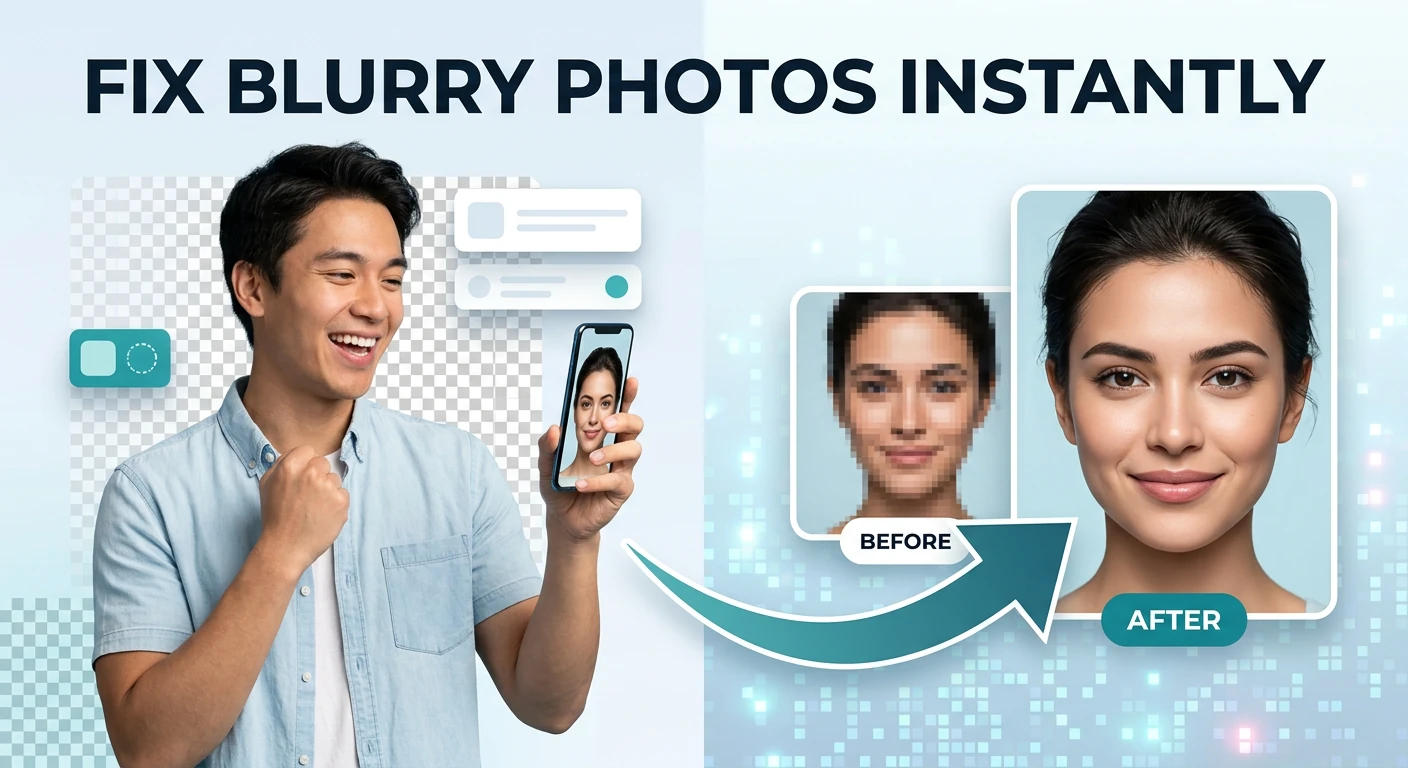
The AI photo restoration tool analyzes old, damaged, or low-quality photographs and applies AI enhancement to repair scratches, reduce noise, restore faded colors, and improve overall image quality.

How does the AI background changer work?

The AI background changer detects and removes the existing background from your image, then replaces it with a new background you specify — a color, a scene from a prompt description, or an uploaded background image.

What types of 3D images can the AI 3D generator create?

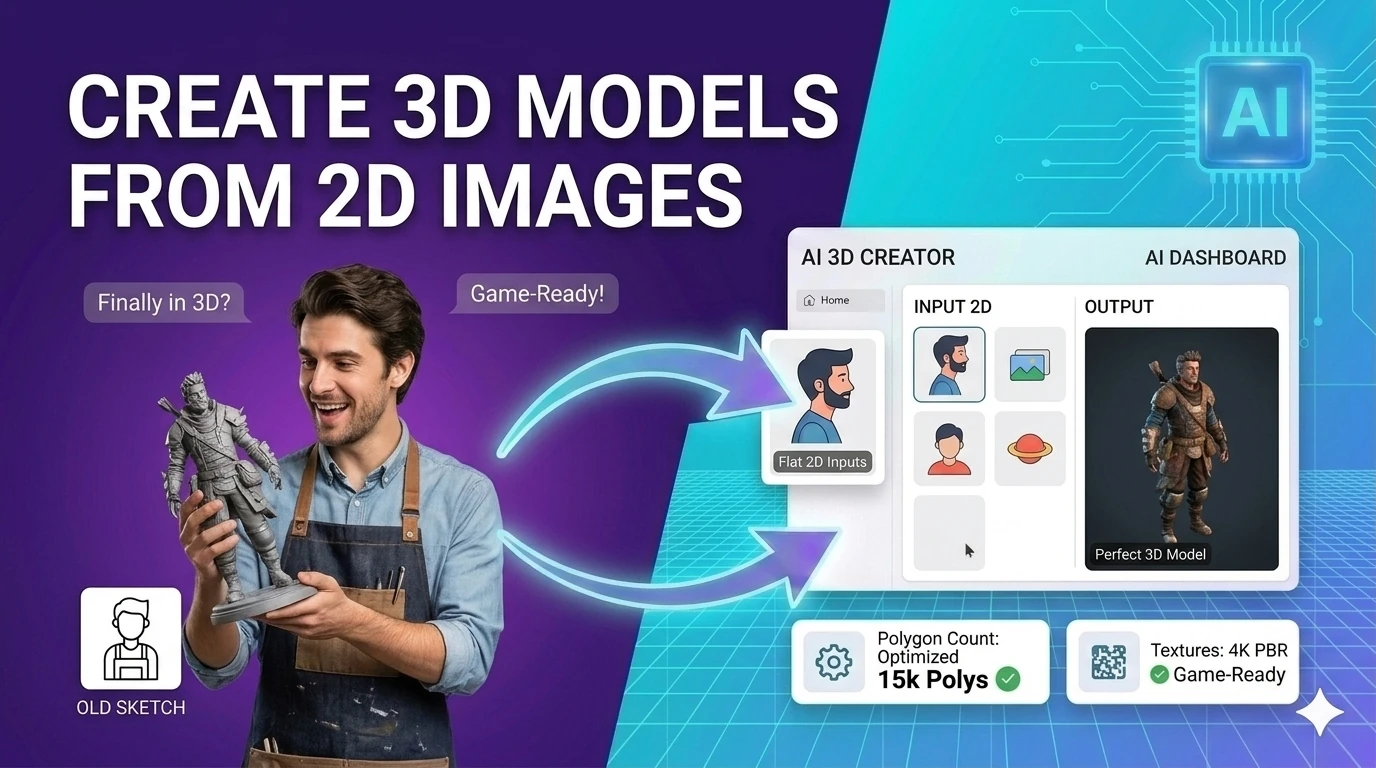
The AI 3D generator produces three-dimensional style images from 2D inputs or from text descriptions, including 3D renderings, isometric illustrations, and pseudo-3D depth effects.

Can I use AI-generated images commercially?

Commercial usage rights for AI-generated images depend on the specific model and platform used. Review the terms of service for each tool before using generated images in commercial contexts.

Explore more free tools

253+ browser-based tools across 16 categories — all free, no sign-up.

☕ Support Us