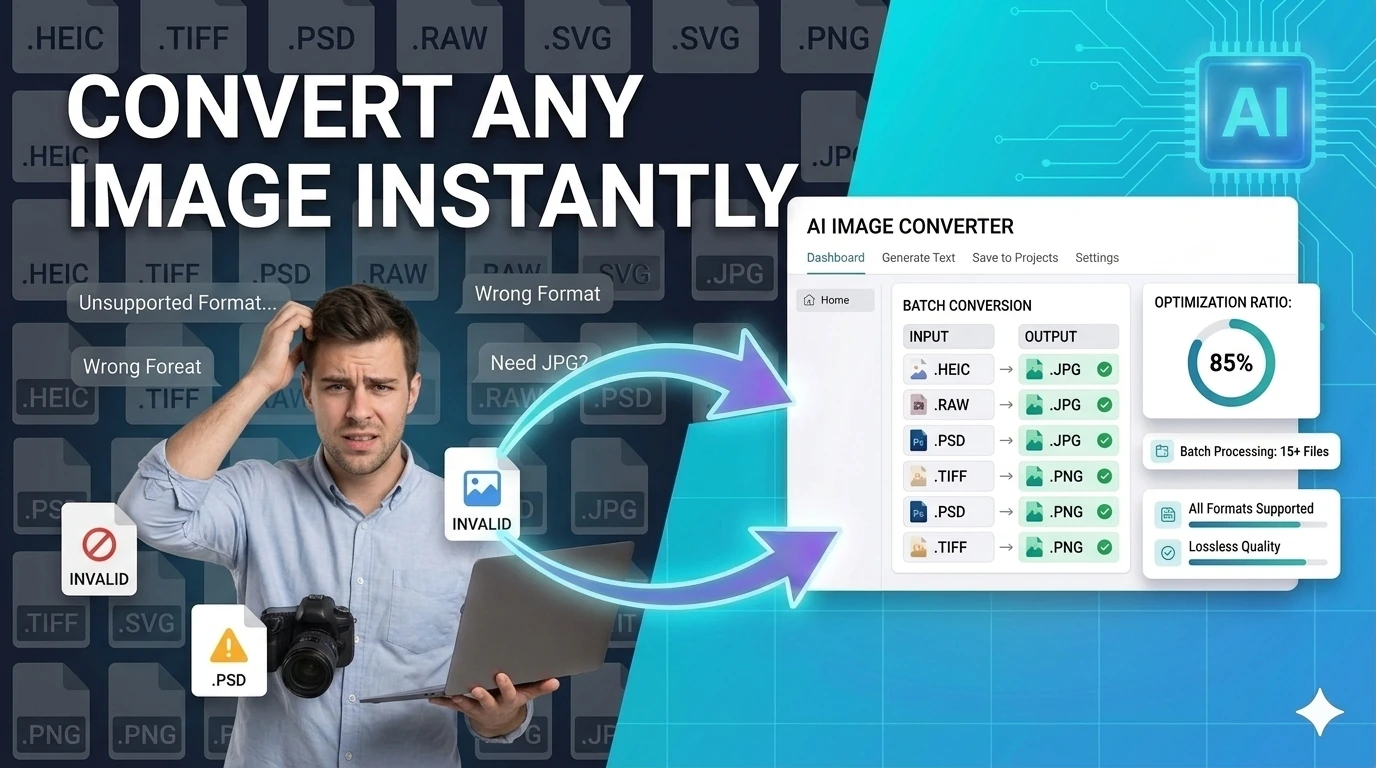
Image Converter
Convert images between JPG, PNG, WebP, ICO, and AVIF formats instantly in your browser — no upload required.
This hub highlights the best free browser-based image tools that deliver clean, watermark-free output in — no forced branding on your downloads, no account required, no strings attached.
Updated · Reviewed by The Free AI Tools Editorial Team — Image tools quality and output review
Convert images between JPG, PNG, WebP, ICO, and AVIF formats instantly in your browser — no upload required.
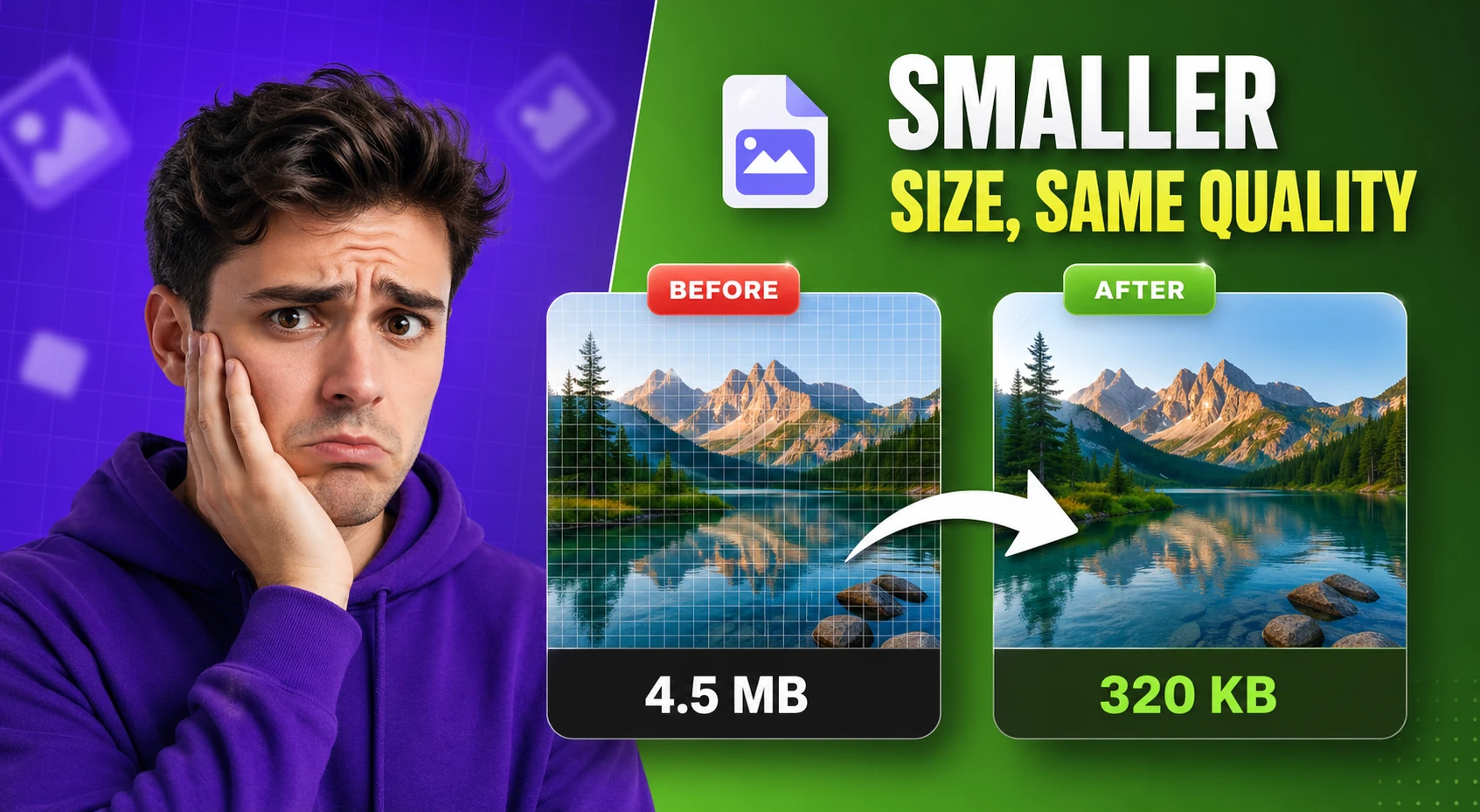
Compress and optimize images with adjustable quality and live preview — reduce file size for faster web performance.
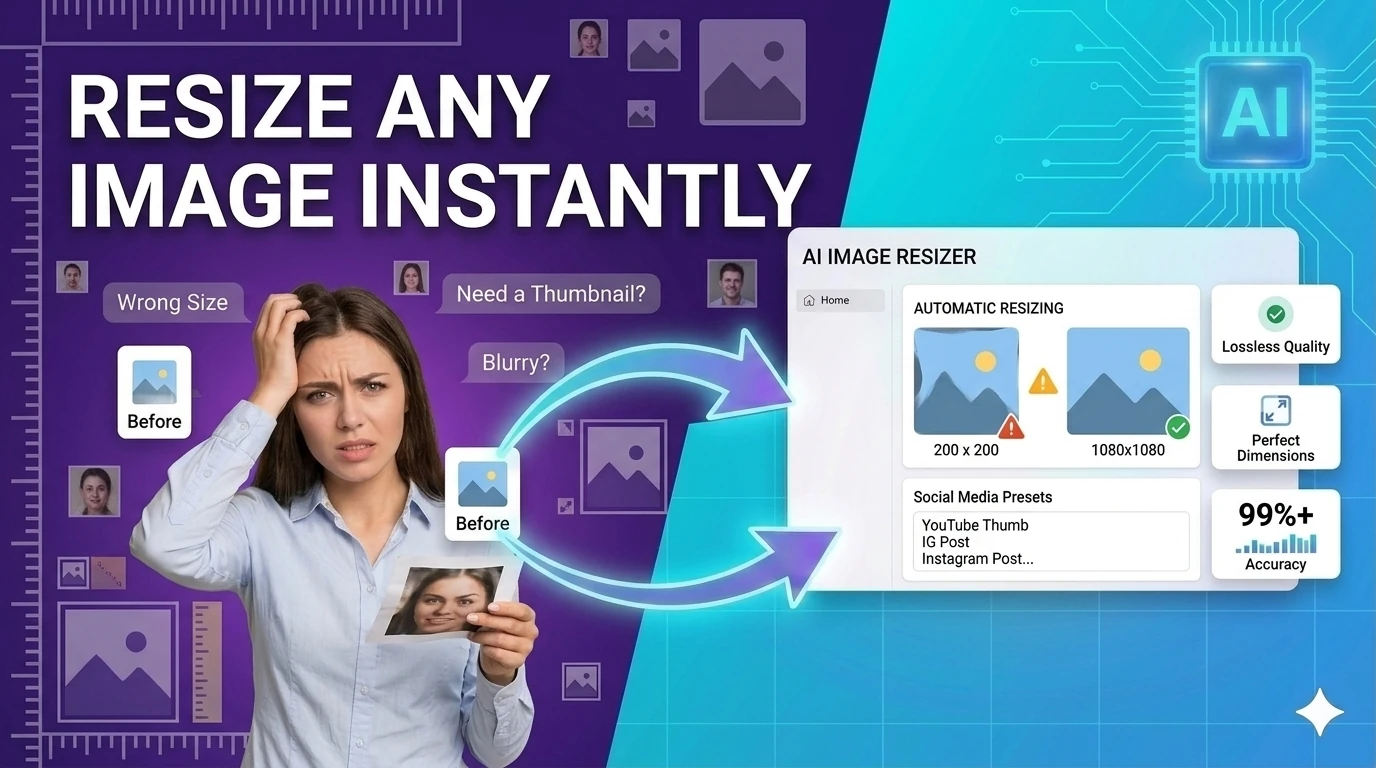
Resize images to preset or custom dimensions — social media presets, pixel-perfect, and percentage-based scaling.
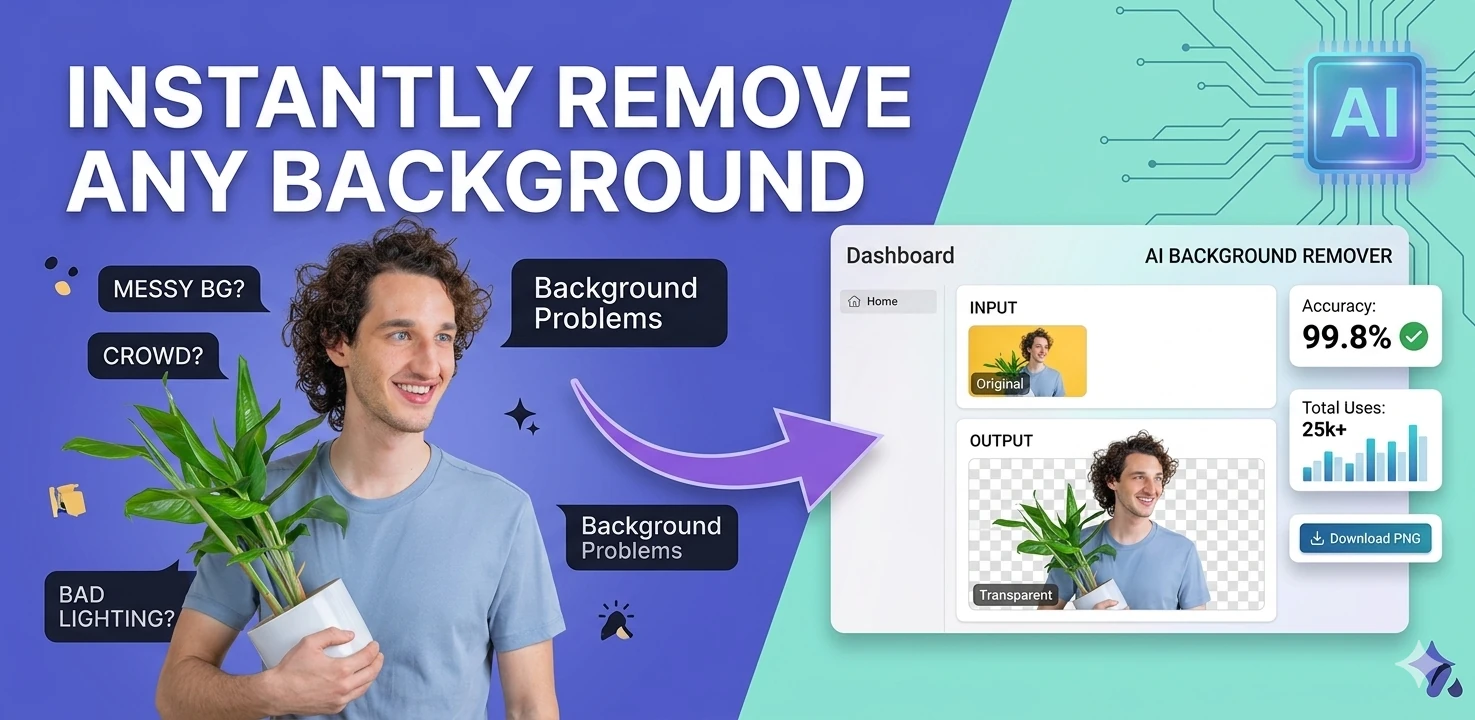
Remove image backgrounds in the browser with color picking, flood fill, and edge-aware controls — client-side, no upload.
Remove studio-style backgrounds from images and export a transparent PNG — client-side, no upload required.
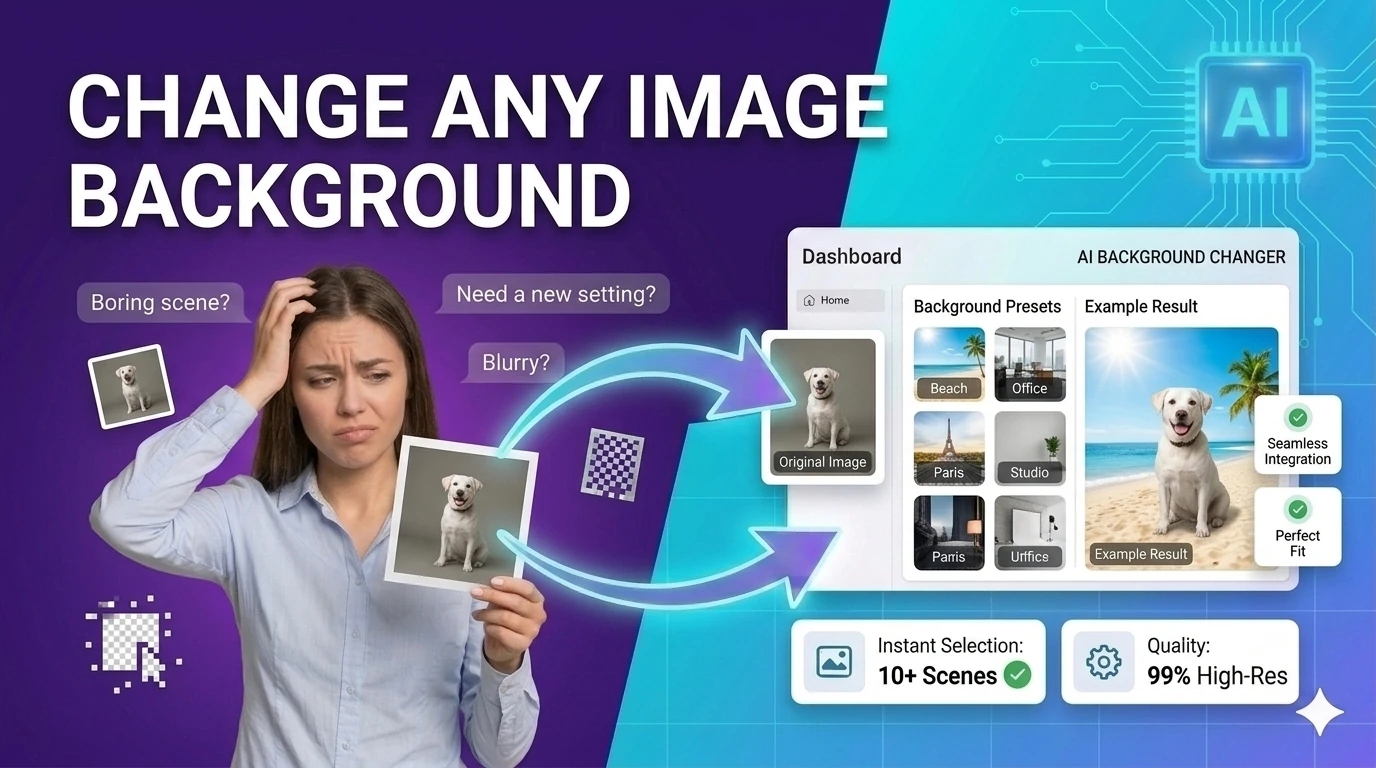
Replace image backgrounds with a solid color, gradient, or uploaded image — browser-based compositing, no upload required.

Crop images with common aspect ratios and download the result — precise browser-based image cropping tool.
Rotate images by presets or custom angles in the browser — fix sideways photos instantly.
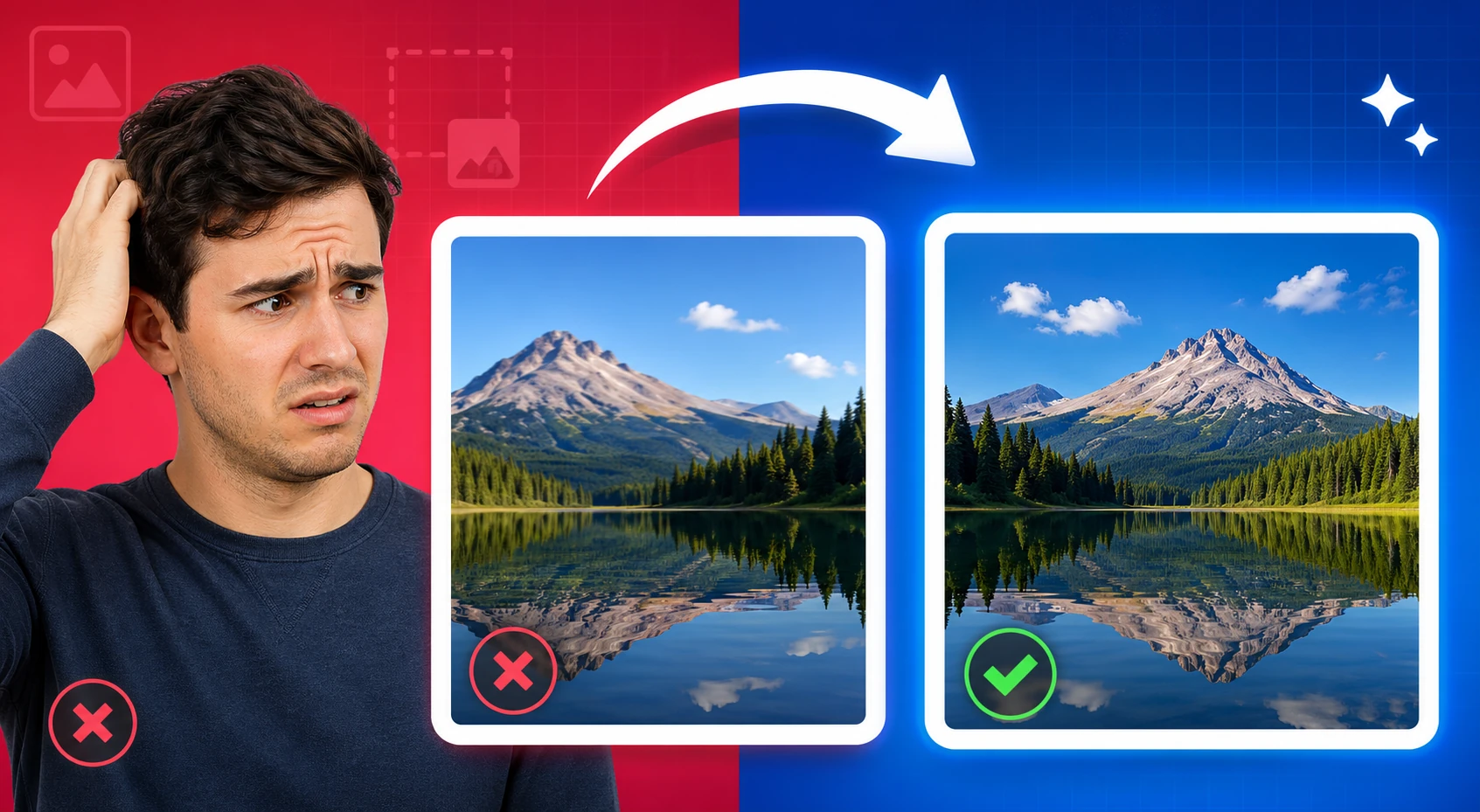
Flip images horizontally or vertically and export the result — mirror photos instantly in your browser.
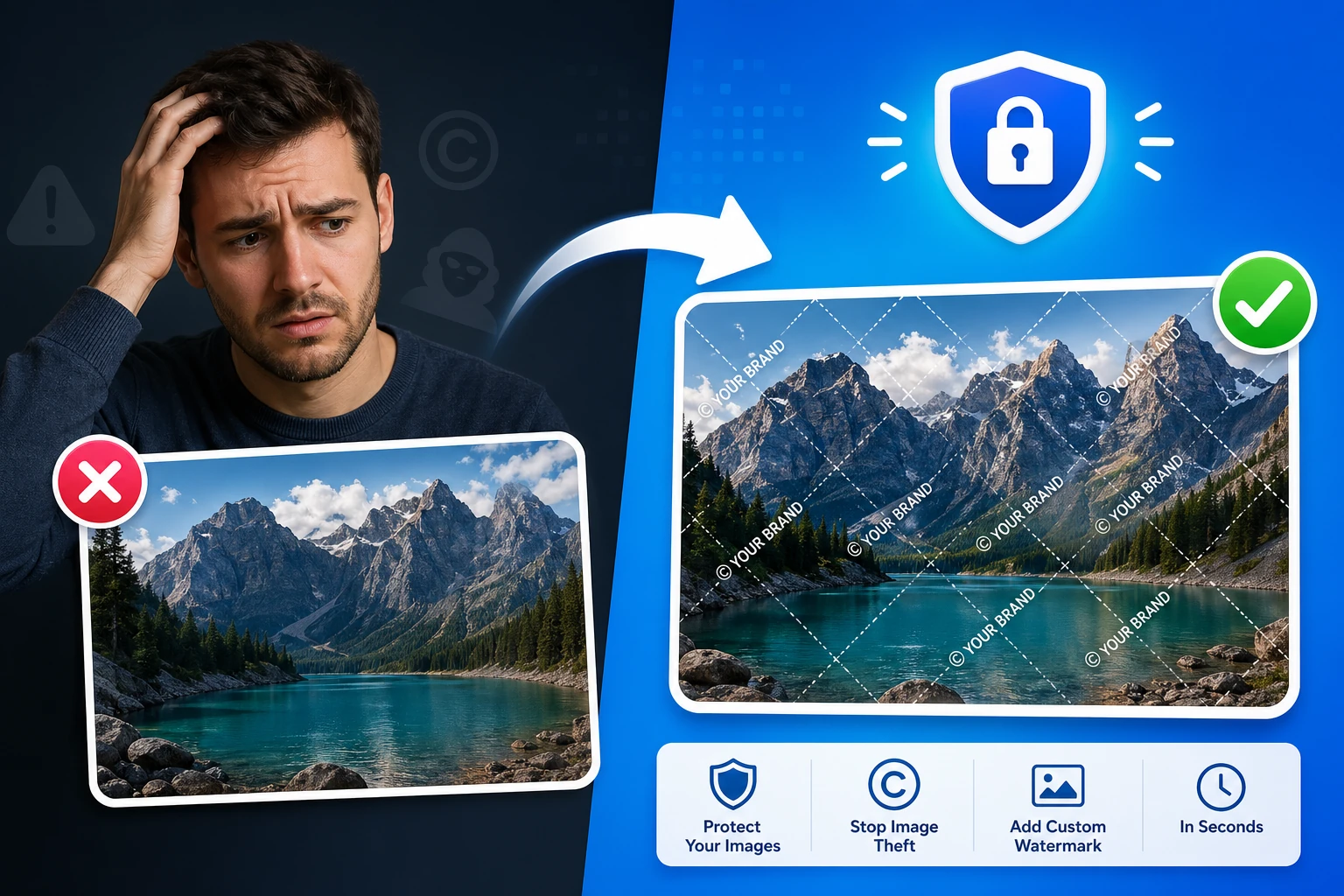
Add a text or logo watermark to images with full positioning controls — protect photos in your browser.
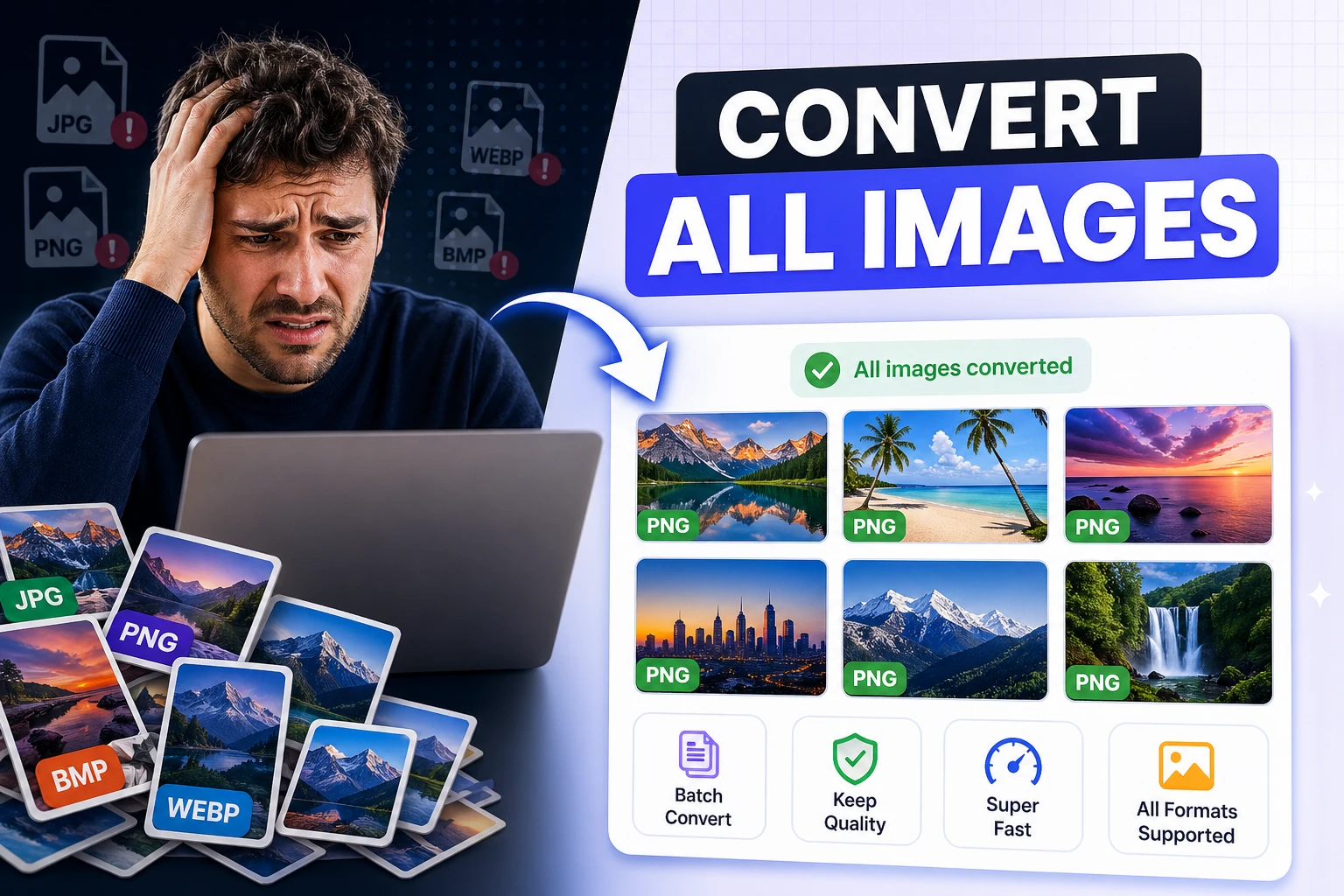
Convert multiple images to JPG, PNG, or WebP and download them together — bulk image format conversion.
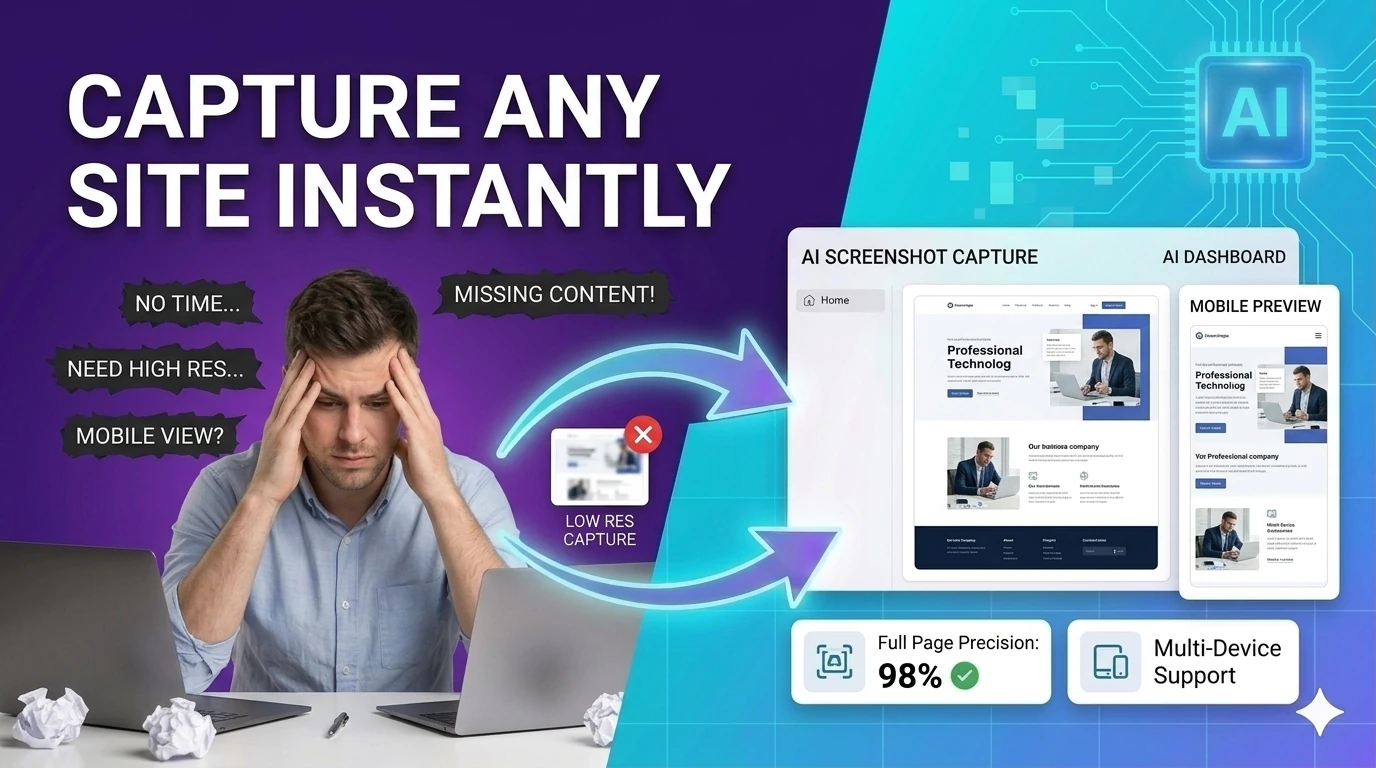
Capture a styled preview card as an image with html2canvas — export UI previews without browser extensions.
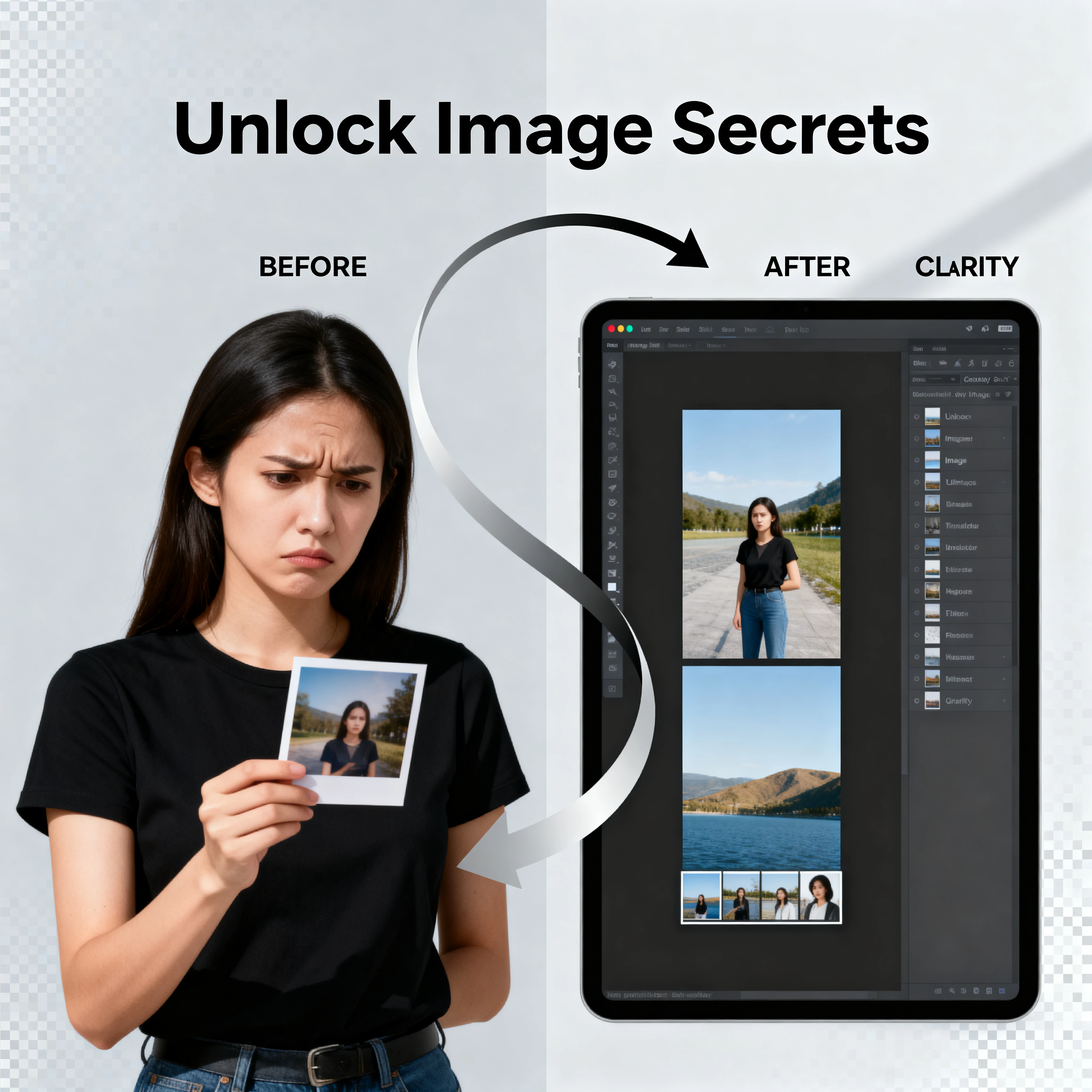
Read EXIF and basic image metadata from uploaded files — inspect camera settings, GPS, and creation dates.

Check image metadata for location, device, and timestamp details, then strip the fields you do not want to share. It is especially useful for press kits, listings, and personal photos shared publicly.
Create images from text prompts using a free AI model — generate visuals for any idea without cost.
Restore faded and damaged photos with AI enhancement controls directly in your browser.
Restore damaged or corrupted images and improve visual clarity — browser-based image recovery.
Improve aging and degraded photos with restoration controls — enhance old family photos in your browser.
Open a PDF editing workflow for quick markup, notes, and in-browser annotations — free PDF annotator.
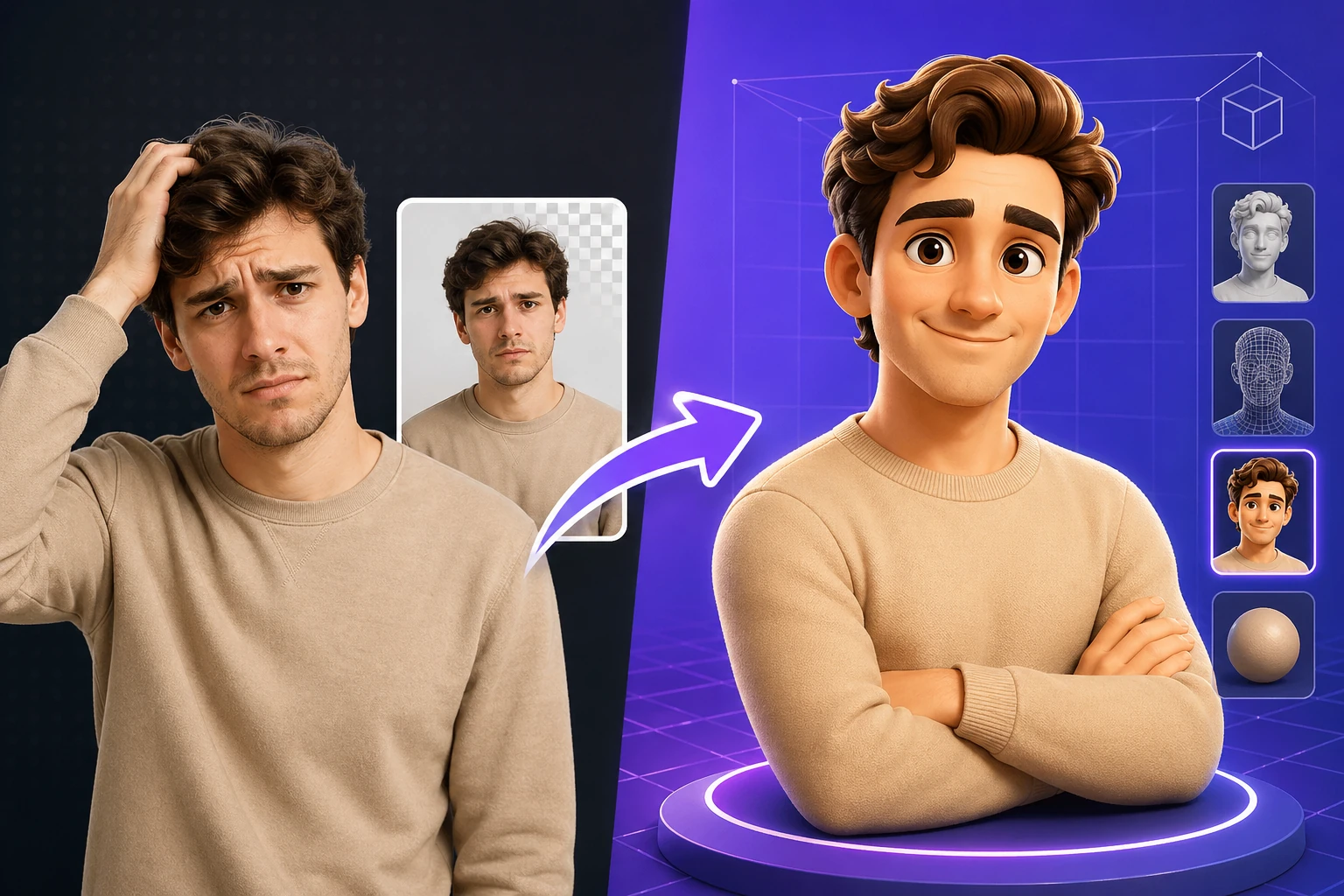
Apply depth-style 3D transformations to flat images — browser-based 3D photo effect generator.
Remove image backgrounds and replace them with custom colors or scenes using browser-based AI tools.
Generate multi-size favicon assets from an uploaded source image — download ICO, PNG, and Apple touch icon formats.
Pick colors and convert between HEX, RGB, and HSL formats — with live preview and clipboard copy.
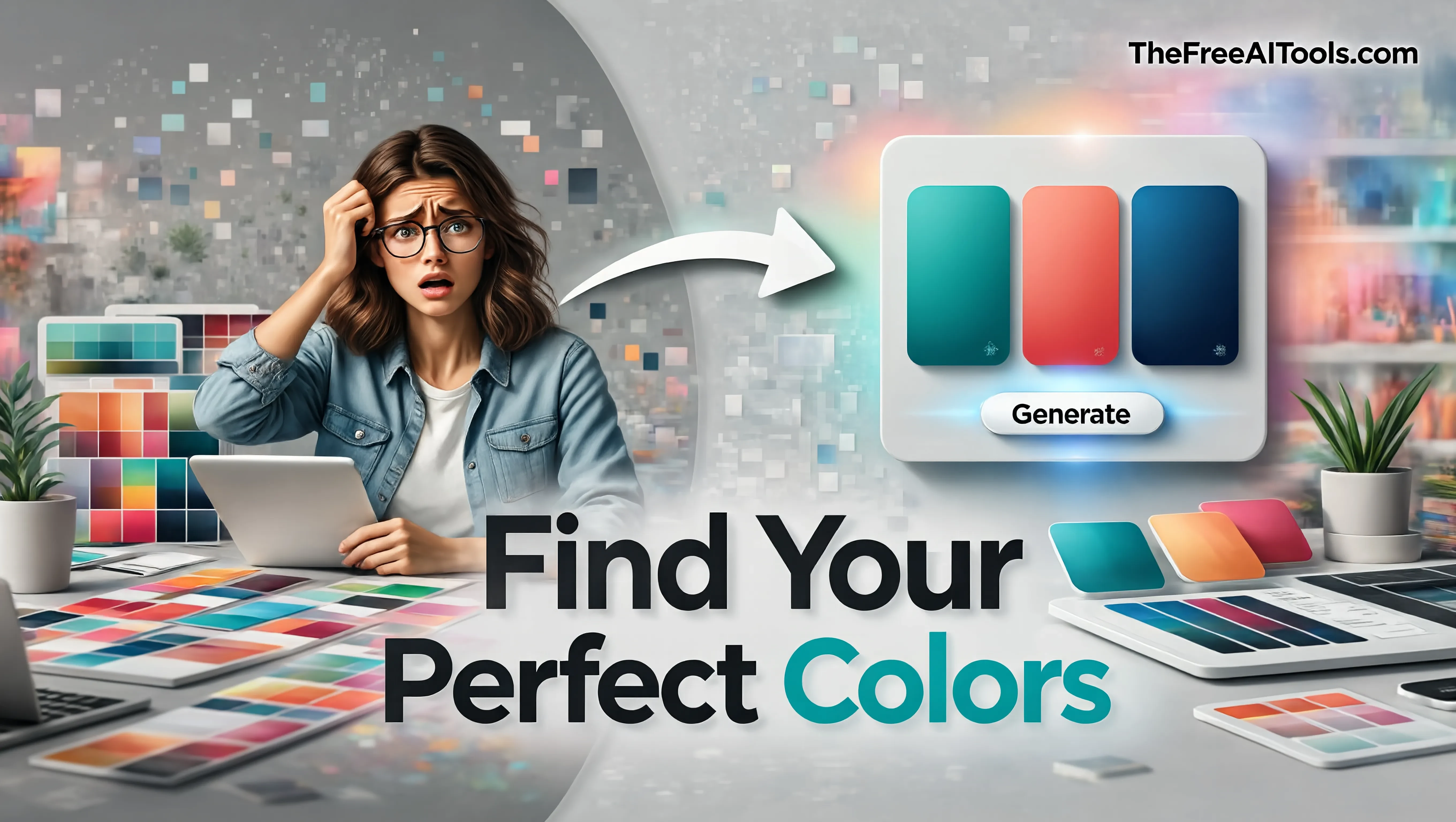
Extract a color palette from pasted CSS or HTML color values — build brand color systems instantly.
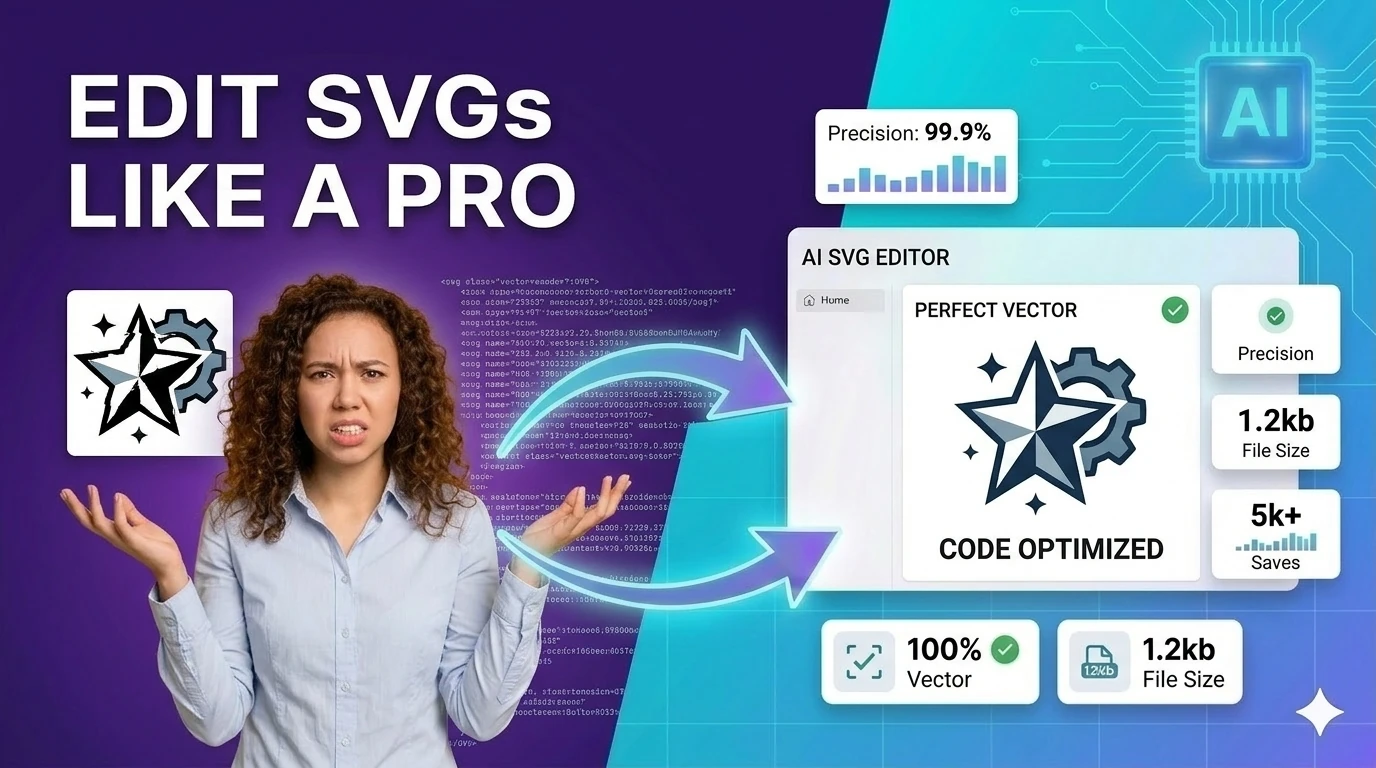
Build simple SVG graphics with shapes, labels, and export-ready markup — browser-based SVG design tool.
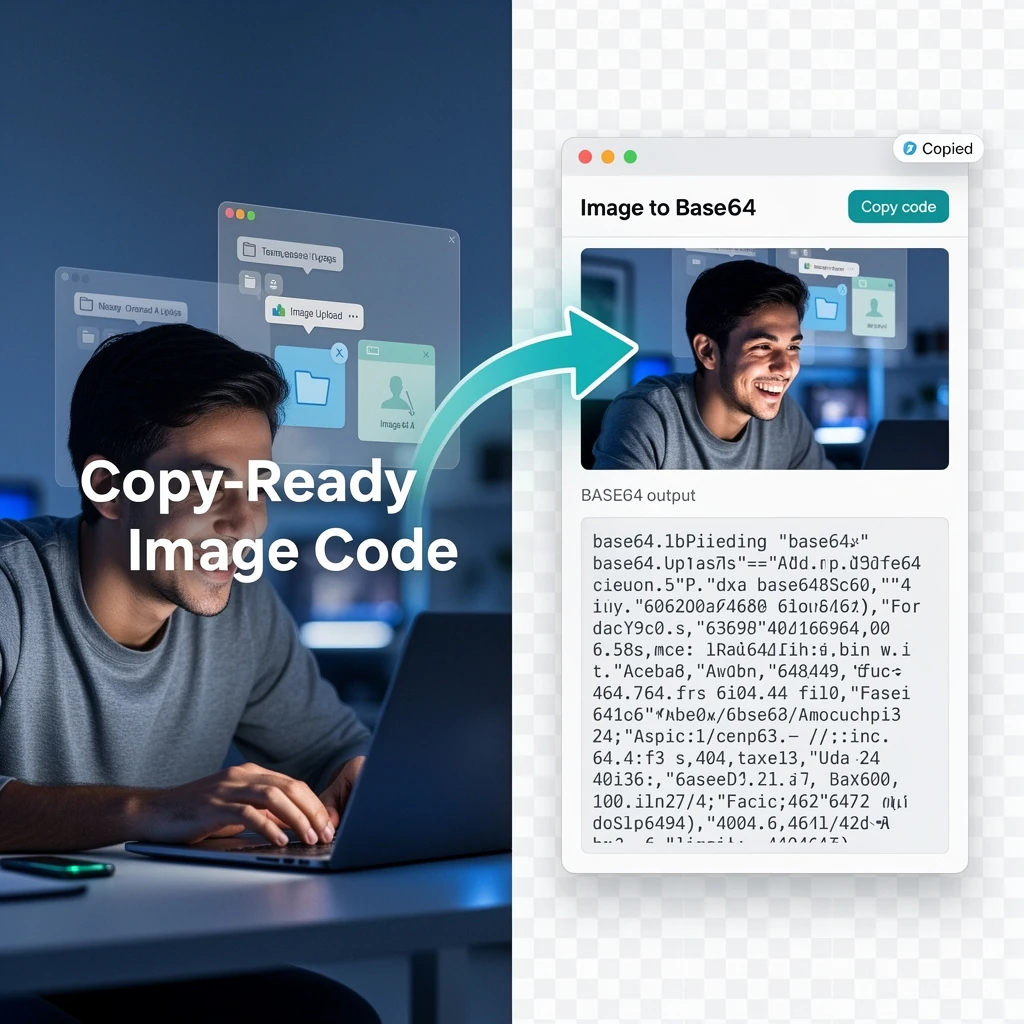
Convert images to Base64-encoded data URIs with instant preview — embed images inline in CSS or HTML.
Convert uploaded images directly into Base64 strings — embed images inline in emails, HTML, or CSS.
Compose and inspect SVG path commands visually — build custom shapes for logos and icons.
Watermarks on free tool output are one of the most frustrating dark patterns in the online tools industry. You complete a task — remove a background, compress an image, resize a photo — then discover that the downloaded file has a tool logo or 'Made with X' text stamped across it. The entire value of the edit is destroyed for any professional use case. This hub exists because that pattern is unacceptable. Every image tool listed here delivers your output as a clean file, exactly as it should be, without using your download as unpaid advertising.
Background removal is the image tool category most plagued by watermark practices. Many popular free background removers produce a low-resolution, watermarked preview on the free tier and require payment to download the full-resolution clean version. The tools in this hub do not operate that way. The background remover and AI background change tool deliver full-quality output without payment or plan upgrades, because a tool that does not work for free is not actually free.
AI image generation without watermarks is a meaningful differentiator in 2026. Several popular free AI image generators add visible or invisible watermarks to output as a licensing or attribution mechanism. For content creators who need custom images for blog posts, social media, presentations, and marketing materials, watermark-free AI-generated images are the only usable ones. The free AI image generator on this hub produces clean output that goes straight from generation to publication.
The professional image editing workflow — compress, resize, crop, convert, remove background — should produce finished assets that look like they came from a professional designer, not a free tool. Watermarks break that illusion and signal to viewers that the creator used a budget tool. For freelancers, small businesses, and content teams trying to maintain brand standards, watermark-free tools are not a nice-to-have — they are the baseline requirement for publishable output.
Quick answers about the workflow, privacy, and where this tool fits in a broader job.
Most free image tools use watermarking to push users toward paid plans. Every tool in this hub delivers clean, unmarked output files because forcing branding onto your work defeats the purpose of a free utility.
The background remover and AI background change tool on this hub both deliver clean-edge transparent PNG output without adding any branding or watermark to the downloaded file.
Commercial usage rights depend on the specific AI model. Review each tool's terms before using generated images in paid commercial projects — the absence of a watermark does not automatically mean commercial licensing is included.
The batch image converter on this hub processes multiple files simultaneously and outputs all converted images in the selected format without adding watermarks or requiring a paid upgrade.
No. The AI image generator produces and delivers images without embedding watermarks, making it suitable for direct use in blog posts, presentations, and social media content.
The complete toolkit
Every tool runs instantly in your browser — no account, no download, no cost. Across 13 categories for everyday tasks.