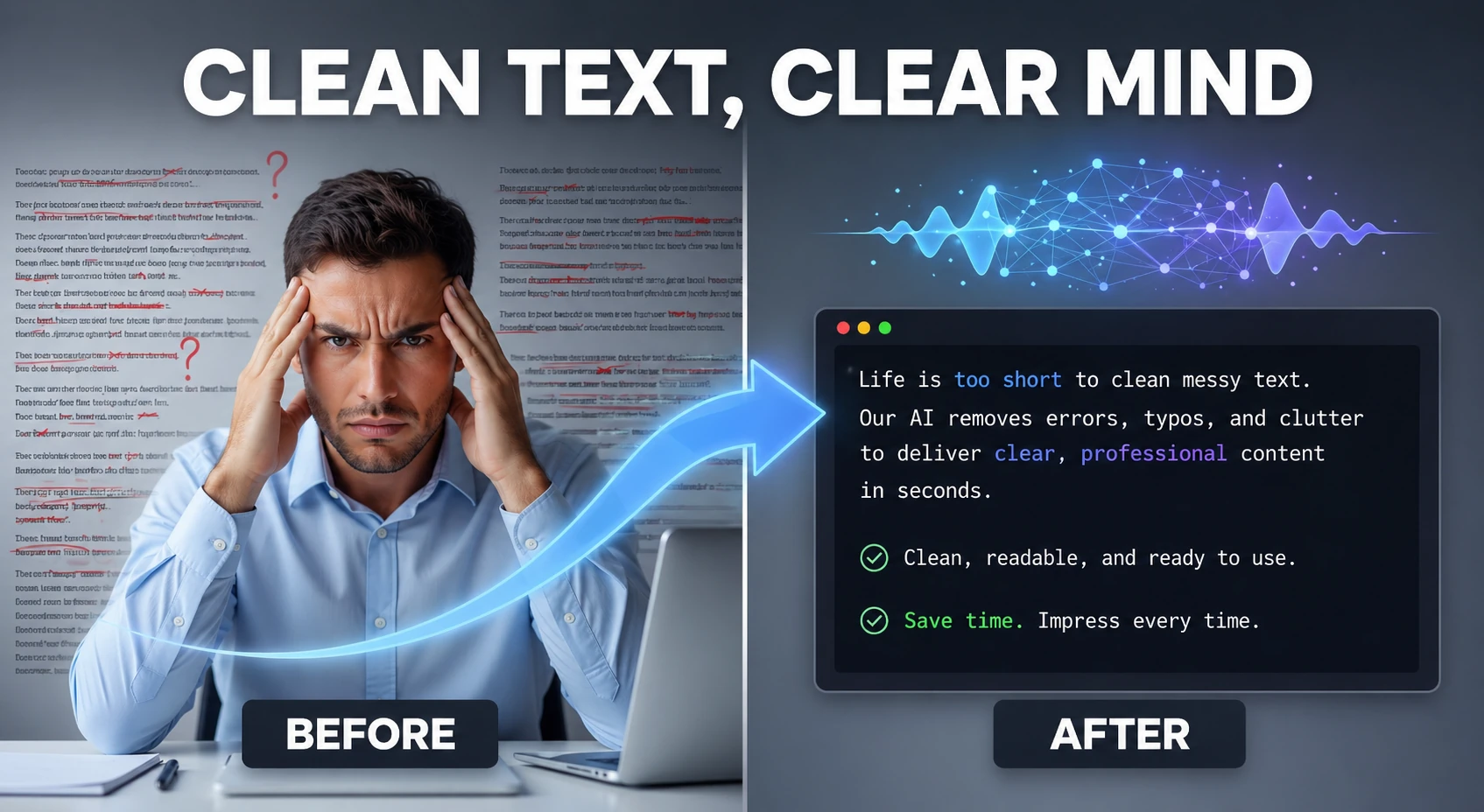
AI Text Cleaner
Clean and humanize AI-generated text to sound natural and help bypass AI detectors — powered by AI.
This hub collects the best free AI-powered grammar checking and writing improvement tools in — covering grammar correction, spell checking, punctuation fixing, style improvement, readability enhancement, and academic writing quality — all browser-based with zero signup. The free Grammarly alternative you have been looking for.
Updated · Reviewed by The Free AI Tools Editorial Team — AI grammar checking and writing quality tools review
Clean and humanize AI-generated text to sound natural and help bypass AI detectors — powered by AI.

Paraphrase and rewrite text using AI to sound natural, improve clarity, and bypass AI content detectors.
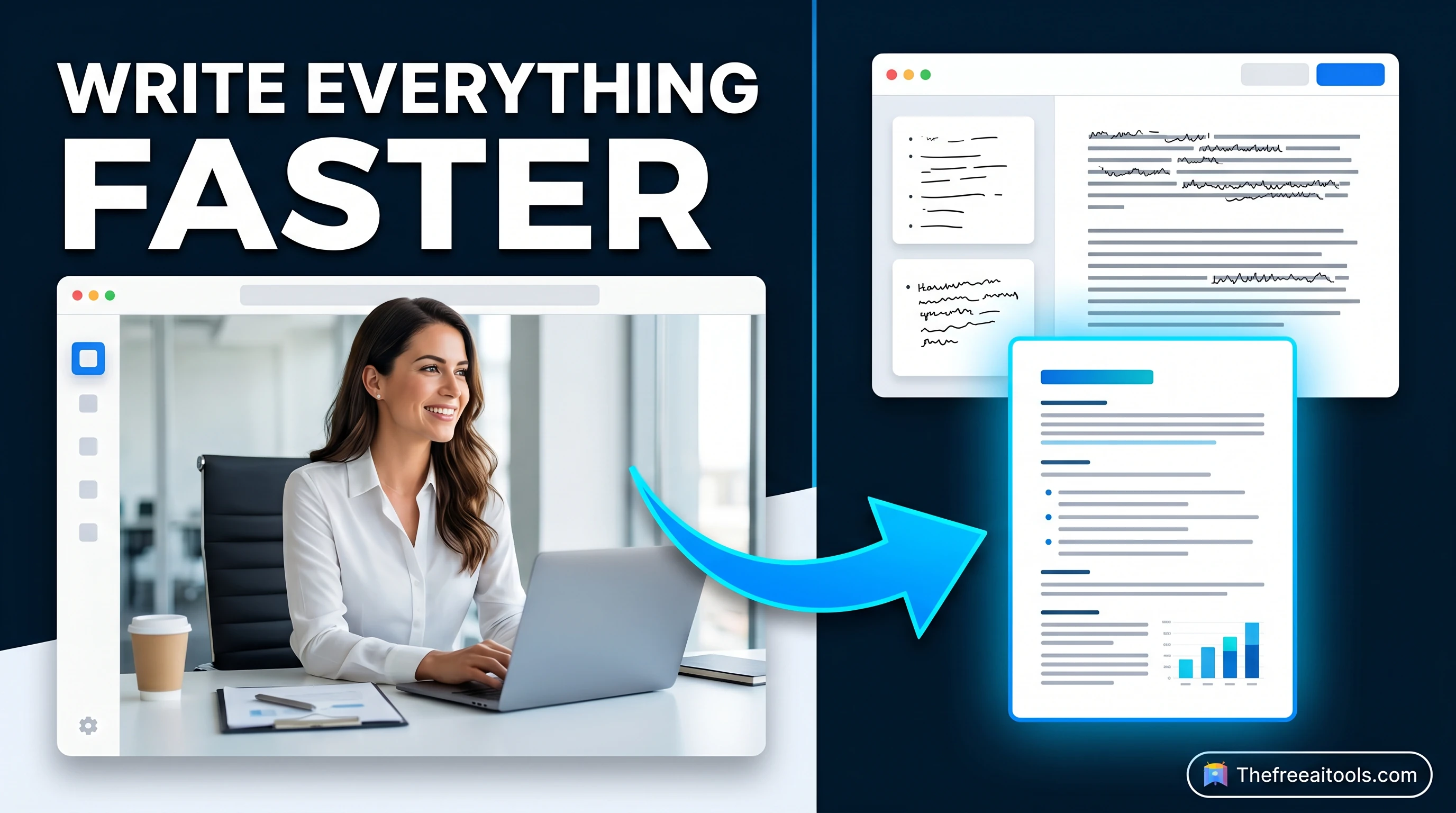
Detect robotic writing patterns and rewrite AI-generated text into a more natural, human-sounding draft — runs entirely in your browser.
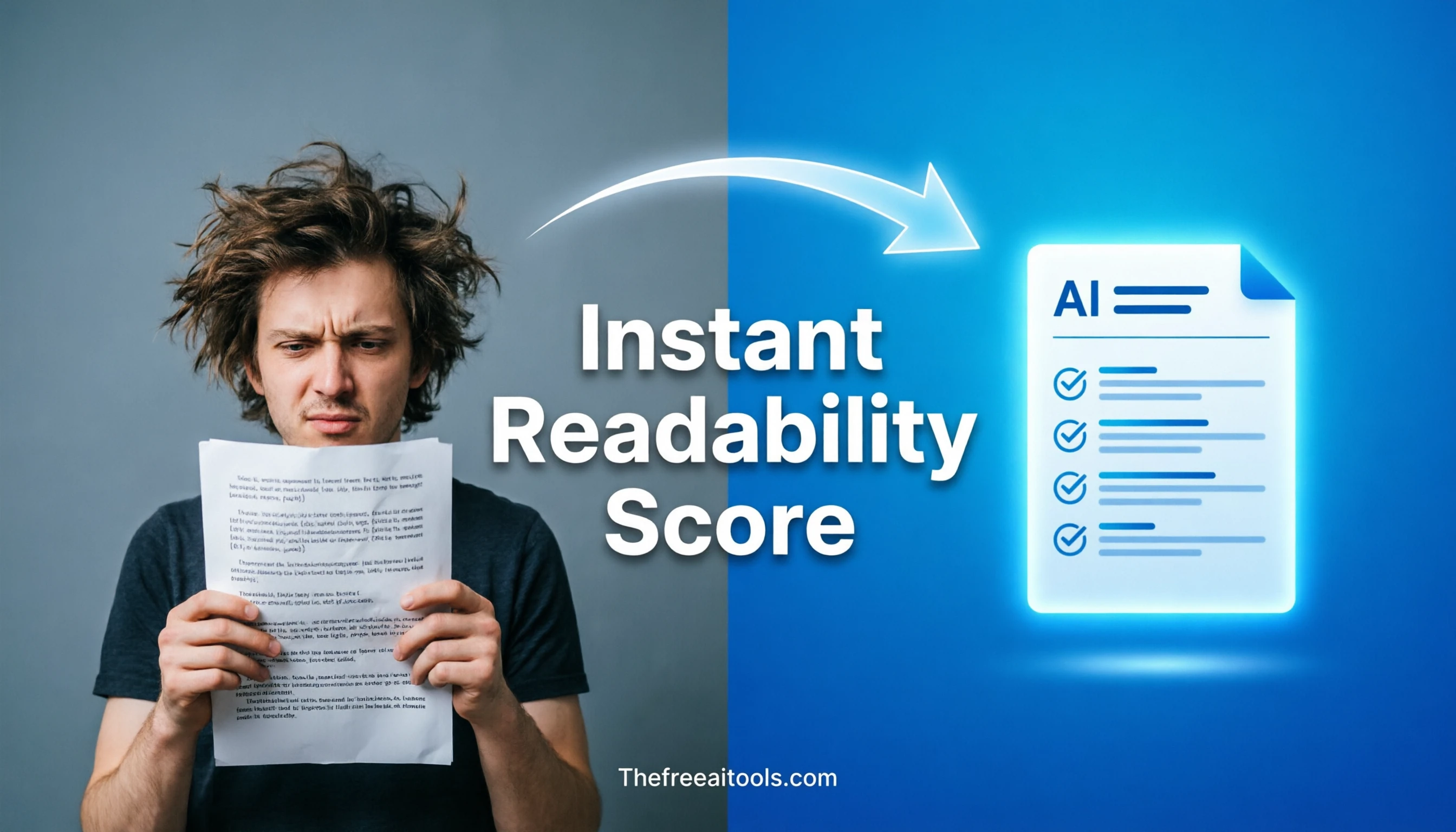
Estimate Flesch-Kincaid readability and sentence complexity from text — optimize content grade level instantly.
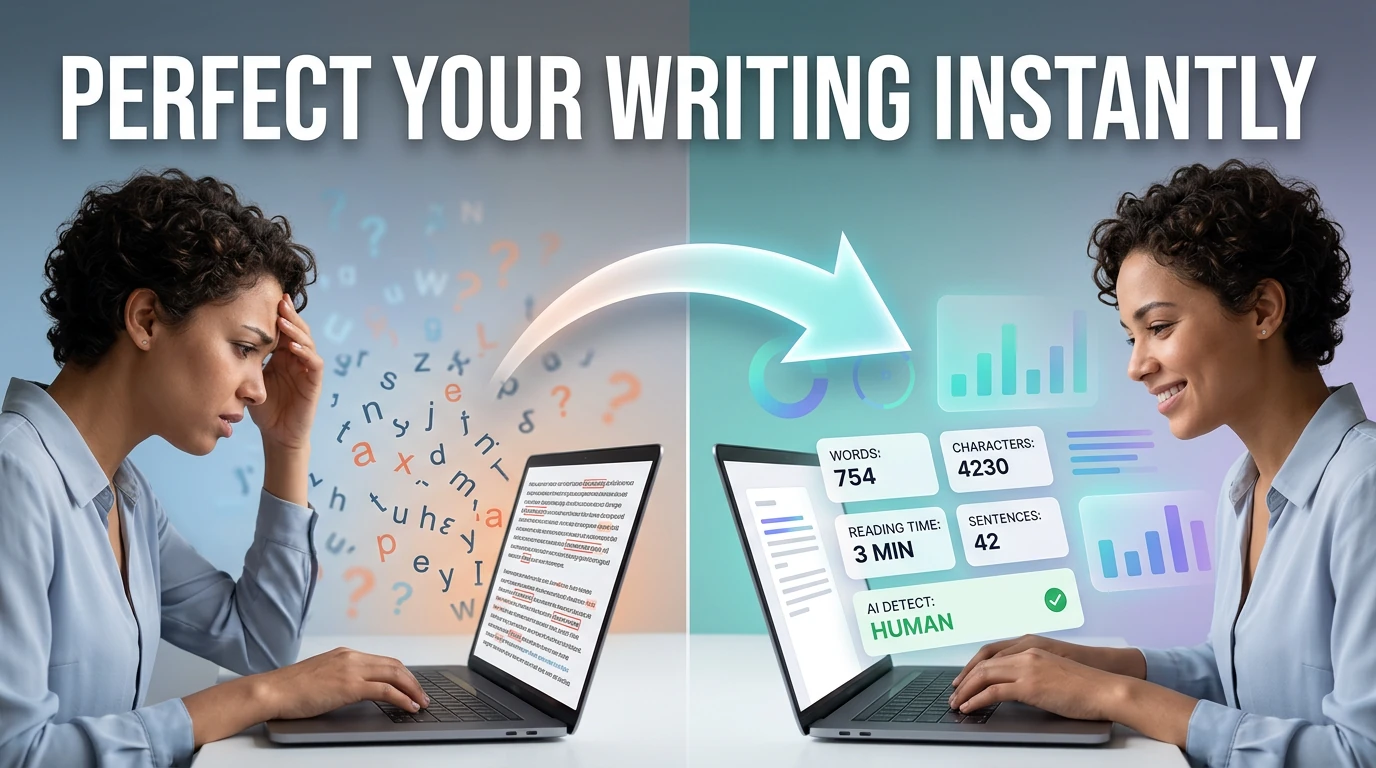
Count words, characters, sentences, and estimate reading time — with keyword density analysis.

Analyze text and estimate the likelihood it was generated by AI — detects ChatGPT, Claude, Gemini, and more using AI.
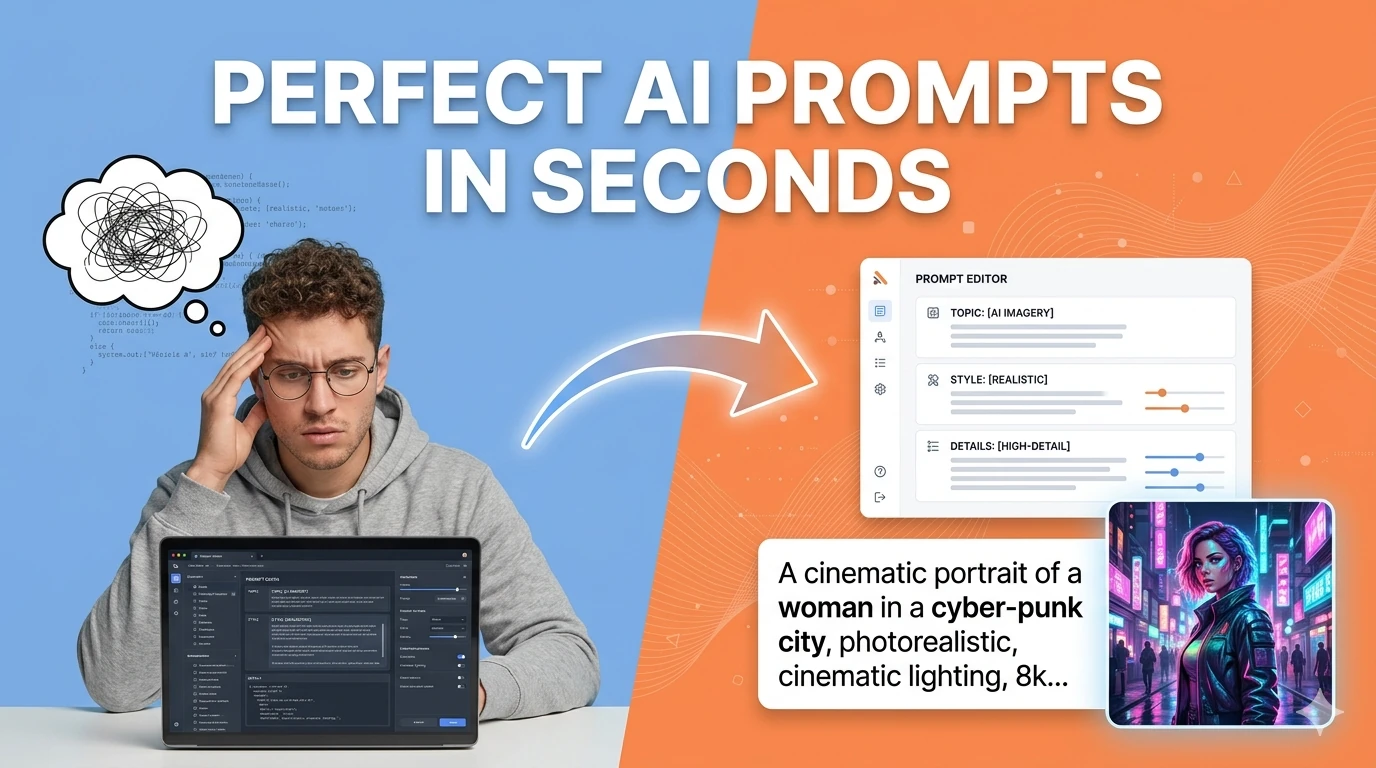
Turn simple ideas into highly detailed, optimized prompts for Midjourney, ChatGPT, Stable Diffusion, Claude, and DALL-E using AI.
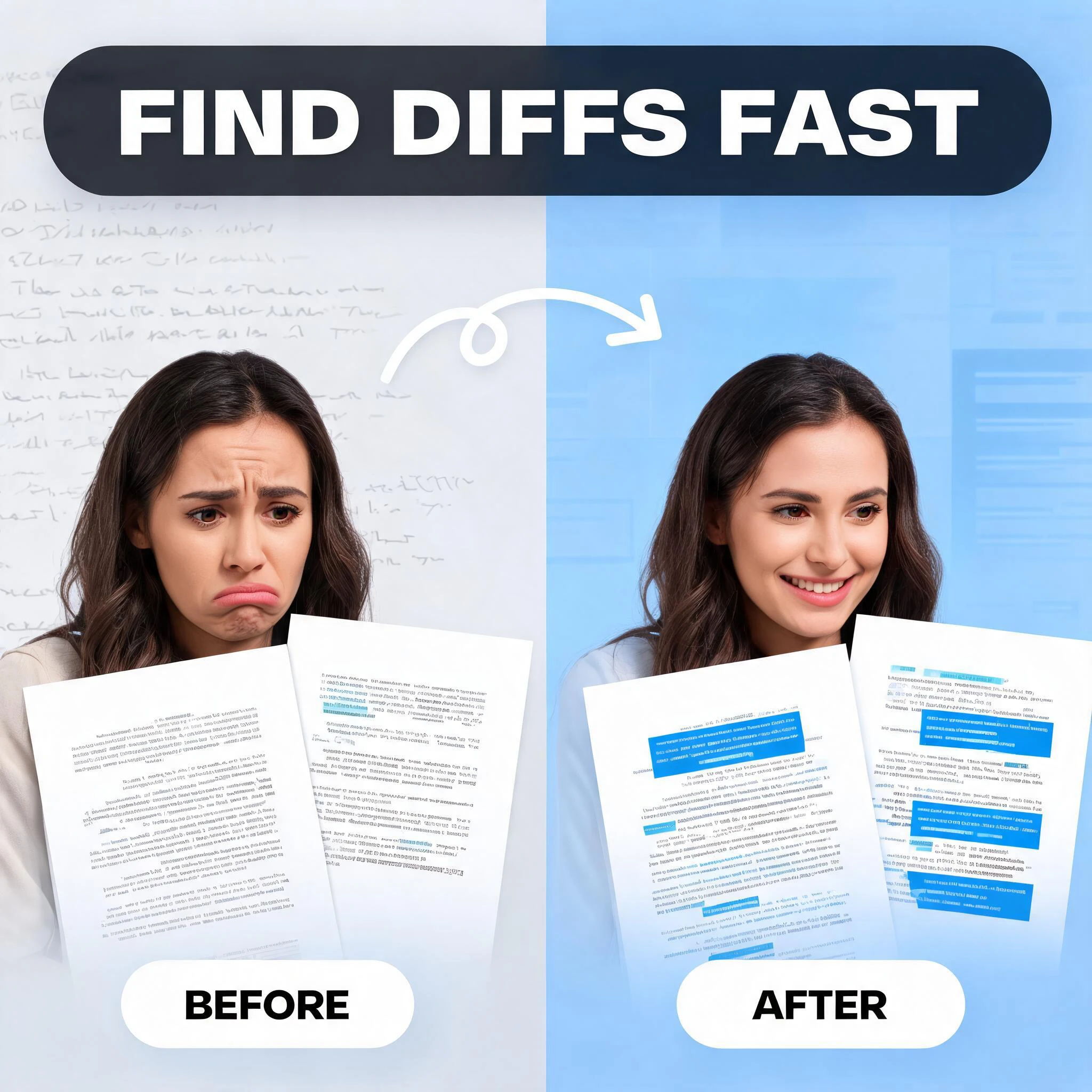
Compare two blocks of text and highlight additions and removals — visualize code and content changes instantly.
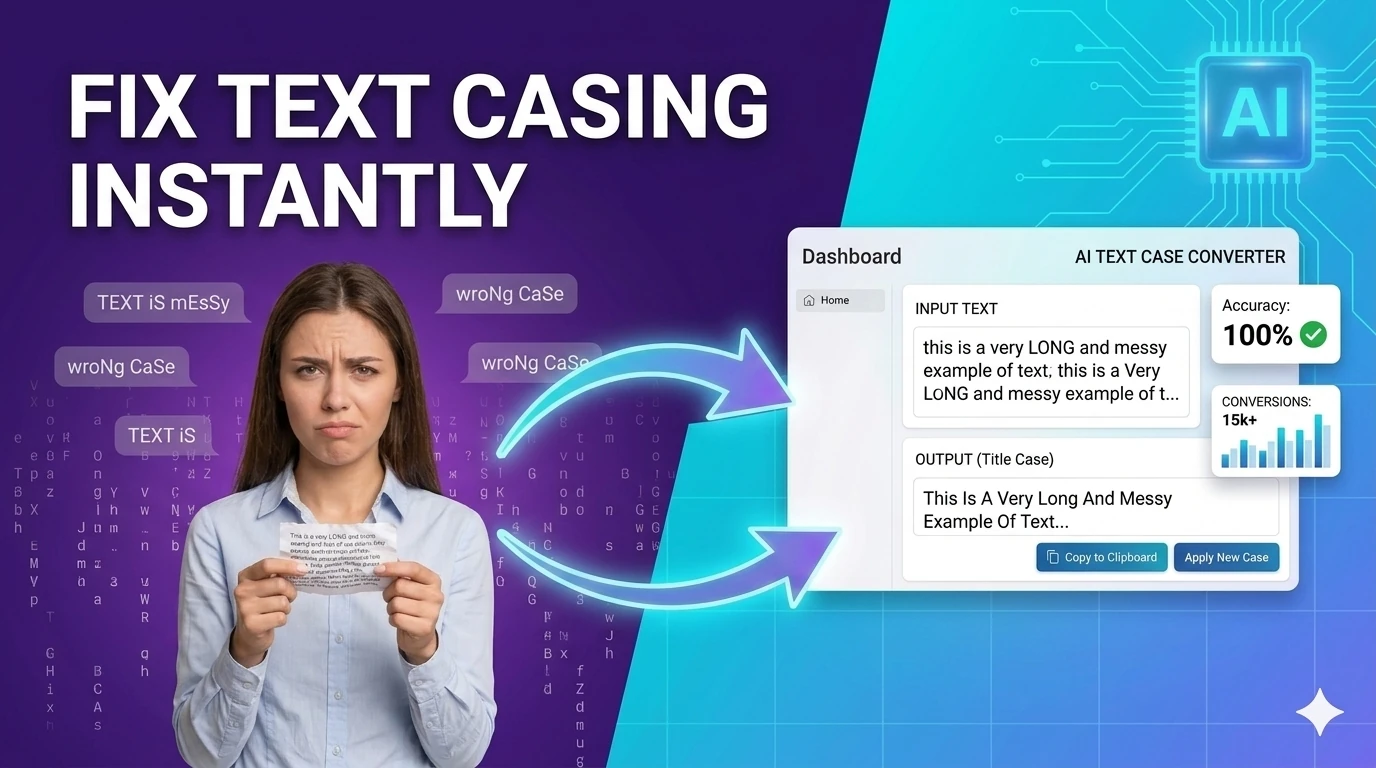
Convert text between upper, lower, title, camelCase, snake_case, and kebab-case — one-click text transformation.
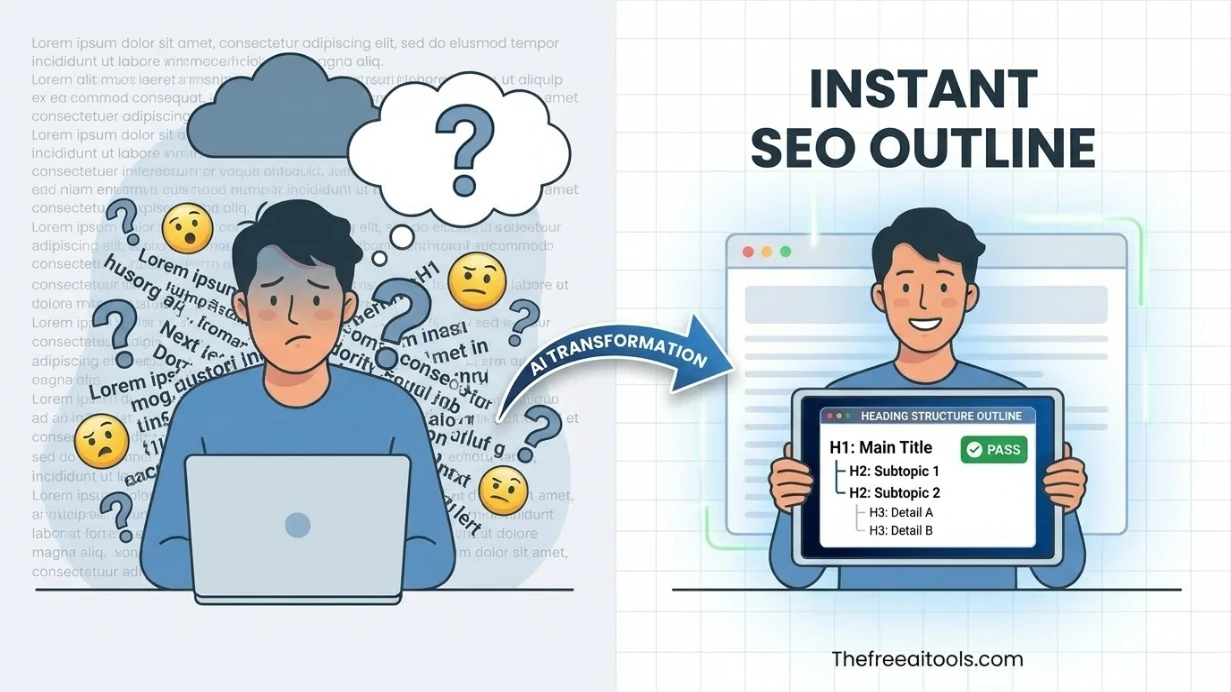
Audit pasted HTML for heading order, skipped levels, and document outline clarity — accessibility and SEO check.
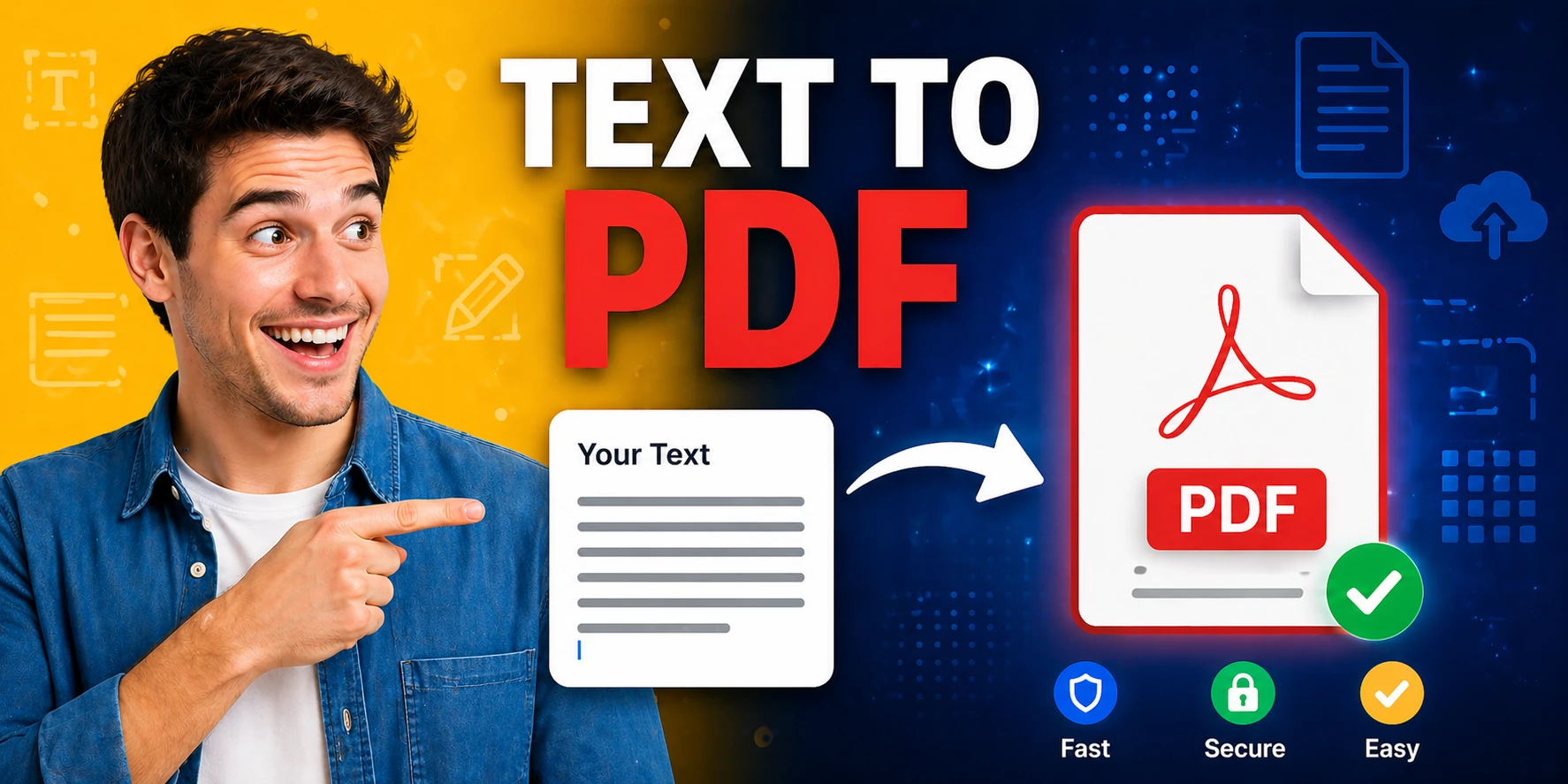
Convert plain text to formatted PDF documents with customizable page size — free, no software required.
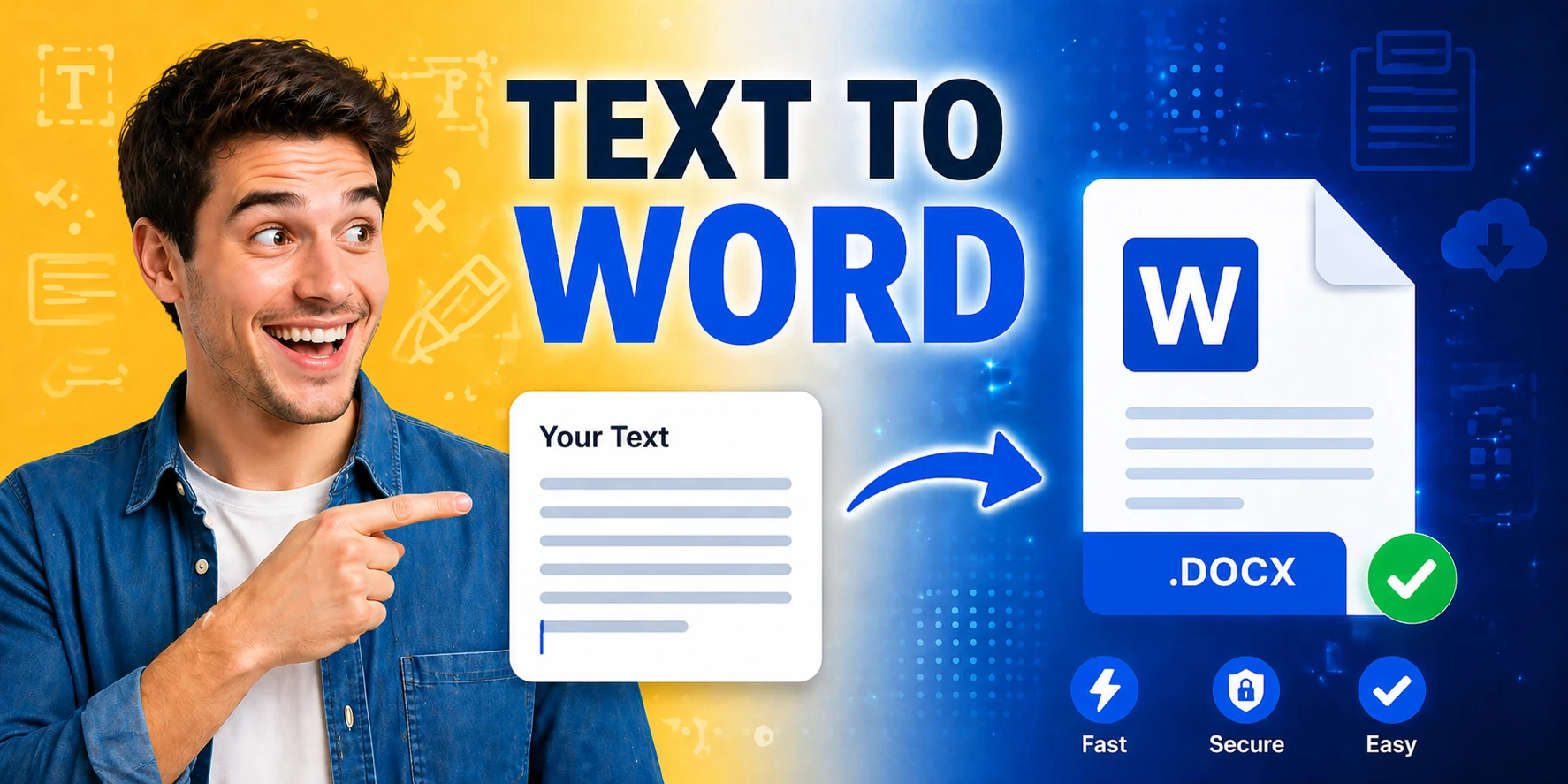
Generate Word documents (.docx) from plain text instantly — download ready-to-share documents in seconds.
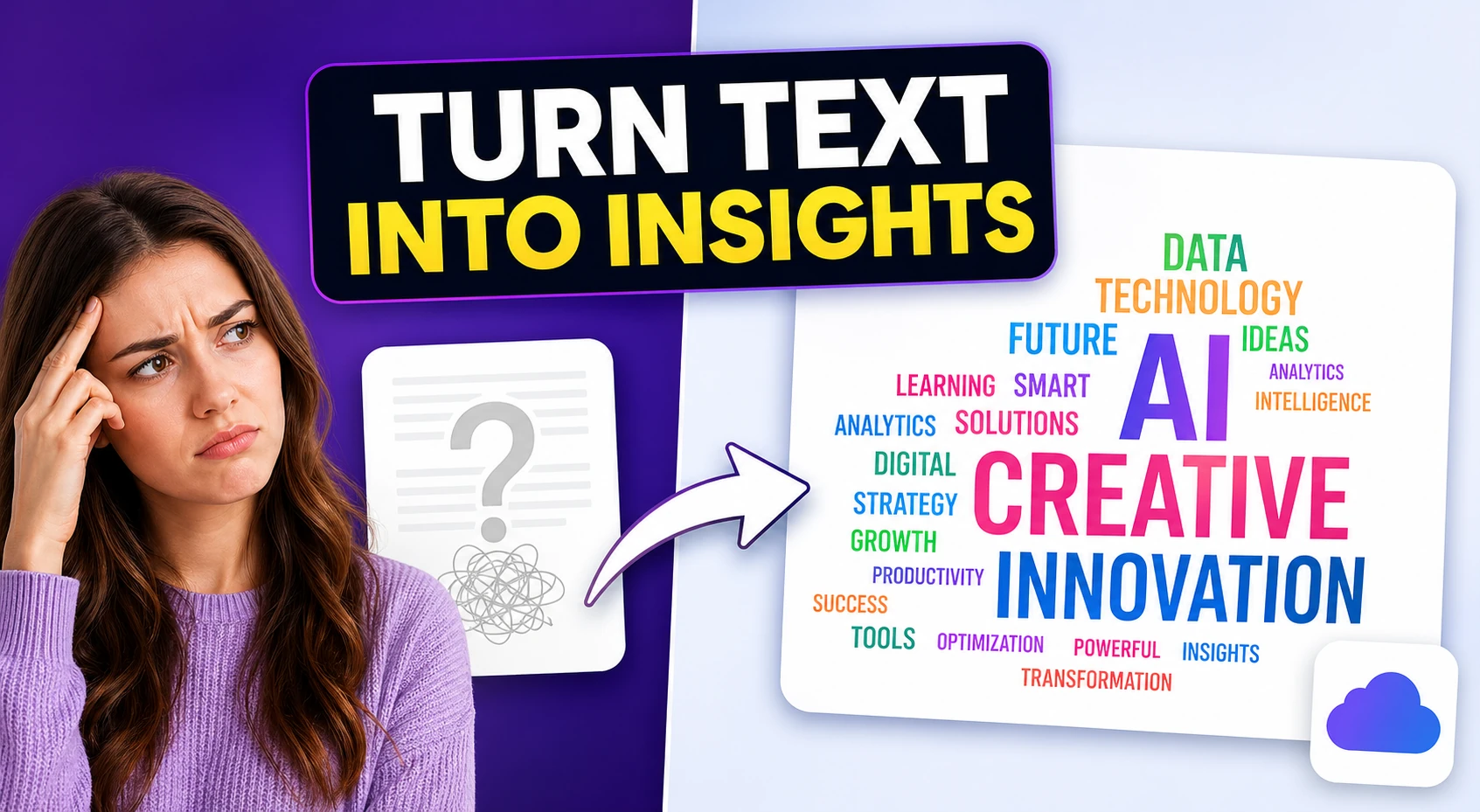
Create a visual SVG word cloud from any text input — great for content analysis, presentations, and data visualization.
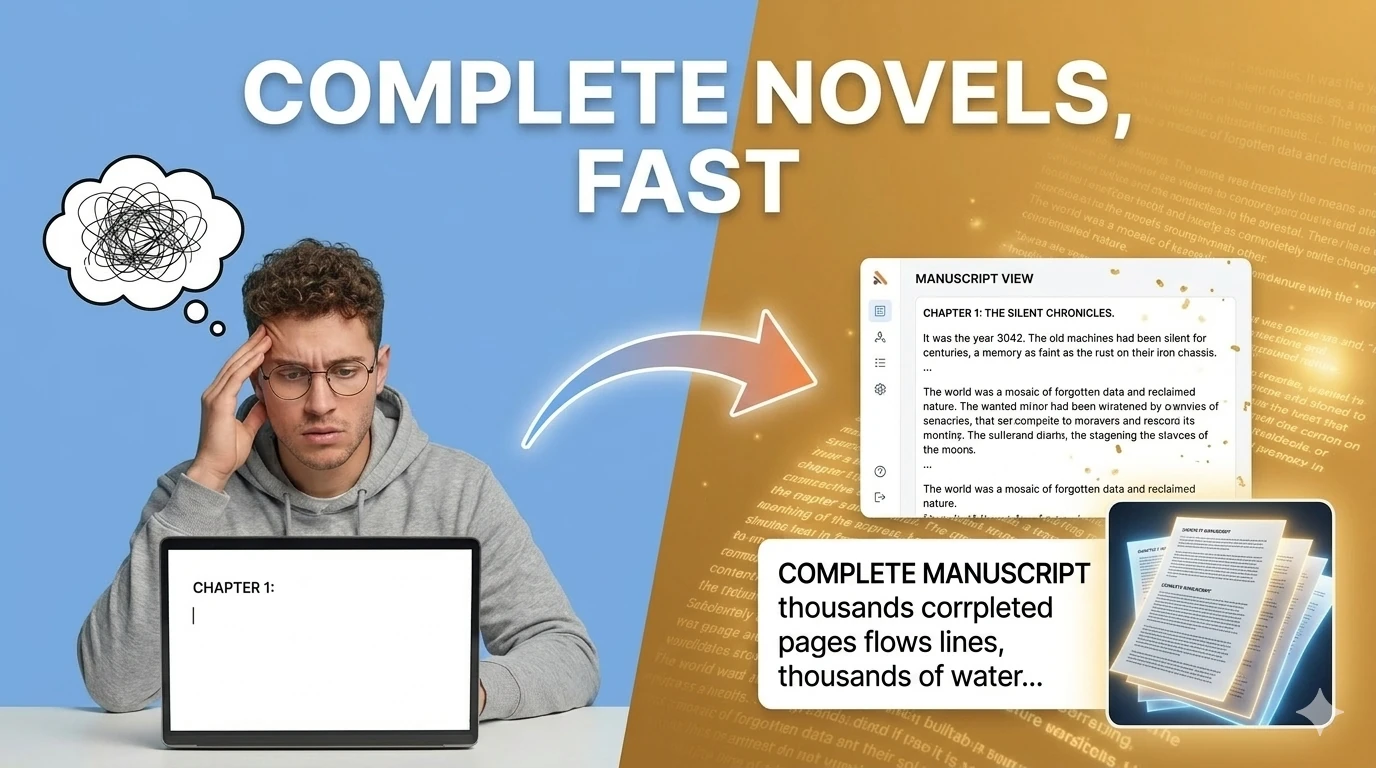
Generate captivating short stories, novel chapters, and fanfiction using AI — choose genre and let AI write the rest.
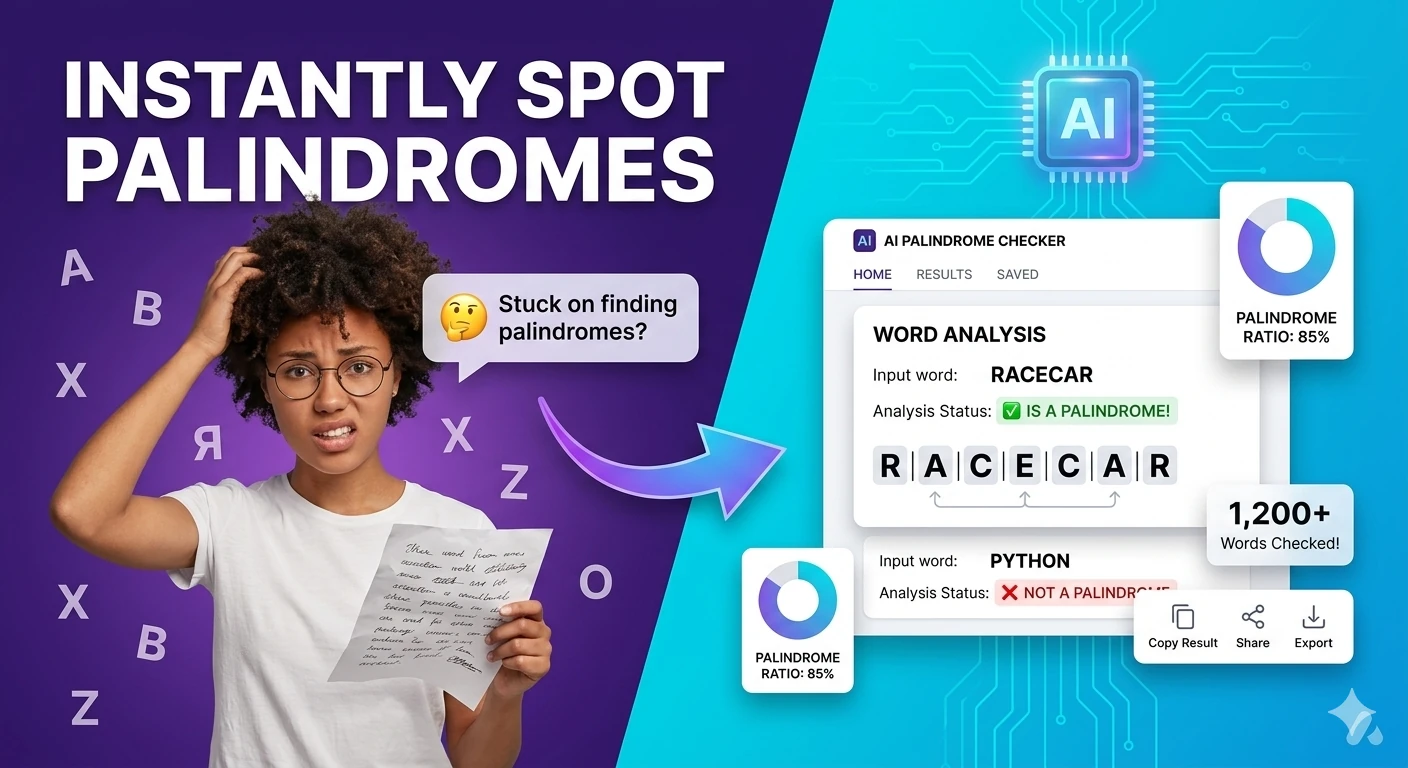
Check whether a word or phrase reads the same backwards — supports ignore-case and ignore-space modes.

Generate placeholder text in paragraphs, sentences, or words — perfect for mockups and UI design prototyping.
Grammar checking is the most universally needed writing tool in — and the category most dominated by a single paid subscription service. Grammarly's widespread adoption has trained millions of writers to expect real-time grammar feedback but accept a paid subscription as the default. The free tools in this hub challenge that assumption directly: the AI text cleaner corrects grammar, style, and readability issues with comparable quality to Grammarly's basic tier, without account creation, without the browser extension, and without the subscription reminder that appears every time you open the free version.
The grammar checking workflow that produces the best results in 2026 uses AI tools in sequence rather than in isolation. Start with the AI text cleaner to correct grammatical errors and awkward phrasing. Then run the corrected text through the readability score calculator to identify sentences that are grammatically correct but unnecessarily complex. Finally, apply the text humanizer if the content has been AI-generated or if the grammar corrections have introduced mechanical phrasing. This three-step sequence addresses the full spectrum of writing quality issues that a grammar checker alone cannot resolve.
Academic and professional contexts place specific grammar demands on writers that general grammar tools address inconsistently. Academic writing requires consistent tense, careful citation integration, passive voice management, and hedging language conventions that vary by discipline. Professional writing requires consistent register, concise sentence construction, and active voice preference that academic training often suppresses. The AI tools in this hub apply grammar corrections across both contexts by accepting explicit register and style instructions in the prompt — allowing the same tools to produce correctly different output for academic and professional use cases.
Grammar error detection accuracy has improved dramatically with AI tools in 2026. Earlier generation grammar checkers relied on rule-based systems that caught obvious errors but missed context-dependent mistakes — correct spelling of the wrong word, grammatically valid but semantically awkward constructions, and register inconsistencies. AI grammar tools evaluate grammatical correctness in semantic context, catching the errors that rule-based systems miss while reducing the false-positive rate that frustrated users of earlier tools. The combination of higher catch rate and lower false-positive rate makes AI grammar tools significantly more useful than spell-checkers with grammar modules.
Quick answers about the workflow, privacy, and where this tool fits in a broader job.
Yes. The AI text cleaner and paraphrasing tool in this hub provide grammar correction, style improvement, and readability enhancement that covers the core functionality of Grammarly's free tier — without account creation, character limits, or upsell prompts interrupting your workflow.
The AI text cleaner identifies and corrects grammatical errors, awkward phrasing, run-on sentences, passive voice overuse, and spelling mistakes while preserving your original meaning. Paste your text and the tool returns a corrected version with improvements applied.
Yes. Academic writing errors — comma splices, subject-verb agreement failures, misplaced modifiers, incorrect tense consistency, and weak sentence structure — are well within AI grammar tool capability. The readability score calculator additionally identifies sentences that are grammatically correct but unnecessarily complex.
After running text through the grammar checker, paste both the original and corrected versions into the diff checker to see exactly which changes were made. This review step confirms the corrections are improvements and catches any unintended meaning changes.
Grammar checking corrects errors — wrong word choices, punctuation mistakes, agreement failures. Text humanizing improves naturalness — varying sentence rhythm, removing robotic phrasing, adjusting register. For polished professional writing, run text through both the grammar cleaner and the humanizer in sequence.
The complete toolkit
Every tool runs instantly in your browser — no account, no download, no cost. Across 13 categories for everyday tasks.