
AI Paraphrasing Tool
Paraphrase and rewrite text using AI to sound natural, improve clarity, and bypass AI content detectors.
This hub collects the best free browser-based tools for every stage of the content writing workflow in — research, drafting, editing, SEO optimization, and publishing — with AI-powered assistance throughout, no subscription required.
Updated · Reviewed by The Free AI Tools Editorial Team — Content writing and SEO tools review
Paraphrase and rewrite text using AI to sound natural, improve clarity, and bypass AI content detectors.
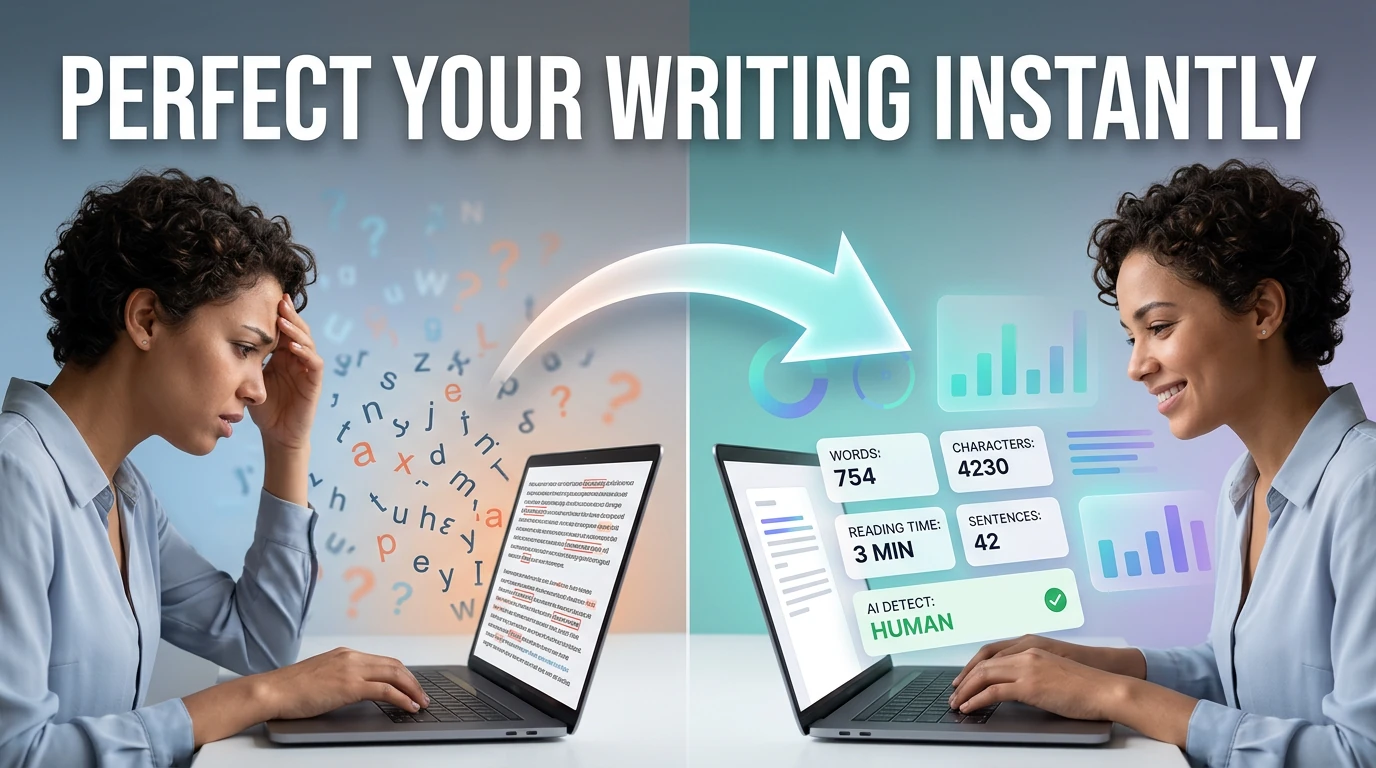
Count words, characters, sentences, and estimate reading time — with keyword density analysis.
Estimate Flesch-Kincaid readability and sentence complexity from text — optimize content grade level instantly.
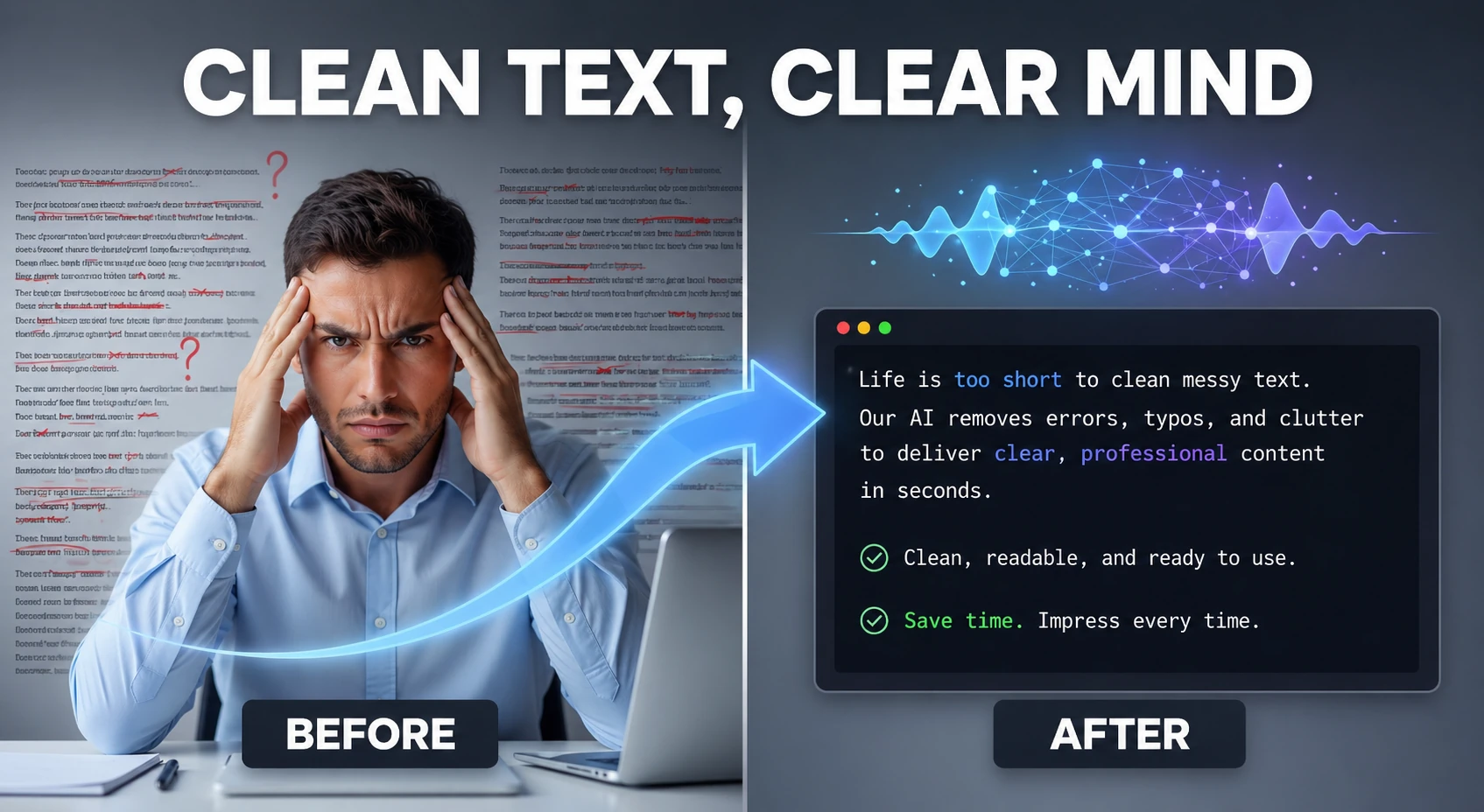
Clean and humanize AI-generated text to sound natural and help bypass AI detectors — powered by AI.

Analyze text and estimate the likelihood it was generated by AI — detects ChatGPT, Claude, Gemini, and more using AI.
Detect robotic writing patterns and rewrite AI-generated text into a more natural, human-sounding draft — runs entirely in your browser.
Generate captivating short stories, novel chapters, and fanfiction using AI — choose genre and let AI write the rest.

Turn simple ideas into highly detailed, optimized prompts for Midjourney, ChatGPT, Stable Diffusion, Claude, and DALL-E using AI.

Generate SEO-friendly meta tags including Open Graph, Twitter Card, and canonical tags — copy-ready HTML with live preview.

Preview title tags, URLs, and meta descriptions in a Google-style search result layout — SEO snippet tool.
Turn page titles into clean, readable, SEO-friendly URL slugs — remove stop words and special characters.
Analyze repeated phrases and top keywords inside any text block — optimize content for search rankings.
Review meta descriptions for character length and snippet-friendly ranges — bulk SEO meta audit tool.

Preview how Open Graph titles, descriptions, and images appear when shared on social media — OG tag tester.

Validate Twitter Card meta tags and preview card-style output — test X/Twitter link sharing appearance.
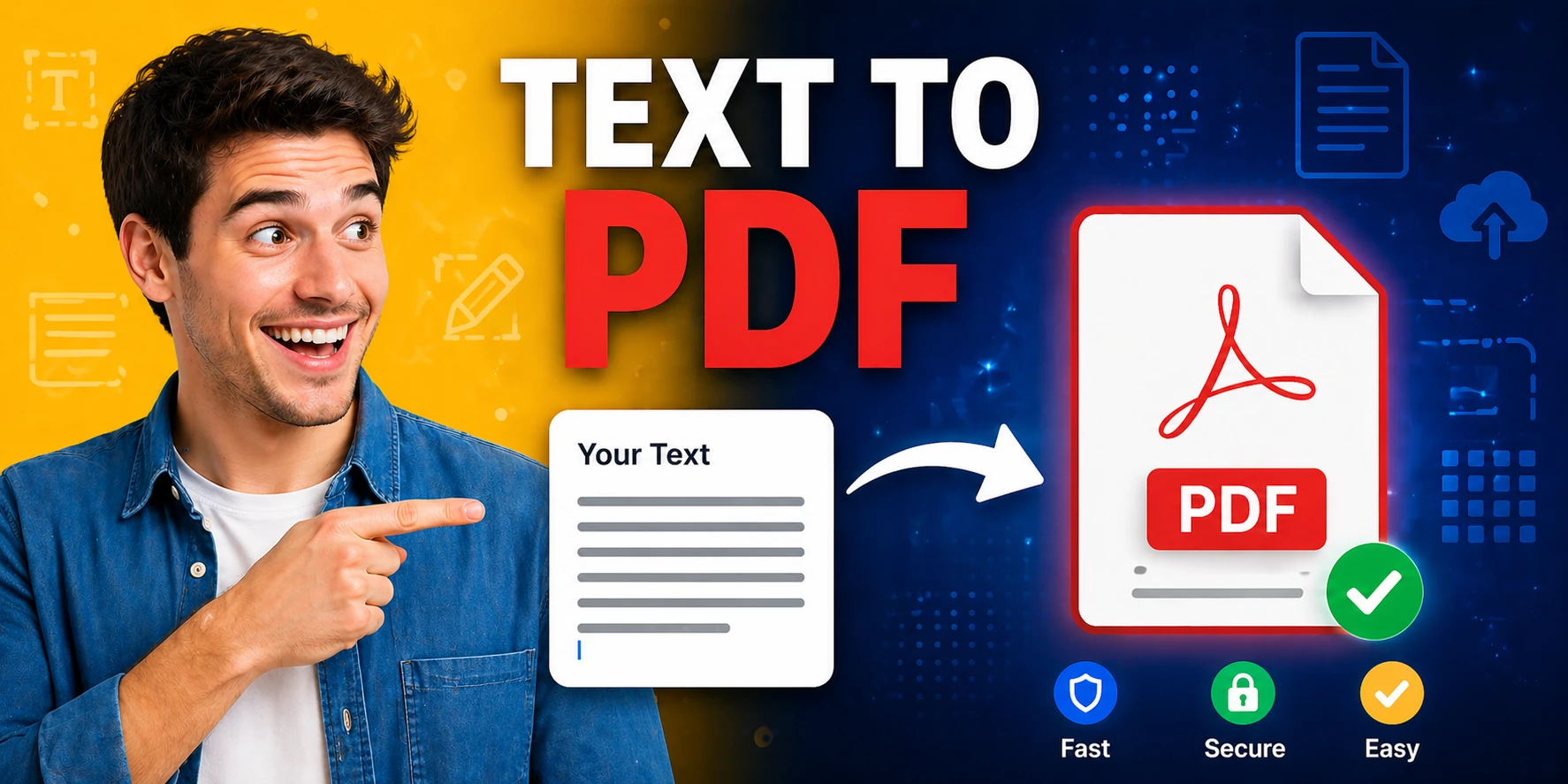
Convert plain text to formatted PDF documents with customizable page size — free, no software required.
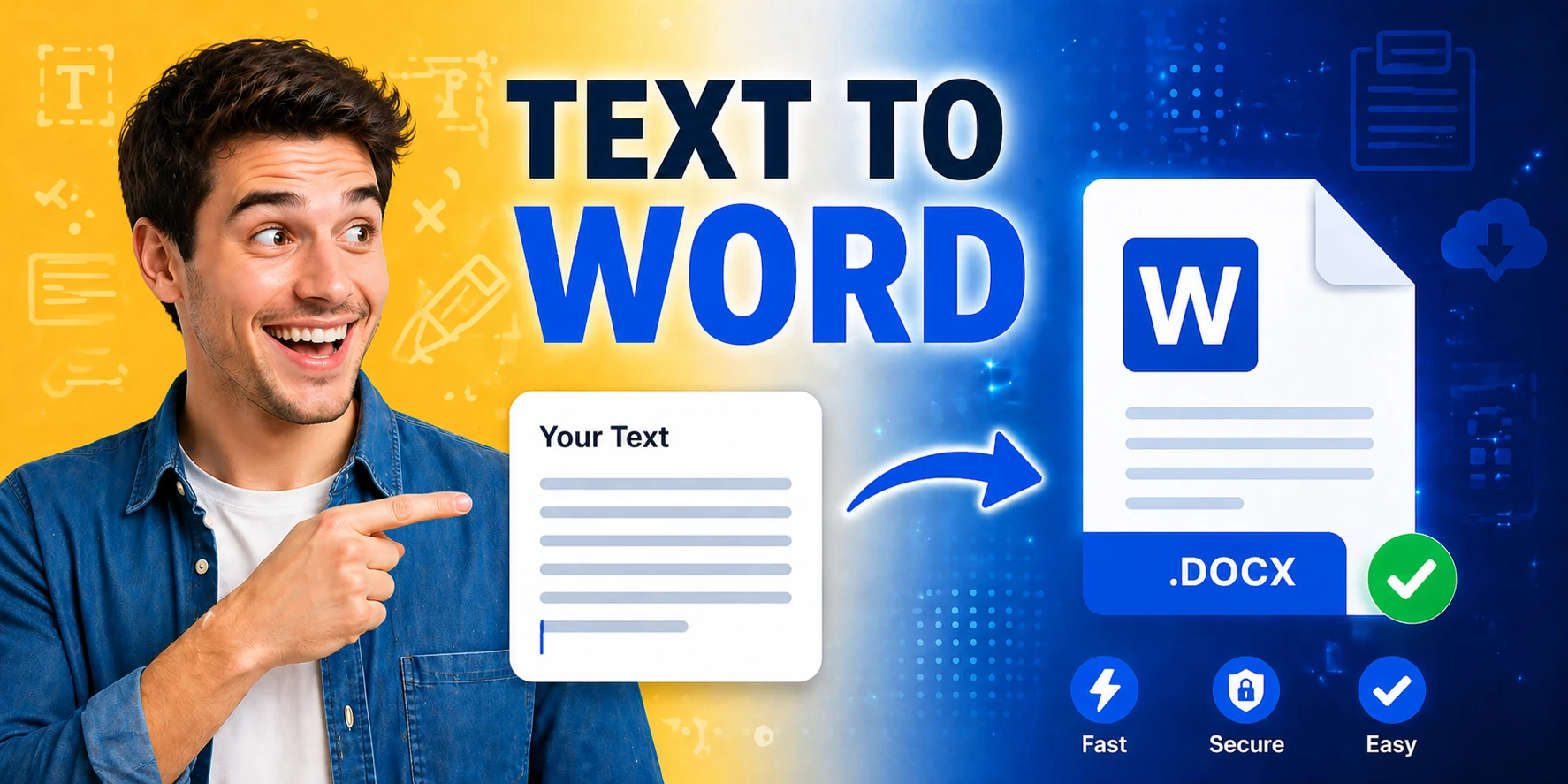
Generate Word documents (.docx) from plain text instantly — download ready-to-share documents in seconds.

Create a visual SVG word cloud from any text input — great for content analysis, presentations, and data visualization.
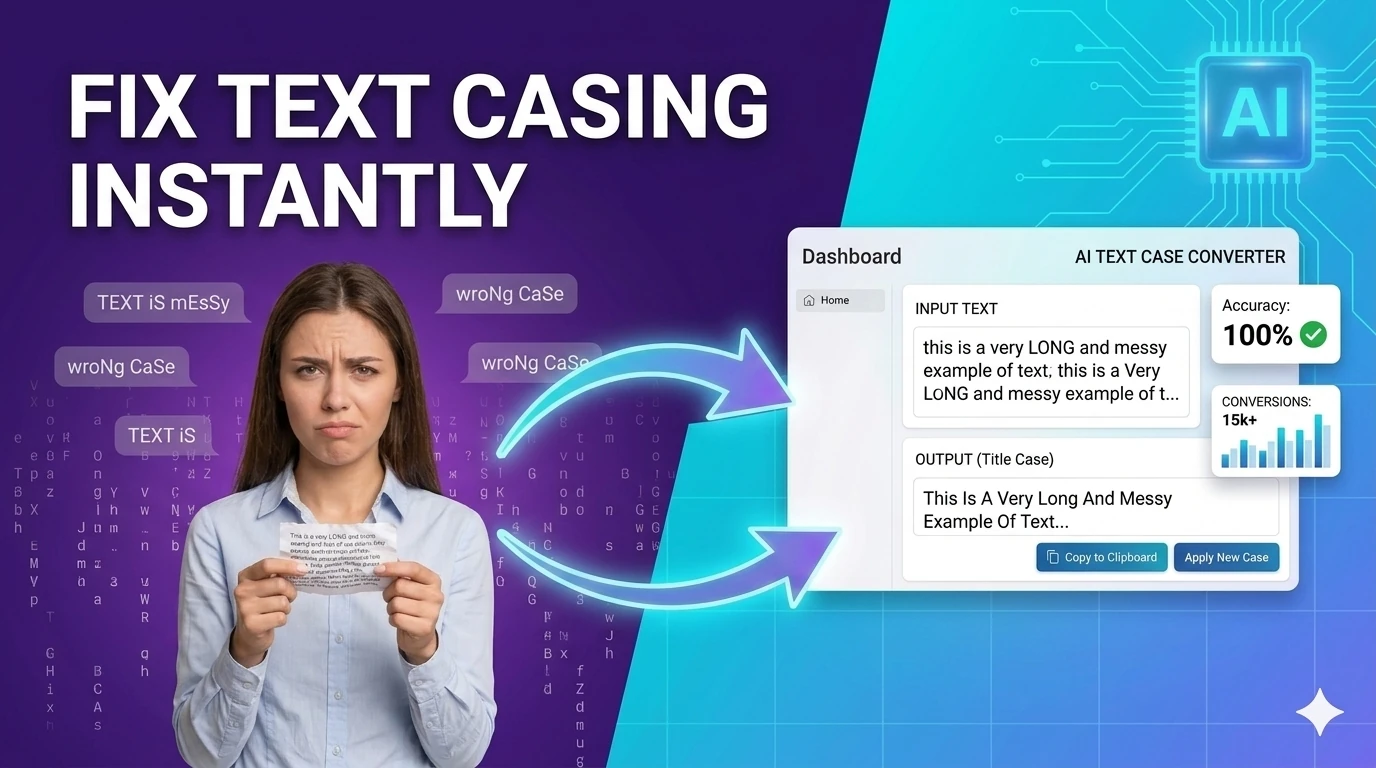
Convert text between upper, lower, title, camelCase, snake_case, and kebab-case — one-click text transformation.
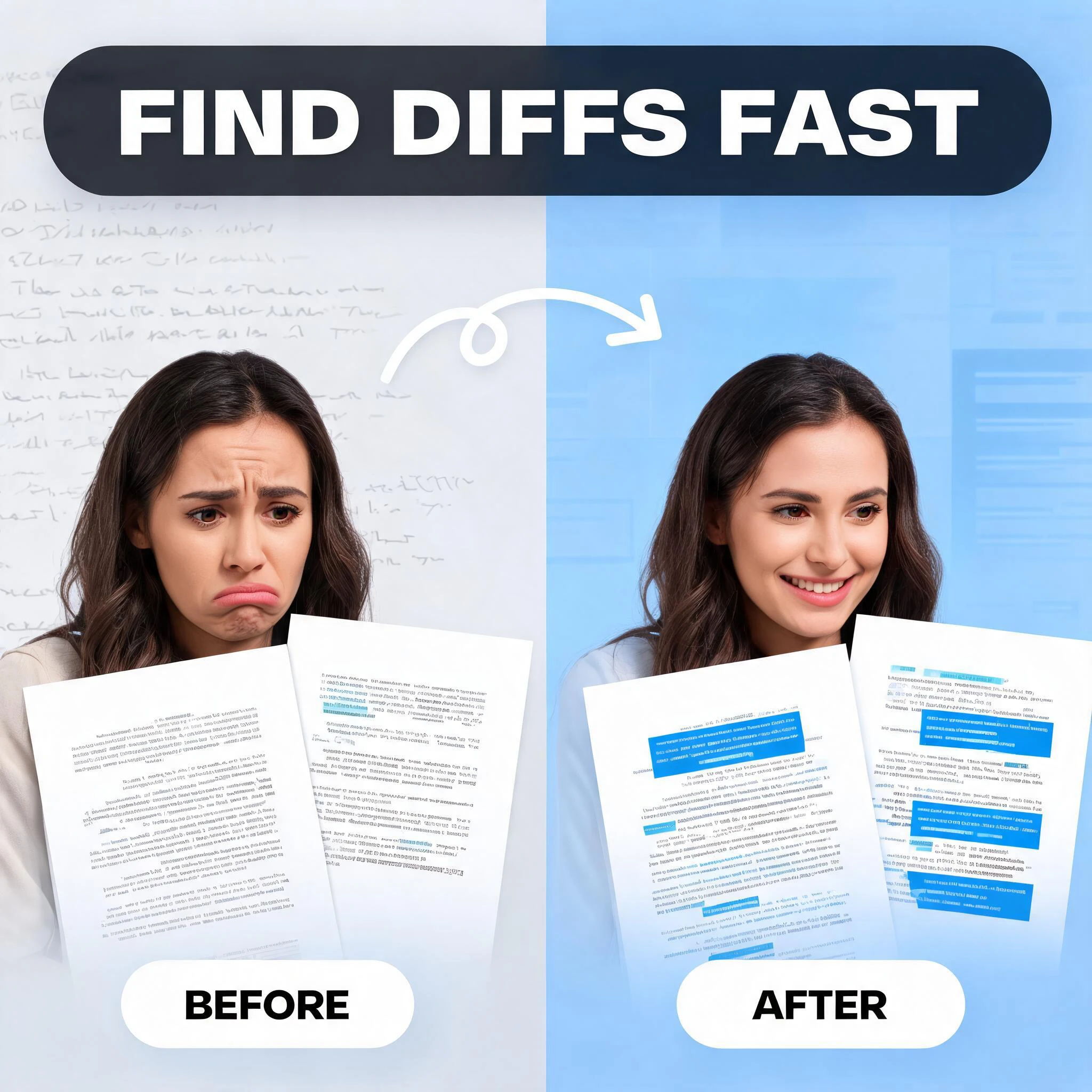
Compare two blocks of text and highlight additions and removals — visualize code and content changes instantly.

Generate placeholder text in paragraphs, sentences, or words — perfect for mockups and UI design prototyping.
Generate placeholder copy in multiple lengths and writing tones — more expressive than standard lorem ipsum.

Generate valid JSON-LD for articles, organizations, products, FAQs, and local businesses with instant preview and rule checks. It helps SEO teams ship structured data faster without copy-pasting uncertain snippets.

Create consistent UTM URLs, validate naming conventions, and catch messy campaign tagging before links go live. It helps marketing teams keep analytics cleaner across channels and stakeholders.

Generate XML sitemaps from a list of URLs — set priorities, change frequencies, and download instantly.
Content writing in 2026 is a multi-stage workflow that most writers underequip. The drafting stage gets the most attention — writers obsess over tools that help them produce words. But the higher-leverage stages are the ones that happen around drafting: before publishing, is the readability right for the audience? Is the keyword density correct for the target term? Is the meta description compelling and the right length? Does the social preview look good when shared? These questions have fast, free answers using the tools in this hub, and skipping them consistently costs rankings and traffic.
The best content writing tools work as a connected sequence rather than isolated utilities. Start with the AI prompt generator to build a structured brief for your article. Draft using the AI story generator or paraphrasing tool for sections where you need inspiration. Check word count and readability as you write. Run the finished draft through the text cleaner and humanizer. Generate metadata with the meta tag tool, verify the snippet preview, check keyword density, and then export to PDF or Word for final review. That workflow is entirely free and covers every step from blank page to published post.
SEO metadata is where content writing and technical SEO intersect, and where many writers drop the ball simply because they do not have the right tools open at the right time. Writing a 2,000-word article and then rushing the title tag and meta description is the most common content SEO mistake. The SERP snippet preview, meta description length checker, and slug optimizer on this hub make it fast to get these right before hitting publish — not as an afterthought, but as the final quality gate in the publishing workflow.
The AI detection layer has become an important part of the content writing workflow in 2026 for anyone producing AI-assisted content at scale. Before a piece of content goes to a client, gets submitted to a publication, or gets published under a brand's name, running it through the AI detector to check the score — and then through the humanizer to improve it if needed — is a standard quality control step that protects the writer's and brand's reputation.
Quick answers about the workflow, privacy, and where this tool fits in a broader job.
The readability score calculator is the best pre-publish readability check. It scores your content against multiple readability formulas, highlights overly complex sentences, and gives you a grade-level target that matches your intended audience.
The keyword density checker is purpose-built for this task. Paste your full article text and it returns a ranked frequency table showing which terms dominate your content, helping you confirm your target keyword appears at the right density without over-optimizing.
The text humanizer is the most direct tool for this, designed specifically to remove AI writing patterns. Using it in sequence with the AI paraphrasing tool produces the most natural-sounding output.
The SERP snippet preview tool renders your title tag and meta description exactly as Google displays them in search results, including character-count truncation warnings for titles and descriptions that are too long.
Yes. The word counter provides an accurate word count, character count, sentence count, paragraph count, and estimated reading time — all the metrics a content writer needs to verify that an article meets length requirements.
The complete toolkit
Every tool runs instantly in your browser — no account, no download, no cost. Across 13 categories for everyday tasks.