AI Paraphrasing Tool
Paraphrase and rewrite text using AI to sound natural, improve clarity, and bypass AI content detectors.
This hub collects the free AI-powered tools most useful for students in 2026: writing assistants, research helpers, text-to-speech, AI detection tools, and study aids — all browser-based with no subscription.
Updated · Reviewed by The Free AI Tools Editorial Team — Education and learning tools review
Paraphrase and rewrite text using AI to sound natural, improve clarity, and bypass AI content detectors.

Analyze text and estimate the likelihood it was generated by AI — detects ChatGPT, Claude, Gemini, and more using AI.
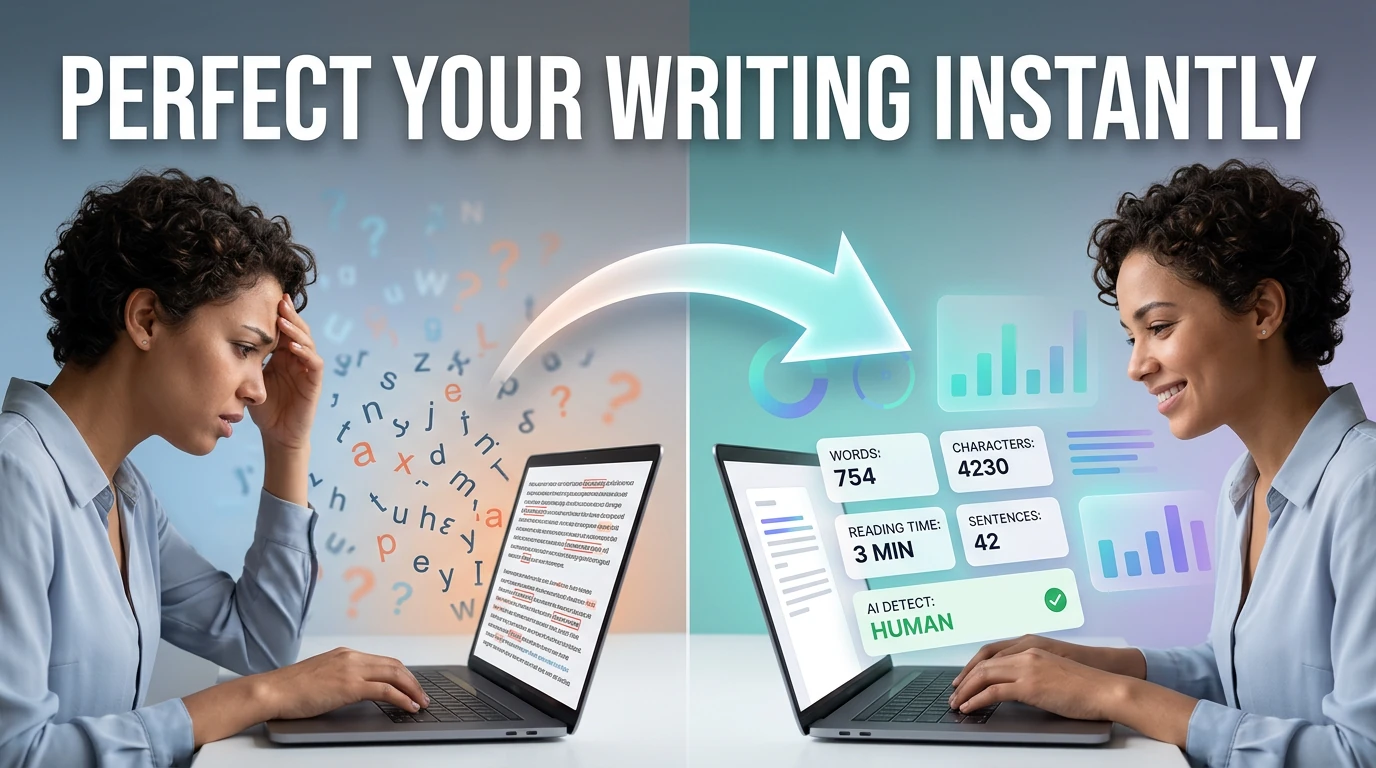
Count words, characters, sentences, and estimate reading time — with keyword density analysis.
Convert text to natural-sounding speech instantly in your browser — choose from multiple voices, control pitch and rate, with live frequency visualizer.
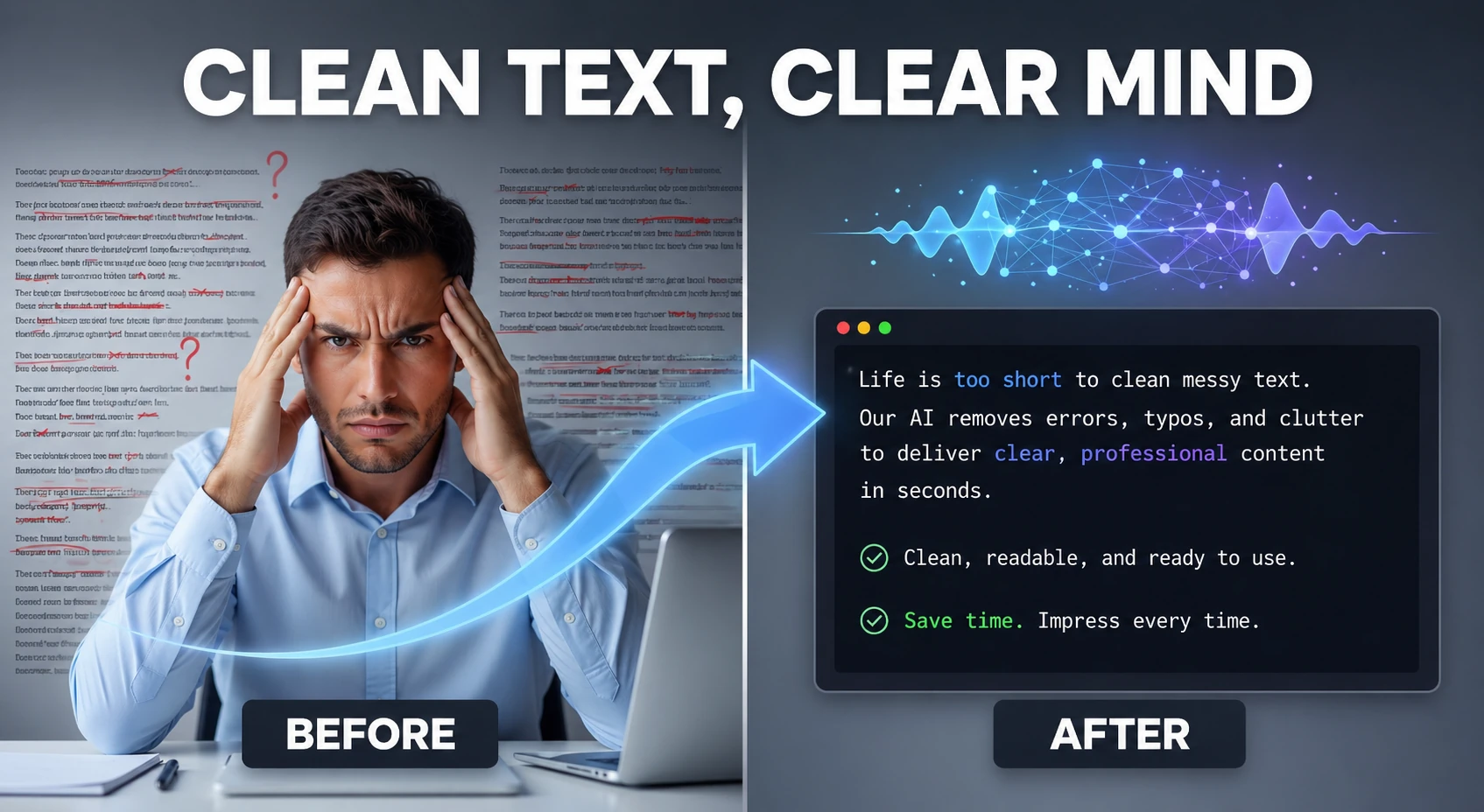
Clean and humanize AI-generated text to sound natural and help bypass AI detectors — powered by AI.
Convert plain text to formatted PDF documents with customizable page size — free, no software required.
Detect robotic writing patterns and rewrite AI-generated text into a more natural, human-sounding draft — runs entirely in your browser.

Build focused Pomodoro-style study blocks with short and long breaks — student productivity tool.
Shuffle custom flashcard prompts for quick exam practice — spaced repetition study tool.
Estimate GPA from course grades and credit hours — supports 4.0 and weighted grading systems.
Estimate Flesch-Kincaid readability and sentence complexity from text — optimize content grade level instantly.
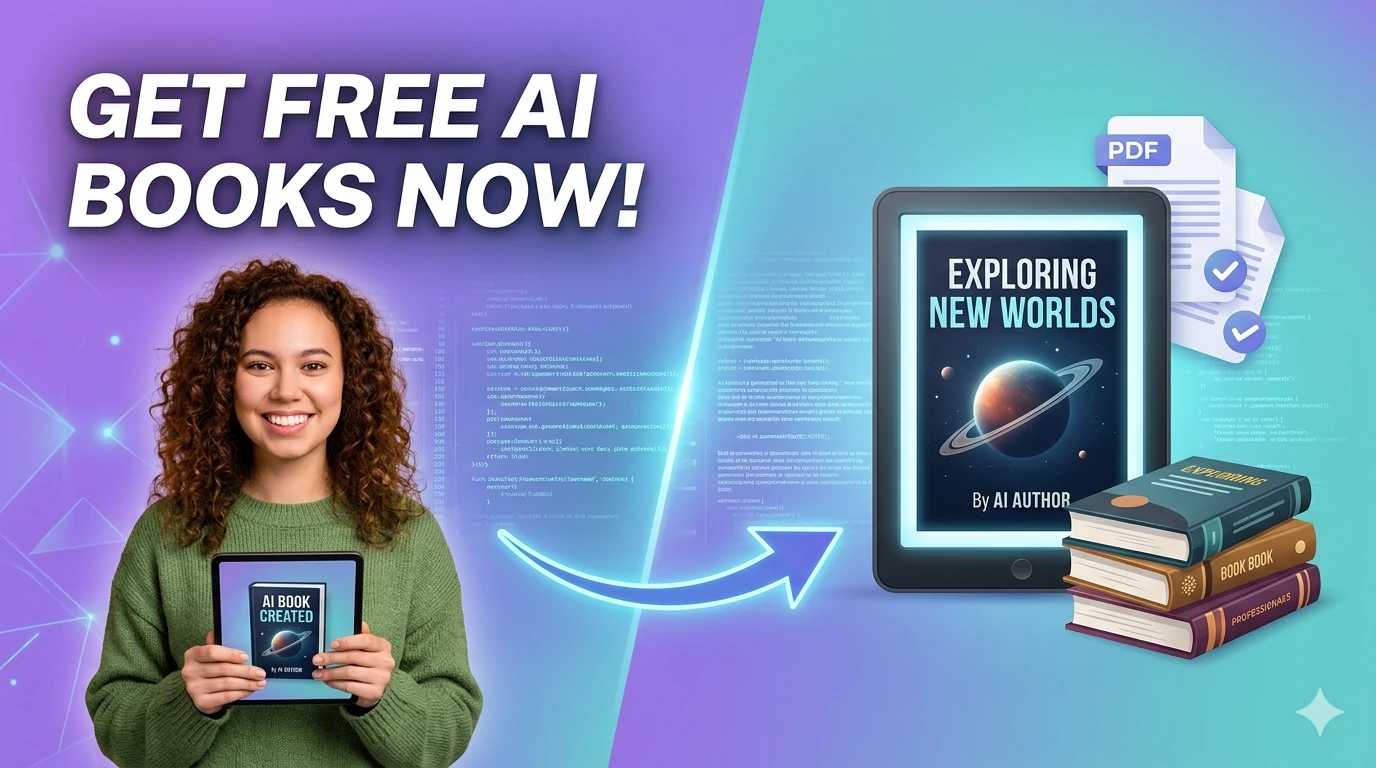
Browse free public-domain and open-access books for online reading — classic literature and educational texts.
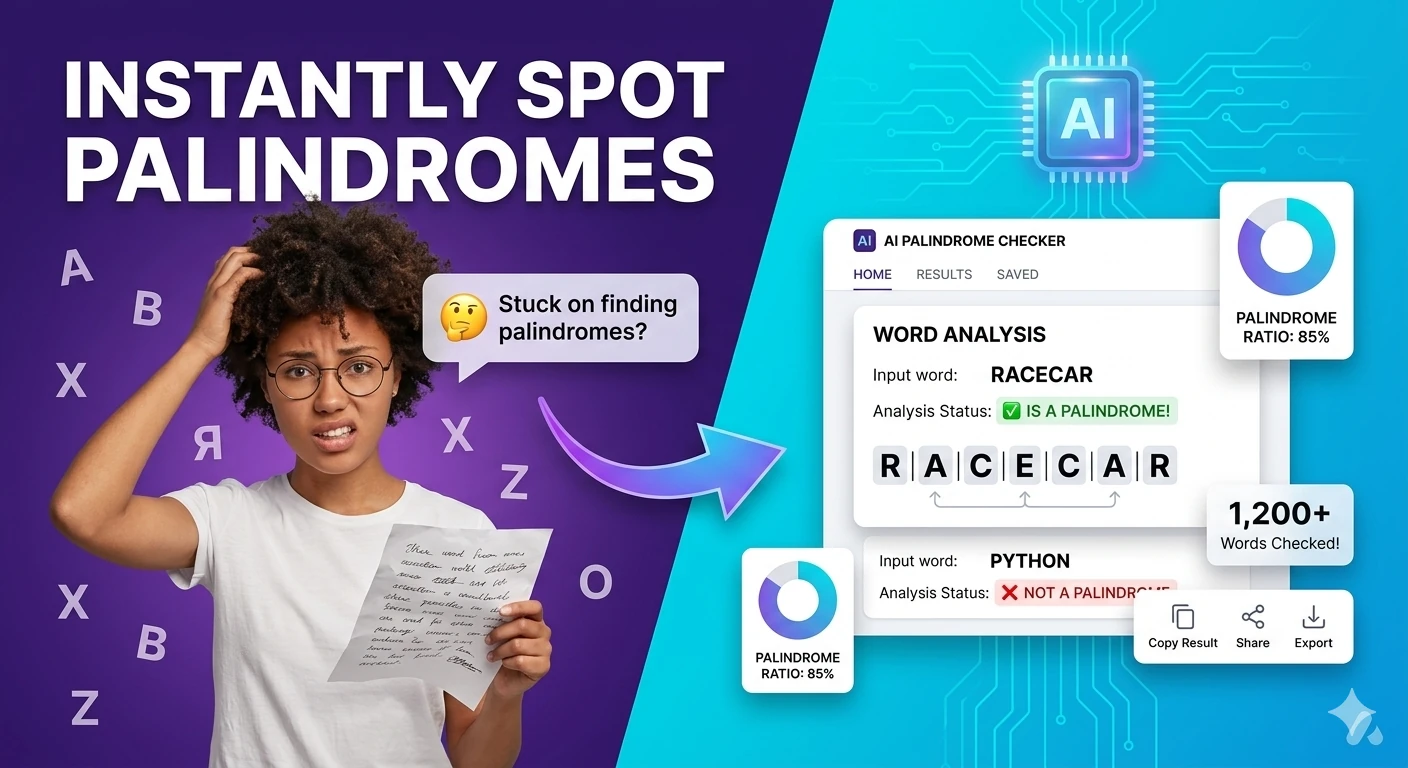
Check whether a word or phrase reads the same backwards — supports ignore-case and ignore-space modes.
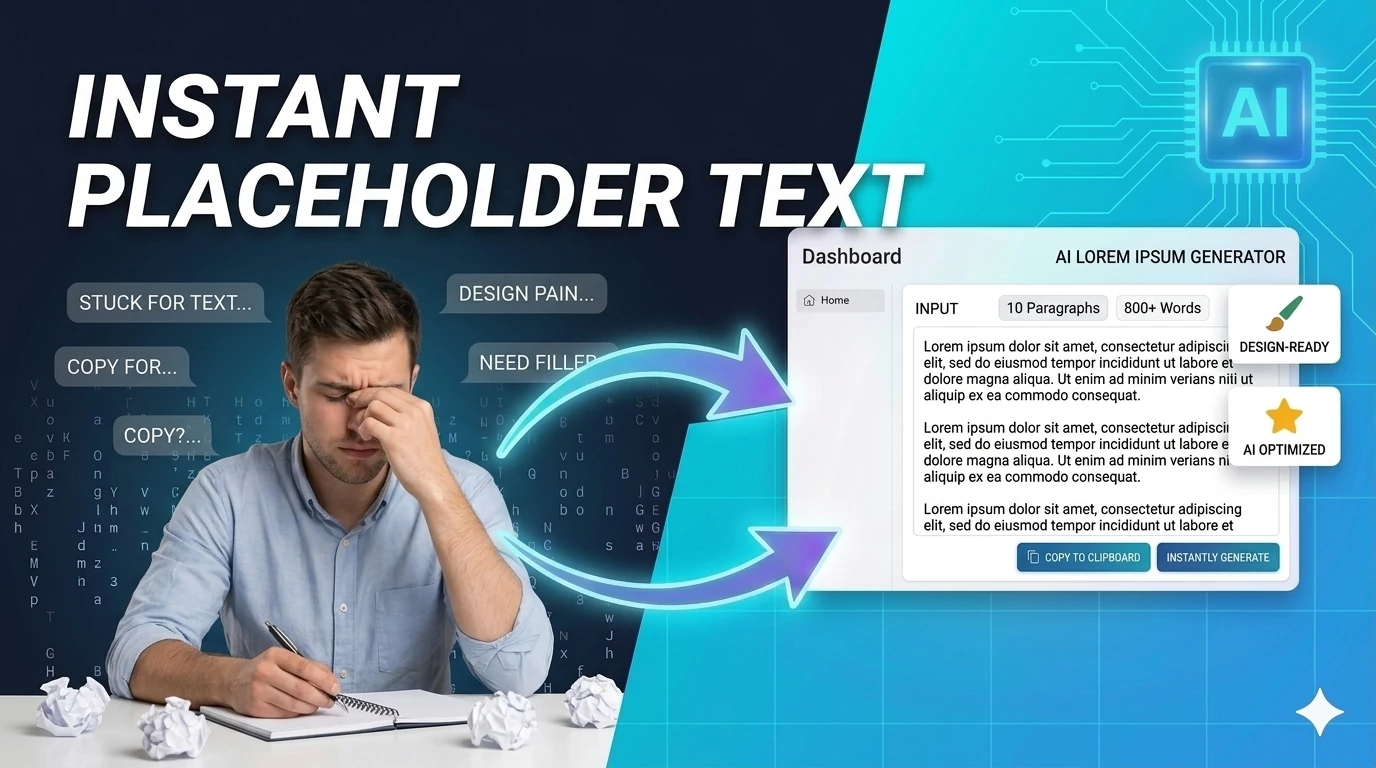
Generate placeholder text in paragraphs, sentences, or words — perfect for mockups and UI design prototyping.
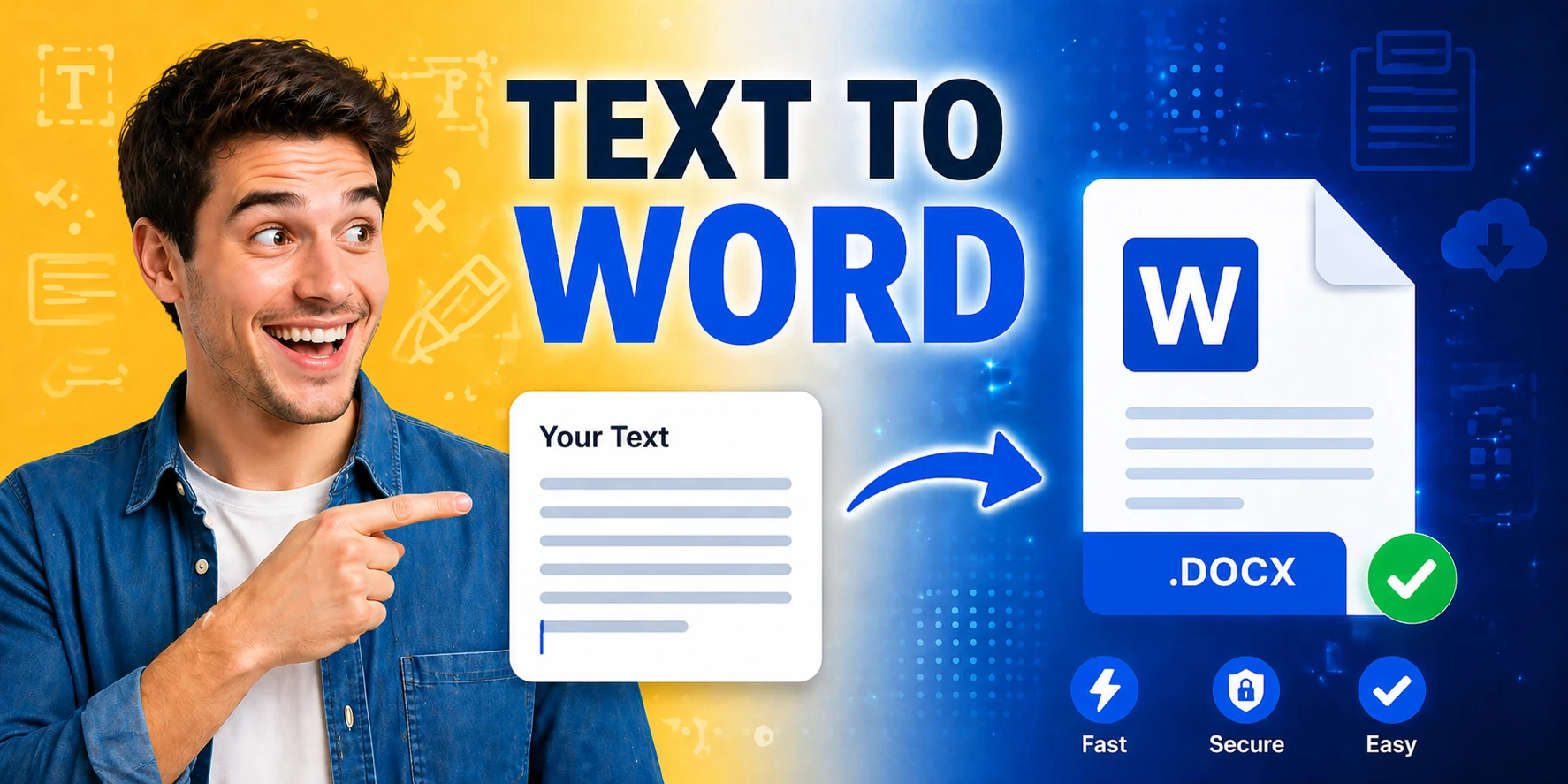
Generate Word documents (.docx) from plain text instantly — download ready-to-share documents in seconds.
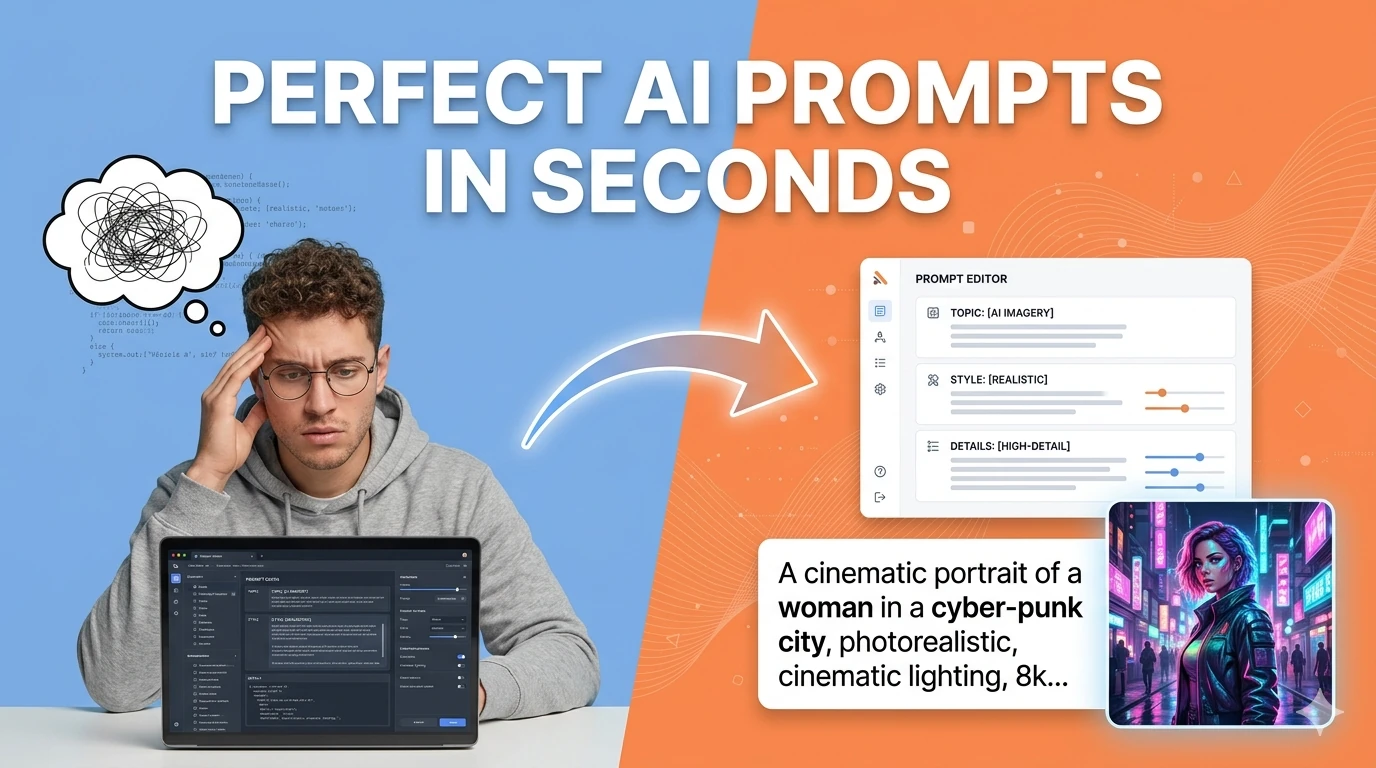
Turn simple ideas into highly detailed, optimized prompts for Midjourney, ChatGPT, Stable Diffusion, Claude, and DALL-E using AI.
Student AI tool adoption accelerated dramatically between 2024 and 2026 as AI writing assistants became embedded in academic workflows at every level.
The most educationally sound use of AI writing tools is as a revision and comprehension layer rather than a generation layer. Using a paraphrasing tool to restate a source in your own words helps you understand it better.
Academic integrity concerns around AI tools center almost entirely on AI generation: using a language model to write your assignment for you and submitting it as your own work.
For students with accessibility needs, AI tools represent a genuine equalizer. Text-to-speech converts reading-heavy research into audio, and AI summarization helps students with attention difficulties extract key information.
Quick answers about the workflow, privacy, and where this tool fits in a broader job.
The most useful tools for students are AI paraphrasers for understanding and rewriting sources, AI text detectors for checking their own work before submission, word counters for hitting assignment requirements, and text-to-speech tools for accessible audio versions of reading material.
Policies vary by institution and course. Using AI tools for research assistance, accessibility, editing support, and comprehension is generally accepted. Using AI to generate and submit work as your own typically violates academic integrity policies.
Yes. Every tool linked from this hub opens directly in the browser without requiring an account, payment, or download.
Use AI tools to get feedback on structure and clarity, paraphrase sources to understand them in your own words, check word counts and readability, and polish grammar — but ensure the final ideas, arguments, and voice are genuinely yours.
The complete toolkit
Every tool runs instantly in your browser — no account, no download, no cost. Across 13 categories for everyday tasks.