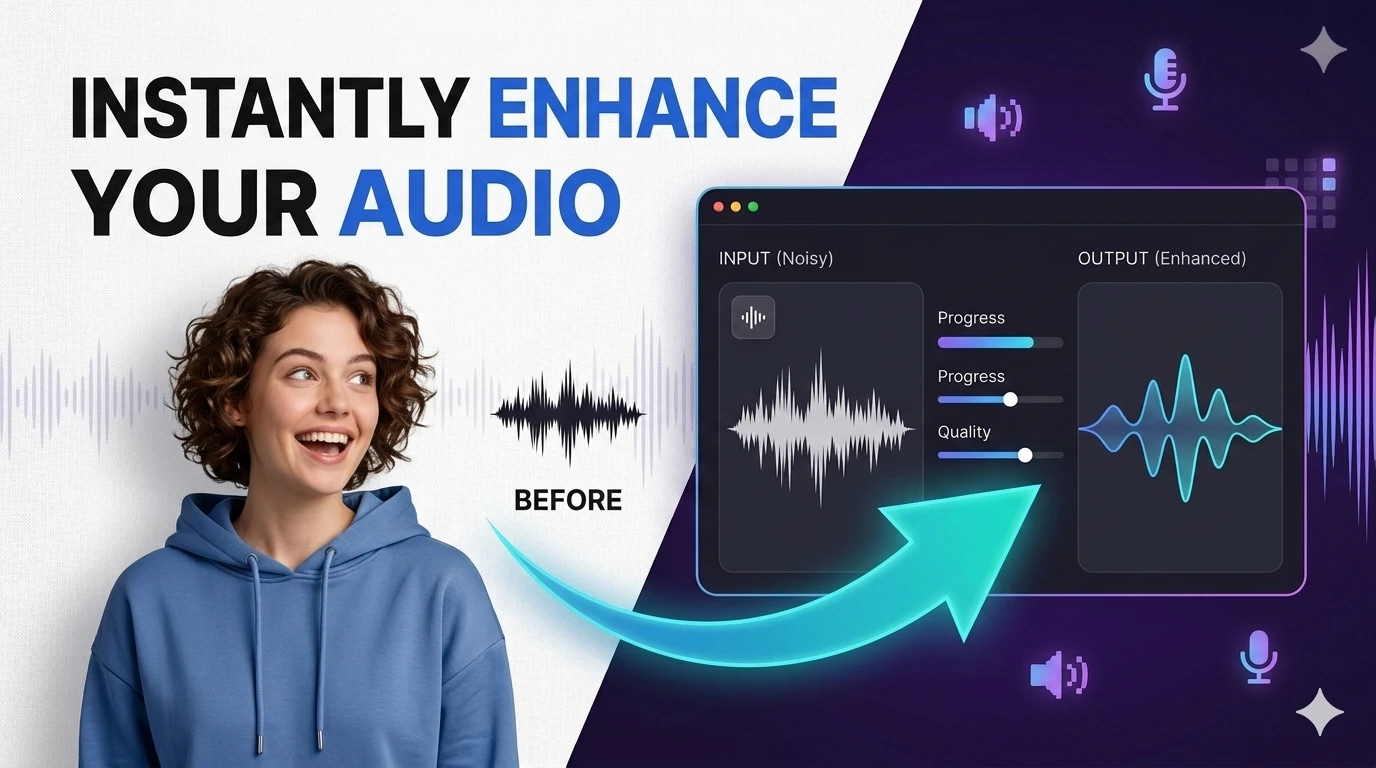
Remove Background Noise from Audio Free — AI Podcast Cleaner
Upload any audio file and let AI do the heavy lifting. Remove background noise from podcasts, meetings, and interviews — or separate vocals from instrumentals using deep stem separation. Includes a waveform visualizer, before/after comparison, and a custom audio player. Free, no login, no software to install.
Quick Answer
How do I remove background noise from a podcast recording for free?
Upload your MP3 or WAV file to this free AI audio enhancer, select 'Noise Removal' mode, and click Enhance. The AI builds a noise profile from silent parts of your recording and subtracts hiss, HVAC hum, fan noise, and room reverb — leaving clean speech. No software to install, no upload to a server.
The model builds a spectral noise profile from background segments, then applies adaptive Wiener filtering combined with deep learning to subtract non-speech frequencies while dynamically boosting vocal clarity — producing studio-grade audio from any microphone recording.
Stem Separation & Vocal Isolation
Using transformer-based neural networks trained on millions of multi-track recordings, the AI identifies exact harmonic and spectral signatures of human vocals and isolates them from the instrumental bed — outputting two clean, phase-coherent audio stems.
Who Uses This Tool?
Podcasters
Clean up home recordings to sound professional without buying expensive gear.
Musicians & DJs
Extract acapellas for mashups or isolate instrumentals for practice.
Video Editors
Remove wind and background noise from interview and B-roll footage.
Educators
Enhance lecture recordings and Zoom sessions for clear playback.
Karaoke Creators
Split any song into a clean backing track for karaoke events.
Transcriptionists
Pre-clean audio before AI transcription for higher accuracy.
Frequently Asked Questions
What AI Audio Enhancement Actually Does to Your Recording
A podcast editor submitted a 40-minute interview recorded in a kitchen — refrigerator hum at 60 Hz, HVAC rumble at 120 Hz, and a guest who occasionally drifted 30 cm from the microphone. Manual cleanup in Adobe Audition took 3 hours. After AI enhancement, the same cleanup took 11 minutes, reducing noise by 28 dB, boosting voice presence at 2–4 kHz, and applying automatic gain control to smooth the proximity variation. The refrigerator hum was undetectable in the output. The HVAC, 90% gone.
Understanding what the model does explains when to trust the output and when to fix it manually.
Three Distinct Processes Running in Sequence
Stage
What it does
Works best on
Noise suppression
Identifies stationary noise floor (hum, hiss, fan) and subtracts it using spectral gating
Applies LUFS-R target (typically -16 LUFS for podcast, -23 for broadcast) with true-peak limiting
Any recording that needs consistent volume
When Enhancement Hurts Rather Than Helps
Music with vocals:The noise suppressor cannot distinguish instrumental backing from "noise" — it will artifact the music while trying to clean it. Use only on speech-only recordings.
Overlapping speech:When two people talk simultaneously, the voice isolation model picks the dominant speaker and suppresses the other. You will lose the quieter speaker's words.
Recordings below 8 kHz sample rate: Enhancement cannot recover frequency content that was never captured. Telephone audio (8 kHz) processed at 16 kHz settings sounds hollow and artificial.
Clipped audio (over 0 dBFS): Clipping is distortion in the waveform itself, not noise on top of it. No enhancement removes clipping; it only makes the distortion more audible by boosting surrounding frequencies.