
Text Humanizer
Detect robotic writing patterns and rewrite AI-generated text into a more natural, human-sounding draft — runs entirely in your browser.
This hub gathers every free browser-based tool you need to humanize AI-generated text, pass AI content detectors, improve naturalness, and produce writing that sounds genuinely human — no subscription, no account required.
Updated · Reviewed by The Free AI Tools Editorial Team — AI writing and humanization tools review
Detect robotic writing patterns and rewrite AI-generated text into a more natural, human-sounding draft — runs entirely in your browser.
Paraphrase and rewrite text using AI to sound natural, improve clarity, and bypass AI content detectors.
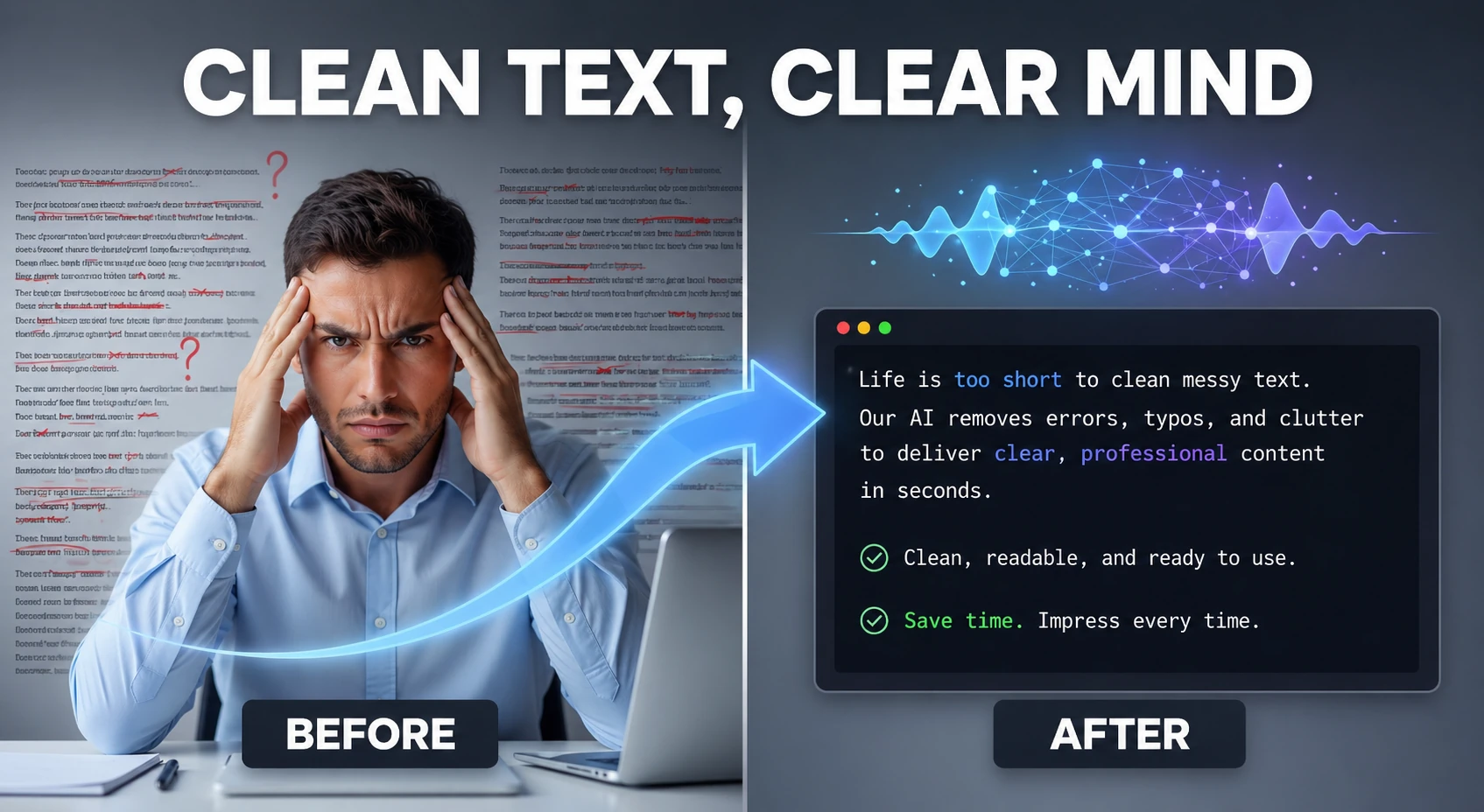
Clean and humanize AI-generated text to sound natural and help bypass AI detectors — powered by AI.

Analyze text and estimate the likelihood it was generated by AI — detects ChatGPT, Claude, Gemini, and more using AI.
Estimate Flesch-Kincaid readability and sentence complexity from text — optimize content grade level instantly.
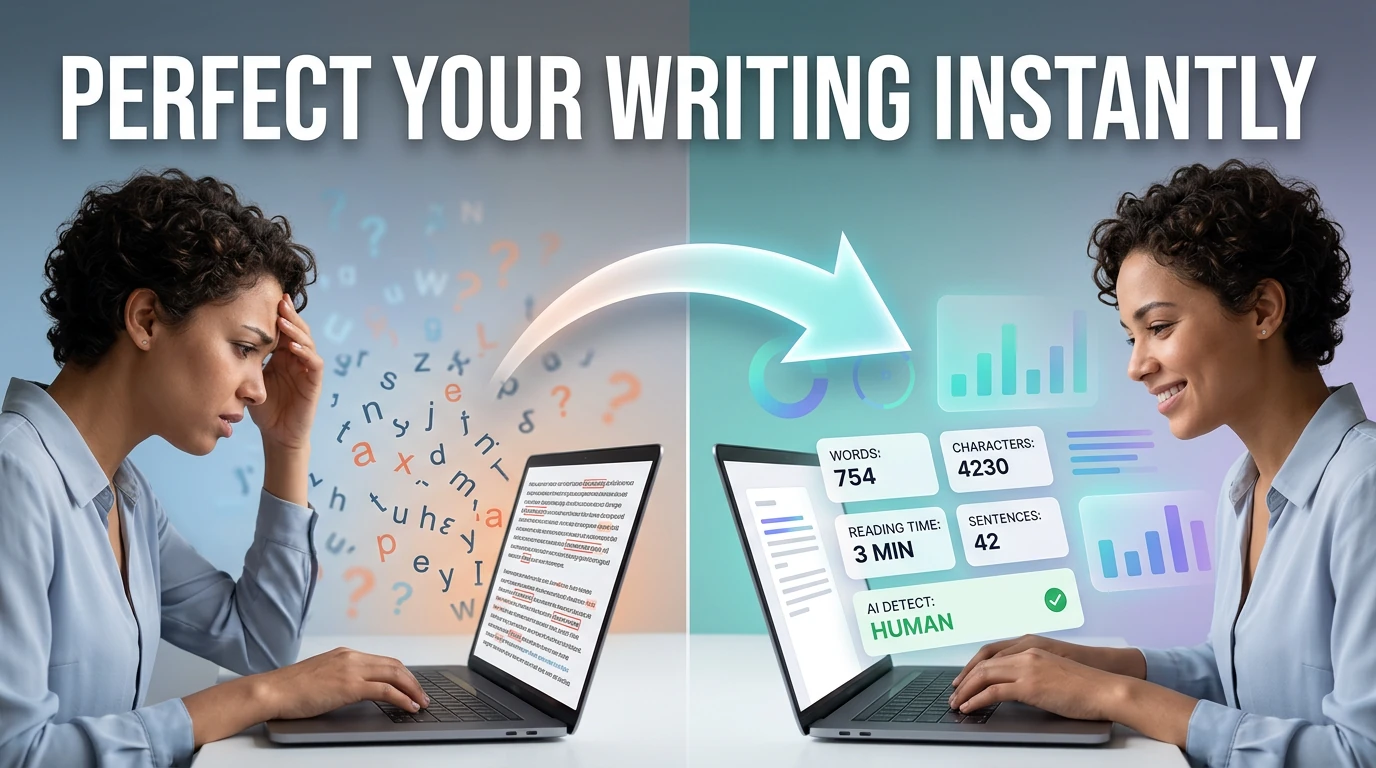
Count words, characters, sentences, and estimate reading time — with keyword density analysis.
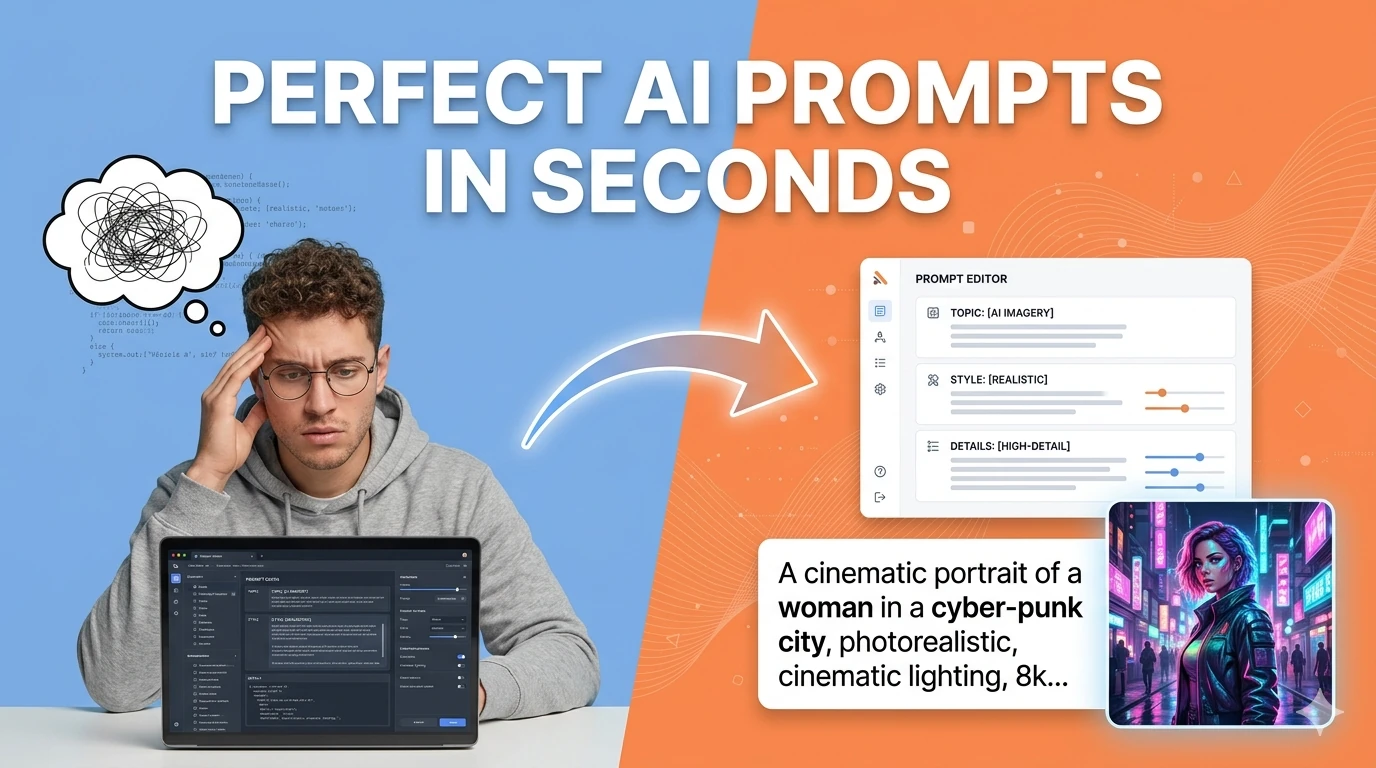
Turn simple ideas into highly detailed, optimized prompts for Midjourney, ChatGPT, Stable Diffusion, Claude, and DALL-E using AI.
Generate captivating short stories, novel chapters, and fanfiction using AI — choose genre and let AI write the rest.
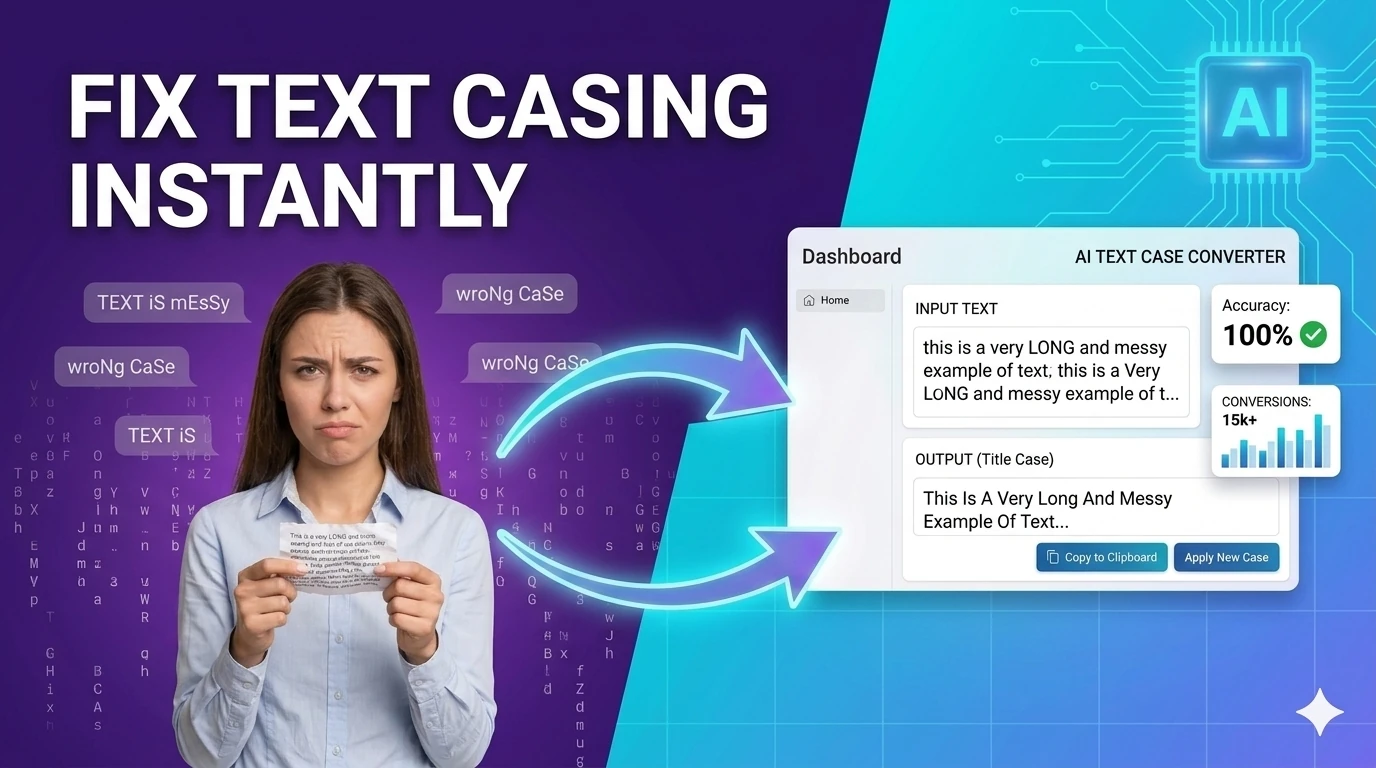
Convert text between upper, lower, title, camelCase, snake_case, and kebab-case — one-click text transformation.
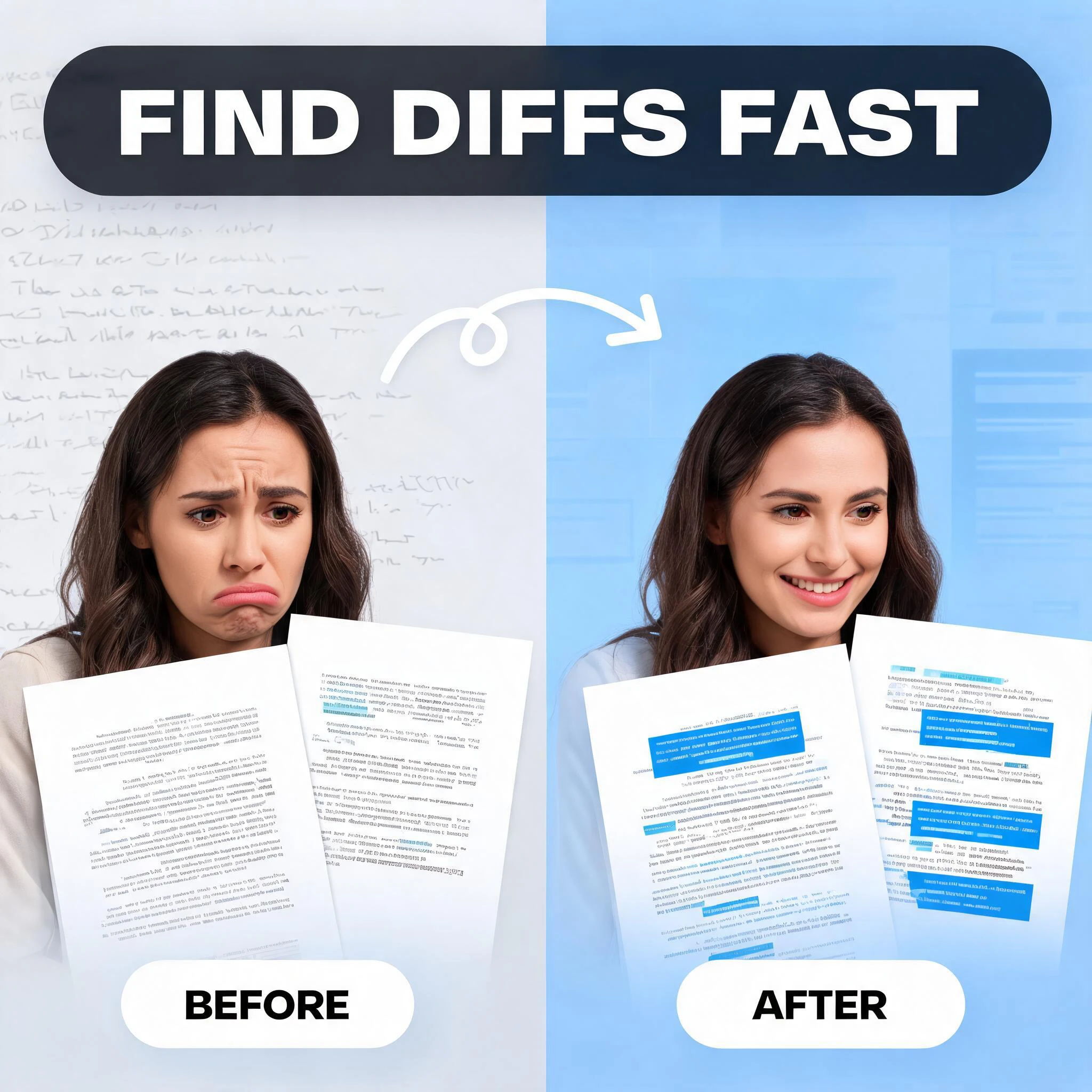
Compare two blocks of text and highlight additions and removals — visualize code and content changes instantly.
Convert plain text to formatted PDF documents with customizable page size — free, no software required.

Generate Word documents (.docx) from plain text instantly — download ready-to-share documents in seconds.
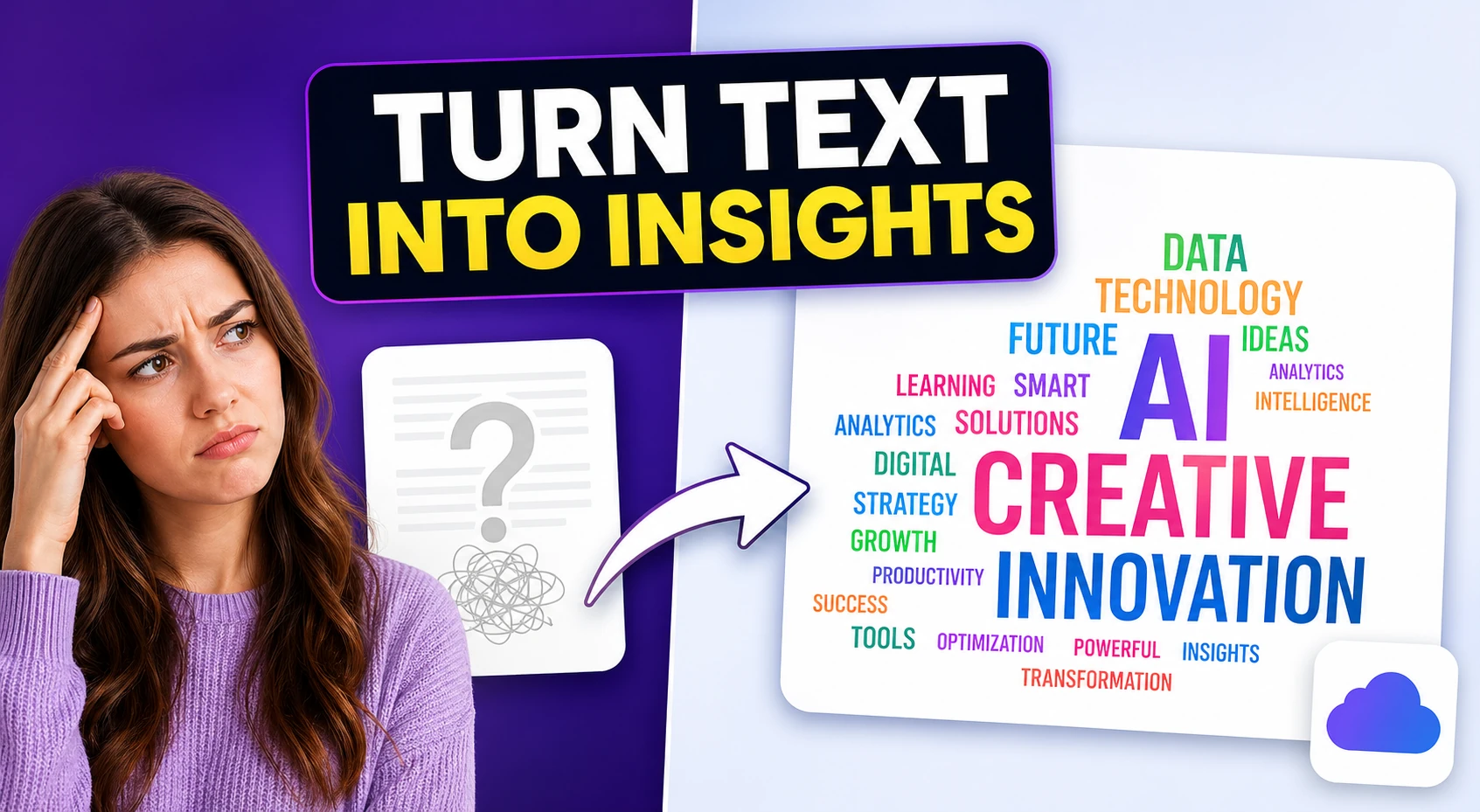
Create a visual SVG word cloud from any text input — great for content analysis, presentations, and data visualization.

Generate placeholder text in paragraphs, sentences, or words — perfect for mockups and UI design prototyping.
Generate placeholder copy in multiple lengths and writing tones — more expressive than standard lorem ipsum.
Humanizing AI text has become one of the most-searched writing workflows in 2026. The surge in AI content generation across schools, offices, publishing, and marketing has been matched by an equally rapid expansion of AI detection infrastructure. Universities deploy GPTZero and Turnitin's AI detection layers. LinkedIn and Medium flag algorithmically-generated posts. Publishers screen submissions automatically. The tools in this hub directly address this challenge by removing the statistical fingerprints that betray AI authorship.
The mechanics of AI writing patterns are well understood. Large language models produce text with predictable token distributions: sentences cluster around similar lengths, vocabulary follows high-probability paths, and transitional phrases repeat across paragraphs. Human writing is messier — varying sentence rhythm, unexpected word choices, digressive asides, and personal register shifts that models struggle to replicate consistently. Humanization tools attack these patterns systematically, introducing the controlled disorder that characterizes natural writing.
The most effective humanization workflow is a three-step process: generate the initial draft with an AI writing tool using a high-quality, specific prompt; run the output through the text humanizer to strip AI-pattern markers; then pass the result through the paraphraser to introduce structural variation. Finally, use the AI detector to verify that the detection score has fallen below acceptable thresholds before publishing or submitting.
For content teams working at scale, humanization is not just a compliance step — it is a quality improvement step. AI-generated text that reads as obviously machine-produced damages brand perception and reduces engagement. Audiences can sense mechanical writing even without using a detection tool. Investing thirty seconds in humanization produces content that converts better, reads more naturally, and builds reader trust in a way that unedited AI output cannot.
Quick answers about the workflow, privacy, and where this tool fits in a broader job.
Humanizing AI text means rewriting machine-generated content to remove the statistical patterns — repetitive sentence structures, predictable vocabulary, and overly formal tone — that AI detectors and human readers recognize as artificial. The result sounds like it was written by a real person.
AI detectors are now used by universities, publishers, HR departments, and content platforms. Humanizing your AI drafts before submission or publication reduces the risk of flagging and improves the naturalness and engagement of the final content.
Results depend on input length and the specific detector. Running text through the humanizer and paraphrasing tools on this hub significantly lowers detection scores, especially for longer passages above 300 words.
The text humanizer combined with the AI paraphrasing tool produces the best results when used in sequence: humanize first to strip AI patterns, then paraphrase to vary sentence structure and vocabulary.
Good humanization preserves meaning while changing expression. Use the diff checker on this hub to compare the original and humanized versions and confirm all key information is retained.
The complete toolkit
Every tool runs instantly in your browser — no account, no download, no cost. Across 13 categories for everyday tasks.