
JSON Formatter & Validator
Format, validate, and minify JSON with error highlighting — instantly beautify messy JSON responses.
This hub ranks the most genuinely useful free browser-based developer tools by real-world usage frequency in — from JSON formatting and regex testing to JWT decoding, diff checking, and AI-powered code assistance — zero account required.
Updated · Reviewed by The Free AI Tools Editorial Team — Developer tools ranking and technical review
Format, validate, and minify JSON with error highlighting — instantly beautify messy JSON responses.

Test regular expressions with live match highlighting — debug patterns instantly with flags, groups, and capture support.

Decode and inspect JSON Web Tokens to view header, payload, and signature structure — essential for API debugging.

Encode and decode text to and from Base64 format instantly in your browser — essential developer utility.

Compare two blocks of text and highlight additions and removals — visualize code and content changes instantly.

Generate UUIDs (v4) in bulk with instant copy and export — unique identifiers for databases and APIs.
Format and beautify SQL queries for better readability — clean up messy SELECT statements and JOIN chains.

Encode and decode URLs with percent-encoding support — fix broken query strings and API parameters instantly.

Create and compare common hash outputs for text input instantly - useful for checksums and integrity checks.

Paste any code snippet and get an instant plain-English explanation. Supports Python, JavaScript, TypeScript, Java, C++, Go, Rust, SQL, and 20+ languages with beginner-to-expert depth levels.

Paste any error log or stack trace and get instant root cause analysis with step-by-step fix instructions. Supports Python, JavaScript, Java, Node.js, React, and 20+ frameworks.
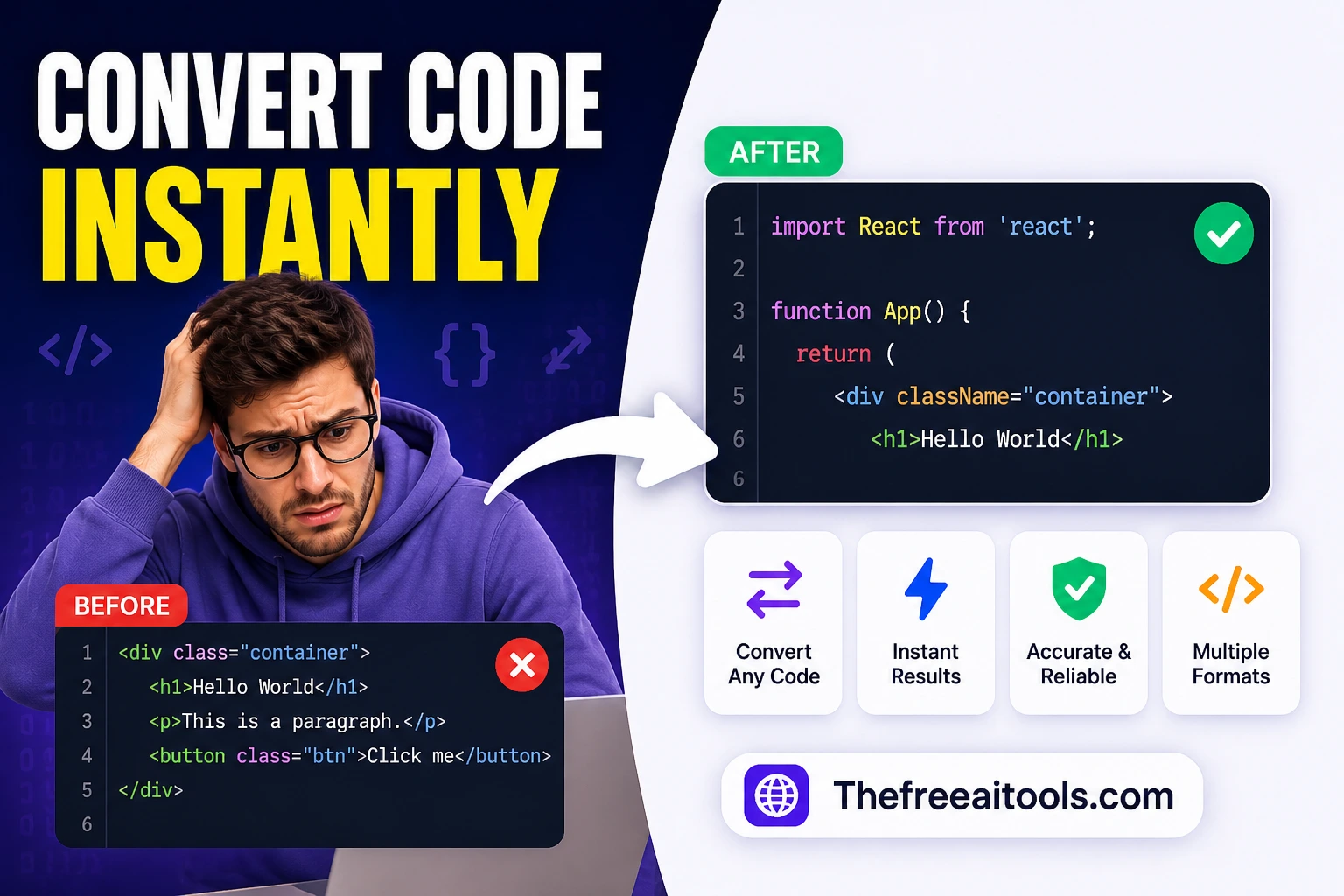
Convert code between 15+ programming languages with idiomatic AI output. Python to JavaScript, Java to C#, TypeScript to Python, SQL dialect conversion, and more — no login required.

Parse URLs and query strings into readable key-value parameters — debug API requests and redirects instantly.

Search nested JSON objects and return matching paths for keys and values — JSONPath query tool.

Convert between YAML and JSON formats instantly — essential for CI/CD, Kubernetes, and API config workflows.

Convert CSV data to JSON and vice versa with ease — perfect for data import/export and API payload preparation.

Validate cron schedules and preview upcoming run times — debug cron jobs and scheduled task expressions.

Parse .env file content into structured JSON and key/value tables — debug dotenv configs instantly.

Render markdown into clean sanitized HTML with a live preview — convert .md files to web-ready markup.

Convert special characters to and from HTML entities — prevent XSS and fix broken markup instantly.

Create HS256 JWT tokens from a payload, headers, and secret — test auth flows without a backend.

Generate secure, random passwords with customizable length, numbers, and special characters — no data sent to any server.

Escape plain text safely for regular-expression literals — convert strings to regex-safe patterns.

Clean up JSON logs, key-value lines, and stack traces for readability — debug server logs instantly.

Open HAR exports locally and turn them into a sortable timeline for slow requests, waterfalls, headers, and payload sizes. It helps engineering and QA teams diagnose frontend performance without uploading logs.

Generate JSON Schema from sample payloads, validate example objects, and inspect required fields or type mismatches. It is useful when teams need portable contracts without spinning up a backend.

Estimate dataset storage growth from row counts and average row sizes — database capacity planning tool.

Profile CSV headers, fill rates, and likely column data types from pasted data — data quality analysis.

Pretty-print XML and flag malformed markup in your browser — format RSS, SOAP, and config XML files.

Convert text between LF (Unix) and CRLF (Windows) line endings — fix cross-platform editor issues.
Normalize messy file names for safer downloads, uploads, and archives — remove illegal characters instantly.
Compare two blocks of text and highlight additions and removals — visualize code and content changes instantly.

Generate visual diagrams and flowcharts from prompts with a browser-native AI workspace.
Developer tool rankings in 2026 are determined by one metric more than any other: how fast does the tool unblock the task I am currently stuck on. The most useful free developer tools are not the most feature-rich ones — they are the ones that are open within five seconds, return a correct result without configuration, and stay out of the way. The tools ranked on this hub have been selected and ordered by that standard: real-world frequency of use in professional developer workflows.
JSON tooling sits at the top of every honest developer tool ranking because JSON is now the universal data format across web APIs, configuration files, database outputs, log streams, and inter-service communication. A developer who works with any modern stack touches JSON dozens of times per day. A JSON formatter that handles minified, malformed, and deeply nested structures reliably is worth more than a dozen specialty tools used once a month.
The AI-powered developer tools on this hub represent a genuinely new category that did not meaningfully exist two years ago. The code explainer does not just format code — it explains what each section does in plain language, which has dramatic practical value for developers working in unfamiliar codebases, reviewing AI-generated code, or onboarding to a legacy system. The error message solver goes further: paste any error message, get a specific diagnosis and fix, without opening a Stack Overflow tab.
Regex remains one of the most universally needed and universally dreaded developer skills. The regex tester on this hub removes the guesswork from pattern construction by providing real-time feedback as you type — showing exactly which characters match, which groups capture, and which flags affect behavior. For developers who write regex infrequently enough that the syntax never becomes fully intuitive, this tool is among the highest-leverage bookmarks in a development workflow.
Quick answers about the workflow, privacy, and where this tool fits in a broader job.
The JSON formatter is the single most-used browser developer tool by volume. Nearly every developer who works with APIs, databases, or configuration files pastes JSON into a formatter multiple times per day.
The JWT decoder and HAR file viewer are the most useful API debugging tools on this hub. The JWT decoder inspects auth tokens instantly, while the HAR viewer provides a complete timeline of every network request in a session.
The cron parser, environment file parser, YAML-to-JSON converter, log formatter, and diff checker are the most relevant tools for DevOps workflows involving scheduled jobs, configuration management, and infrastructure as code.
The regex tester is the best learning tool because it provides real-time match highlighting, group capture display, and flag controls in a single interface. The regex escape helper complements it for generating escaped patterns.
Yes. The code explainer, error message solver, and code converter are AI-assisted tools that help developers understand unfamiliar code, diagnose error messages, and translate between programming languages.
The complete toolkit
Every tool runs instantly in your browser — no account, no download, no cost. Across 13 categories for everyday tasks.