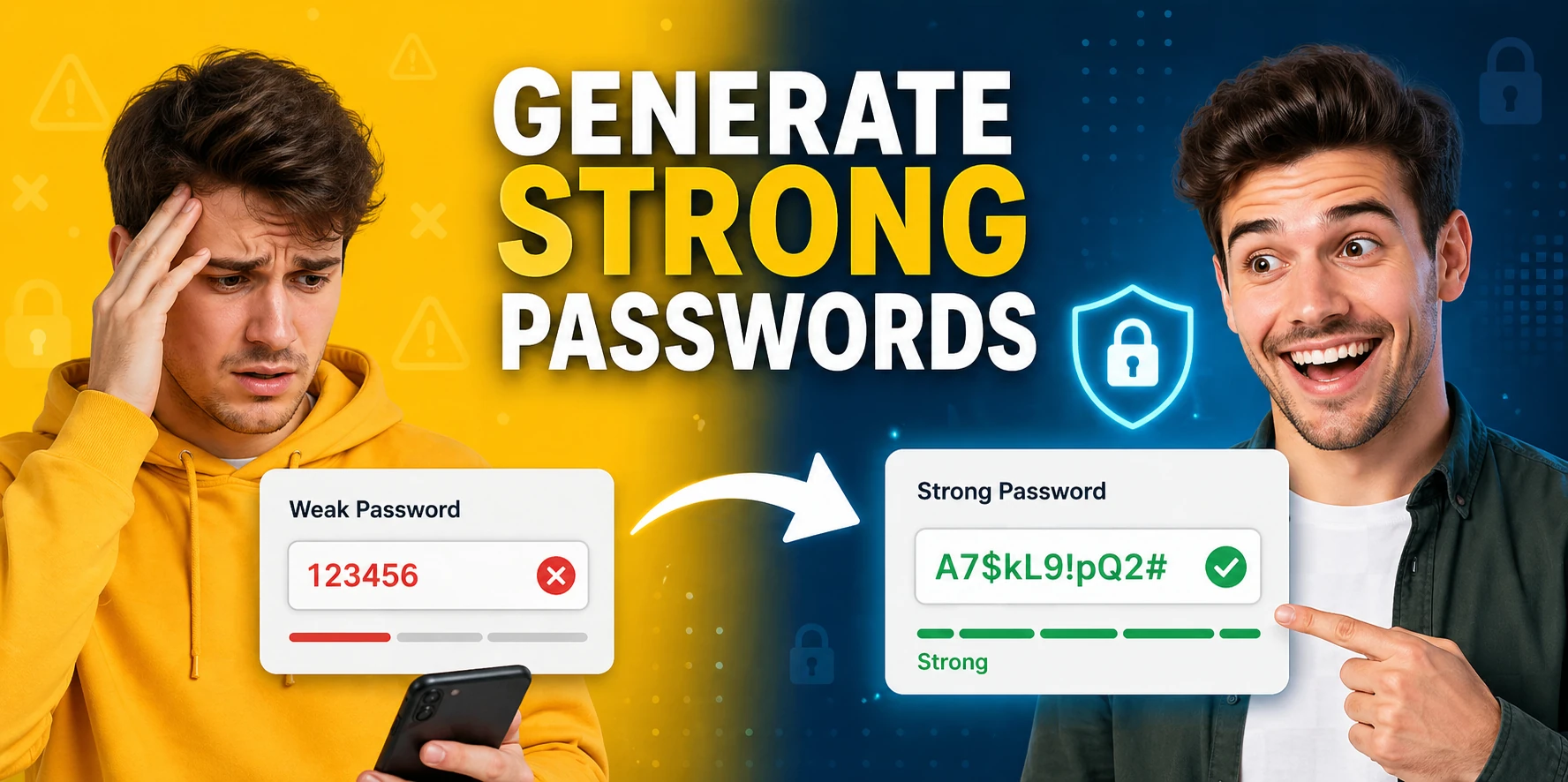
Password Generator
Generate secure, random passwords with customizable length, numbers, and special characters — no data sent to any server.
This hub covers free browser-based security and cryptography tools for developers, security teams, and system administrators in 2026: password generators, hash tools, encryption utilities, JWT tools, and password strength checkers — no signup required.
Updated · Reviewed by The Free AI Tools Editorial Team — Security and cryptography tools review
Generate secure, random passwords with customizable length, numbers, and special characters — no data sent to any server.
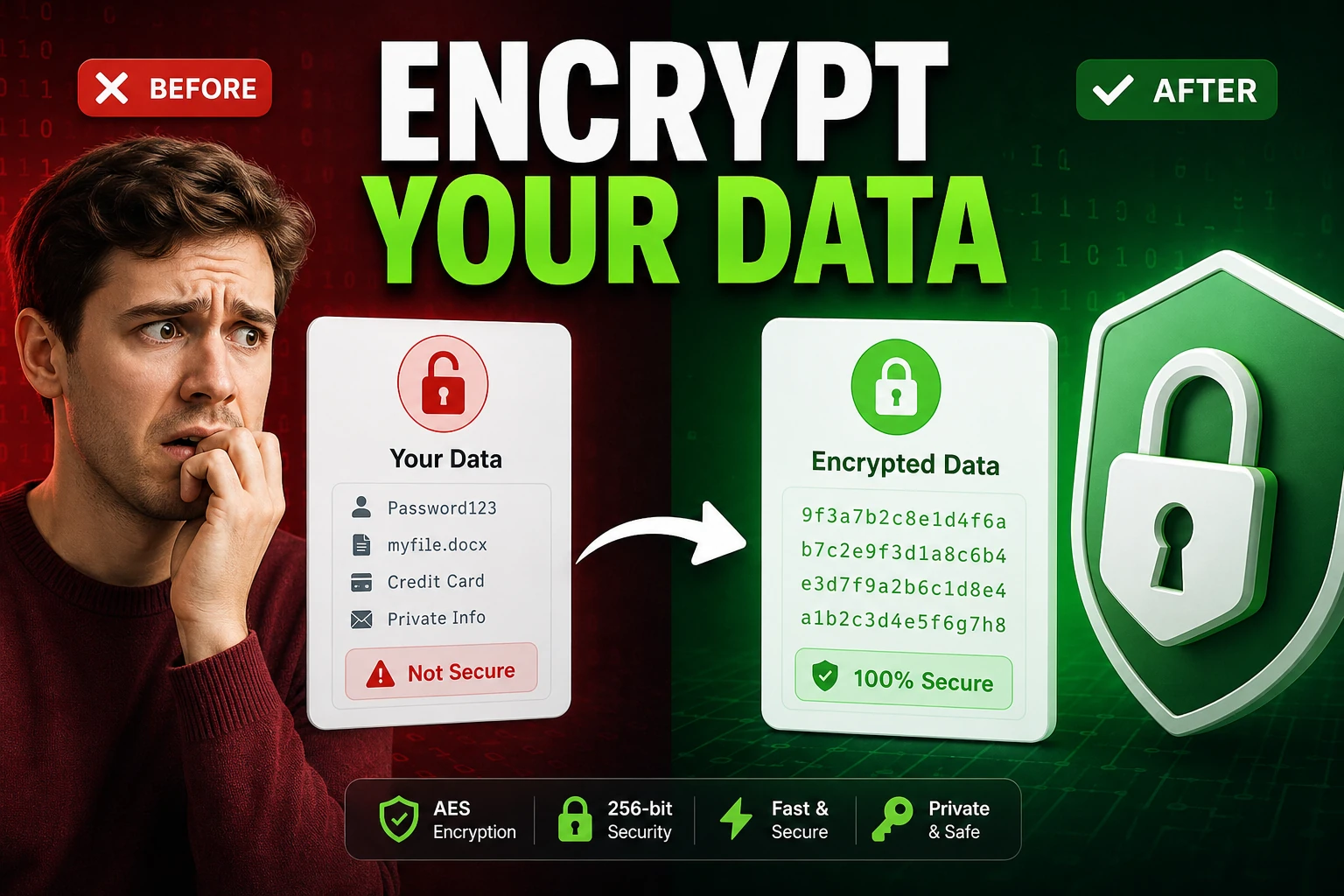
Encrypt and decrypt text with AES-GCM using the Web Crypto API — secure client-side encryption tool.

Decode and inspect JSON Web Tokens to view header, payload, and signature structure — essential for API debugging.
Generate and compare bcrypt hashes in one browser-based workspace - secure password hashing with no server upload.
Create and compare common hash outputs for text input instantly - useful for checksums and integrity checks.
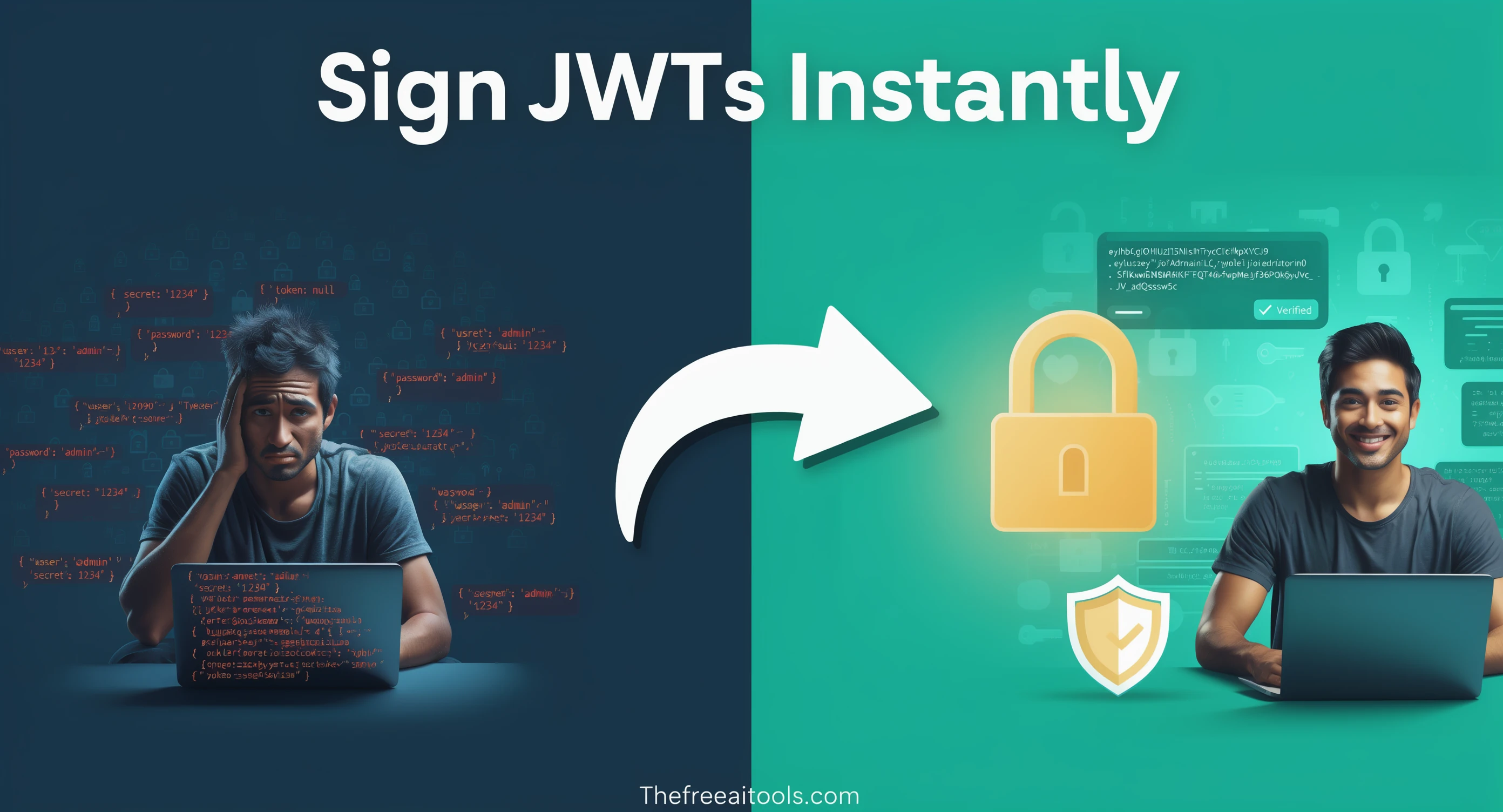
Create HS256 JWT tokens from a payload, headers, and secret — test auth flows without a backend.
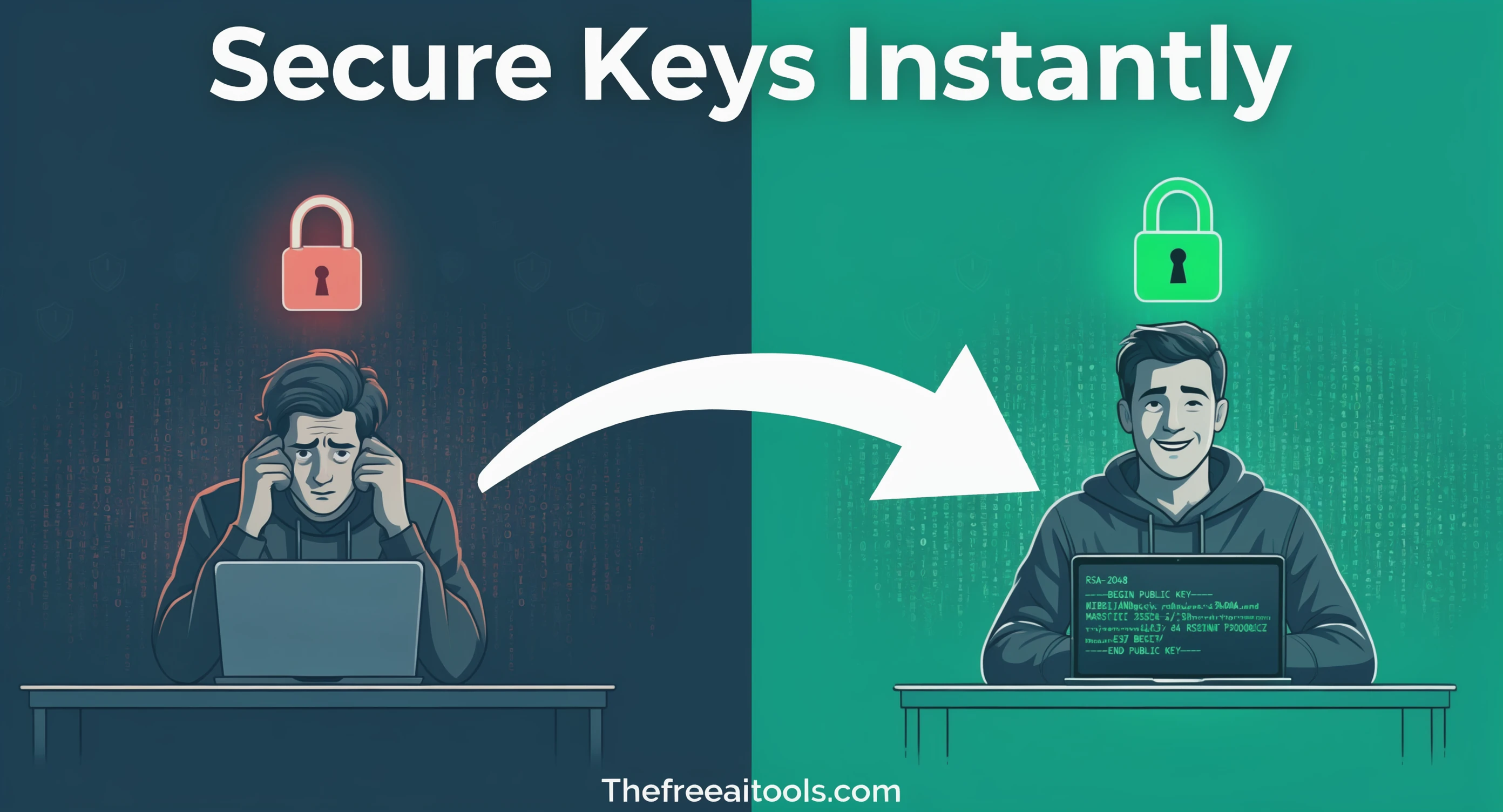
Generate RSA-OAEP public and private key pairs in PEM format — essential for asymmetric encryption workflows.
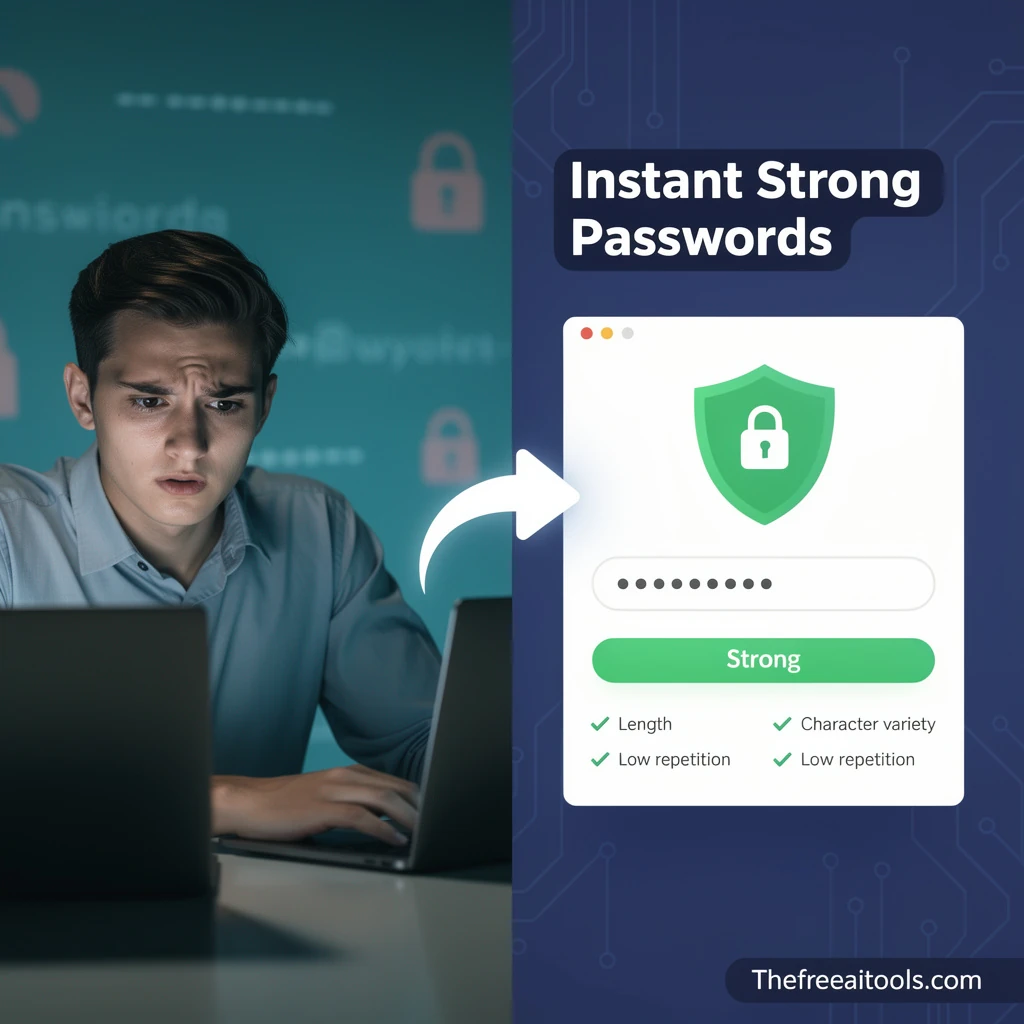
Score passwords for length, character variety, and repetition risk — fully private, nothing sent anywhere.

Check image metadata for location, device, and timestamp details, then strip the fields you do not want to share. It is especially useful for press kits, listings, and personal photos shared publicly.
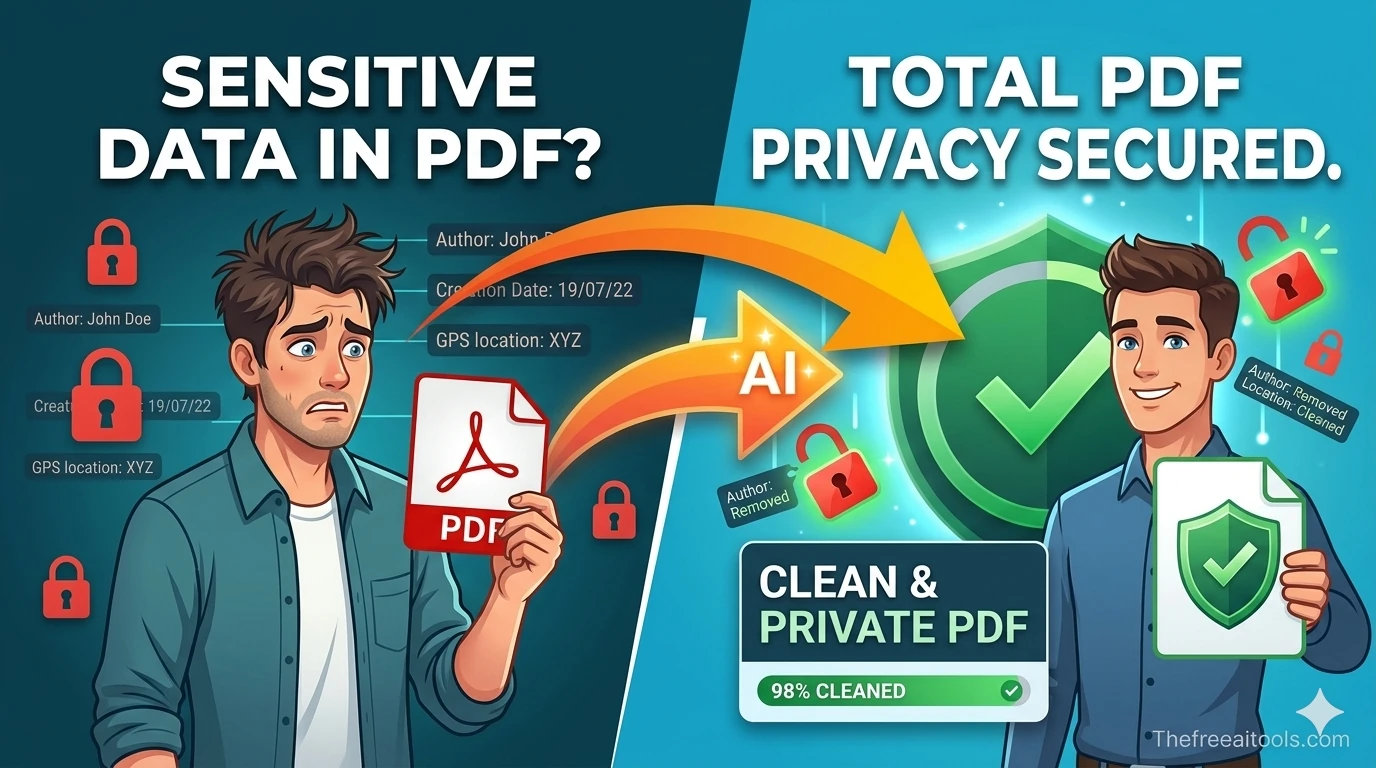
Inspect PDF author, title, subject, timestamps, and hidden metadata before sharing files. It helps teams remove accidental identifiers from proposals, resumes, and reports without sending documents to a server.
Encode and decode text to and from Base64 format instantly in your browser — essential developer utility.
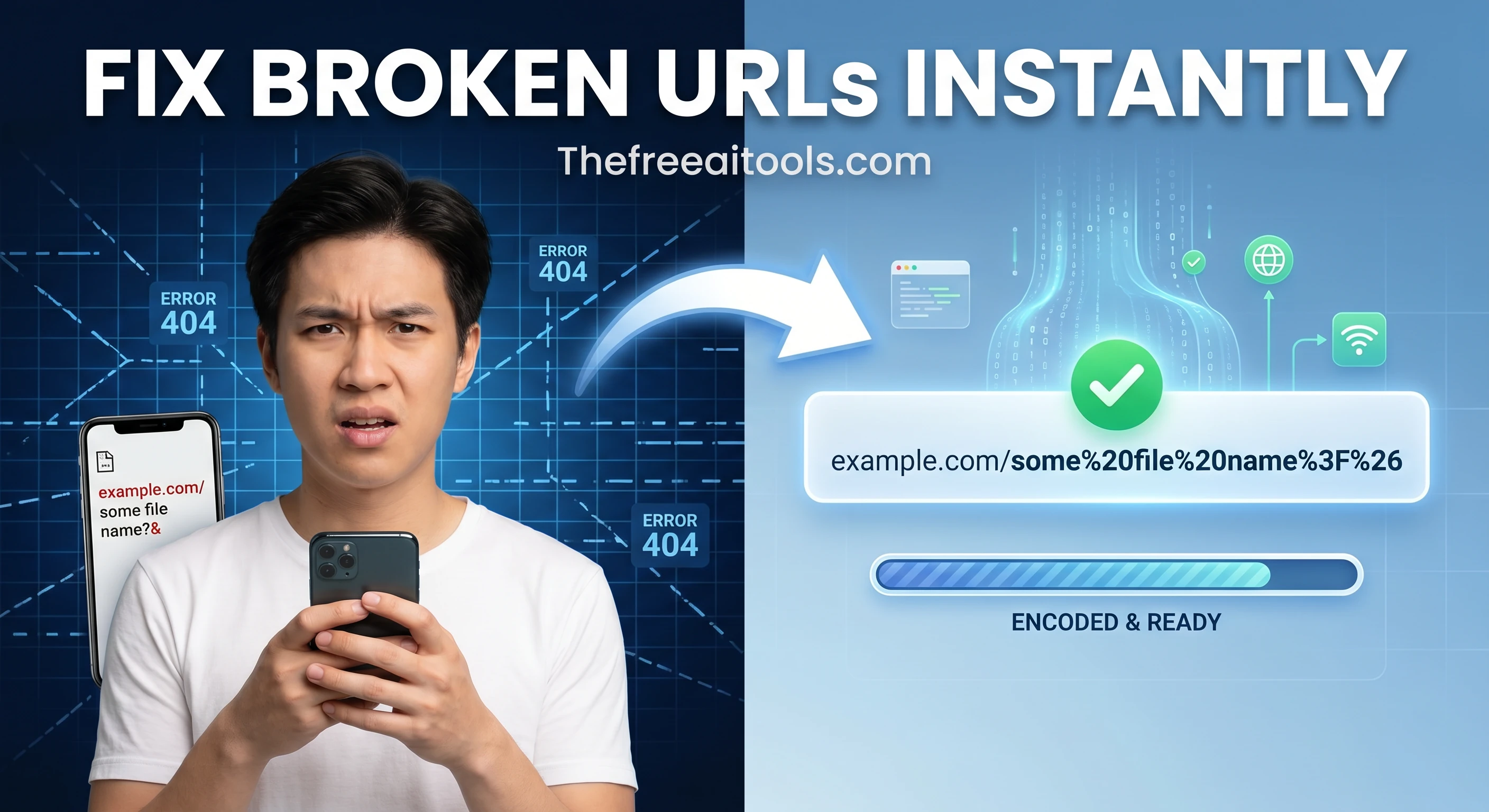
Encode and decode URLs with percent-encoding support — fix broken query strings and API parameters instantly.
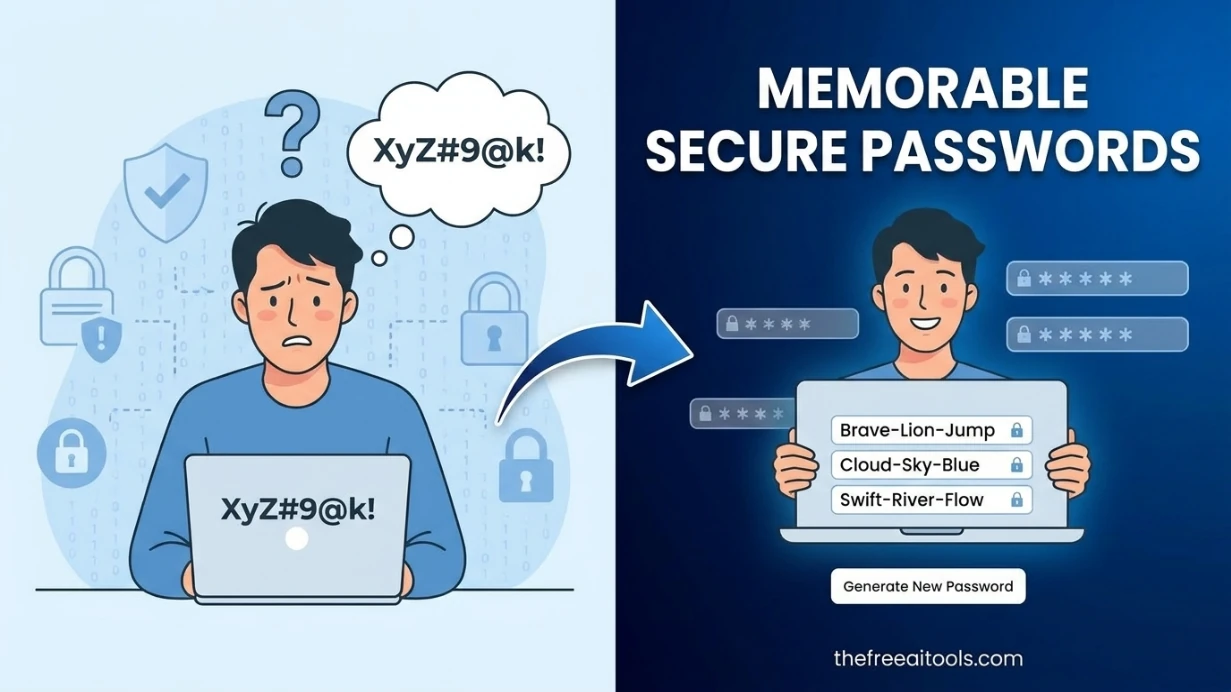
Generate strong but memorable password phrases built from pronounceable syllable chunks.
Security tooling in 2026 has become a standard requirement for developers and technical teams, not just security specialists. Modern web development involves routine tasks — hashing passwords, generating secure tokens, encoding JWTs, validating encryption parameters — that require quick browser-accessible utilities.
Password generation is one of the most frequently needed security utilities across roles. The password generator tools in this hub produce randomized output using browser-native cryptographic APIs.
Hashing is a foundational security operation that appears in dozens of routine developer tasks: verifying file integrity after download, confirming API request signatures, storing passwords in databases.
JWT inspection and signing tools are essential for developers working with modern authentication systems. Nearly every API and web application uses JSON Web Tokens in 2026 for session management, authorization, and service-to-service authentication.
Quick answers about the workflow, privacy, and where this tool fits in a broader job.
The hub includes tools for MD5, SHA256, bcrypt, and general-purpose hash generation. MD5 and SHA256 are widely used for checksums and data integrity verification. Bcrypt is the standard for password hashing in modern web applications.
For development, testing, and learning purposes, browser-based tools are convenient and reliable. For encrypting genuinely sensitive production data, use well-audited local cryptographic libraries.
SHA256 is a fast hash function not designed for password storage. Bcrypt is specifically designed for password hashing with a configurable work factor that makes brute-force attacks computationally expensive. Always use bcrypt, Argon2, or scrypt for password storage.
Use the RSA key generator tool in this hub to create public/private key pairs directly in your browser. Choose a minimum of 2048-bit keys for modern security standards.
The password strength checker evaluates length, character variety (uppercase, lowercase, numbers, symbols), common pattern avoidance, and dictionary word presence.
The complete toolkit
Every tool runs instantly in your browser — no account, no download, no cost. Across 13 categories for everyday tasks.