Video Editor Lite
Trim, crop, convert, and edit video files fully in your browser with a no-upload workflow.
This hub brings together the best free browser-based video processing and conversion tools in 2026: video editors, audio extractors, video-to-audio converters, and AI-powered video tools — no signup, no install required.
Updated · Reviewed by The Free AI Tools Editorial Team — Video and media processing tools review
Trim, crop, convert, and edit video files fully in your browser with a no-upload workflow.
Extract audio from video files and export MP3 or WAV tracks directly in your browser.
Convert audio formats in your browser with AI-assisted controls for quick, clean exports.
Find and download random royalty-free media across video, audio, and images in one place.
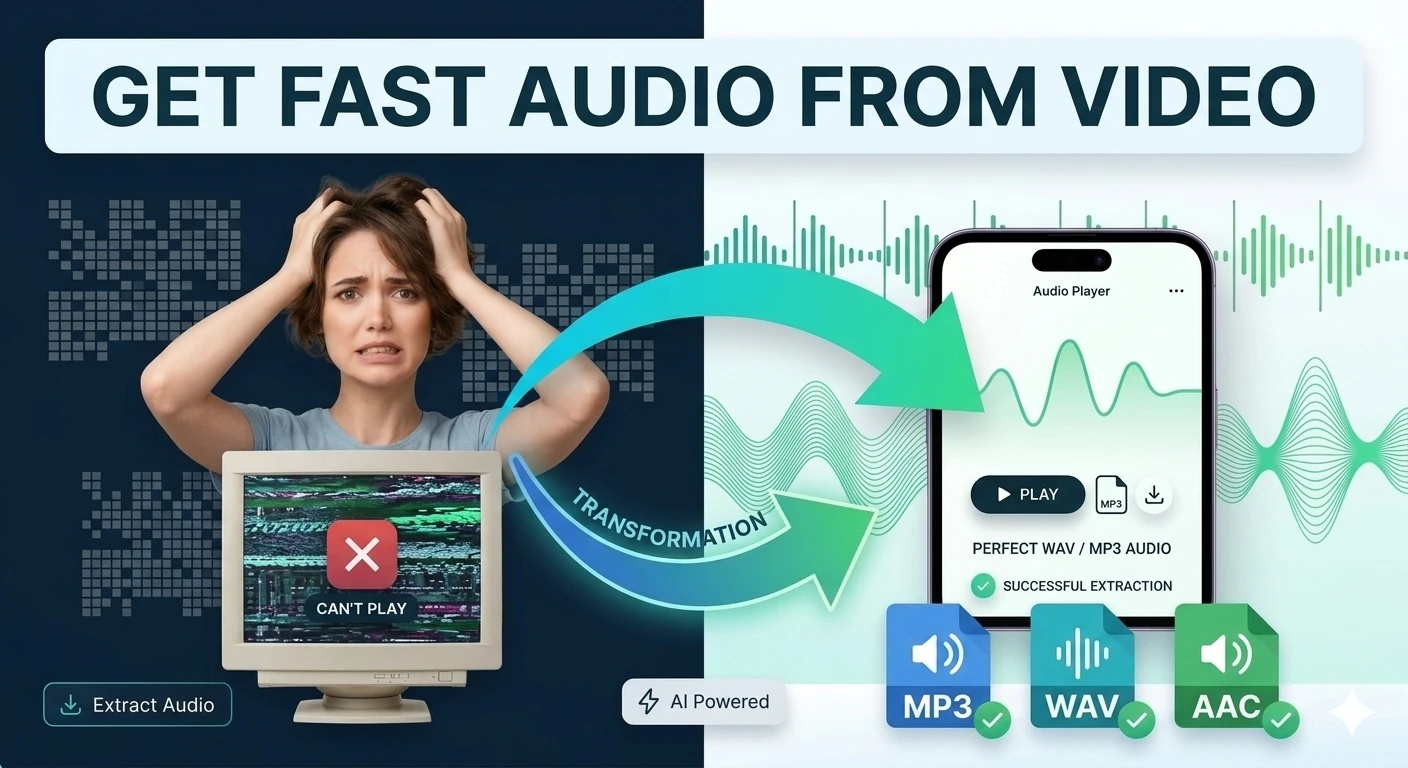
Extract audio tracks from video files and export them in browser-compatible formats — mp4 to mp3.
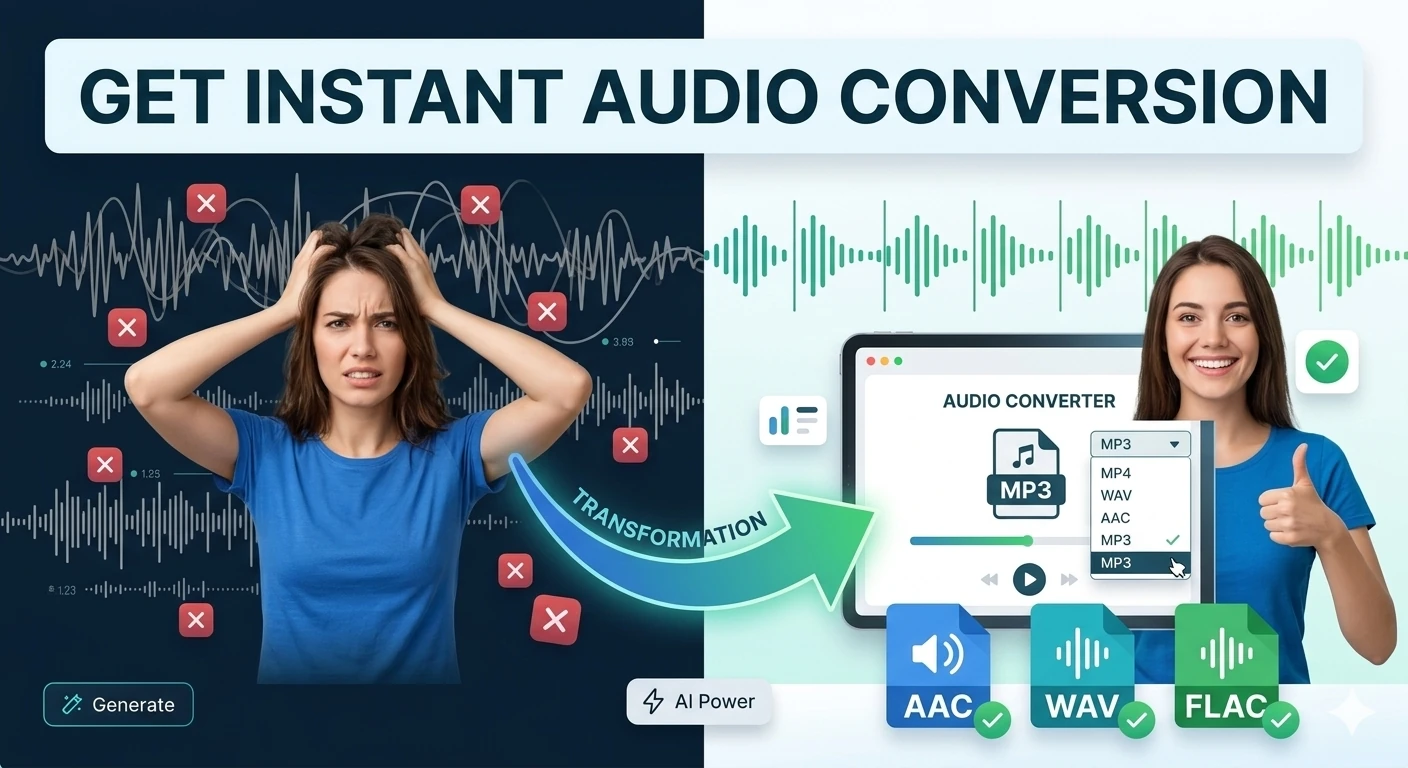
Convert audio files between popular formats in a browser-based workspace — MP3, WAV, OGG conversion.
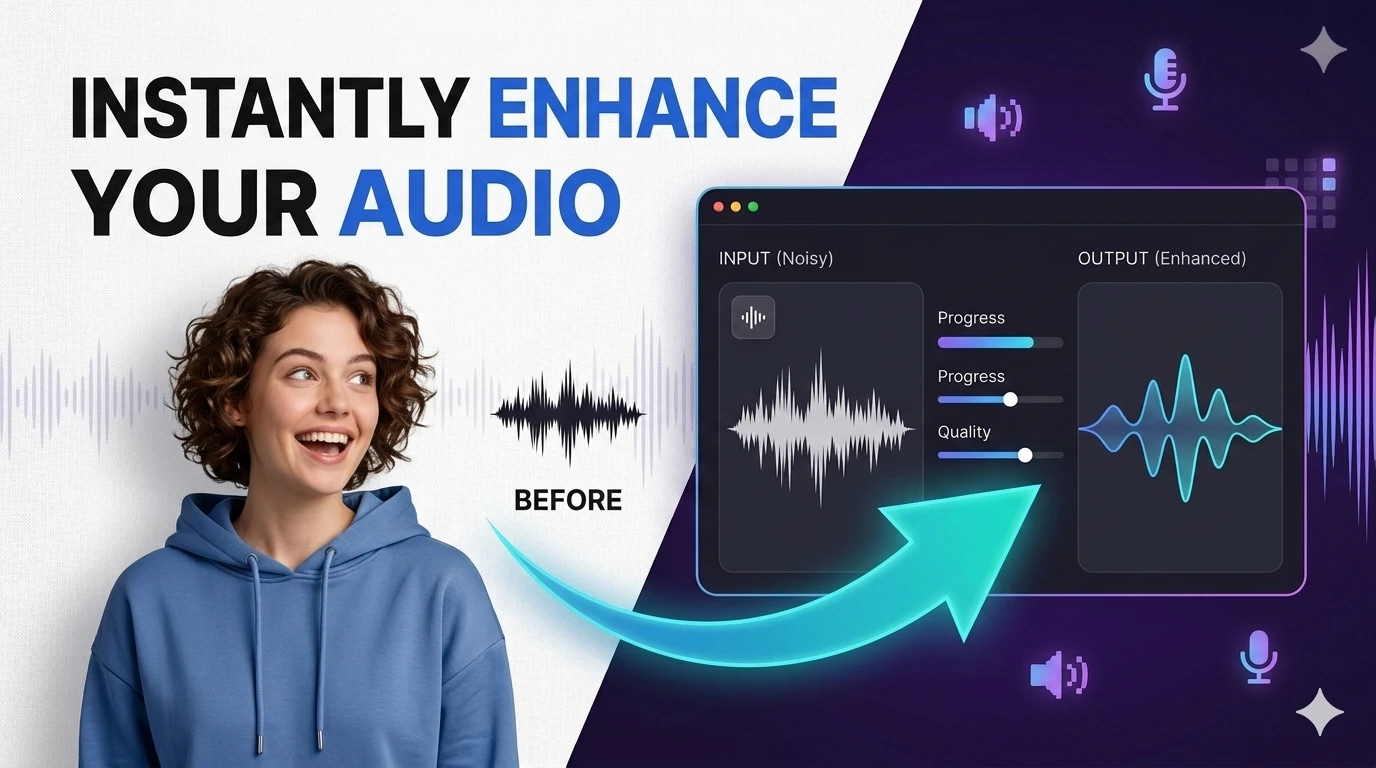
Remove background noise from recordings or separate vocals from music — browser-based audio processing with waveform visualizer.
Browser-based video processing has advanced dramatically in 2026, enabled by improvements in WebAssembly, WebCodecs API, and hardware-accelerated video processing in modern browsers.
Video-to-audio conversion is one of the most frequently needed video processing tasks across diverse professional contexts. Podcast hosts who record video interviews need to extract the audio track for audio-only distribution.
Audio extraction quality depends significantly on the source video's audio encoding. Videos with high-bitrate audio tracks produce excellent extracted audio. Videos recorded with built-in microphones may benefit from the AI audio enhancer tool.
The intersection of video and audio tool workflows is where content production efficiency is gained in 2026. A recorded podcast video becomes an audio episode, a transcript document, a waveform visualization for social media, and AI-enhanced audio for higher-quality distribution.
Quick answers about the workflow, privacy, and where this tool fits in a broader job.
Yes. The browser-based video editor in this hub lets you trim, cut, and process video files directly in your browser using modern web APIs.
Upload your video file and the converter extracts the audio track, producing a standalone audio file in MP3 or WAV format for download.
The AI video converter applies intelligent processing during format conversion — optimizing compression settings, preserving quality, and in some cases applying AI enhancement to the video output.
The random video and audio tool surfaces royalty-free video clips and audio tracks for use in projects, presentations, and content production.
The complete toolkit
Every tool runs instantly in your browser — no account, no download, no cost. Across 13 categories for everyday tasks.