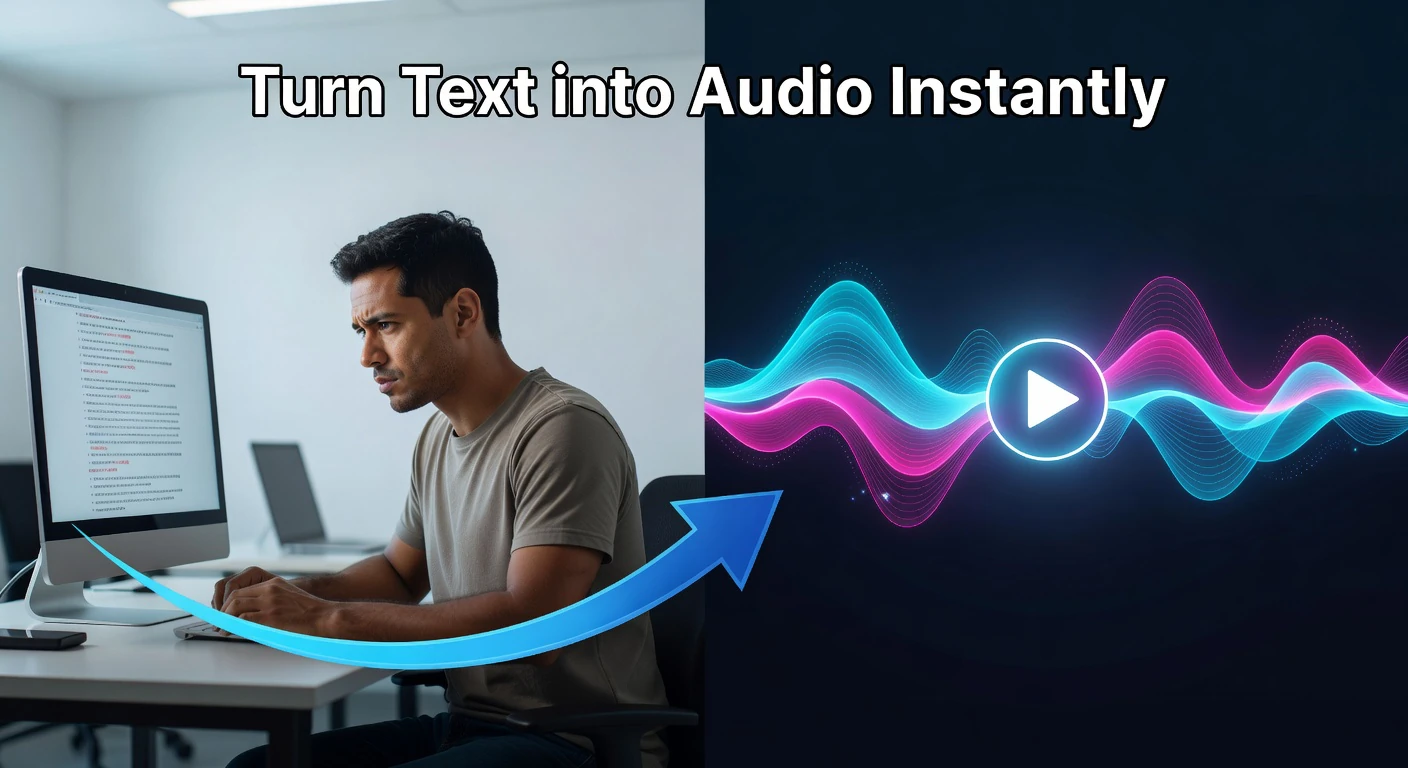
Text to Speech
Convert text to natural-sounding speech instantly in your browser — choose from multiple voices, control pitch and rate, with live frequency visualizer.
This hub covers browser-based AI text-to-speech tools that convert written content into natural-sounding audio — ideal for podcasters, video creators, e-learning developers, and accessibility-focused teams.
Updated · Reviewed by The Free AI Tools Editorial Team — Audio and media tools review
Convert text to natural-sounding speech instantly in your browser — choose from multiple voices, control pitch and rate, with live frequency visualizer.
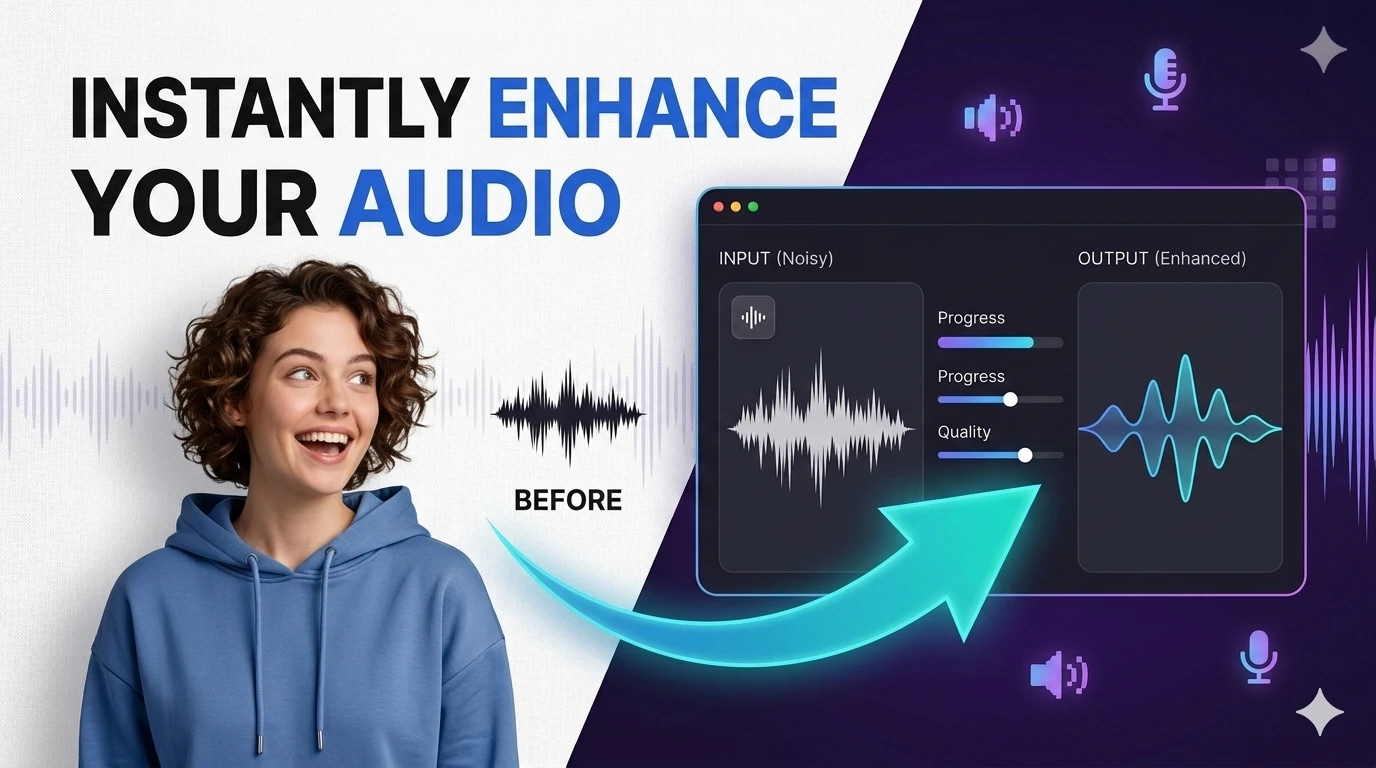
Remove background noise from recordings or separate vocals from music — browser-based audio processing with waveform visualizer.
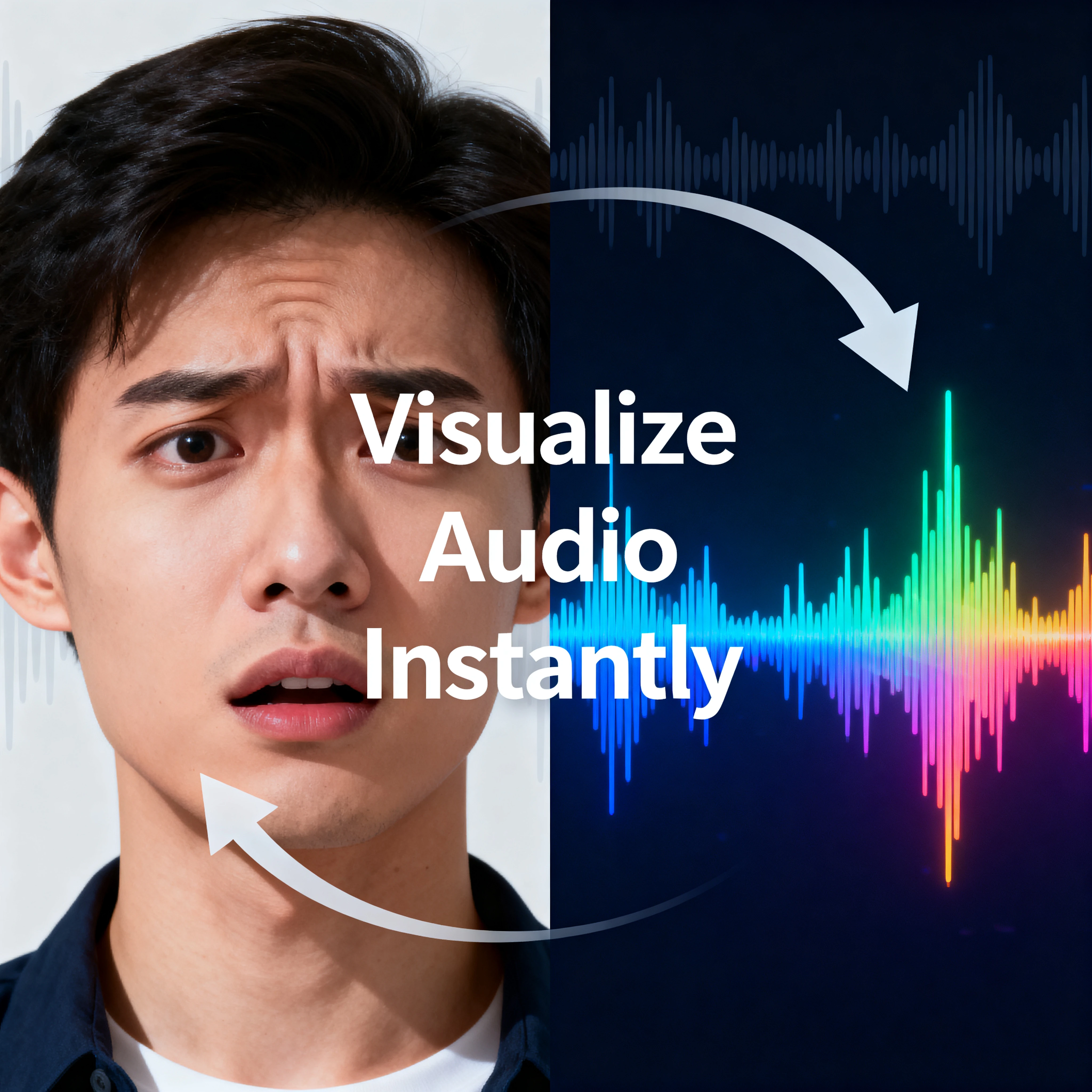
Load an audio file and inspect its waveform in the browser — visualize audio frequency with an interactive canvas.
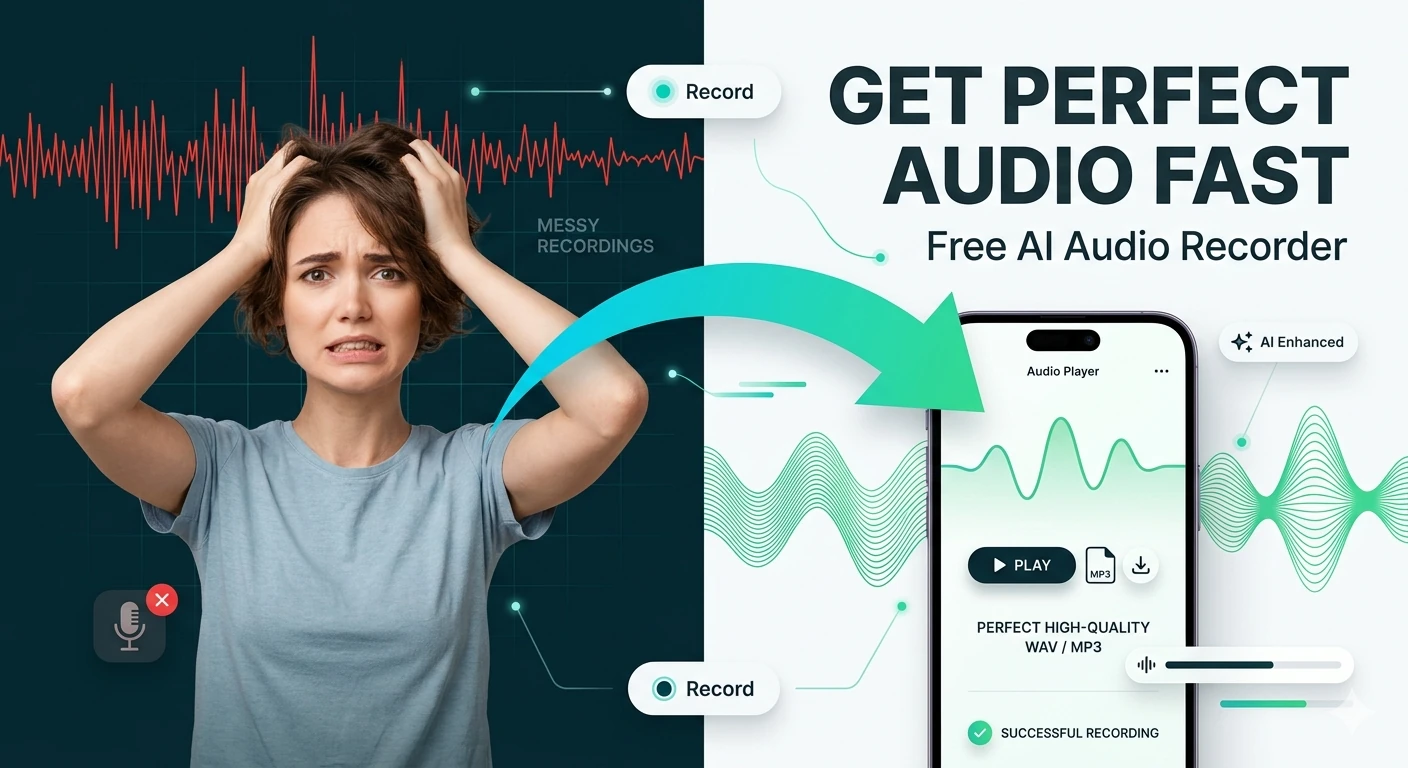
Record microphone input and download the captured audio — browser-based voice recorder, no software needed.
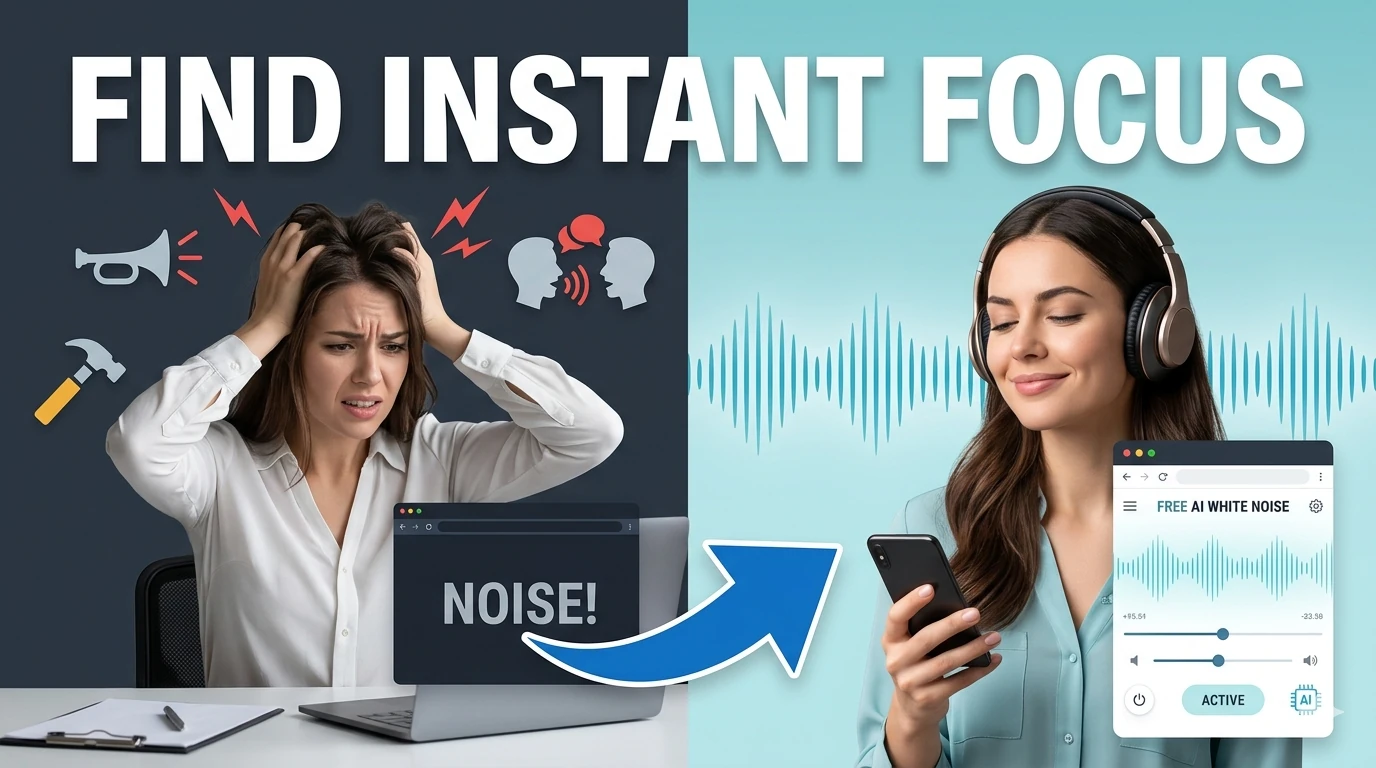
Generate looping white, pink, and brown noise textures for focus, sleep, and study sessions.
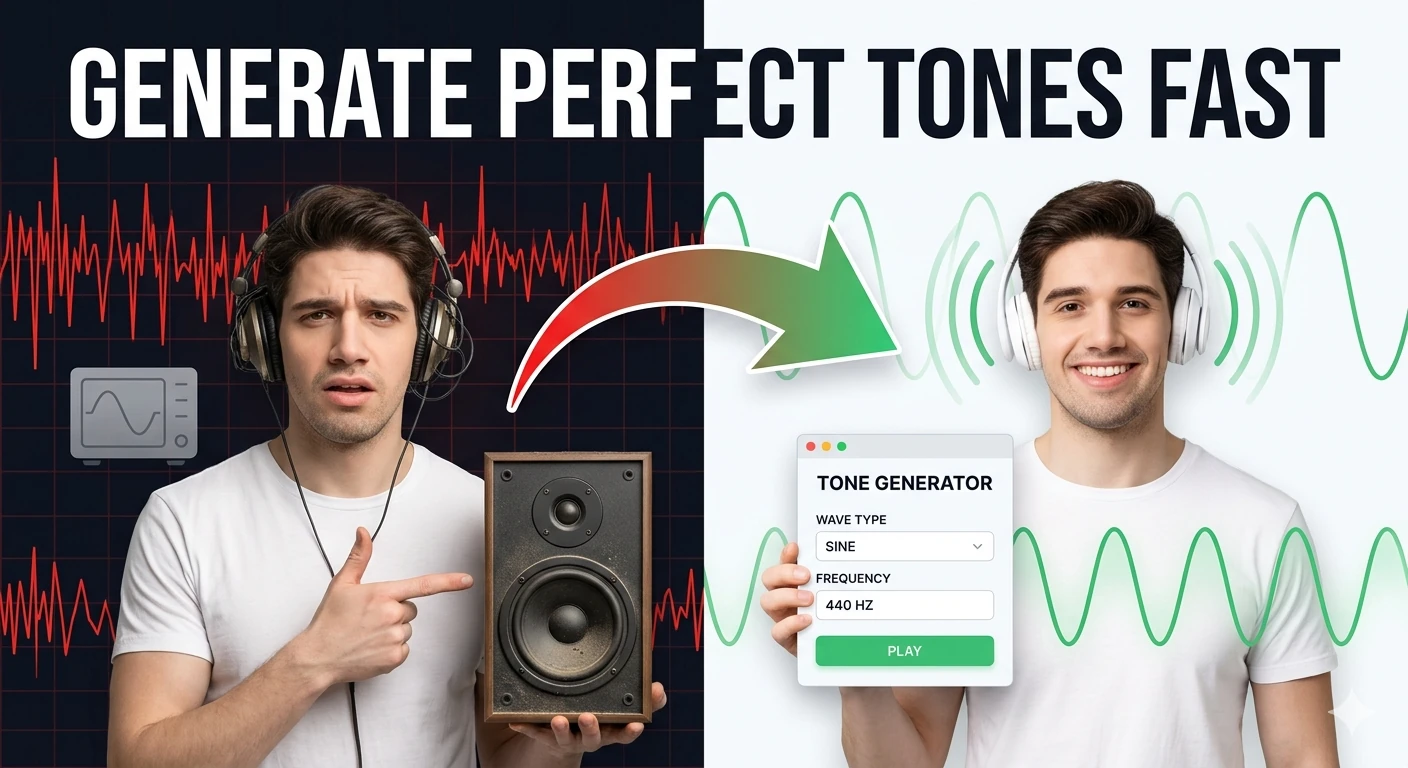
Generate sine, square, triangle, and sawtooth tones in the browser — audio frequency test tool.
Convert audio formats in your browser with AI-assisted controls for quick, clean exports.
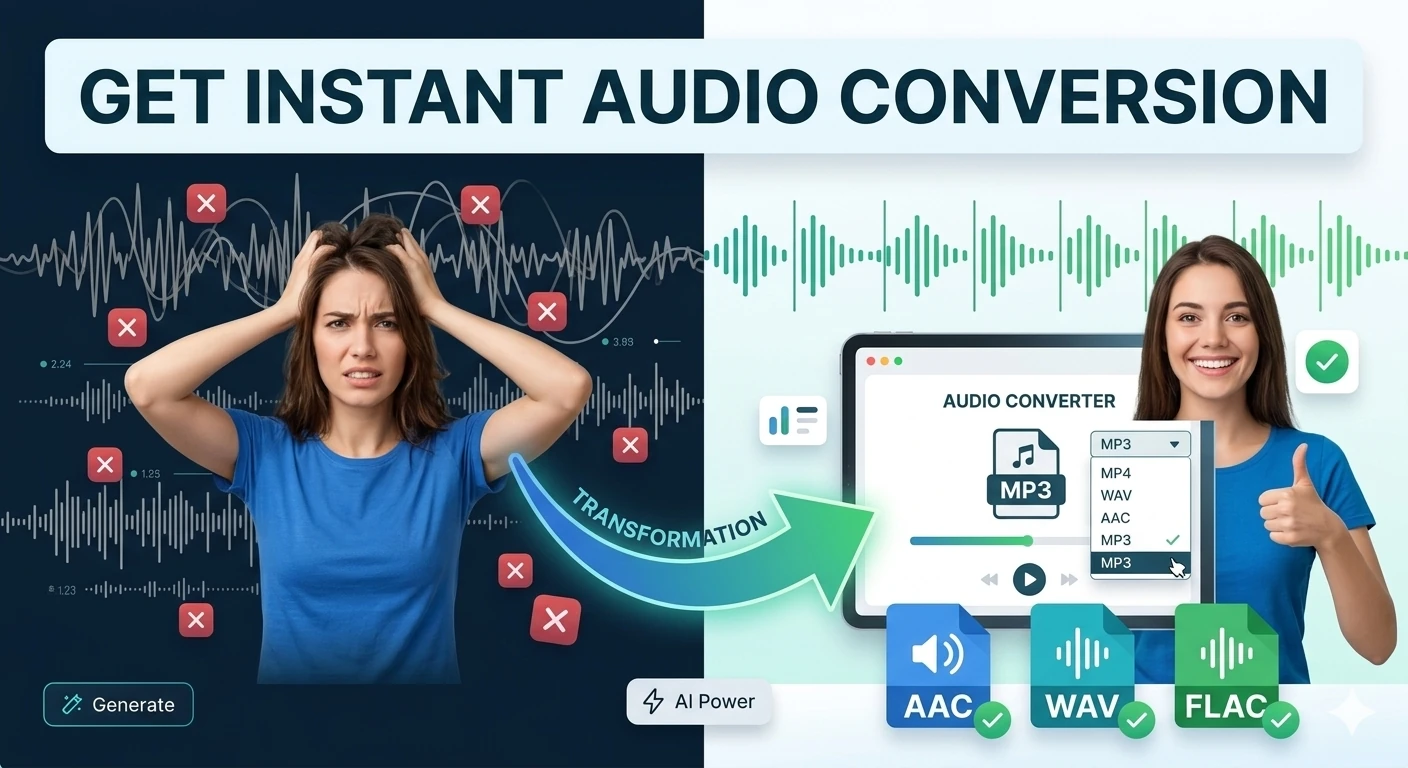
Convert audio files between popular formats in a browser-based workspace — MP3, WAV, OGG conversion.
Extract audio from video files and export MP3 or WAV tracks directly in your browser.
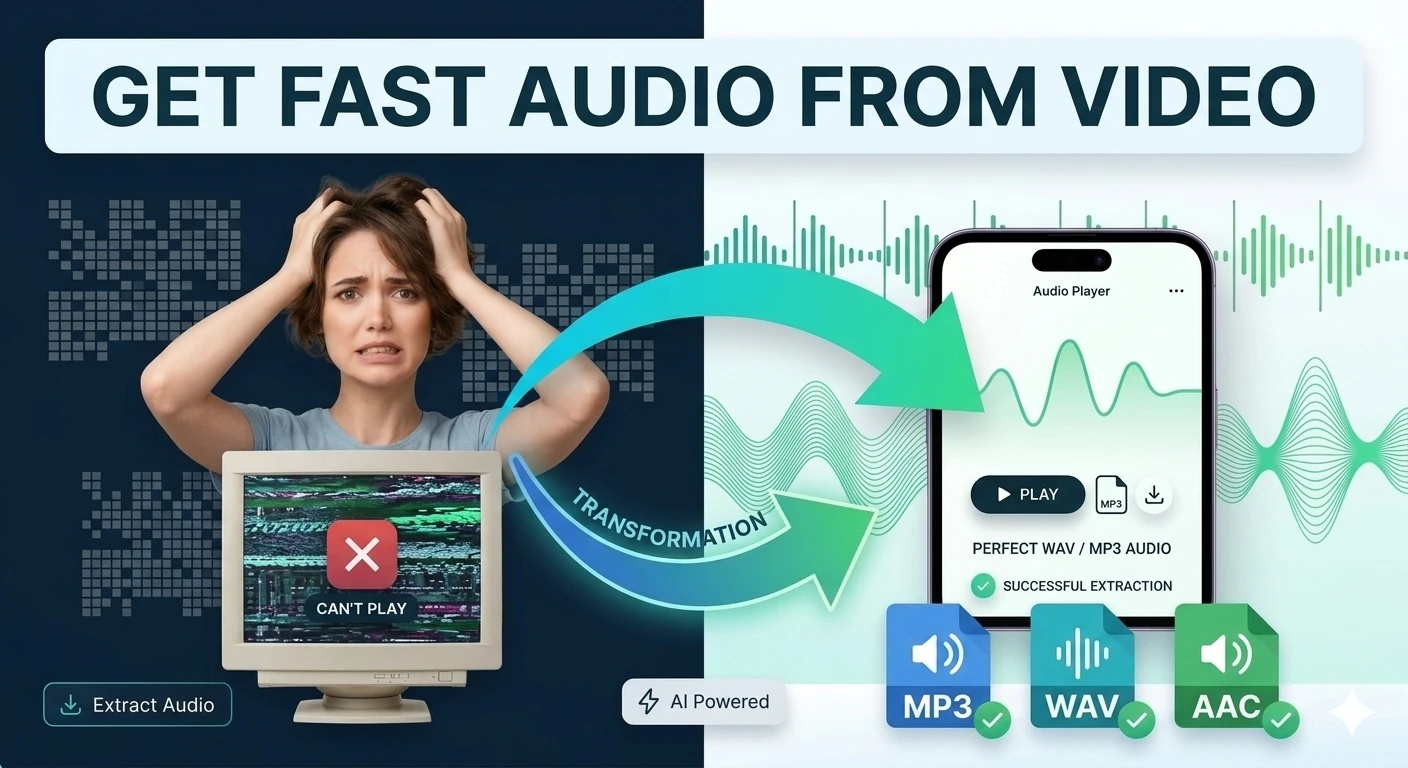
Extract audio tracks from video files and export them in browser-compatible formats — mp4 to mp3.
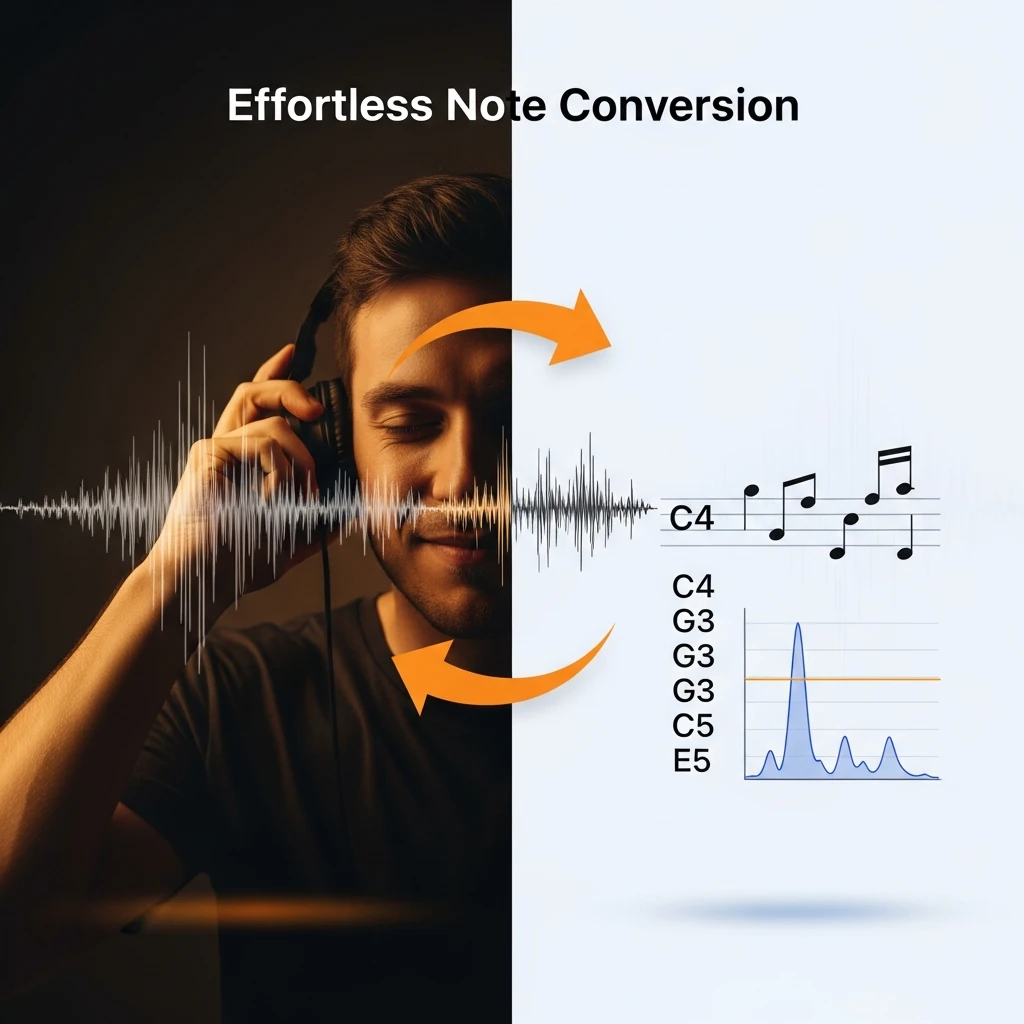
Convert audio frequencies (Hz) to the nearest musical note and cents offset — music theory tool.
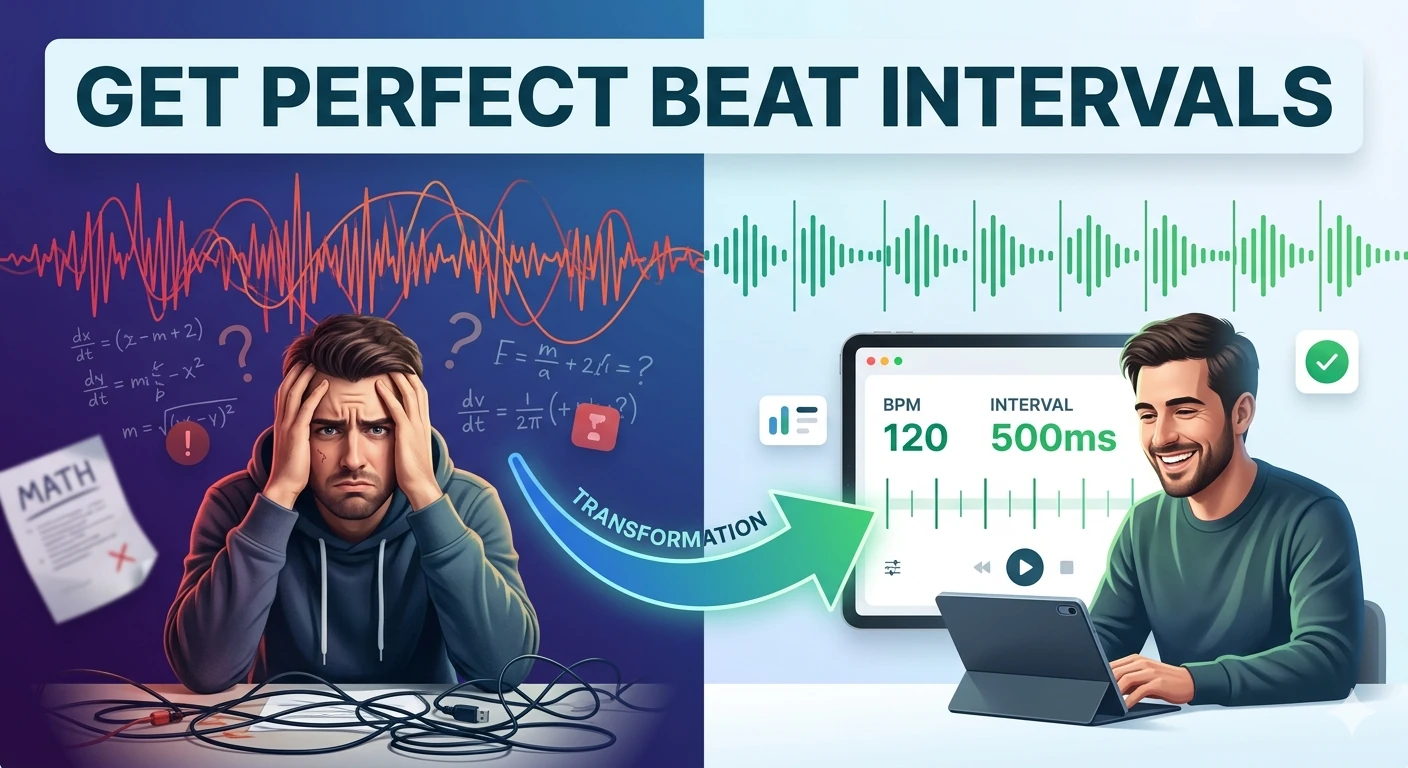
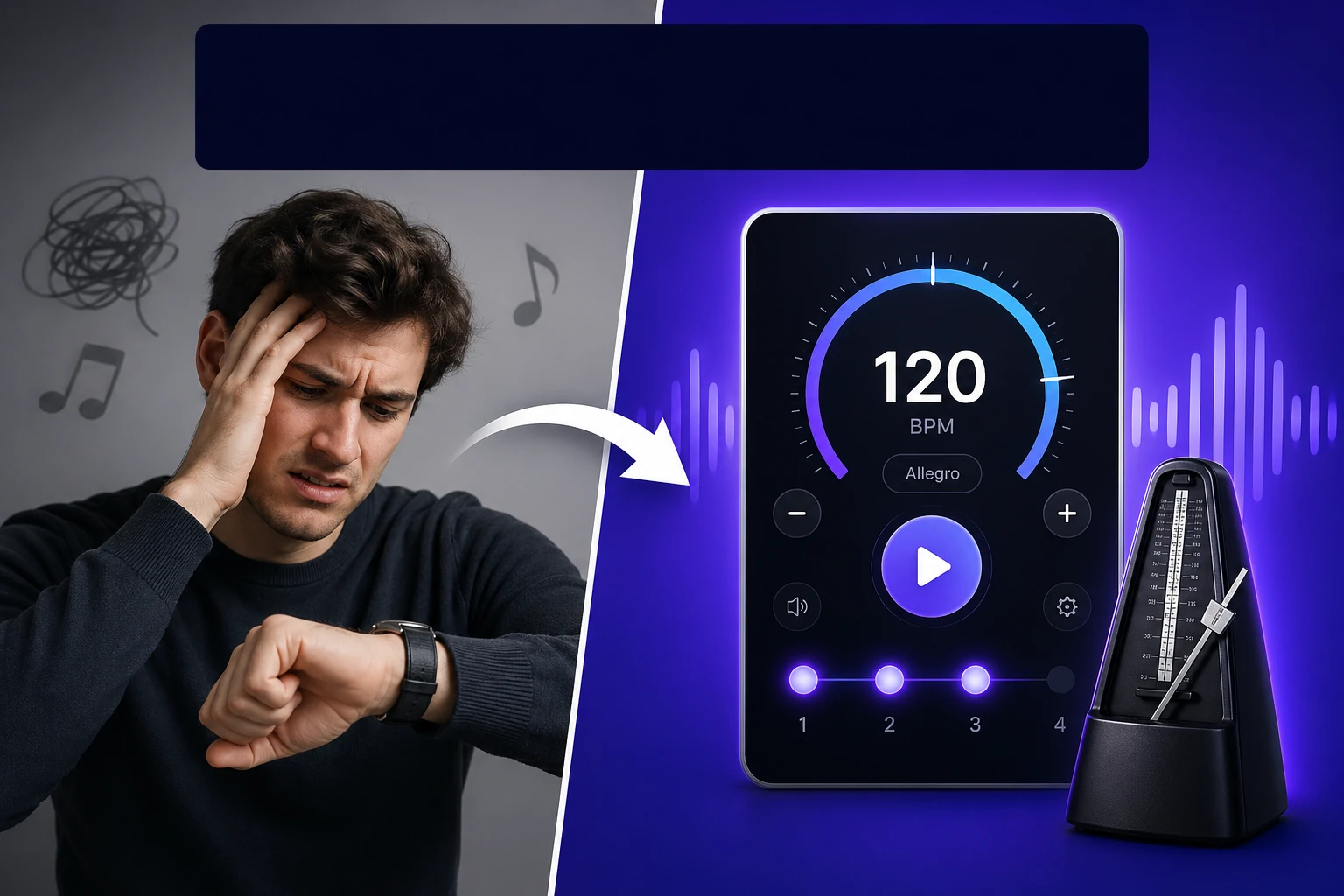
Convert BPM into beat, bar, and loop timing intervals in milliseconds — essential DJ and producer tool.
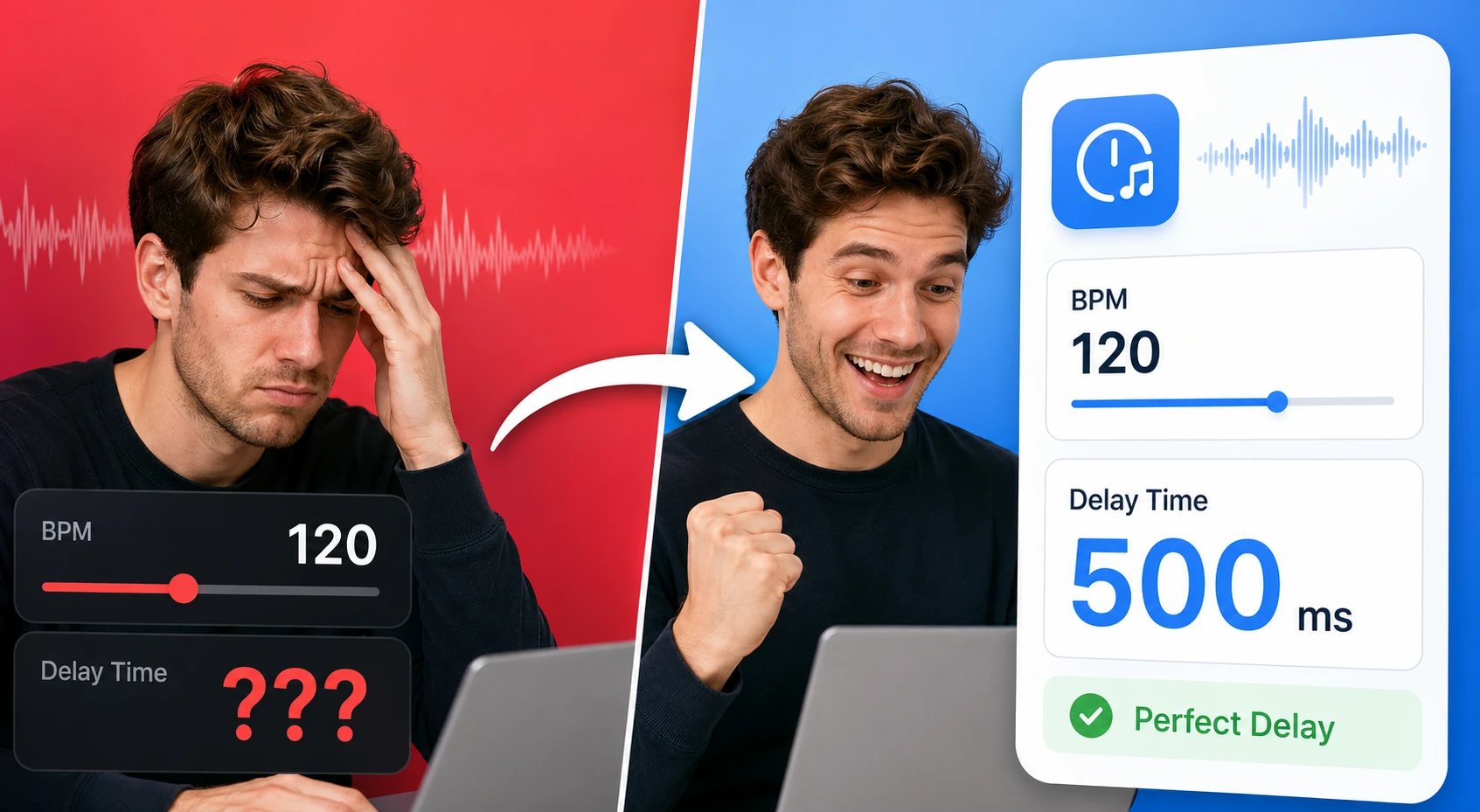
Tap a tempo or enter BPM to calculate note divisions, delay times, and loop-friendly timing values. It helps producers and musicians line up effects and timing without a DAW plugin.
Find and download random royalty-free media across video, audio, and images in one place.
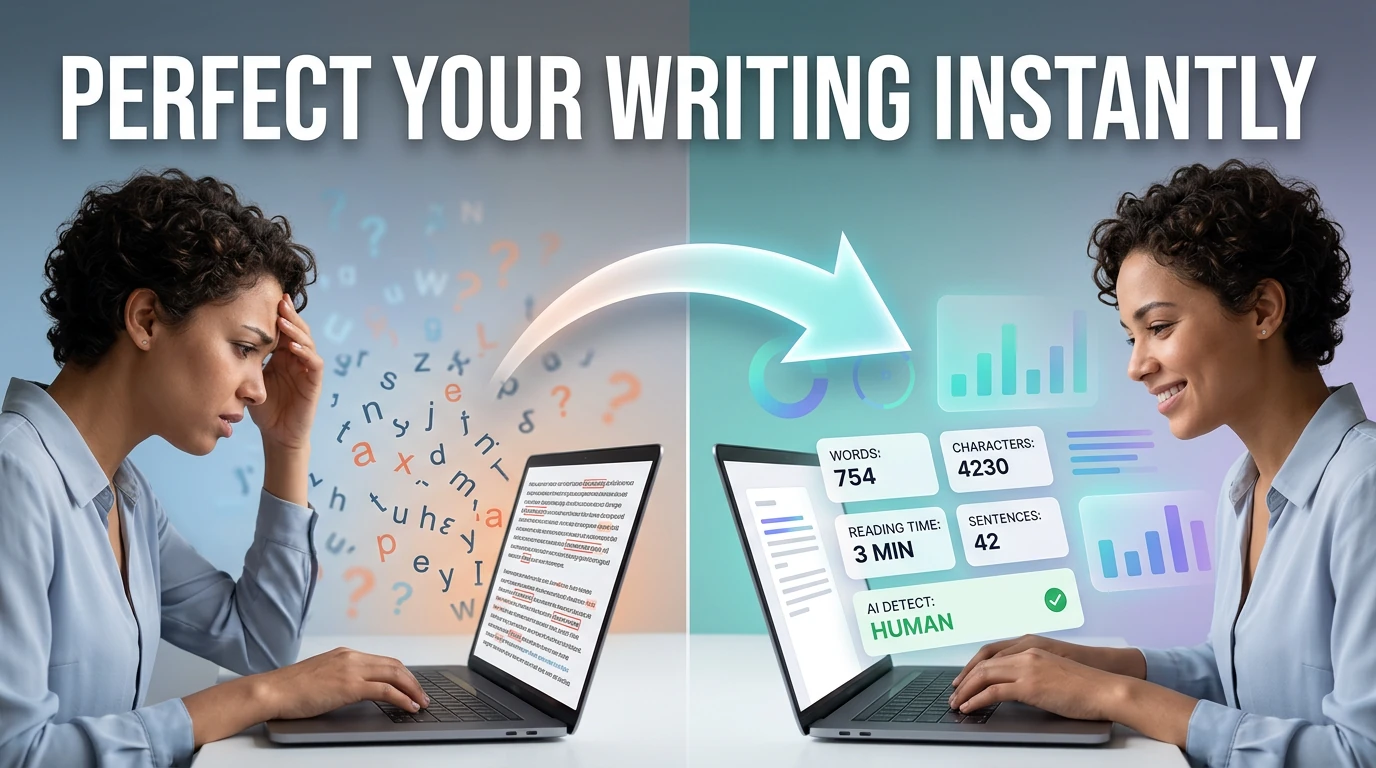
Count words, characters, sentences, and estimate reading time — with keyword density analysis.
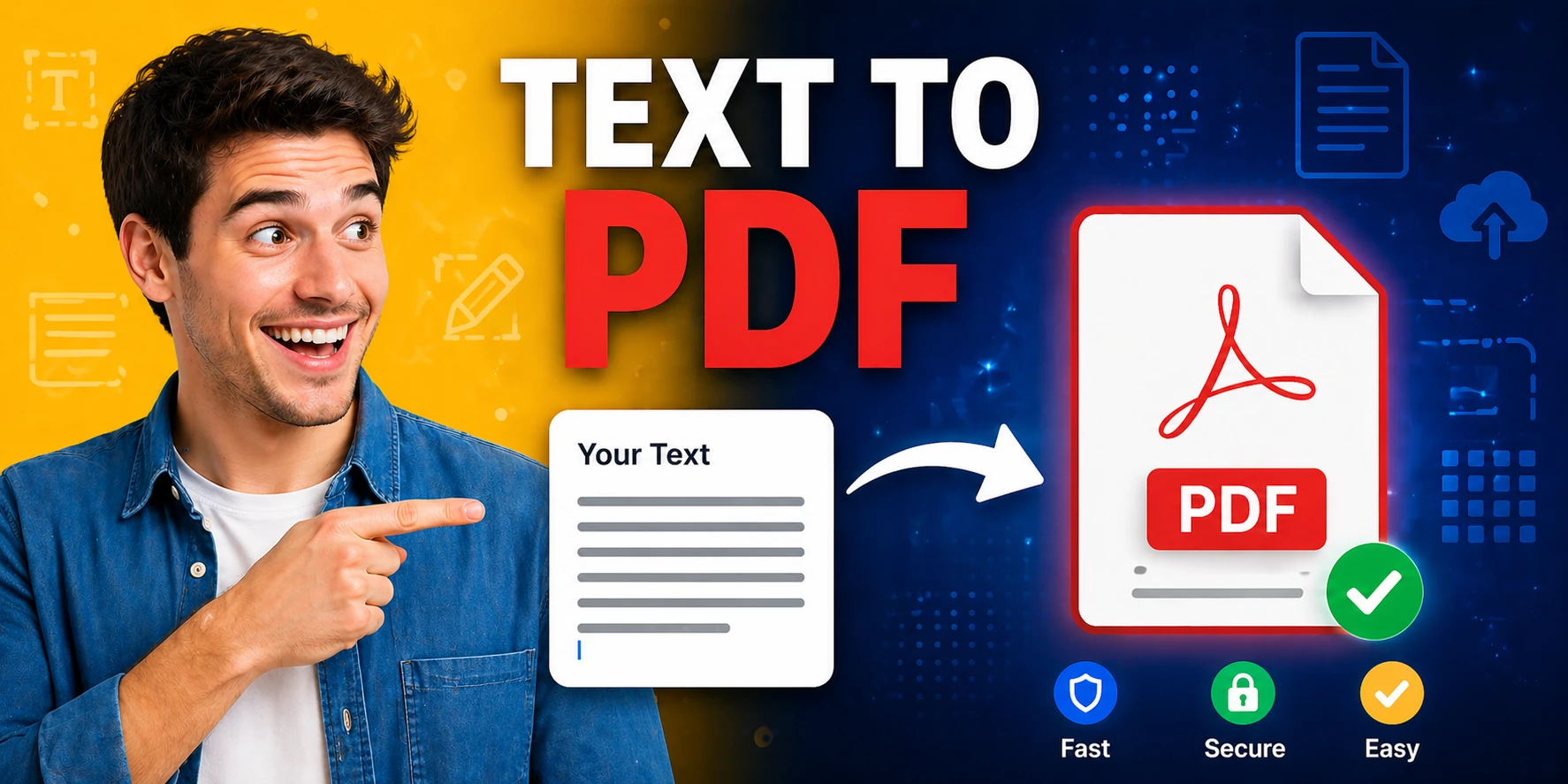
Convert plain text to formatted PDF documents with customizable page size — free, no software required.
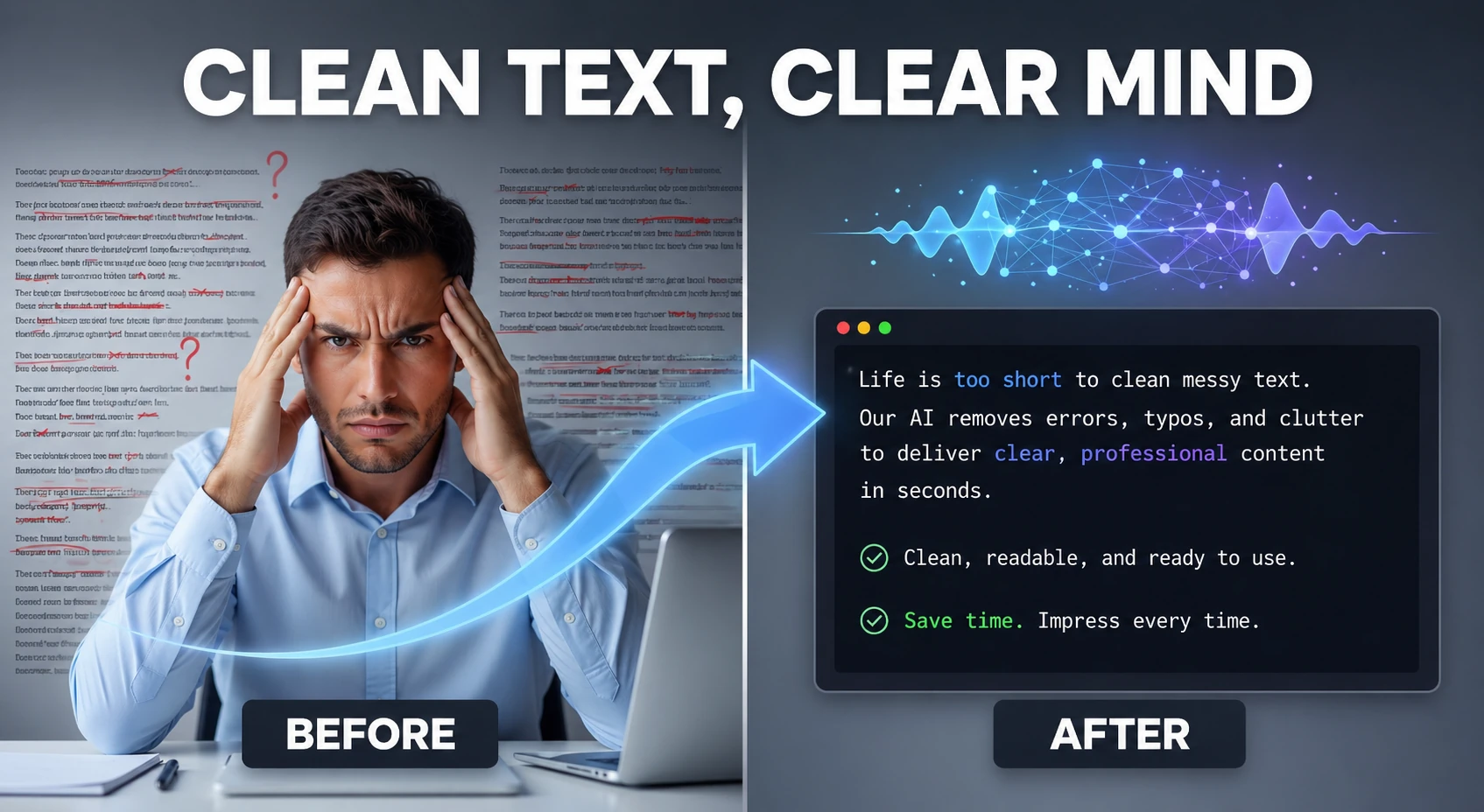
Clean and humanize AI-generated text to sound natural and help bypass AI detectors — powered by AI.
AI text to speech technology crossed a quality threshold in 2025-2026 that makes it genuinely difficult to distinguish from human narration in many use cases.
The practical applications span a wide range of workflows. Podcasters use AI TTS for episode intros, video creators add narration to screen recordings, e-learning developers convert course text into audio lessons, and accessibility teams add audio versions of key pages.
Audio quality after generation is often the next concern. The AI audio enhancer tool on this hub addresses the post-processing side of the workflow: noise reduction, clarity improvement, and volume normalization.
For teams publishing audio content at scale in 2026, the workflow looks like this: write and clean the script, check readability, generate audio, enhance the output, and prepare the text version for SEO.
Quick answers about the workflow, privacy, and where this tool fits in a broader job.
AI text to speech uses neural voice synthesis models to convert written text into spoken audio. In 2026, the quality is highly realistic — natural pacing, appropriate intonation, and clear pronunciation across many languages and voice styles.
Usage rights depend on the specific model used. Review the terms on each tool page before using AI-generated audio in commercial content, advertisements, or published media.
Common download formats include MP3 and WAV. The specific options depend on the tool — check the download controls on each tool page for the current supported formats.
Yes. Converting written content to audio is one of the most practical accessibility improvements you can make. AI TTS tools make it fast and affordable to add audio versions of blog posts, product pages, and documentation.
Short to medium passages work best in browser-based tools. For very long documents, processing them in sections produces more consistent and reliable output.
The complete toolkit
Every tool runs instantly in your browser — no account, no download, no cost. Across 13 categories for everyday tasks.