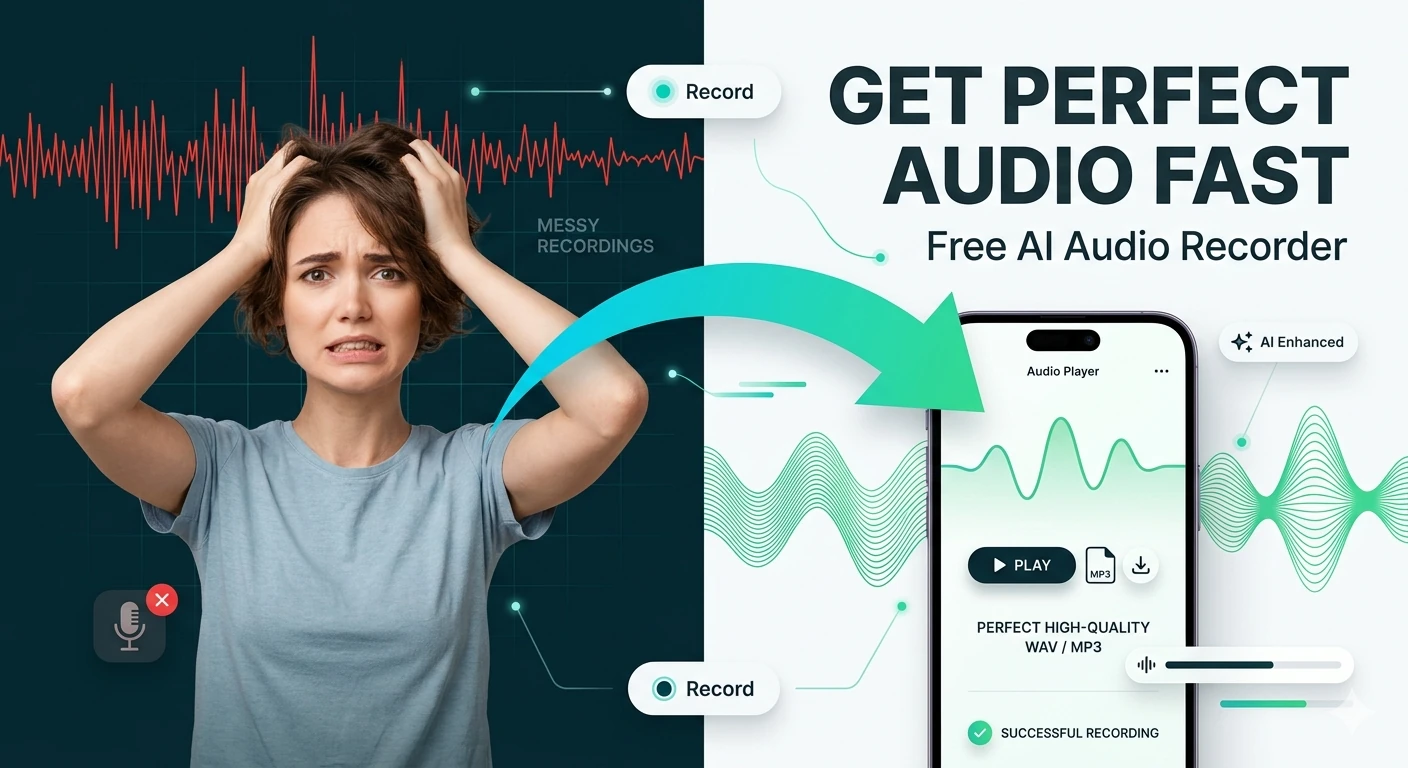
Audio Recorder
Record microphone input and download the captured audio — browser-based voice recorder, no software needed.
This hub brings together the best free browser-based audio tools for musicians, podcasters, developers, and audio professionals in 2026: recorders, visualizers, metronomes, converters, AI enhancers, and frequency tools — no signup required.
Updated · Reviewed by The Free AI Tools Editorial Team — Audio production and media tools review
Record microphone input and download the captured audio — browser-based voice recorder, no software needed.
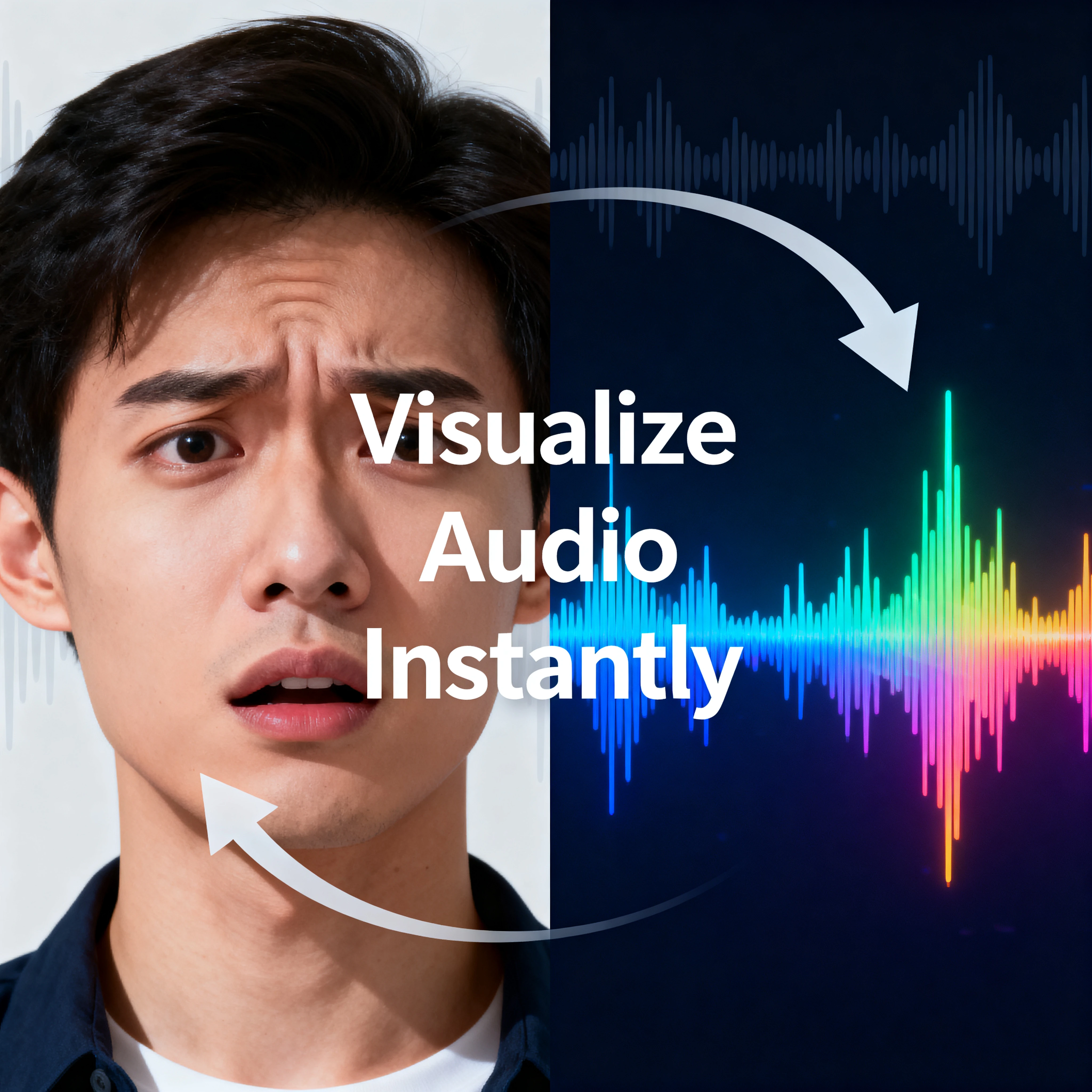
Load an audio file and inspect its waveform in the browser — visualize audio frequency with an interactive canvas.
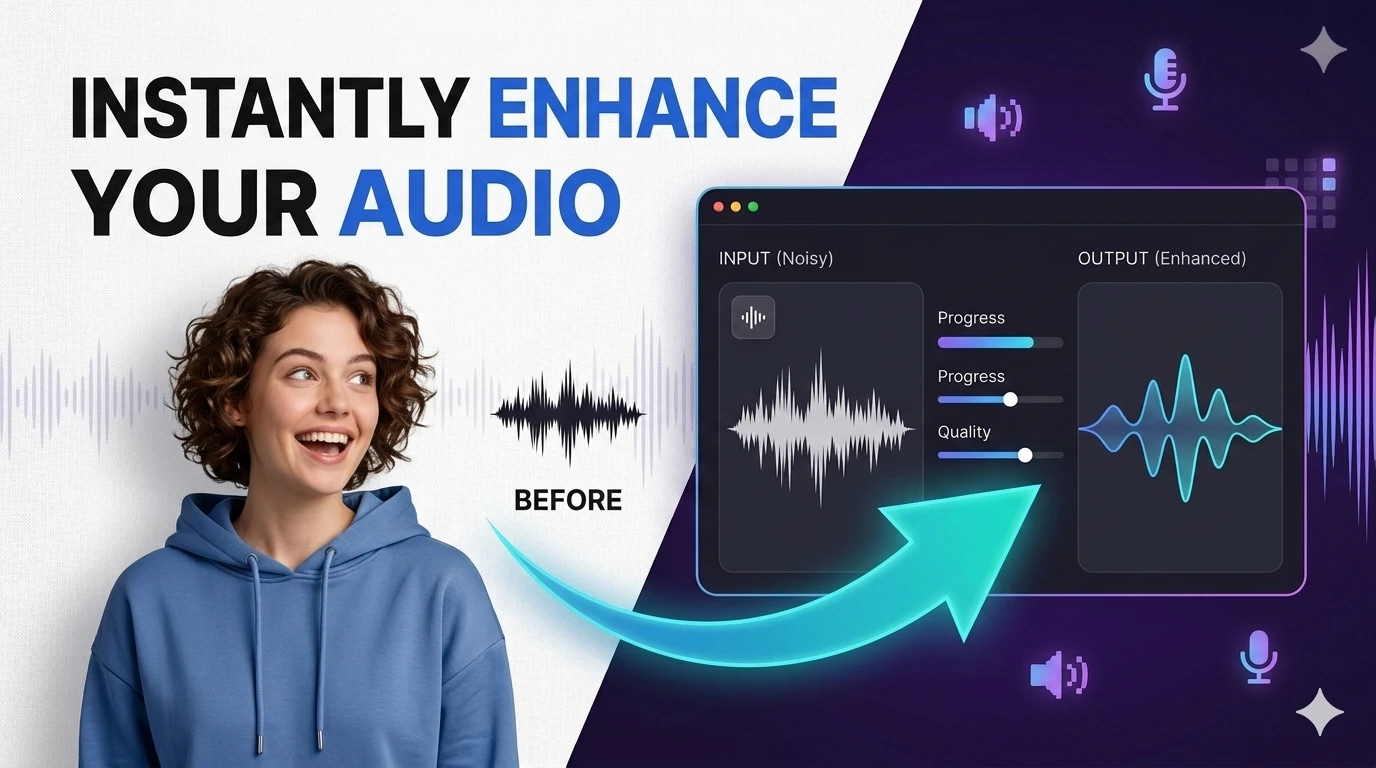
Remove background noise from recordings or separate vocals from music — browser-based audio processing with waveform visualizer.
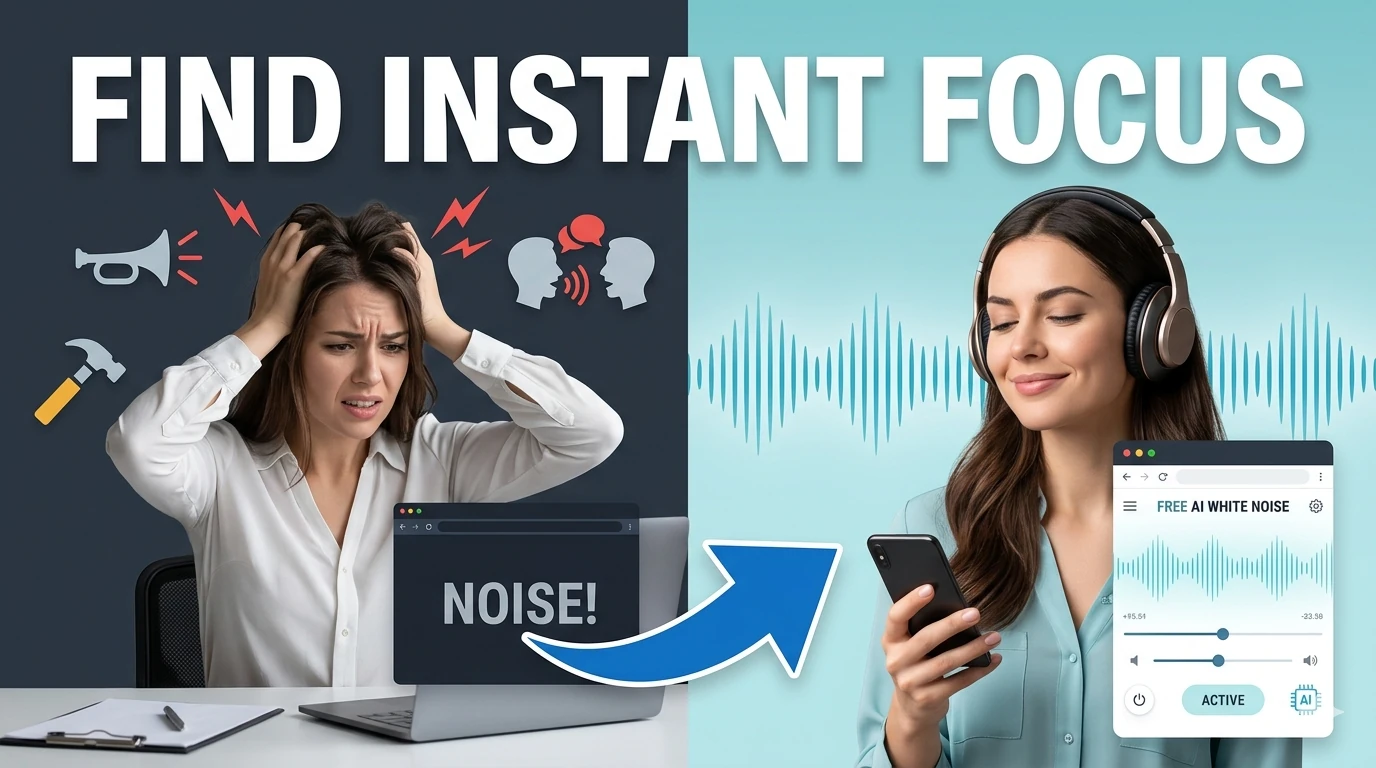
Generate looping white, pink, and brown noise textures for focus, sleep, and study sessions.
Convert audio formats in your browser with AI-assisted controls for quick, clean exports.
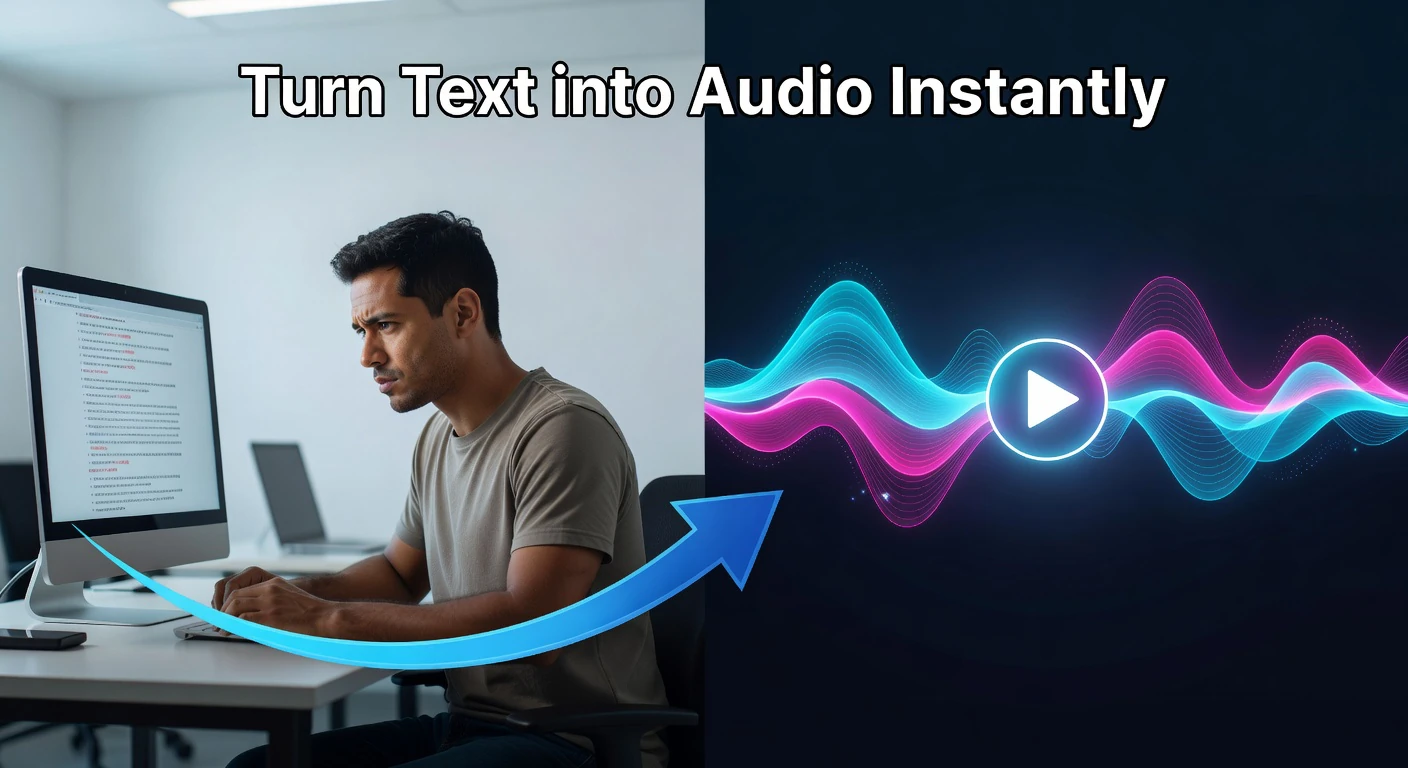
Convert text to natural-sounding speech instantly in your browser — choose from multiple voices, control pitch and rate, with live frequency visualizer.
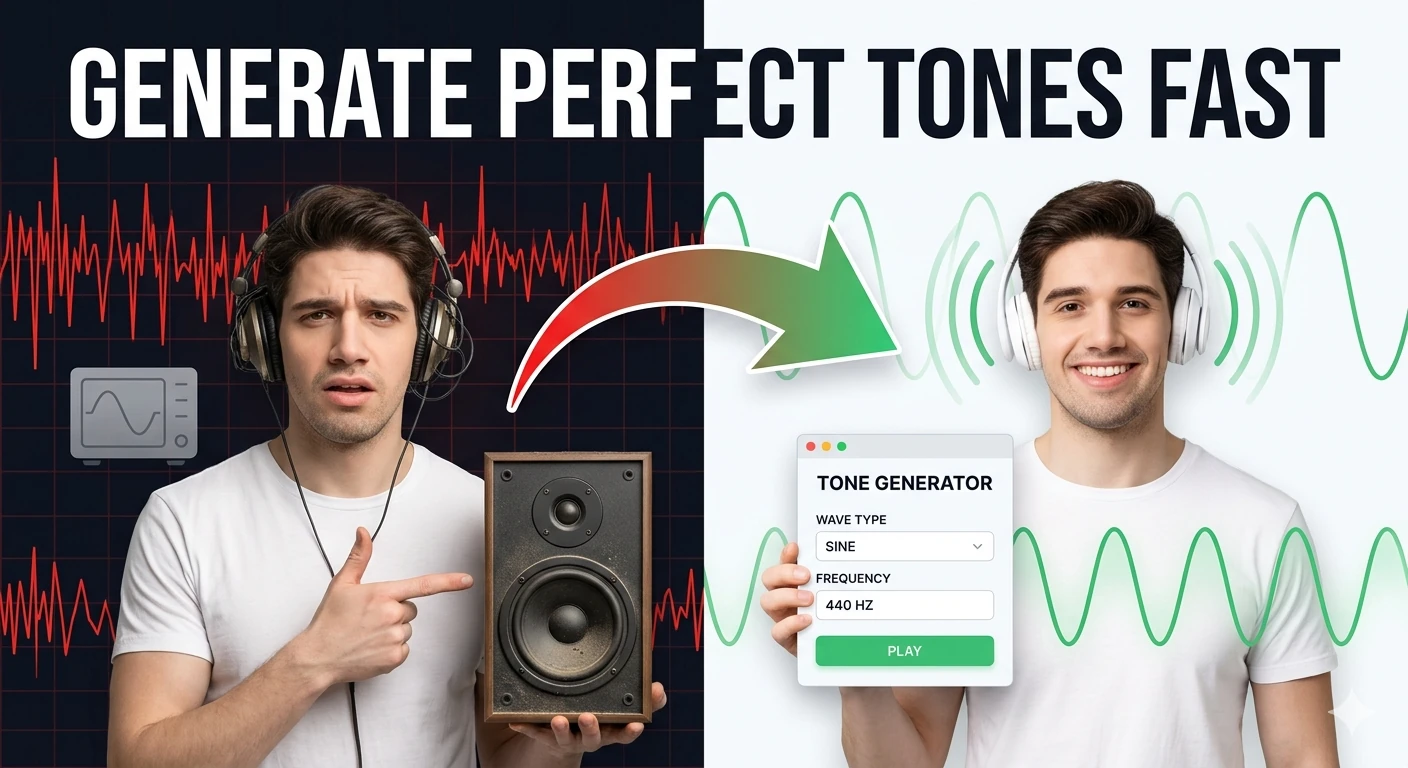
Generate sine, square, triangle, and sawtooth tones in the browser — audio frequency test tool.
Convert audio files between popular formats in a browser-based workspace — MP3, WAV, OGG conversion.
Extract audio from video files and export MP3 or WAV tracks directly in your browser.
Extract audio tracks from video files and export them in browser-compatible formats — mp4 to mp3.
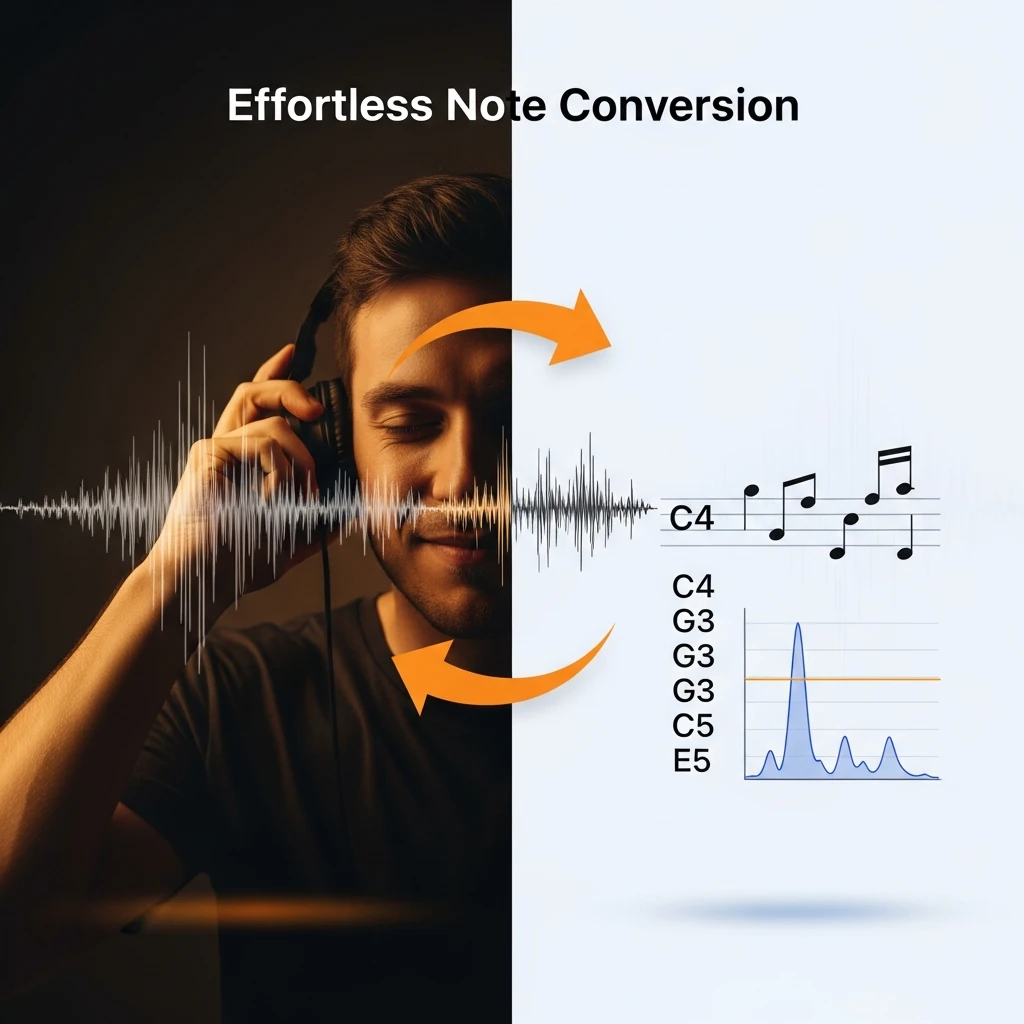
Convert audio frequencies (Hz) to the nearest musical note and cents offset — music theory tool.
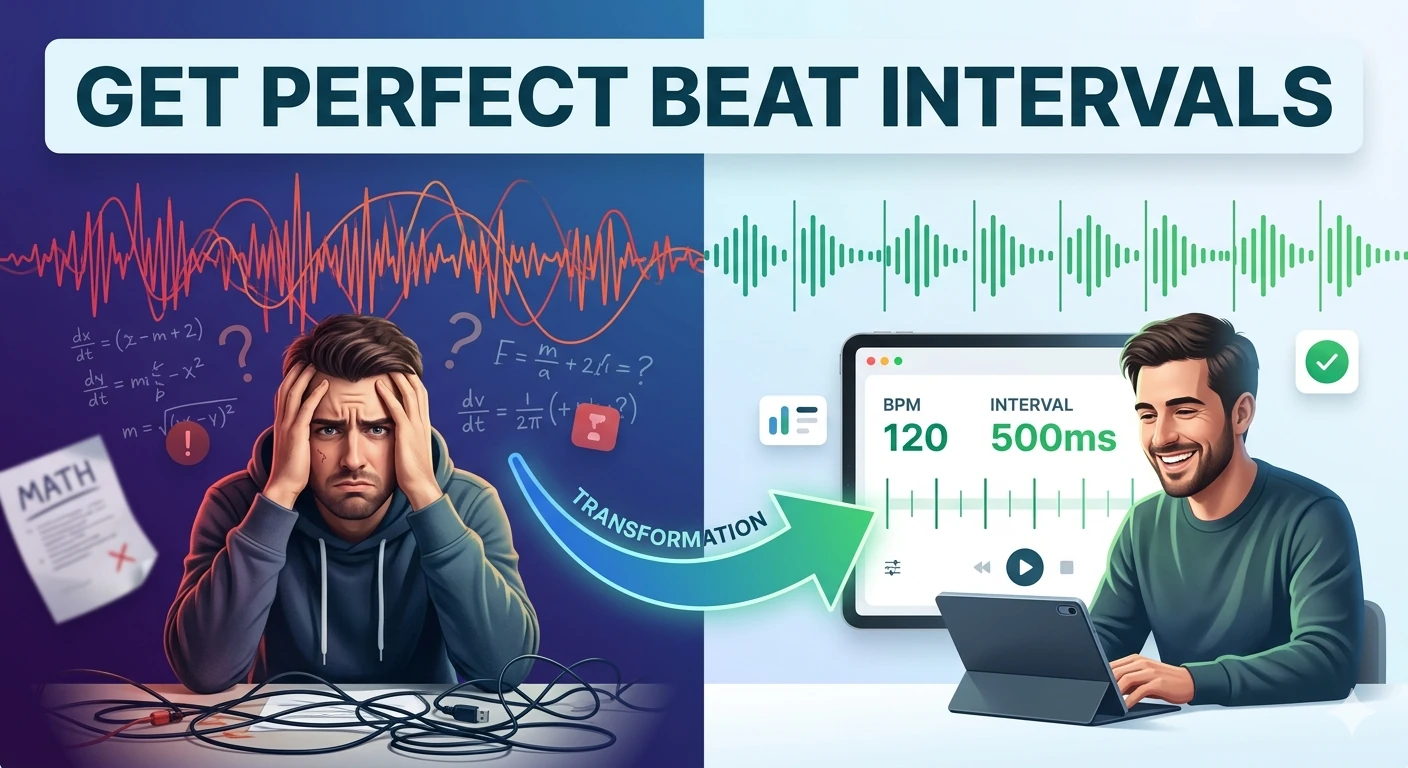
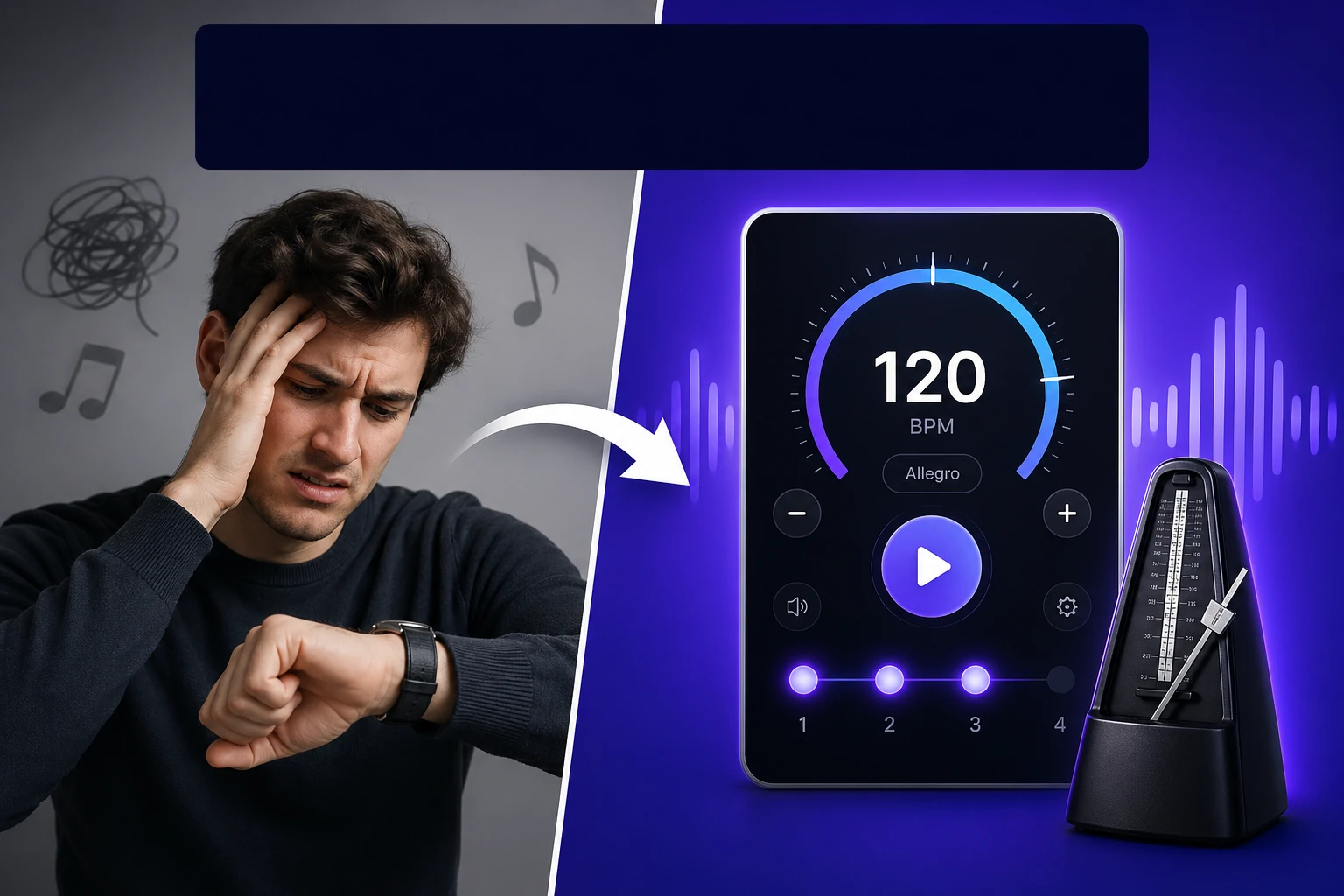
Convert BPM into beat, bar, and loop timing intervals in milliseconds — essential DJ and producer tool.
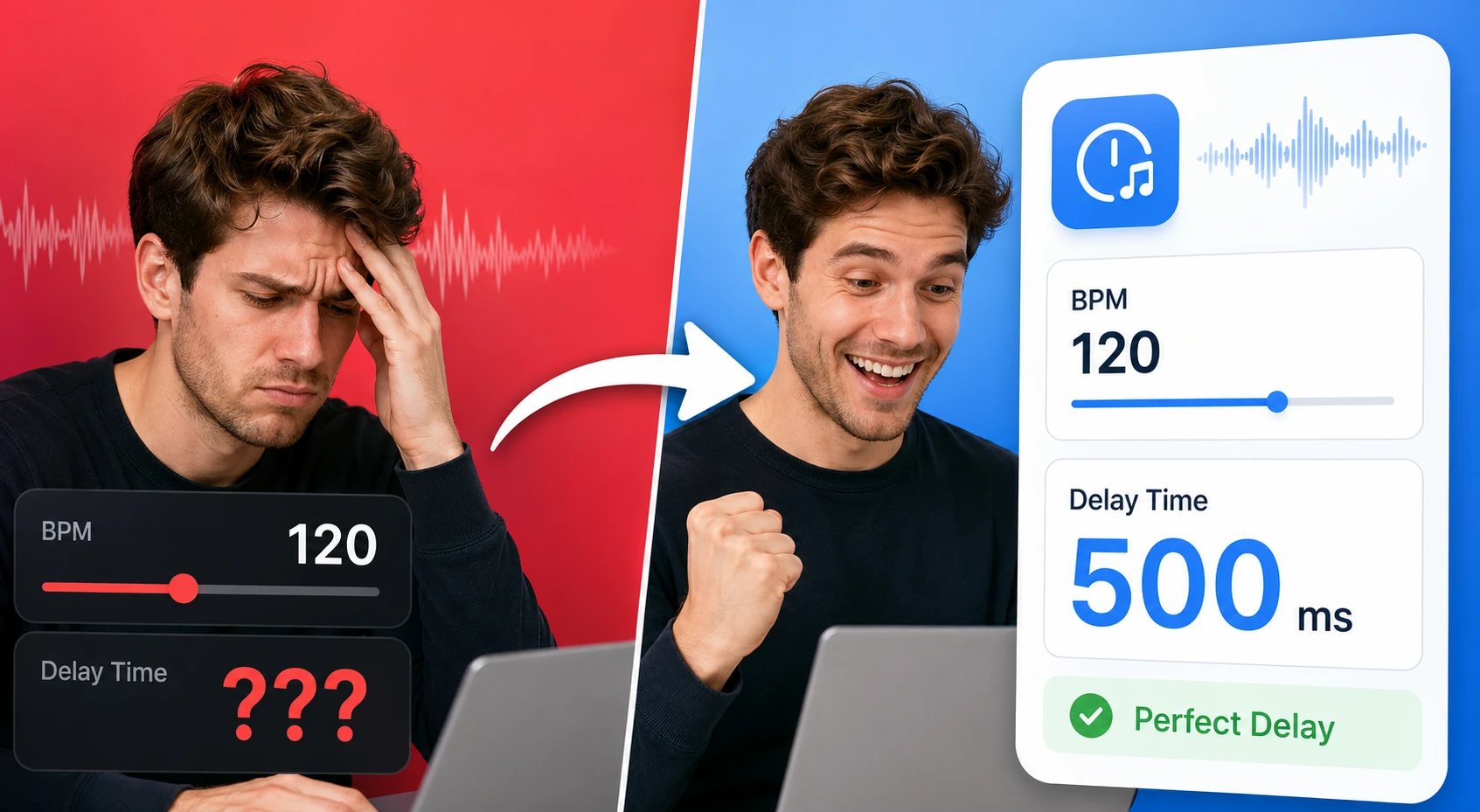
Tap a tempo or enter BPM to calculate note divisions, delay times, and loop-friendly timing values. It helps producers and musicians line up effects and timing without a DAW plugin.
Find and download random royalty-free media across video, audio, and images in one place.
Audio tool requirements have expanded significantly in 2026 as more professionals work with audio content across podcasting, video production, music creation, e-learning, and accessibility workflows.
Podcast production is one of the highest-growth use cases for browser-based audio tools. Podcasters use audio recorders for quick interview capture, AI audio enhancers to clean up recordings, and audio converters to produce the MP3 format required by podcast distribution platforms.
Musicians and music producers benefit from a different set of tools: metronomes for practice and recording alignment, frequency-to-note converters for ear training and transcription, beat interval calculators for syncing audio effects to tempo.
The AI audio enhancer represents the most significant recent advancement in browser-based audio tooling. Professional-quality audio enhancement previously required expensive noise reduction plugins and audio engineering expertise.
Quick answers about the workflow, privacy, and where this tool fits in a broader job.
Yes. The audio recorder tool uses your browser's media recording API to capture audio from your microphone. You can start, pause, and stop recording, then download the output in a supported format.
An audio waveform visualizer displays the amplitude of an audio signal over time as a graphical waveform. This is useful for inspecting audio content, identifying silence or noise sections, and checking recording levels.
The AI audio enhancer applies machine learning models to reduce background noise, improve speech clarity, normalize volume levels, and reduce artifacts in audio recordings.
The white noise generator produces continuous broadband noise useful for focus environments, sleep aids, blocking distracting sounds, and testing speaker and audio equipment response.
Yes. The video to audio converter tool extracts the audio track from video files, producing a standalone audio file you can download.
The complete toolkit
Every tool runs instantly in your browser — no account, no download, no cost. Across 13 categories for everyday tasks.