PDF to Word Converter
Extract text from PDF and convert it into an editable Word document — free browser-based PDF converter.
This hub collects the most useful free browser-based file management and conversion tools in 2026: document converters, file compressors, mergers, splitters, MIME type detectors, and integrity checkers — no signup, no install.
Updated · Reviewed by The Free AI Tools Editorial Team — File management and conversion tools review
Extract text from PDF and convert it into an editable Word document — free browser-based PDF converter.
Convert Word documents to PDF format instantly in your browser — no Microsoft Office or plugins needed.
Convert plain text to formatted PDF documents with customizable page size — free, no software required.
Bundle multiple files into a downloadable ZIP archive locally — no server upload, fully private.
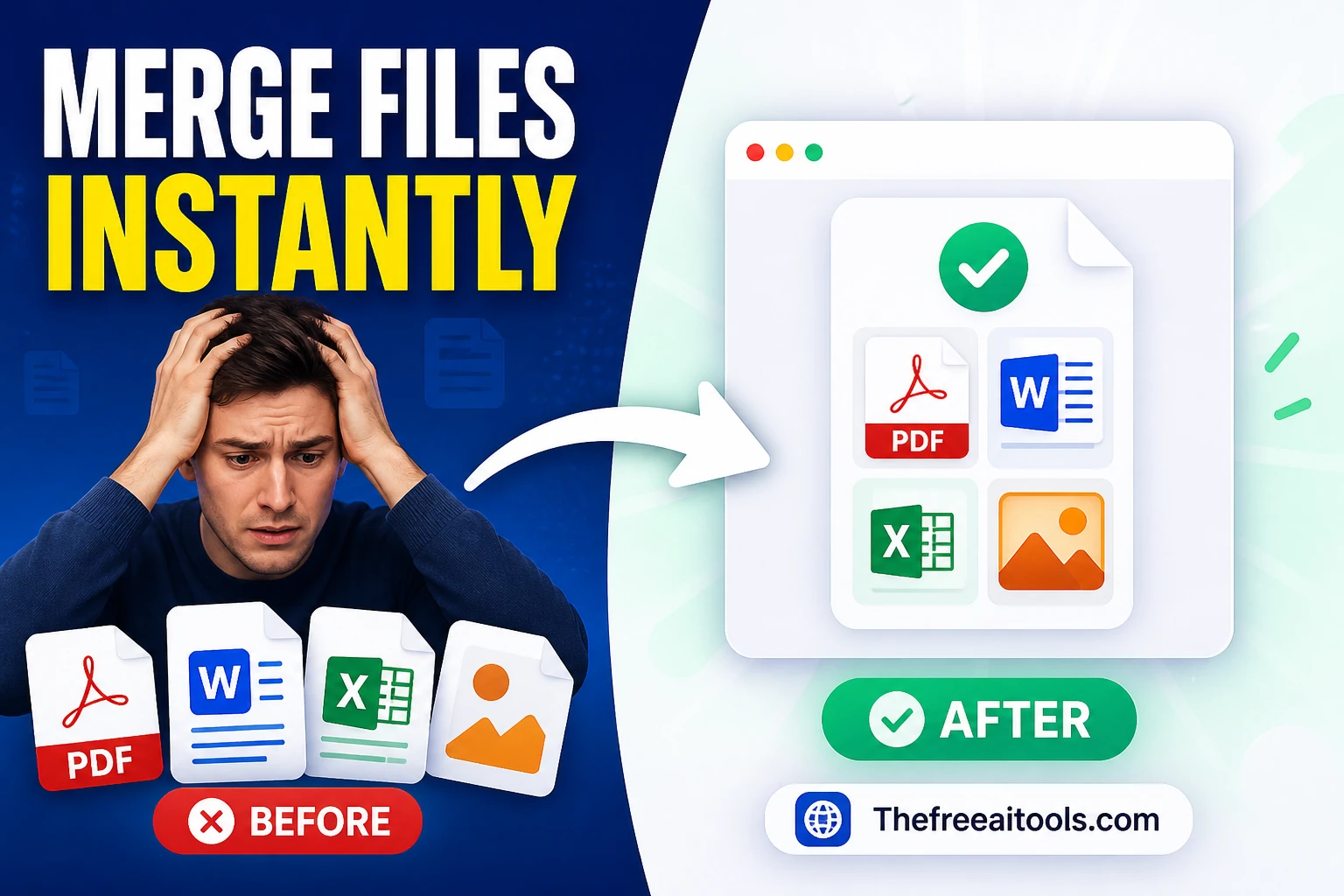
Merge multiple text files into one combined output with separators — concatenate files in seconds.
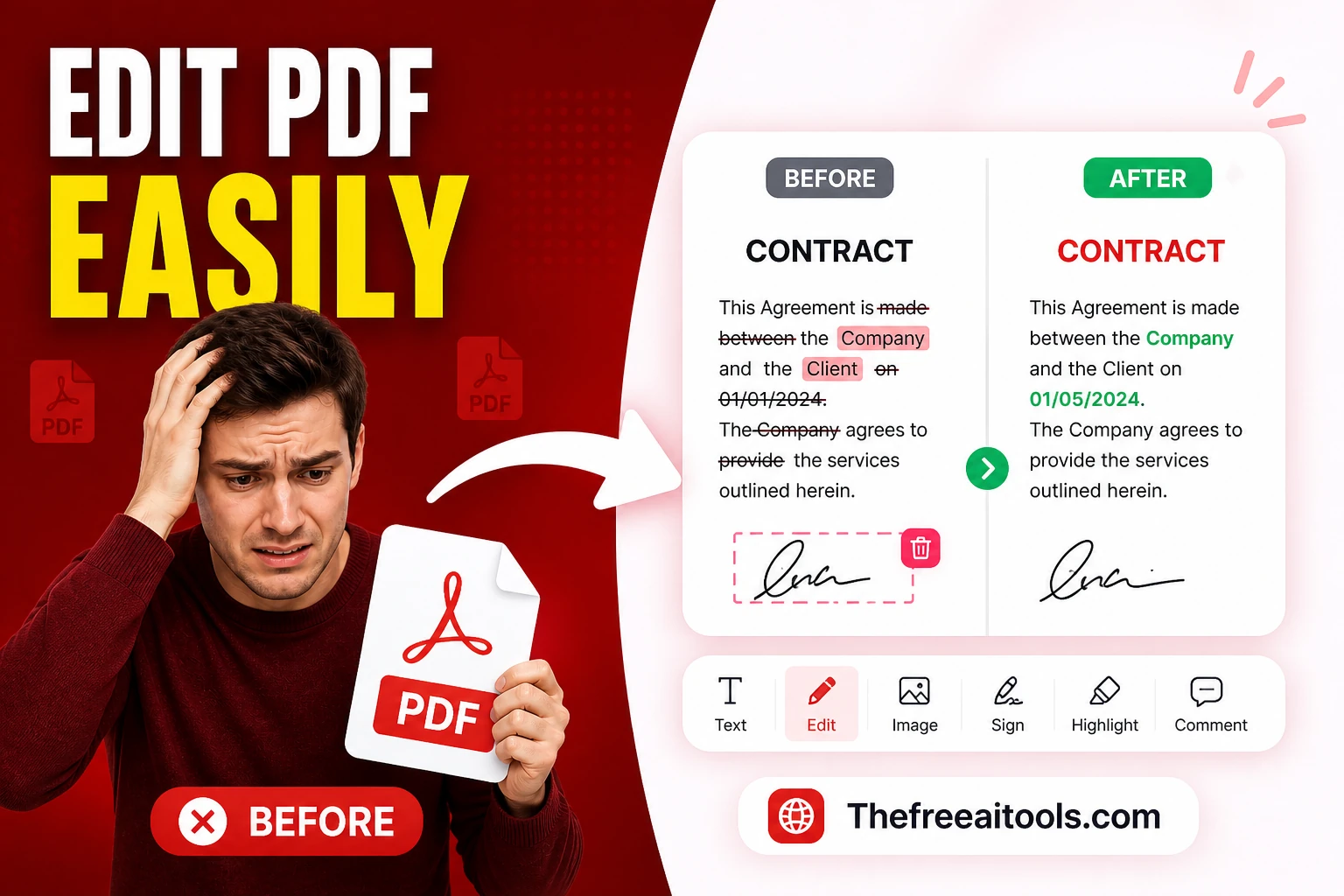
Edit, annotate, and fill PDF files in the browser — no Adobe Acrobat needed, everything runs locally.
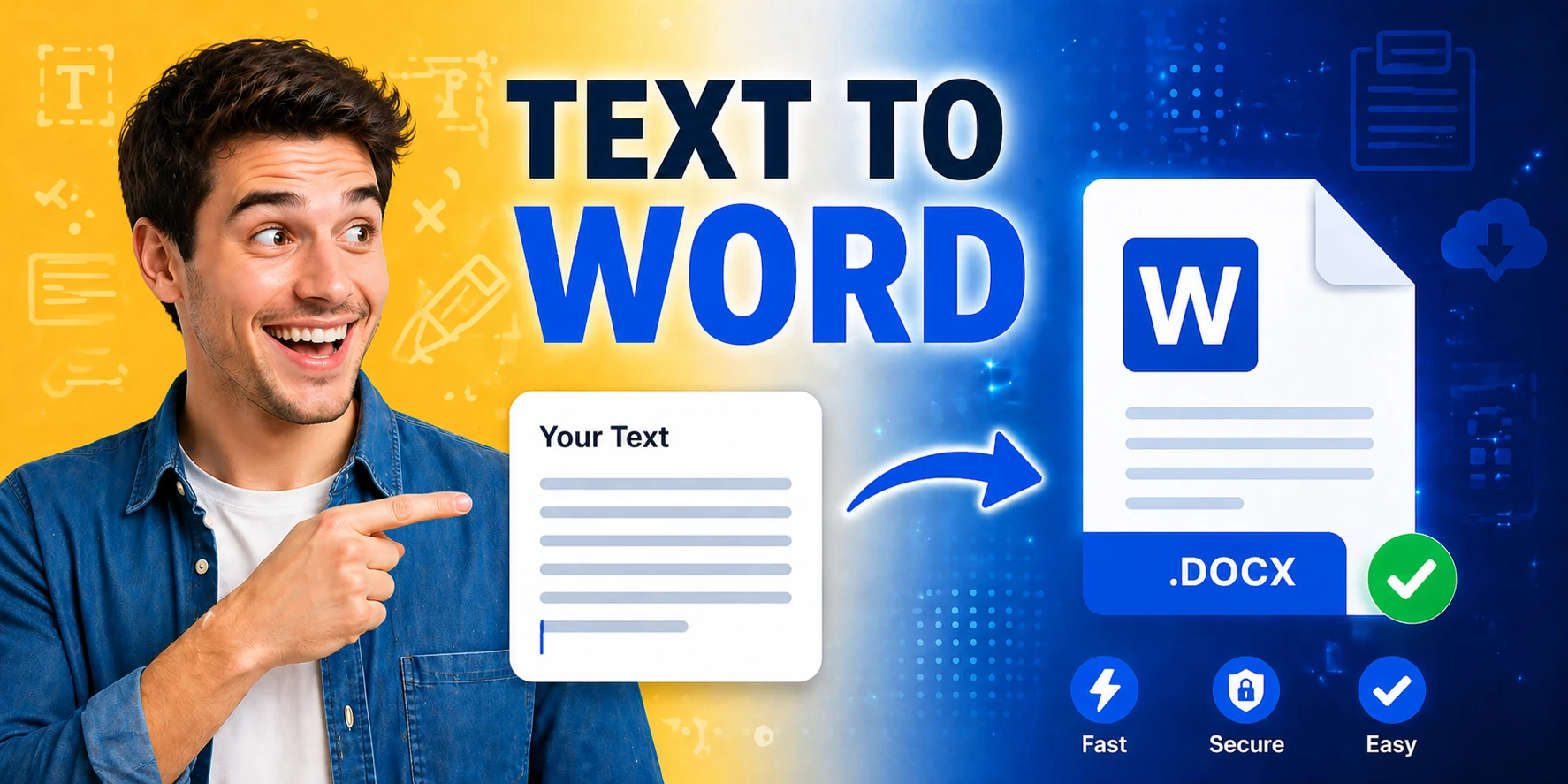
Generate Word documents (.docx) from plain text instantly — download ready-to-share documents in seconds.
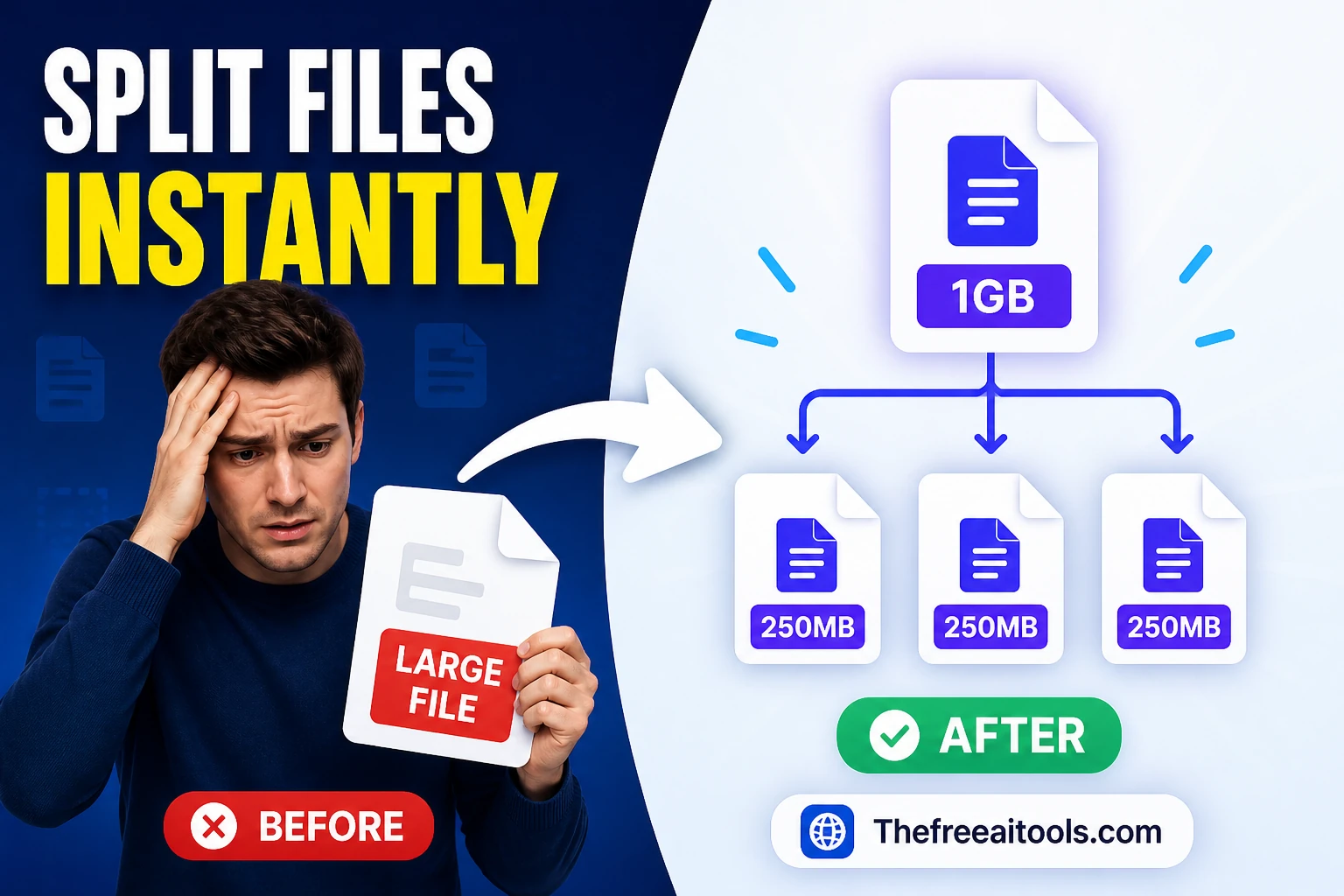
Split text files by line count or approximate chunk size — prepare large files for processing.
Inspect uploaded files for MIME type, extension, and file signature hints — identify unknown files instantly.

Calculate CRC32, MD5, and SHA-256 checksums for uploaded files — verify file integrity instantly.
Edit and update PDF files directly in your browser with a fast AI-assisted workflow.
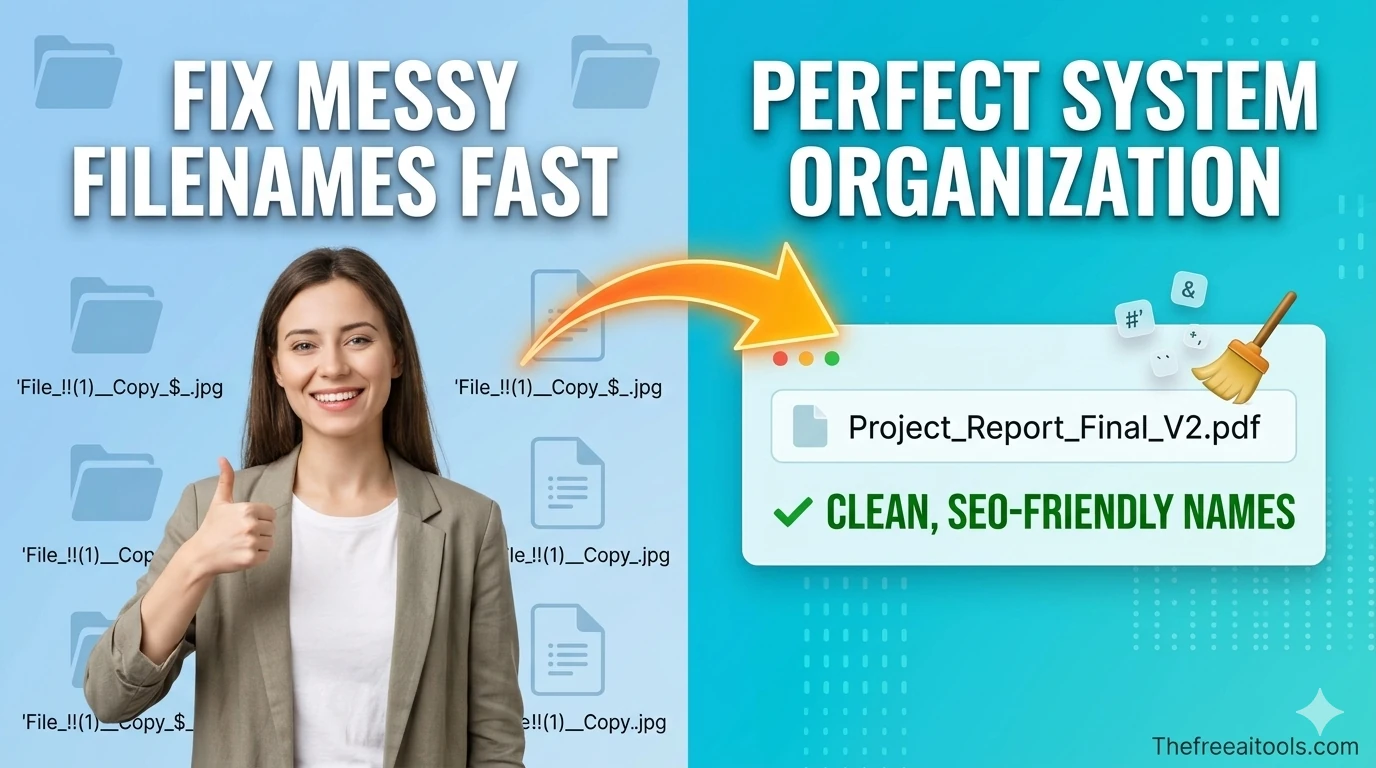
Normalize messy file names for safer downloads, uploads, and archives — remove illegal characters instantly.
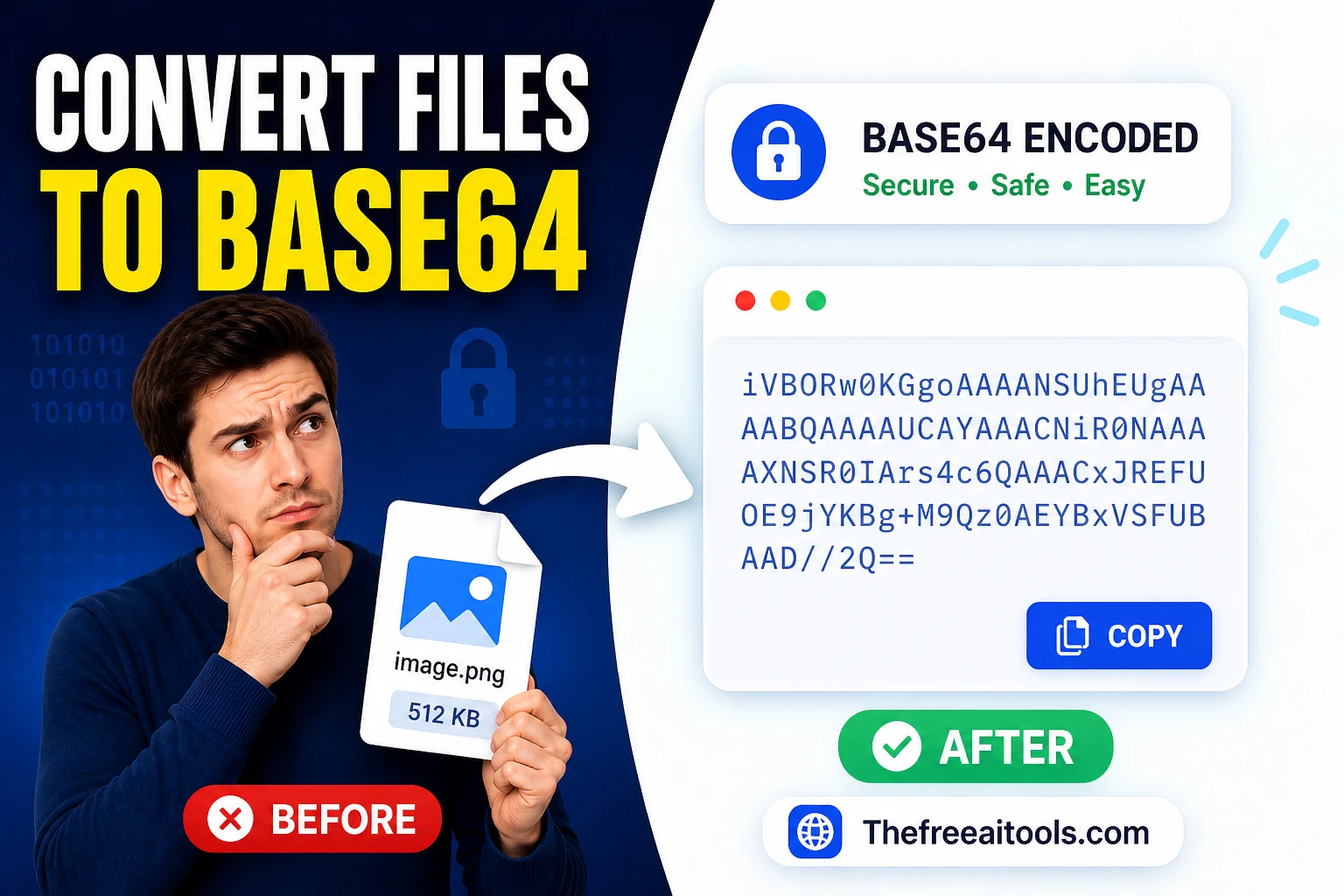
Encode uploaded files to Base64 strings in the browser — convert any file to an inline data URI.
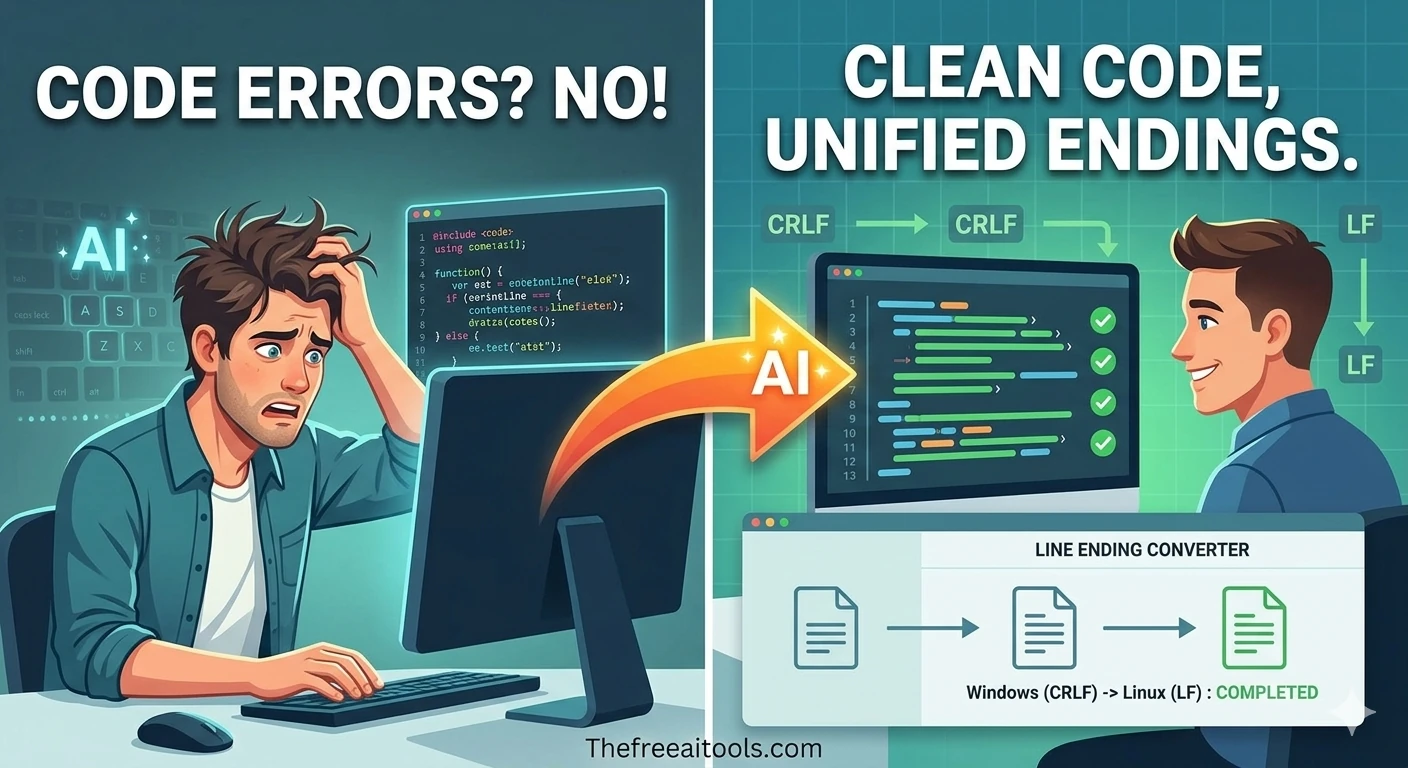
Convert text between LF (Unix) and CRLF (Windows) line endings — fix cross-platform editor issues.
File conversion and management tasks come up constantly in professional workflows — converting a client's Word document to PDF, compressing a folder of assets for email attachment, extracting specific pages from a multi-page PDF.
PDF conversion is the most-searched document workflow on the internet. Converting PDF to Word restores editability for contracts, reports, and forms. Converting Word to PDF produces a stable, presentation-ready format.
File compression reduces storage and transfer overhead for large collections of files. ZIP compression is the universal standard for archiving multiple files into a single transferable package.
Checksum verification is an underused but important security practice for file downloads. Verifying that your downloaded file's checksum matches the published value confirms the file arrived intact and was not tampered with in transit.
Quick answers about the workflow, privacy, and where this tool fits in a broader job.
The PDF to Word converter extracts text and formatting from a PDF document and reconstructs it as an editable Word (.docx) file. Text-based PDFs convert cleanly, while scanned image PDFs may require OCR processing.
For general documents without sensitive personal or confidential data, browser-based converters are practical and convenient. For documents containing sensitive information, use local desktop tools.
A MIME type detector reads the actual binary signature of a file to identify its true file type, regardless of what the file extension says. This is useful when handling uploaded files in web applications.
A checksum calculator generates a hash fingerprint of a file. By comparing the checksum of a downloaded file with the checksum published by the file's source, you can verify the file was not corrupted or tampered with.
Yes. The PDF editor tool allows you to add and edit text, annotations, and basic formatting in existing PDF files and download the modified version.
The complete toolkit
Every tool runs instantly in your browser — no account, no download, no cost. Across 13 categories for everyday tasks.