
Meta Tags Generator
Generate SEO-friendly meta tags including Open Graph, Twitter Card, and canonical tags — copy-ready HTML with live preview.
This hub gathers the best free browser-based SEO and developer tools for React application developers in — covering metadata generation, Open Graph validation, structured data, JSON utilities, and performance tools for React apps — all zero signup.
Updated · Reviewed by The Free AI Tools Editorial Team — React development and SEO tools review
Generate SEO-friendly meta tags including Open Graph, Twitter Card, and canonical tags — copy-ready HTML with live preview.

Preview how Open Graph titles, descriptions, and images appear when shared on social media — OG tag tester.

Generate valid JSON-LD for articles, organizations, products, FAQs, and local businesses with instant preview and rule checks. It helps SEO teams ship structured data faster without copy-pasting uncertain snippets.

Create canonical link tags for pages, product variants, and paginated URLs — prevent duplicate content issues.

Create robots.txt files for your website — control search engine crawlers, disallow paths, and set sitemaps.

Generate XML sitemaps from a list of URLs — set priorities, change frequencies, and download instantly.

Preview title tags, URLs, and meta descriptions in a Google-style search result layout — SEO snippet tool.

Format, validate, and minify JSON with error highlighting — instantly beautify messy JSON responses.

Generate JSON Schema from sample payloads, validate example objects, and inspect required fields or type mismatches. It is useful when teams need portable contracts without spinning up a backend.

Decode and inspect JSON Web Tokens to view header, payload, and signature structure — essential for API debugging.

Encode and decode text to and from Base64 format instantly in your browser — essential developer utility.
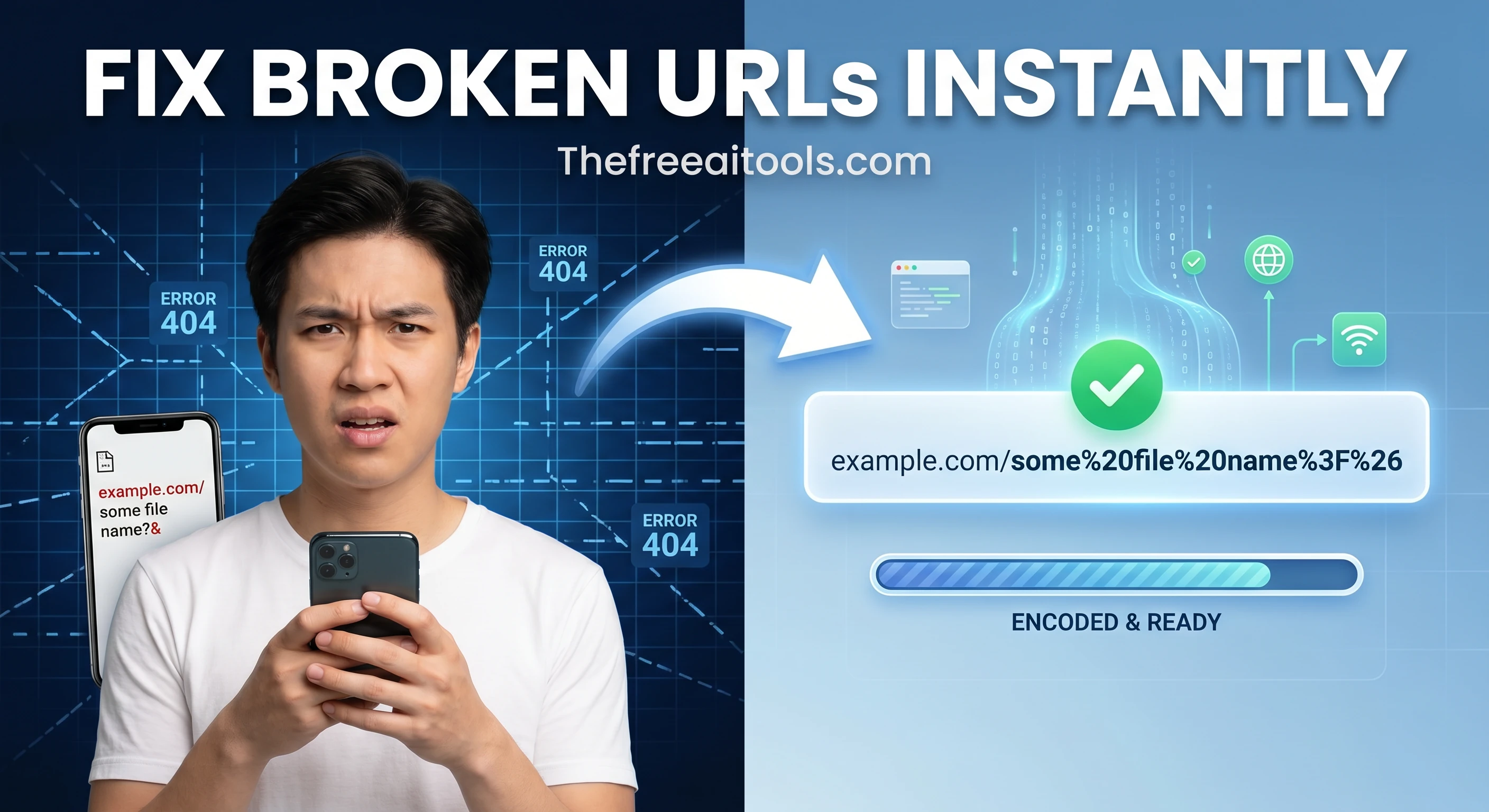
Encode and decode URLs with percent-encoding support — fix broken query strings and API parameters instantly.

Test regular expressions with live match highlighting — debug patterns instantly with flags, groups, and capture support.

Turn page titles into clean, readable, SEO-friendly URL slugs — remove stop words and special characters.

Review meta descriptions for character length and snippet-friendly ranges — bulk SEO meta audit tool.

Compare two blocks of text and highlight additions and removals — visualize code and content changes instantly.

Render markdown into clean sanitized HTML with a live preview — convert .md files to web-ready markup.

Minify or beautify CSS code for production optimization or readable development — instant browser-side processing.

Minify or beautify JavaScript code for production builds or debugging — reduce JS bundle size instantly.

Estimate performance bottlenecks and Core Web Vitals from page metrics — lightweight Lighthouse simulator.

Visualize redirect chains from pasted crawl exports, response logs, or manually entered hops so teams can trim unnecessary redirects. This is useful during migrations, replatforms, and large-scale URL cleanup projects.

Generate hreflang link tags for multilingual and multi-region sites — correct international SEO targeting.
React SEO in 2026 requires explicit architectural decisions that JavaScript framework developers must make deliberately. A React SPA that renders all content client-side presents Googlebot with an empty HTML shell on first load — and while Google can execute JavaScript, the delay and inconsistency of JavaScript rendering means client-side React content is indexed less reliably than server-rendered content. The SEO tools in this hub support React developers in generating correct metadata and structured data regardless of rendering strategy, and provide the developer utilities that support the broader React development workflow.
Metadata management in React requires a head management solution that works with the application's routing system. React Helmet remains widely used for class-based implementations. Next.js App Router's Metadata API handles server-side metadata generation natively. React 19 introduces native document head support. Regardless of the implementation approach, the meta tag generator on this hub helps React developers prototype the correct HTML structure and values before implementing them in the framework-specific syntax.
Open Graph validation is especially important for React applications because client-side rendering can cause social crawlers — which typically do not execute JavaScript — to see different content than Googlebot. Facebook, LinkedIn, and Twitter's crawlers request pages without JavaScript execution, meaning og:image, og:title, and og:description must be present in the server-rendered HTML response for social previews to work correctly. The open graph preview tool validates the actual tags that social crawlers will receive from any live React URL.
The developer utility tools on this hub overlap significantly with React development workflows. JSON formatting is constant in React API development. JWT inspection is essential for debugging React authentication. CSS minification applies to the React application's stylesheet bundles. Regex testing helps React developers write correct validation logic for form fields and URL parameters. Diff checking helps compare React component versions during code review. These tools collectively serve React developers as a browser-accessible utility belt for the non-React parts of their development work.
Quick answers about the workflow, privacy, and where this tool fits in a broader job.
React applications that render content with client-side JavaScript require Googlebot to execute JavaScript to see page content — a process that is less reliable and slower than reading server-rendered HTML. Solutions include Next.js for server-side rendering, React helmet for head management, and pre-rendering for static content.
Use the meta tag generator to prototype correct metadata values, then implement them using React Helmet, Next.js Metadata API, or React 19's native document head support. Each route should have unique metadata computed from the page's data.
Generate the JSON-LD using the schema markup builder, then render it in React as a script tag: <script type='application/ld+json' dangerouslySetInnerHTML={{ __html: JSON.stringify(schema) }} />. Place it in the page component's head using React Helmet or Next.js Script.
Yes. React applications consume JSON APIs constantly. The JSON formatter beautifies minified API responses for inspection, validates JSON syntax, and provides structure visualization — all faster than console.log debugging.
The JWT decoder inspects tokens stored in React application state or local storage without transmitting them externally. Decoding the payload reveals expiry, claims, and user data that help debug authentication flows in React SPAs.
The complete toolkit
Every tool runs instantly in your browser — no account, no download, no cost. Across 13 categories for everyday tasks.