CSS Gradient Generator
Create linear and radial gradients with multiple color stops — copy ready-to-use CSS background-image code.
This hub collects the best free browser-based CSS and design utility tools for front-end developers and designers in 2026: gradient builders, shadow generators, grid designers, animation tools, SVG editors, and more — all with instant copy-ready CSS output.
Updated · Reviewed by The Free AI Tools Editorial Team — Front-end design and CSS tools review
Create linear and radial gradients with multiple color stops — copy ready-to-use CSS background-image code.
Create CSS box shadows visually with offset, blur, spread, and color controls — copy production-ready code.
Generate CSS border-radius values for custom rounded shapes — visual editor with live preview and copy.

Build grid layouts visually and copy clean CSS for responsive interfaces in seconds.
Generate CSS @keyframes animations with timing controls and live preview — copy production-ready code.
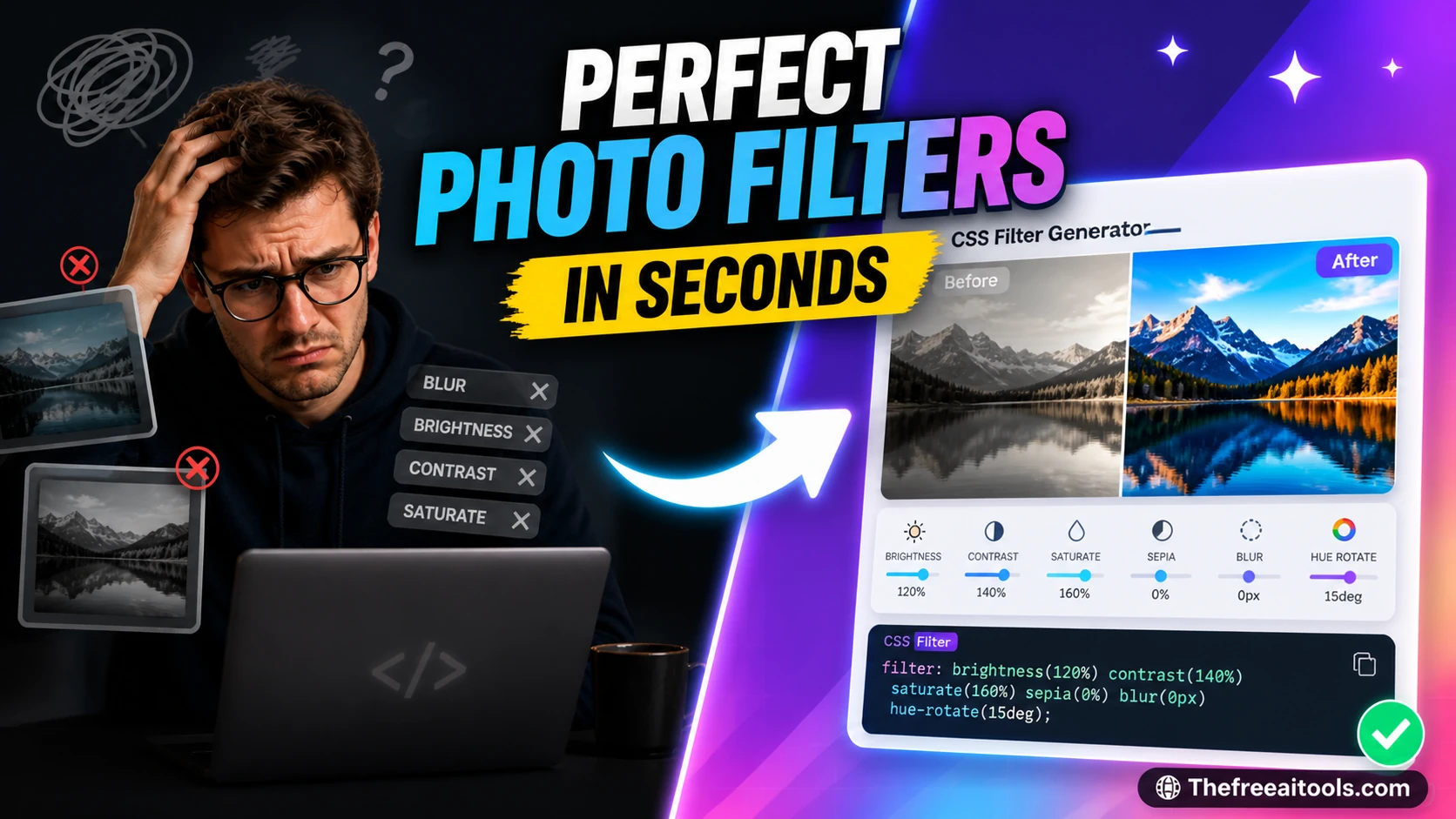
Adjust blur, brightness, contrast, hue-rotate, and saturation with live CSS filter output — instant visual preview.
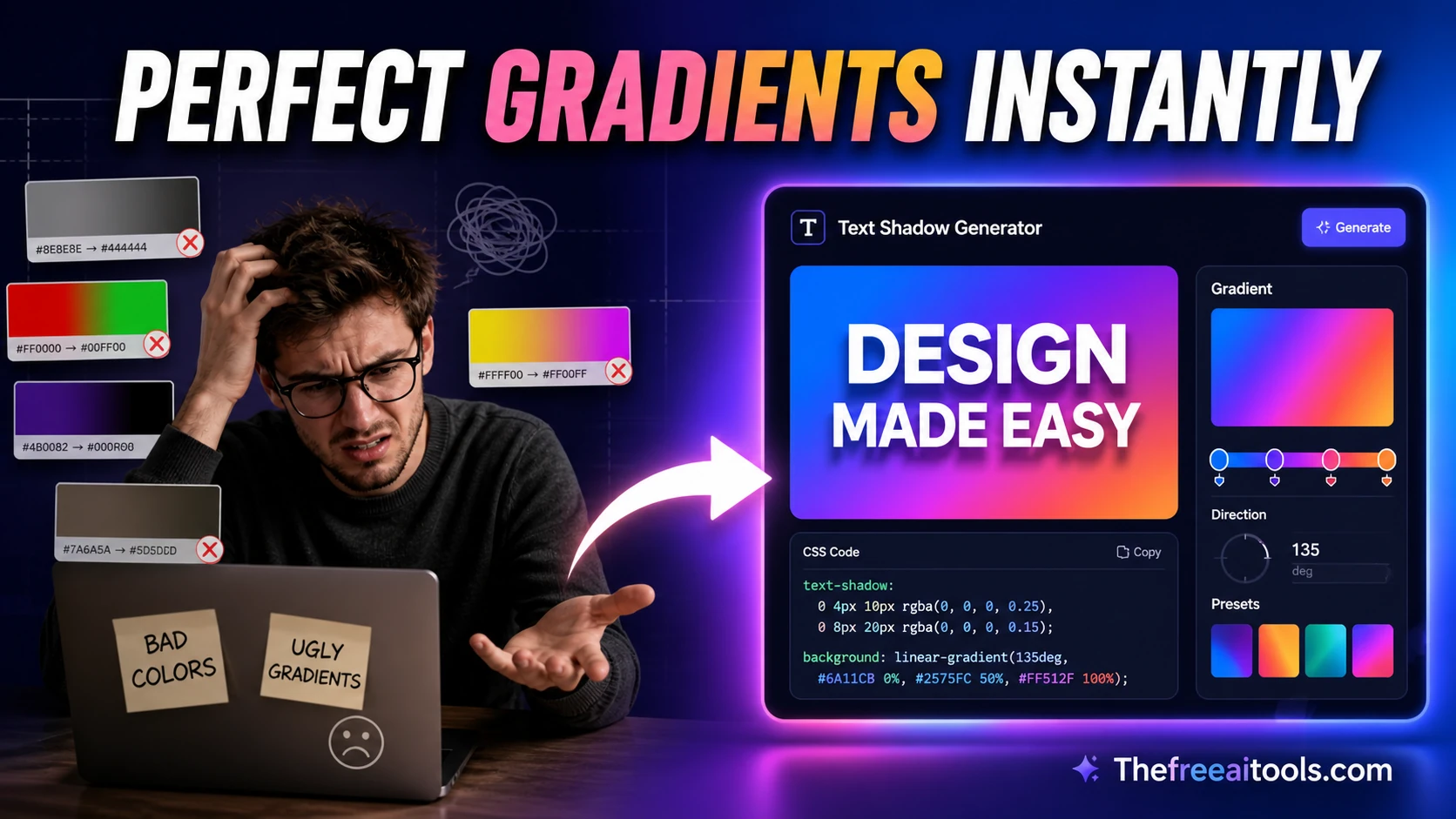
Generate CSS text-shadow values with a live headline preview — copy production-ready shadow code.
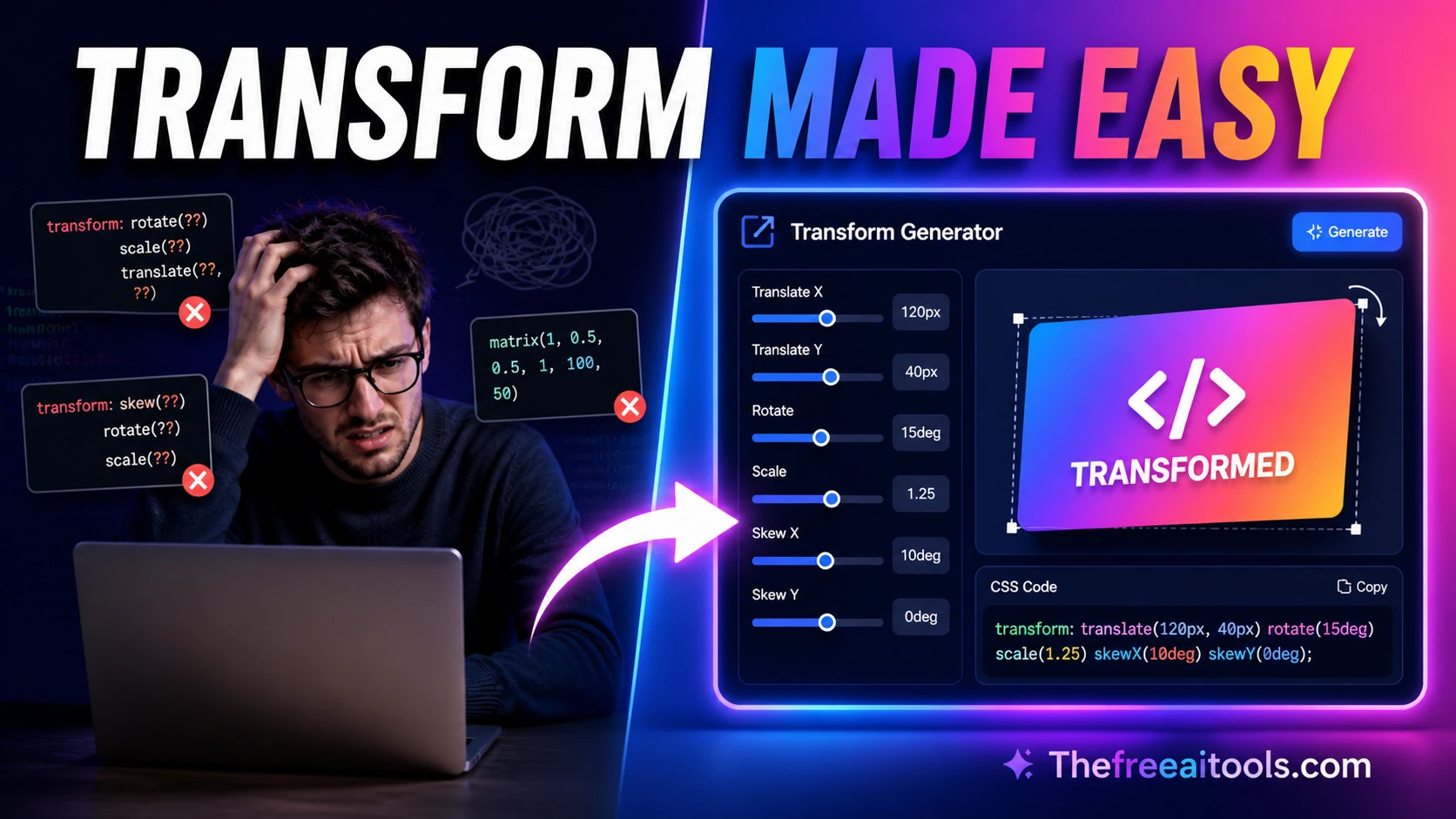
Create translate, scale, rotate, and skew transform CSS snippets visually — live preview and copy.
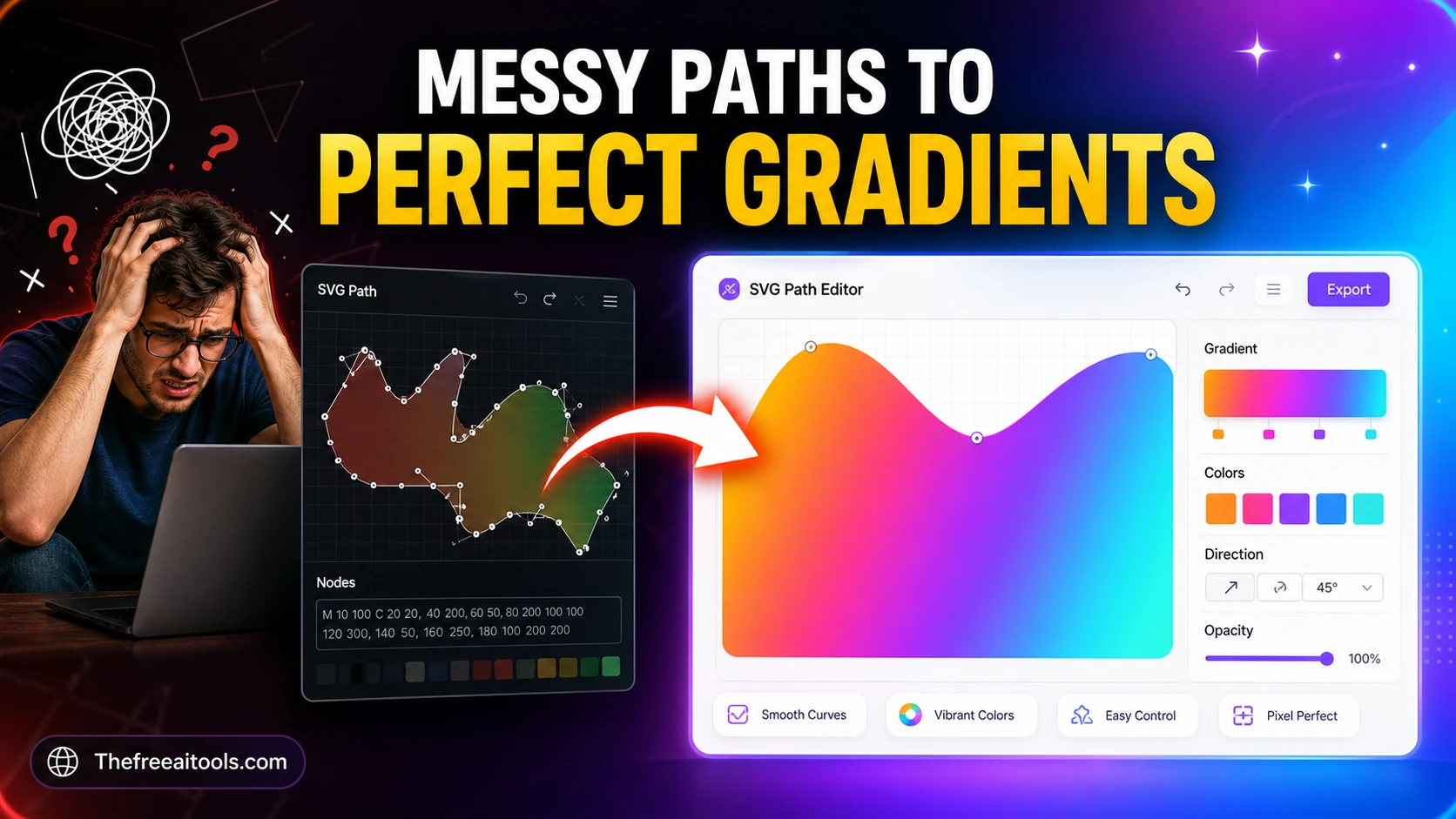
Compose and inspect SVG path commands visually — build custom shapes for logos and icons.
Build simple SVG graphics with shapes, labels, and export-ready markup — browser-based SVG design tool.
Build responsive CSS Grid layouts visually with named areas, repeat helpers, and breakpoint previews. Designers and frontend teams can test layouts quickly before writing production CSS.
Combine multiple SVG icons into one optimized sprite sheet with symbol IDs, previews, and usage snippets. It makes icon systems easier to manage while keeping assets private and local.

Generate modular spacing scales for UI design systems from a base size and ratio — design tokens, no upload.

Calculate reduced ratios, responsive CSS padding tricks, and layout dimensions from any frame size.
Pick colors and convert between HEX, RGB, and HSL formats — with live preview and clipboard copy.

Extract a color palette from pasted CSS or HTML color values — build brand color systems instantly.
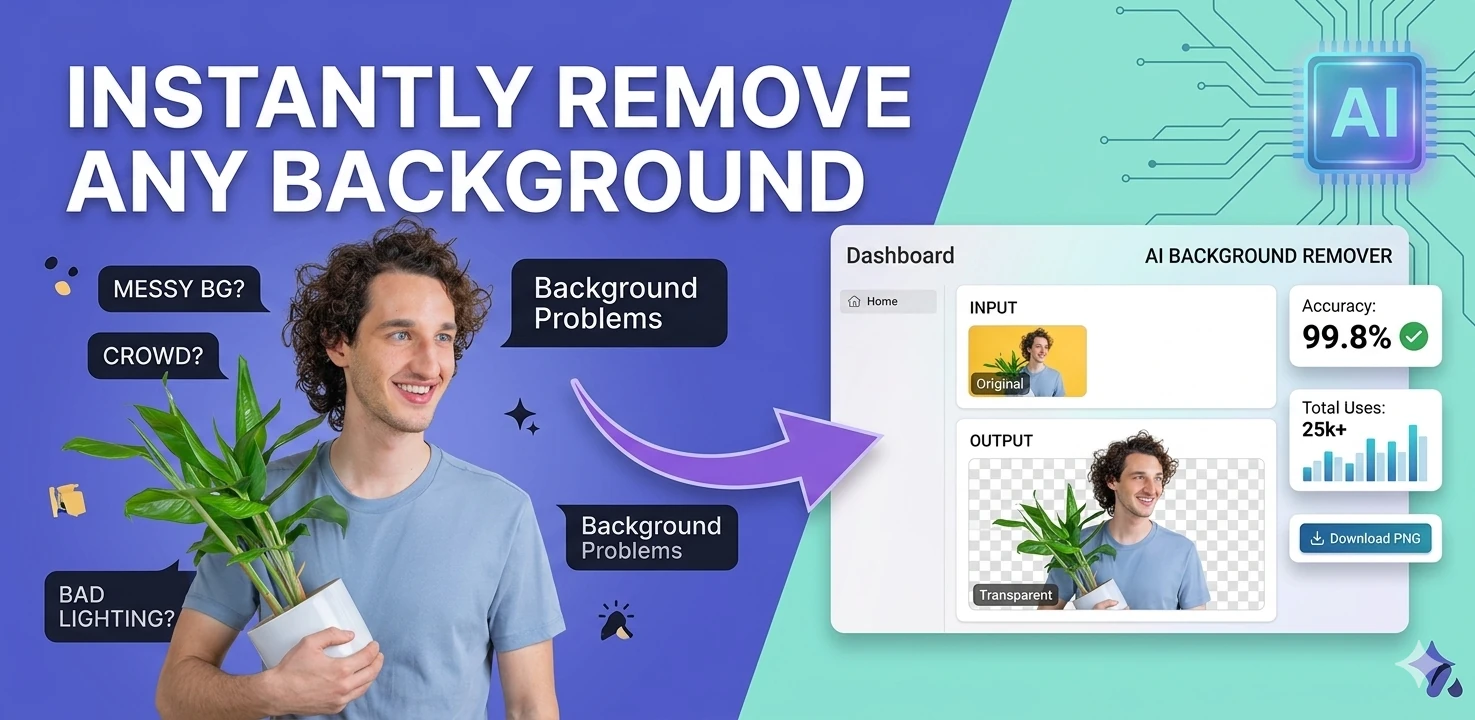
Remove image backgrounds in the browser with color picking, flood fill, and edge-aware controls — client-side, no upload.
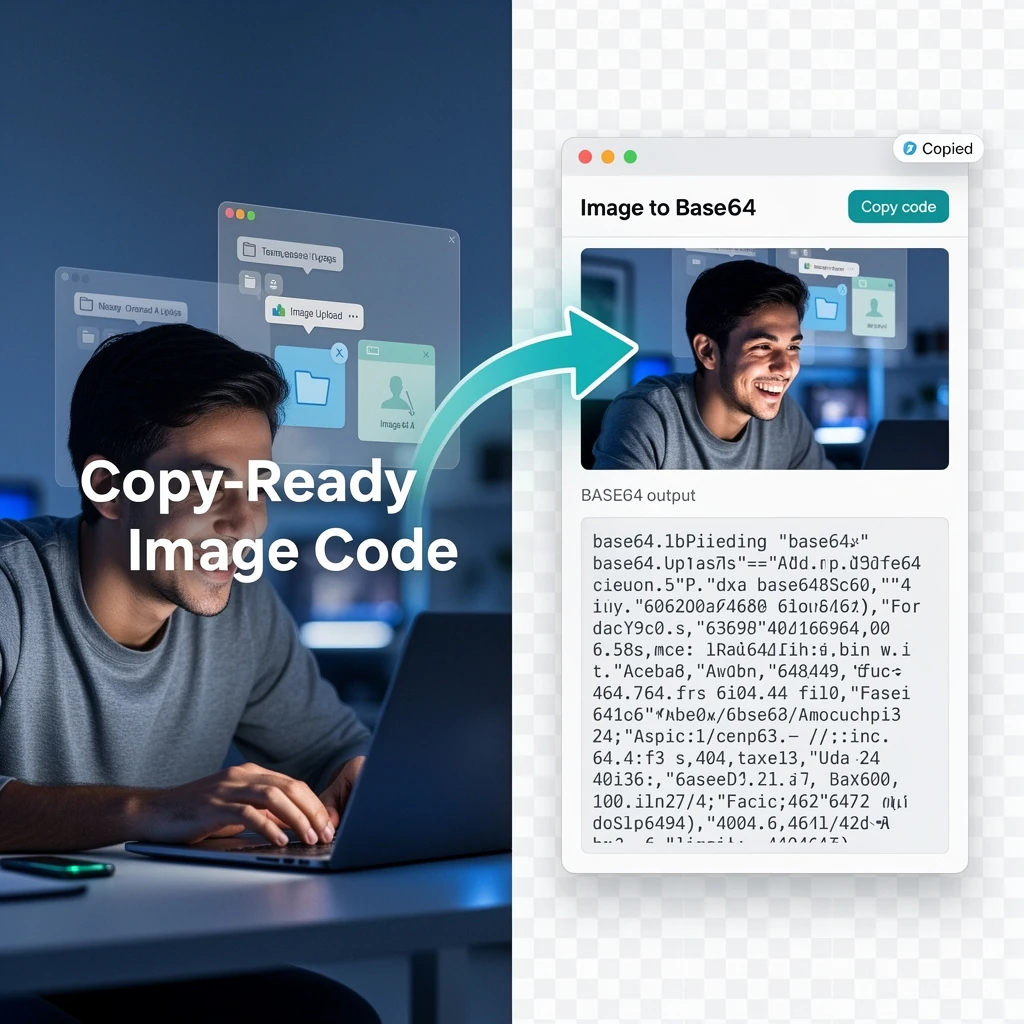
Convert images to Base64-encoded data URIs with instant preview — embed images inline in CSS or HTML.
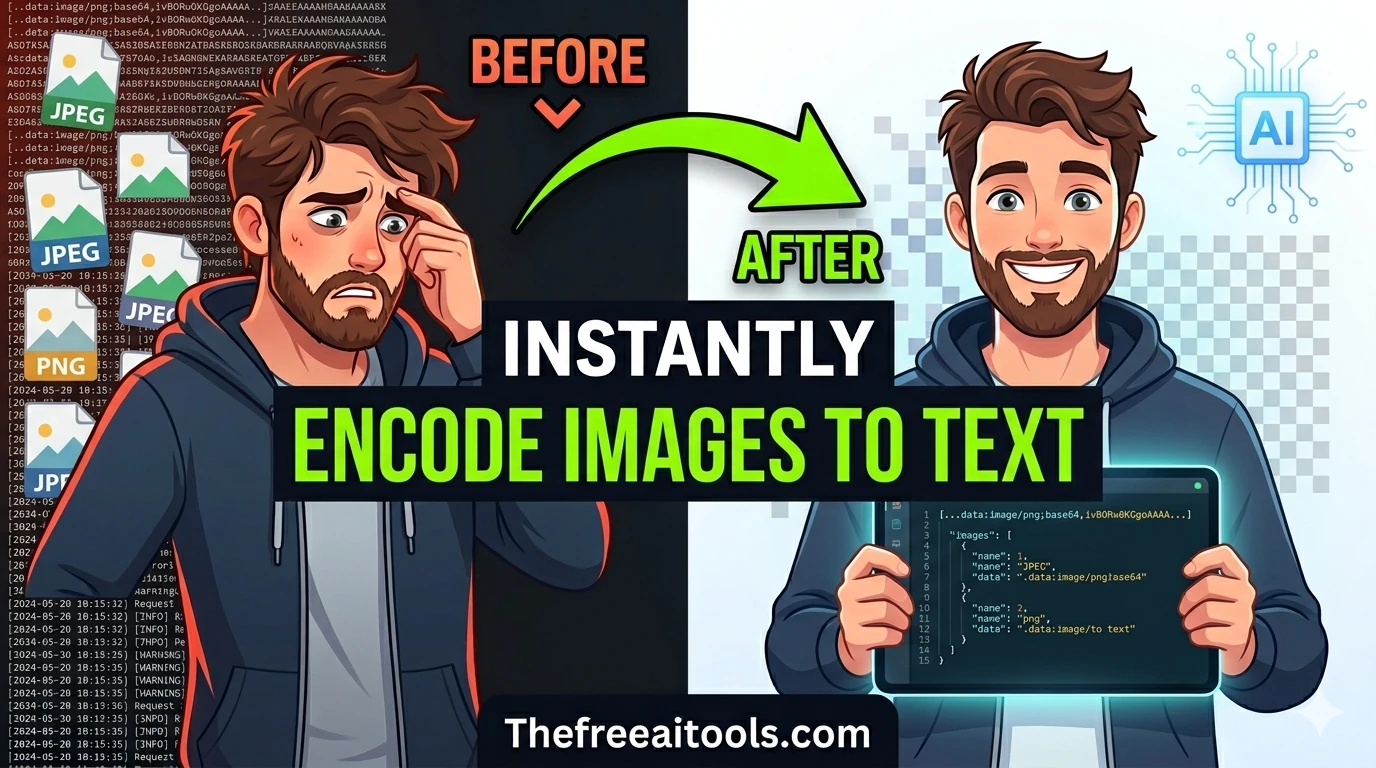
Convert uploaded images directly into Base64 strings — embed images inline in emails, HTML, or CSS.
Generate inline data URIs from uploaded files and text assets — eliminate external HTTP requests for small assets.
Generate multi-size favicon assets from an uploaded source image — download ICO, PNG, and Apple touch icon formats.
CSS design tooling in 2026 has become indispensable for front-end developers who need to produce visual effects quickly without writing complex CSS from scratch. Gradient backgrounds, multi-layer box shadows, irregular border radii, responsive grid layouts, and keyframe animations all have CSS implementations that are tedious to write by hand but fast to generate with the right visual tool.
CSS gradients are among the most commonly generated CSS values in modern web design. Linear, radial, and conic gradients appear in background fills, button designs, card overlays, and abstract visual elements across virtually every professional web project.
Box shadows remain one of the most nuanced CSS properties to write by hand because they involve multiple parameters that interact in non-obvious ways. The box shadow generator provides a visual builder with real-time preview and supports multiple shadow layers.
CSS grid has fundamentally changed how front-end developers structure layouts since its introduction, but the grid-template syntax is verbose and not immediately intuitive for complex layouts. The CSS grid template generator produces complete grid-template properties.
Quick answers about the workflow, privacy, and where this tool fits in a broader job.
The most-used CSS tools are gradient generators, box shadow builders, border radius generators, grid template generators, keyframe animators, and CSS filter generators.
Yes. All tools in this hub output clean, copy-ready CSS that works in all modern browsers, including vendor-prefix handling where still needed.
Yes. The visual interface lets you adjust sliders, pick colors, and configure parameters to see live preview output. The generated CSS is displayed automatically.
The keyframe animator lets you build CSS @keyframes animation sequences visually, then generates the complete CSS animation block ready to paste into your stylesheet.
The SVG path editor lets you create and modify SVG path data visually using point manipulation. It outputs clean SVG markup that can be embedded in HTML or exported as a standalone SVG file.
The complete toolkit
Every tool runs instantly in your browser — no account, no download, no cost. Across 13 categories for everyday tasks.