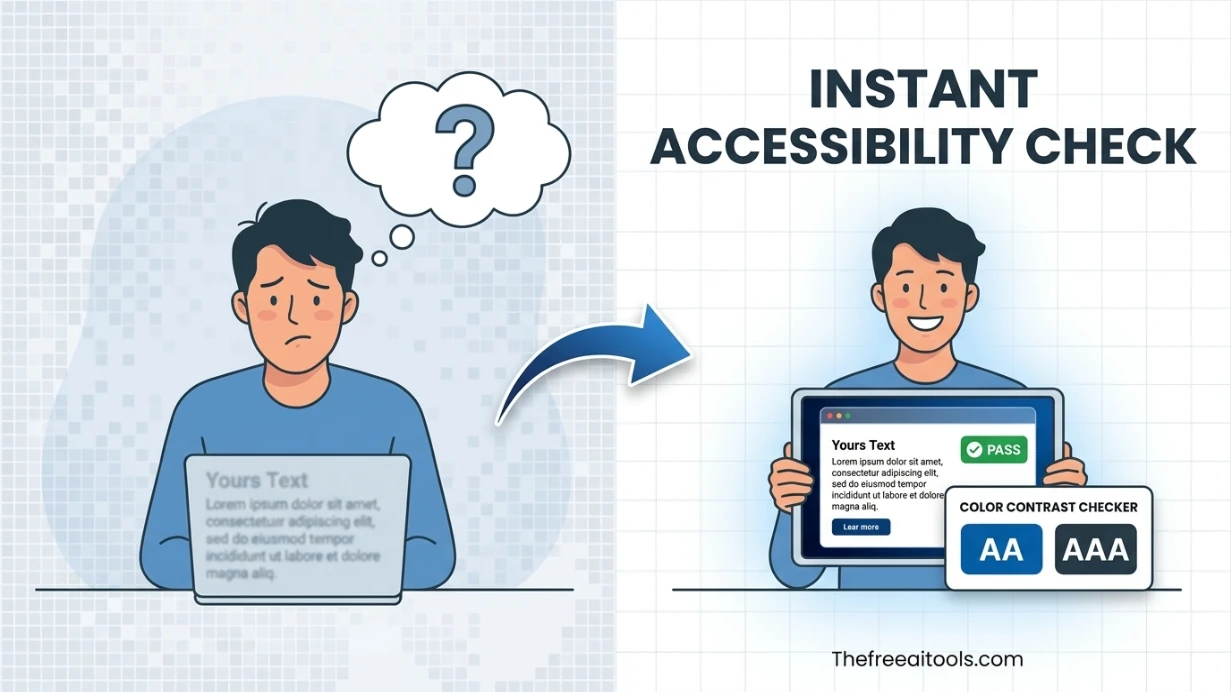
Color Contrast Checker
Check foreground and background color contrast against WCAG AA and AAA thresholds — accessibility audit tool.
This hub collects free browser-based web accessibility testing tools for designers, developers, and QA teams in 2026: contrast checkers, heading reviewers, ARIA validators, focus order tools, and alt text analyzers — all no-signup, no-install.
Updated · Reviewed by The Free AI Tools Editorial Team — Web accessibility and WCAG tools review
Check foreground and background color contrast against WCAG AA and AAA thresholds — accessibility audit tool.

Audit pasted HTML for heading order, skipped levels, and document outline clarity — accessibility and SEO check.
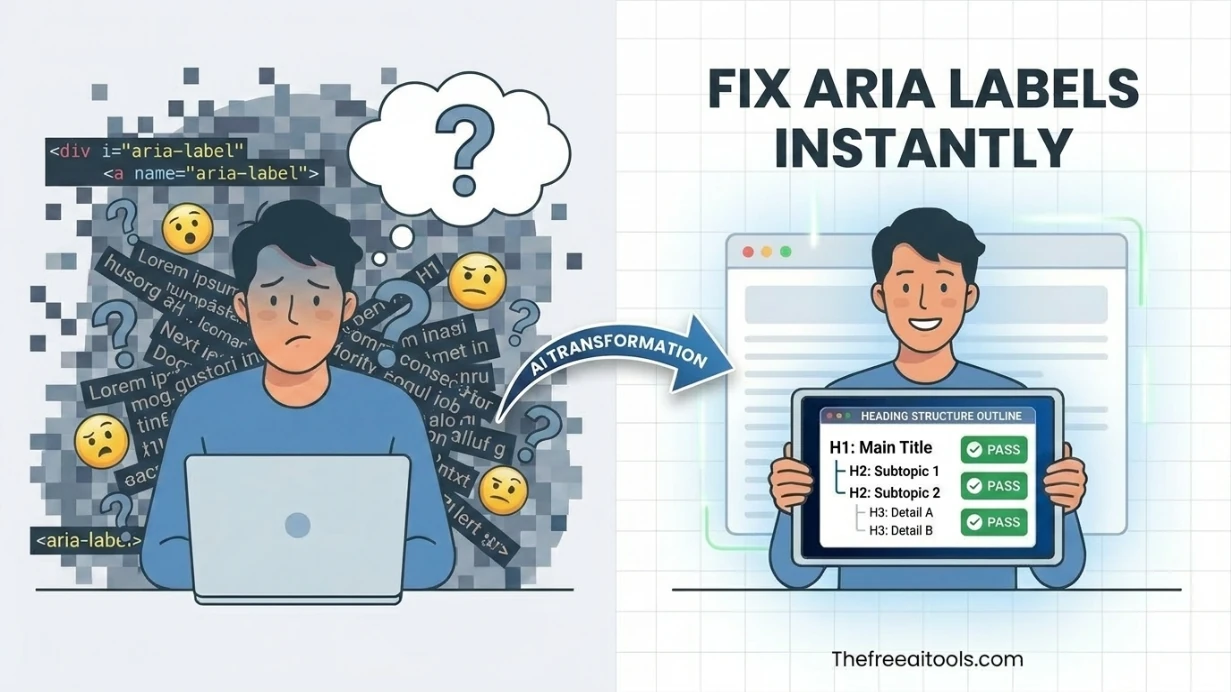
Review interactive elements for missing accessible names and weak ARIA labeling — screen reader audit.
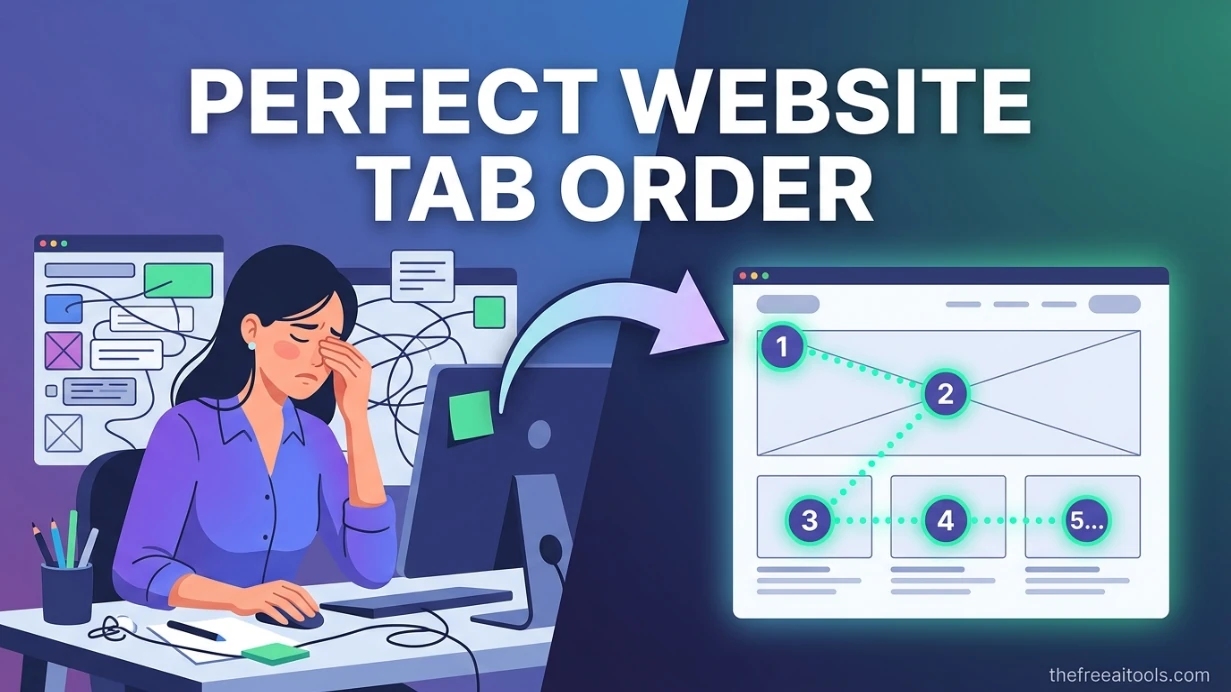
Map keyboard tab order, skip-link flow, and focus traps from pasted HTML so teams can catch navigation issues before shipping. The visual overlay makes a11y reviews faster for product, QA, and frontend teams.
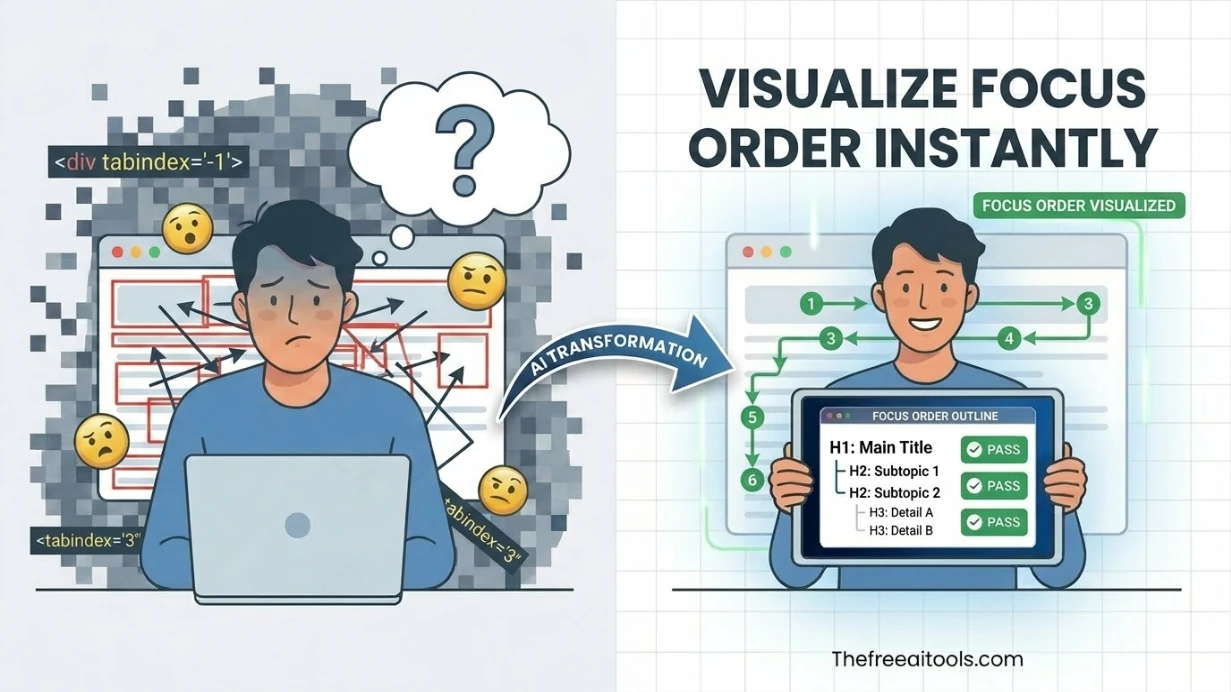
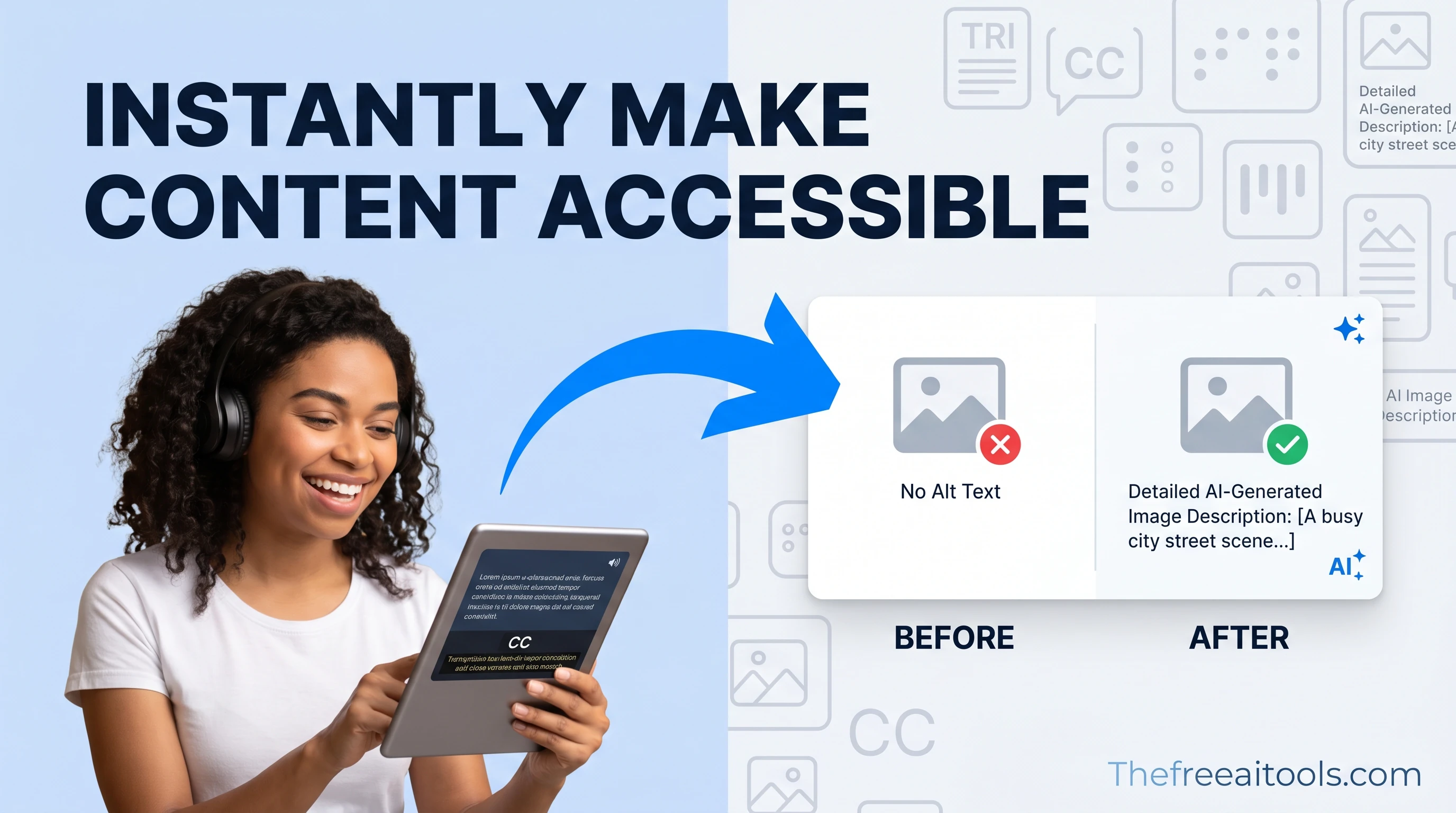
Review image alt text for length, clarity, duplication, and decorative-image handling. It helps content teams write accessible image descriptions without relying on AI or third-party APIs.
List focusable controls, tabindex order, and skip-link coverage from pasted markup — keyboard navigation audit.

Extract a color palette from pasted CSS or HTML color values — build brand color systems instantly.

Estimate Flesch-Kincaid readability and sentence complexity from text — optimize content grade level instantly.
Pick colors and convert between HEX, RGB, and HSL formats — with live preview and clipboard copy.
Web accessibility has moved from optional best practice to legal requirement in most major markets by 2026. ADA lawsuits against inaccessible websites in the US have increased year-over-year, and multiple jurisdictions have enacted similar legislation.
Color contrast is the most commonly failed accessibility criterion in web design. Beautiful design choices — light gray text on white backgrounds, white text on medium-toned images — frequently fail WCAG contrast requirements.
ARIA attributes are the mechanism through which complex interactive UI components communicate their role and state to screen readers. The ARIA label reviewer scans page markup for common ARIA implementation errors.
Focus management is one of the most technically complex areas of accessibility compliance. Every interactive element must be reachable and operable by keyboard alone, and the focus order must follow a logical reading sequence.
Quick answers about the workflow, privacy, and where this tool fits in a broader job.
The tools in this hub primarily check against WCAG 2.1 Level AA criteria, which is the most widely referenced accessibility standard for legal compliance in the US (ADA), EU (EN 301 549), and other jurisdictions.
A color contrast checker calculates the luminance ratio between foreground text color and background color. WCAG requires a minimum 4.5:1 ratio for normal text and 3:1 for large text.
The heading structure analyzer extracts all heading elements (H1-H6) from a page and displays them as an outline to verify logical hierarchy, aiding navigation for screen reader users.
The focus order visualizer shows the sequence in which keyboard focus moves through interactive elements when users press the Tab key, ensuring keyboard-only users can navigate content predictably.
The alt text length checker evaluates whether image alt attributes are present and appropriately descriptive — not too short (missing) and not too long (over 125 characters).
The complete toolkit
Every tool runs instantly in your browser — no account, no download, no cost. Across 13 categories for everyday tasks.