
CSS Minifier/Formatter
Minify or beautify CSS code for production optimization or readable development — instant browser-side processing.
This hub collects the most useful free browser-based code formatting, minification, and conversion tools for developers and web teams in 2026: HTML escape/unescape, CSS and JS minifiers, Markdown converters, XML formatters, environment file parsers, and more — no signup required.
Updated · Reviewed by The Free AI Tools Editorial Team — Developer tools and code utilities review
Minify or beautify CSS code for production optimization or readable development — instant browser-side processing.

Minify or beautify JavaScript code for production builds or debugging — reduce JS bundle size instantly.
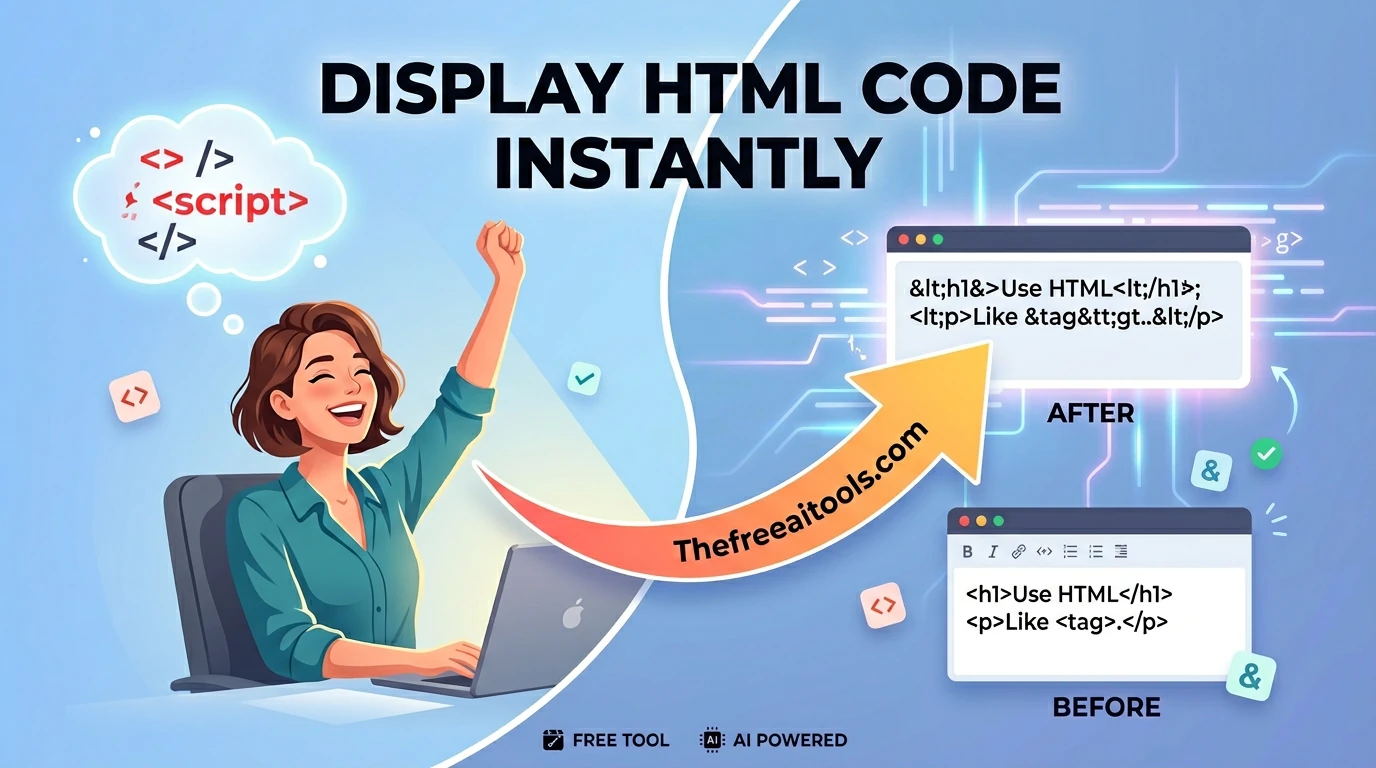
Convert special characters to and from HTML entities — prevent XSS and fix broken markup instantly.
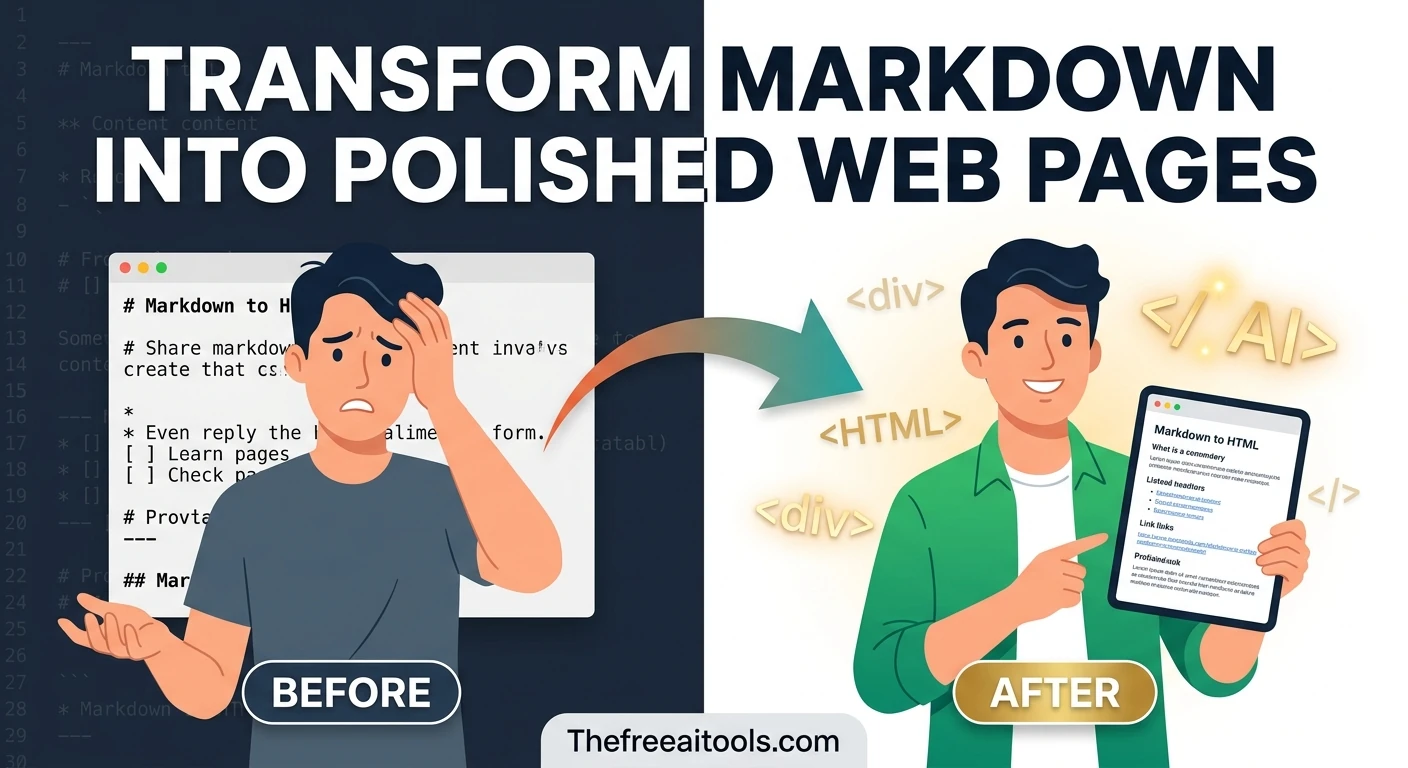
Render markdown into clean sanitized HTML with a live preview — convert .md files to web-ready markup.
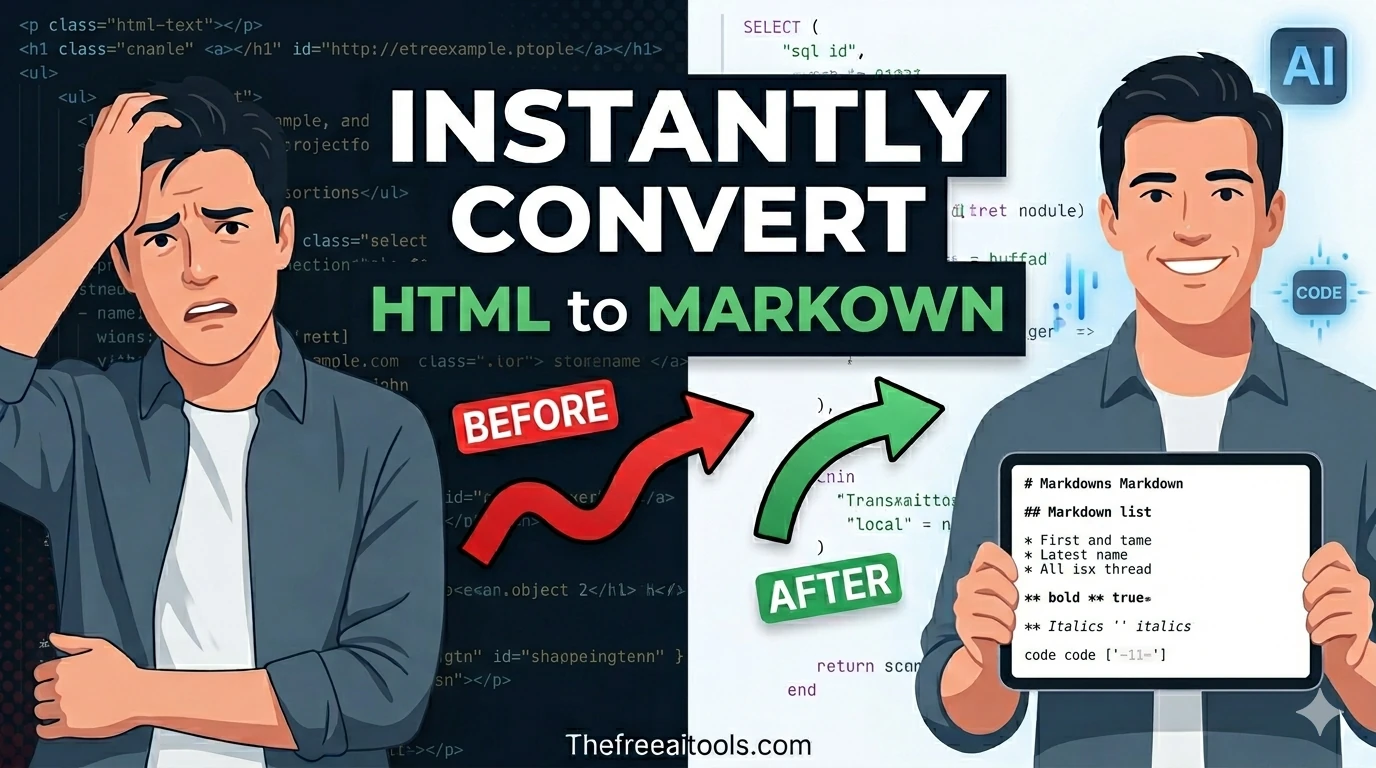
Convert raw HTML into clean readable markdown syntax — useful for blog migration and content portability.
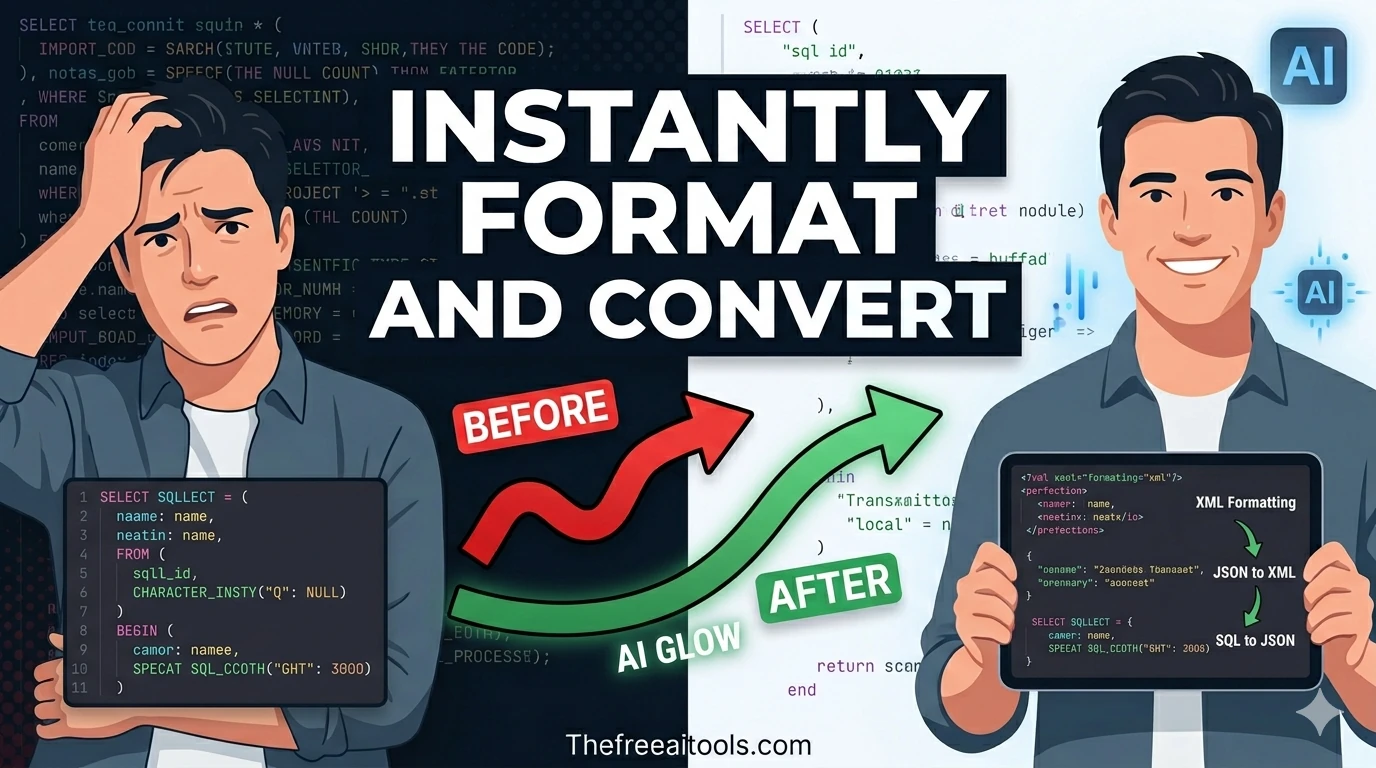
Pretty-print XML and flag malformed markup in your browser — format RSS, SOAP, and config XML files.
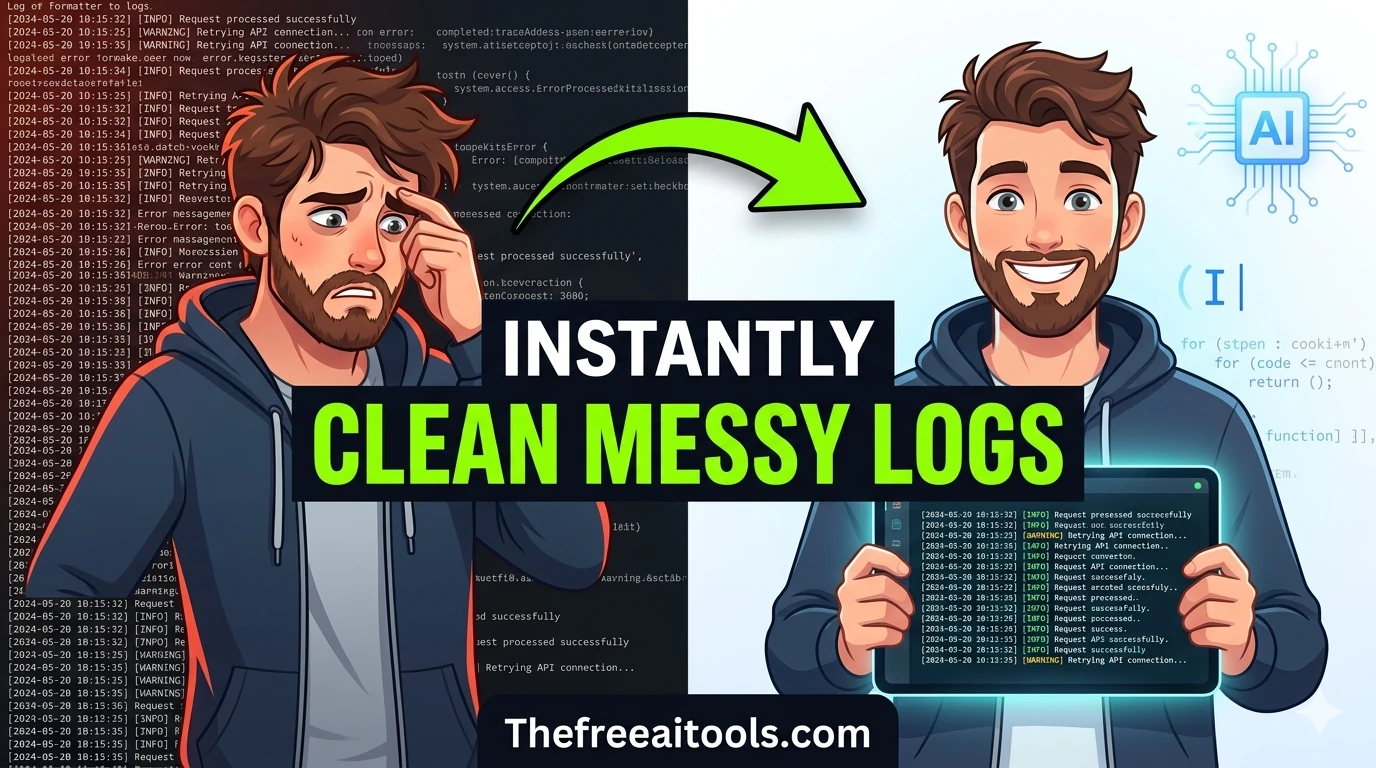
Clean up JSON logs, key-value lines, and stack traces for readability — debug server logs instantly.
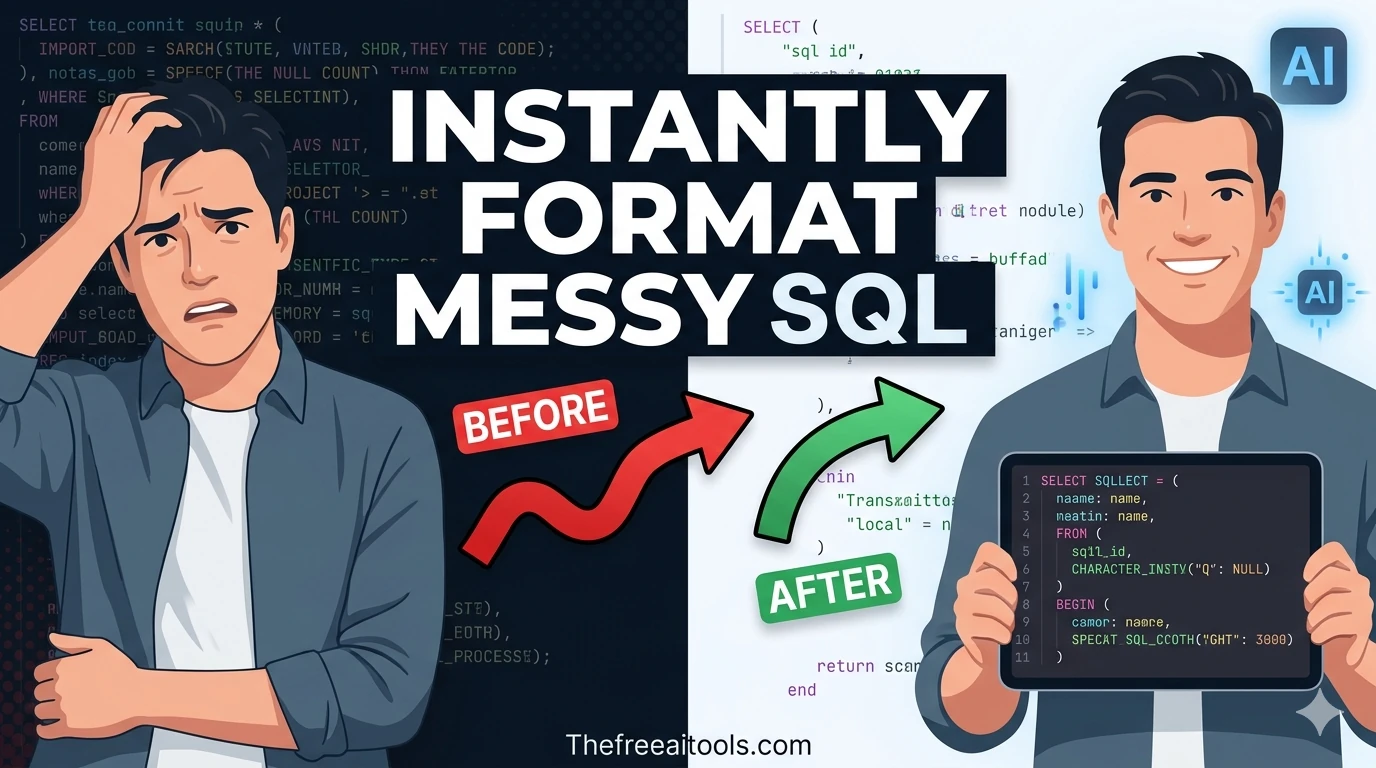
Format and beautify SQL queries for better readability — clean up messy SELECT statements and JOIN chains.
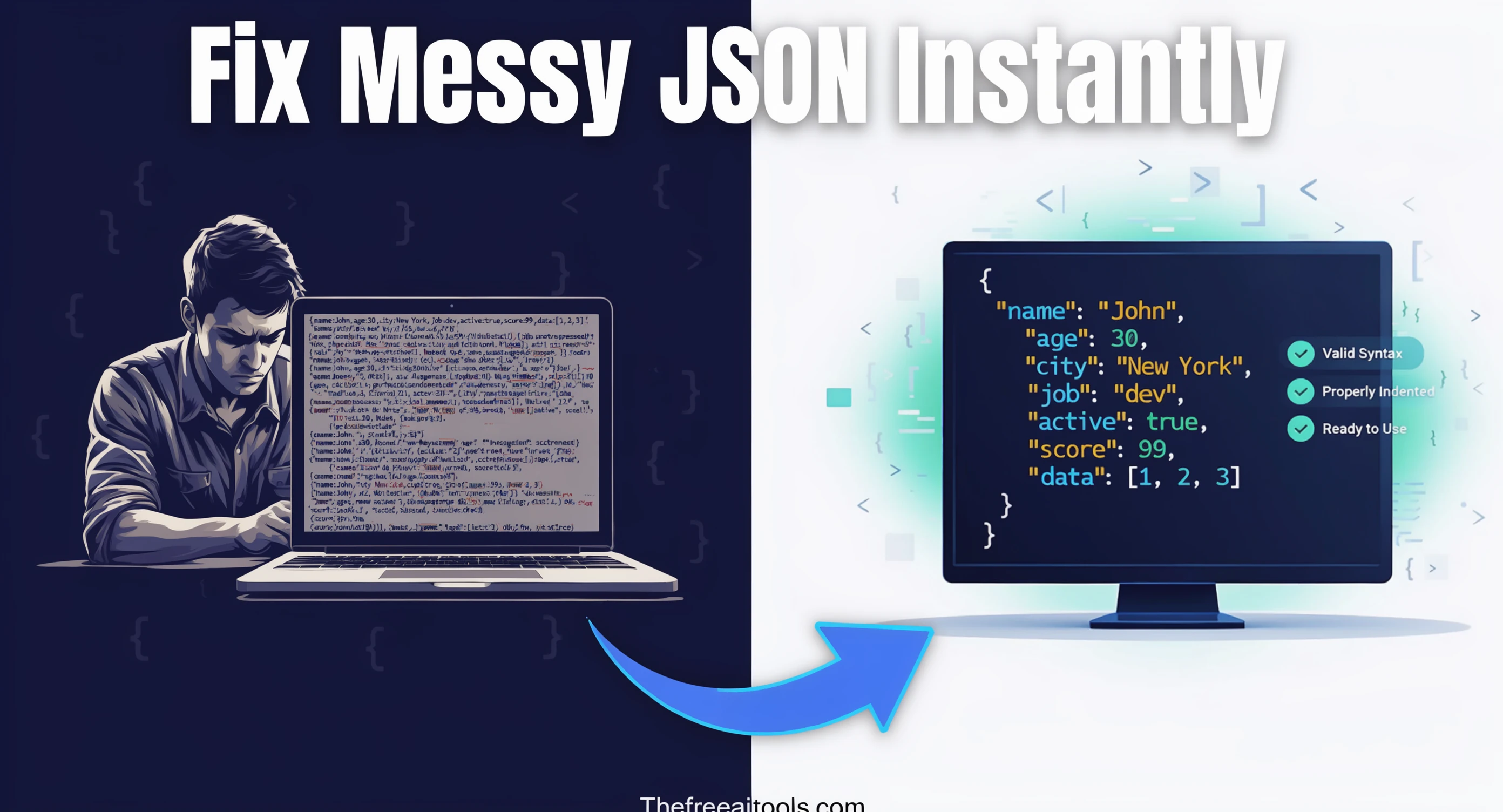
Format, validate, and minify JSON with error highlighting — instantly beautify messy JSON responses.

Compare two blocks of text and highlight additions and removals — visualize code and content changes instantly.

Parse .env file content into structured JSON and key/value tables — debug dotenv configs instantly.

Validate cron schedules and preview upcoming run times — debug cron jobs and scheduled task expressions.

Escape plain text safely for regular-expression literals — convert strings to regex-safe patterns.
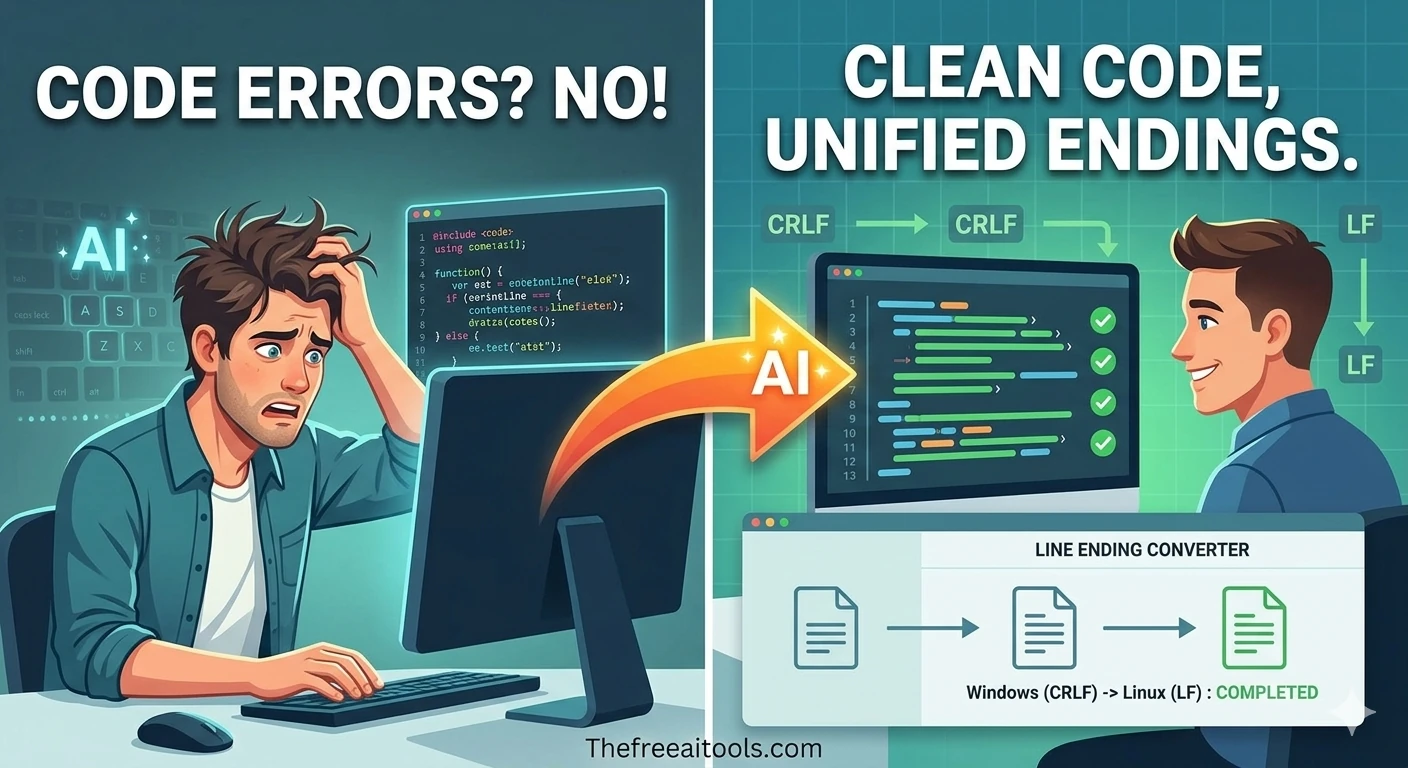
Convert text between LF (Unix) and CRLF (Windows) line endings — fix cross-platform editor issues.
Normalize messy file names for safer downloads, uploads, and archives — remove illegal characters instantly.

Encode and decode text to and from Base64 format instantly in your browser — essential developer utility.

Encode and decode URLs with percent-encoding support — fix broken query strings and API parameters instantly.

Test regular expressions with live match highlighting — debug patterns instantly with flags, groups, and capture support.

Parse URLs and query strings into readable key-value parameters — debug API requests and redirects instantly.
Code formatting and minification are routine development tasks that benefit from dedicated browser-based tools. Developers frequently need to format minified code for readability during debugging, minify source files for performance-optimized deployment, or convert between markup formats.
CSS and JavaScript minification have a direct impact on web performance metrics, particularly Largest Contentful Paint and Total Blocking Time, which are Core Web Vitals signals that affect Google search rankings in 2026.
Markdown has become the dominant format for technical documentation, README files, and blog content in 2026. But many systems — email clients, CMS platforms, presentation tools — expect HTML rather than Markdown.
XML formatting is still a daily need for developers working with legacy enterprise systems, data exchange APIs, configuration files, and RSS feeds. XML can be generated in compacted, single-line form that is completely unreadable without formatting.
Quick answers about the workflow, privacy, and where this tool fits in a broader job.
Code formatting adds whitespace, indentation, and line breaks to make code human-readable. Minification does the opposite — it removes all unnecessary whitespace and comments to produce the smallest possible file size for production deployment.
Minification typically reduces CSS file size by 20-40% and JavaScript file size by 30-60%. Combined with gzip compression, the delivered file size reduction is typically 60-80% compared to uncompressed, unminified source files.
HTML escape converts special characters like <, >, &, and " into their HTML entity equivalents. This is necessary when displaying HTML code samples on web pages or embedding user-submitted content in HTML.
Convert Markdown to HTML when deploying Markdown content to a system that expects HTML. Convert HTML to Markdown when extracting content from an HTML page to use in a Markdown-based system like GitHub or documentation sites.
The complete toolkit
Every tool runs instantly in your browser — no account, no download, no cost. Across 13 categories for everyday tasks.