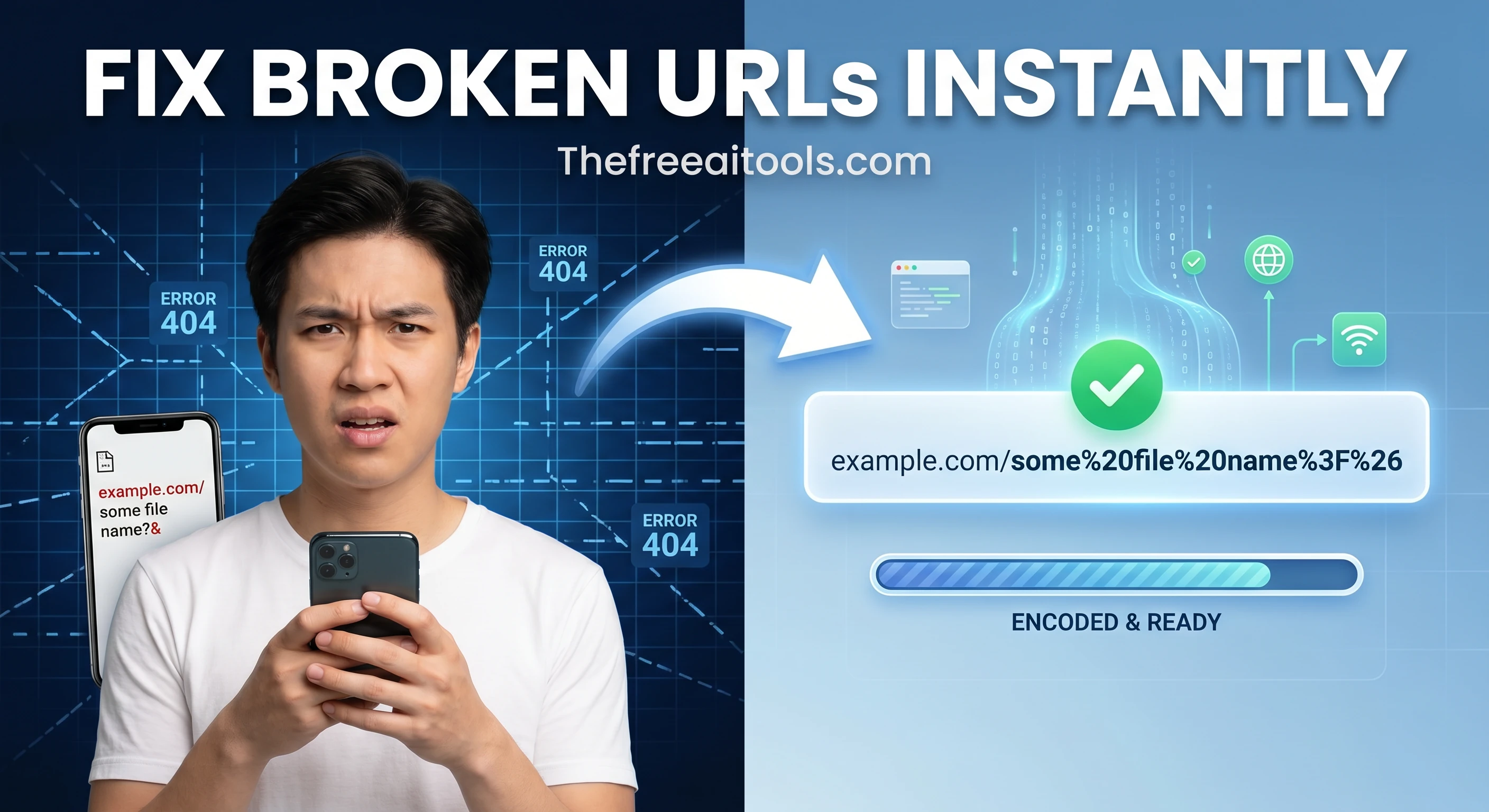
Free URL Encoder , Encode Any URL or Query String Instantly

Free URL Encoder and Decoder  ,  encode or decode URLs and query strings online

Encode any URL or query string instantly for web use using percent-encoding (RFC 3986). All processing runs locally in your browser with 100% privacy , no data is ever uploaded.

Quick Answer

How do I encode a URL for free?

Paste your URL or query string into the input field and click 'Encode'. The tool instantly applies percent-encoding to all reserved characters and spaces, making it safe for use in web addresses and APIs.

Developer ToolsFree online toolNo account requiredNo server uploadUpdated April 28, 2026

Free Online URL Encoder & Decoder

Encode special characters in URLs to percent-encoding format, or decode a percent-encoded URL back to readable text , essential for working with query strings, API requests, and web forms.

Web Utility

Free URL Encoder / Decoder

Safely encode text for use in web links or decode percent-encoded URLs back into readable text. Processed instantly and locally.

1. Text to Encode
2. Result Output

What is URL Encoding?

URL Encoding (also known as percent-encoding) is a mechanism for converting characters into a format that can be safely transmitted over the Internet. Because URLs can only contain a limited set of ASCII characters, special characters like spaces, ampersands (&), or quotation marks must be converted.

For example, a space cannot exist in a raw URL. The encoder converts the space into %20. This guarantees that web browsers and servers interpret your web addresses exactly as intended, preventing broken links and bad API requests.

How to Encode & Decode

  1. Select Mode: Use the tabs at the top to choose between Encode (converting normal text to URL format) or Decode (reverting URL format back to text).
  2. Enter Text: Paste your source string into the left panel.
  3. Instant Conversion: The tool automatically processes the string in real-time as you type.
  4. Copy Result: Click the Copy button in the right panel to grab the formatted string.

Key Developer Features

  • 100% Client-Side Privacy: Uses the browser's native JavaScript engine to process strings. Your API keys or sensitive URLs are never uploaded to our servers.
  • Smart Swapping: When you switch tabs, your current output safely transfers to the input so you can instantly verify encoding loops.
  • Error Detection: Instantly alerts you if you attempt to decode an improperly formatted or malformed percent-encoded string.

Frequently Asked Questions (FAQ)

Which characters are not encoded?

The unreserved ASCII characters that do not need to be percent-encoded are alphanumeric characters (A-Z, a-z, 0-9), hyphens (-), periods (.), underscores (_), and tildes (~).

Why is decoding failing?

Decoding fails if the string contains a malformed percent-encoding sequence, such as a % sign that is not followed by two valid hexadecimal digits. Ensure the URL snippet you pasted is complete.

What's the difference between encodeURI and encodeURIComponent?

This tool uses encodeURIComponent, which encodes almost everything (including ?, =, &, and /). It is designed to encode specific parameters to be injected into a URL, ensuring complete structural safety.

Is a plus sign (+) or %20 used for spaces?

While older application/x-www-form-urlencoded standards use a plus sign (+) for spaces in query strings, modern percent-encoding strictly uses %20. This tool outputs the modernized %20 format.

Related Web Utilities

What is URL Encode/Decode?

URL Encoder & Decoder is a free browser-based tool for converting text to and from URL-safe percent-encoding format. URL encoding , also called percent-encoding , replaces characters that are not allowed in URLs (spaces, ampersands, equals signs, accented letters, etc.) with a % followed by two hexadecimal digits representing the character's ASCII or Unicode value.

URL encoding is required any time you include text in a query string or path segment. A URL like `https://example.com/search?q=hello world` is invalid because spaces are not allowed. The correct encoding is `https://example.com/search?q=hello%20world`. Browsers handle this automatically for user-typed URLs, but developers building APIs, web scrapers, redirects, and form handlers often need to encode or decode values manually.

Common cases where URL encoding matters: passing search queries as query parameters, building API request URLs programmatically, working with redirect targets, handling special characters in form submissions, and debugging 400 Bad Request errors caused by un-encoded characters in query strings.

How to use URL Encode/Decode in 3 steps
  1. 1

    Paste the text or URL you want to encode or decode

    Enter the raw text string or paste a percent-encoded URL into the input field.

  2. 2

    Choose encode or decode

    Select whether you want to convert plain text to percent-encoding (encode) or convert a percent-encoded string back to readable text (decode).

  3. 3

    Copy the result

    Copy the encoded or decoded output and use it in your API request, query string, redirect URL, or code.

Key features and benefits
  • Encodes and decodes URL percent-encoding instantly in the browser
  • Handles spaces, special characters, unicode, and query string delimiters
  • Useful for API development, query string building, and debugging bad URLs
  • No server upload , text stays in your browser
  • Supports both encodeURIComponent and full URL encoding modes
Common use cases

A developer builds an API request that includes a search query with spaces and special characters , uses the encoder to get the correct percent-encoded query string.

A marketer debugs a broken tracking URL where the UTM parameters contain ampersands that need encoding.

A backend engineer decodes an incoming request's query string to read the original text value sent by the client.

Why browser-based works better

A dedicated URL encoder is faster and less error-prone than writing encodeURIComponent() in a browser console or memorizing percent-encoding rules.

It handles the edge cases that catch developers , like whether to encode the entire URL or just the query string components , and shows the result immediately without any code.

URL Encode/Decode FAQs

Quick answers about the workflow, privacy, and where this tool fits in a broader job.

What is the difference between encodeURI and encodeURIComponent?

encodeURI encodes a full URL , it leaves characters like / and ? intact because they are valid URL structure. encodeURIComponent encodes everything including those characters, making it safe for individual query parameter values.

Why is a space encoded as %20 or + in URLs?

Spaces are represented as %20 in standard percent-encoding (RFC 3986). The + sign is used instead of %20 in application/x-www-form-urlencoded format (HTML forms). Both are valid in different contexts.

Does URL encoding affect Chinese, Arabic, or accented characters?

Yes. Non-ASCII characters are encoded as their UTF-8 byte sequences in percent-encoded format. For example, the é character (U+00E9) encodes as %C3%A9.

Can I decode a full URL with query parameters?

Yes. Paste the full URL including the query string and the tool will decode all percent-encoded sequences back to readable text.

Is URL decoding the same as Base64 decoding?

No. URL encoding uses % followed by hex codes (e.g., %20 for space). Base64 encoding uses a completely different alphabet and is used for binary data, not URL safety.

Keep the workflow moving with nearby tools that solve the next likely step.

Reviewed by

The Free AI Tools Editorial Team

Editorial review and product QA

Last updated:

Need policy details? Visit the contact, privacy, and security pages linked in the site footer.


What Is a URL Encoder?

A URL encoder is a utility that converts text strings , particularly URLs and query strings , into a format that can be safely transmitted over the internet. The web's foundational technology, HTTP, was designed to transfer documents, but URLs can contain a wide range of characters that have special meaning. For example, a space character cannot appear directly in a URL because spaces are used to separate different parts of an HTTP request. Similarly, characters like '?', '#', '&', '=', and '/' have reserved meanings in the URL syntax and must be encoded to avoid breaking the URL structure.

The solution is percent-encoding (also known as URL encoding), which replaces each reserved or unsafe character with a three-character sequence consisting of a percent sign '%' followed by two hexadecimal digits representing that character's ASCII code. For instance, a space character (ASCII 32) becomes '%20', a question mark (ASCII 63) becomes '%3F', and a colon (ASCII 58) becomes '%3A'. This encoding method is defined in the IETF's RFC 3986 specification, which every browser, web server, and API must follow to ensure interoperability across the entire web.

Our tool automates this process. When you paste a query string that contains user-generated content , for example, a search query with spaces and special characters , the tool instantly applies percent-encoding to every unsafe character, producing a clean, URL-safe string ready to be appended to a link or included in an API request. All processing occurs entirely in your browser using JavaScript, so your sensitive data never leaves your device. The tool also includes a complementary decoder, allowing you to revert encoded strings back to their original form when needed.

Best Practices for URL Encoding

While URL encoding is a straightforward concept, applying it correctly in production web applications requires attention to detail. Here are the professional best practices every developer should follow:

  • Always encode all user‑supplied input included in URLs:Never assume that user‑provided values (search terms, form data, or API parameters) are safe. If you include them directly in a URL without encoding, a malicious user could inject reserved characters that break your application or even enable XSS attacks. Use a dedicated encoder for every dynamic parameter.
  • Encode query parameters separately from the base URL:A common mistake is to encode the entire URL, including the scheme ('https://') and domain, as a single string. This leads to double‑encoding and broken links. Instead, encode only the query parameters (the values after the '?').
  • Use the appropriate encoding function for your context:Different languages and frameworks offer different encoding methods. In JavaScript, use encodeURIComponent() for query parameters andencodeURI() for full URLs. Our tool replicates the behavior ofencodeURIComponent(), which is the most common and safest option.
  • Never trust decoded data from third parties:When you receive an encoded URL from a user or an external system, always decode it and then re‑encode it after validation. This prevents attacks that rely on malformed or unusual encoding sequences.
  • Test your encoded URLs with edge cases:URLs containing non‑ASCII characters (like 'é', 'ñ', '中') require special handling. Our encoder converts them to UTF‑8 before percent‑encoding, ensuring maximum compatibility with all browsers and servers. Always test with international characters to confirm correct behavior.

Key Features of This URL Encoder

Built for web developers, API integrators, and anyone who needs safe URL handling, this tool delivers a complete encoding suite entirely within your browser.

Instant RFC 3986 Encoding

The tool applies percent‑encoding as defined in RFC 3986, converting all reserved and unsafe characters into a safe, universally accepted format. The result is ready to be used in any URL or API call.

100% Client‑Side Privacy

Your sensitive query strings and URL parameters are never uploaded to our servers. All encoding and decoding is performed locally using JavaScript , no data is logged, stored, or shared.

Live Encoding Preview

As you type or paste your input, the tool displays the encoded output in real time, allowing you to see exactly how each character is transformed before copying or using the result.

One‑Click Copy to Clipboard

Click the copy button to save the encoded string to your clipboard instantly. No more selecting, right‑clicking, or copying manually.

Built‑In URL Decoder

The tool also includes a decoder that reverses percent‑encoding, converting '%20' back to a space, '%3F' back to '?', and so on. This makes it a complete two‑way URL transformation tool.

Offline Capable

Once the page is loaded, you can safely disconnect from the internet. The tool will continue to function flawlessly offline, making it ideal for developers working in secure or disconnected environments.

Common Use Cases: Who Uses a URL Encoder?

The ability to encode URLs is a fundamental skill across many roles and industries. Here are the most common scenarios in 2026:

Web Developers & Frontend Engineers

Web developers encode query parameters when building dynamic URLs for search results, pagination, and filtering. Encoded strings ensure that user‑supplied values are safely embedded in anchors, history API states, and form submissions without breaking the page.

API Integrators & Backend Developers

When calling third‑party APIs, developers often need to pass arbitrary strings as query parameters. URL encoding ensures that spaces, ampersands, and other reserved characters in the parameter values do not corrupt the API request structure.

SEO & Digital Marketing Professionals

SEO specialists encode UTM campaign parameters to ensure that tracking values containing spaces, punctuation, or special characters are correctly transmitted to analytics platforms like Google Analytics or Adobe Analytics.

QA Engineers & Test Automation

QA engineers encode query parameters in test scripts to verify that the application correctly handles edge cases , such as strings with non‑ASCII characters or reserved symbols , without triggering validation errors or broken links.

E‑Commerce & Product Catalog Managers

E‑commerce platforms often use URLs with complex search filters, sort options, and price ranges. Encoding these parameters ensures that user‑filtered URLs can be shared, bookmarked, and emailed without breaking or losing state.

Security Analysts & Penetration Testers

Security professionals encode payloads in XSS and injection tests to safely deliver malicious content through URLs without interfering with the URL parsing of the target application, helping to identify encoding related vulnerabilities.

Frequently Asked Questions

What is URL encoding and why is it needed?
URL encoding converts characters that are unsafe or reserved in URLs into a format that can be safely transmitted over the internet. For example, spaces become '%20', and question marks become '%3F'. It is essential for sending query parameters, form data, and special characters in URLs.
Is my data secure when using this URL encoder?
Yes, 100% secure. This tool runs entirely in your browser using client-side JavaScript. The URL or query string you encode is never sent to our servers, stored in databases, or logged anywhere.
Does this encoder follow RFC 3986 standards?
Yes. Our encoder implements percent-encoding according to RFC 3986, which is the official standard for URIs. This ensures that your encoded strings are compatible with all modern web browsers, servers, and APIs.
Can I decode a URL with this tool as well?
Yes, this tool also provides URL decoding functionality. Simply paste an encoded URL into the decoder field, and it will revert the percent-encoded characters back to their original form.
What characters are encoded in URL encoding?
URL encoding converts reserved characters (such as ':', '/', '?', '#', '@', '&', '=', '+', '$', ','), unsafe characters (such as spaces, , '%', ', ', '|', '\\', '^', '[', ']', '`'), and any non-ASCII characters into a %XX format where XX represents the hexadecimal value of the character.
What are the limitations of this free URL encoder?
The tool is completely free with no usage limits. It can encode any valid URL or string of any length. For extremely long strings (over 10MB), browser performance may vary based on your device's available memory. All processing is local and private.

Explore more free online utilities for developers , all processed client-side with the same zero-upload privacy guarantee.

TheFreeAITools , URL Encoder is a fully private, browser-based utility that applies percent-encoding (RFC 3986) to any URL or query string instantly. All processing runs locally on your device with JavaScript , your sensitive strings never leave your computer. Supports live preview, one-click copying, and includes a built-in decoder for two-way transformation. The fastest free way to encode URLs for web development in 2026, with no installs, no accounts, and no hidden limits.

☕ Support Us