MP3 to WAV Converter
Convert compressed MP3 files to lossless WAV format for editing, mastering, or CD burning. Preserves full audio quality.
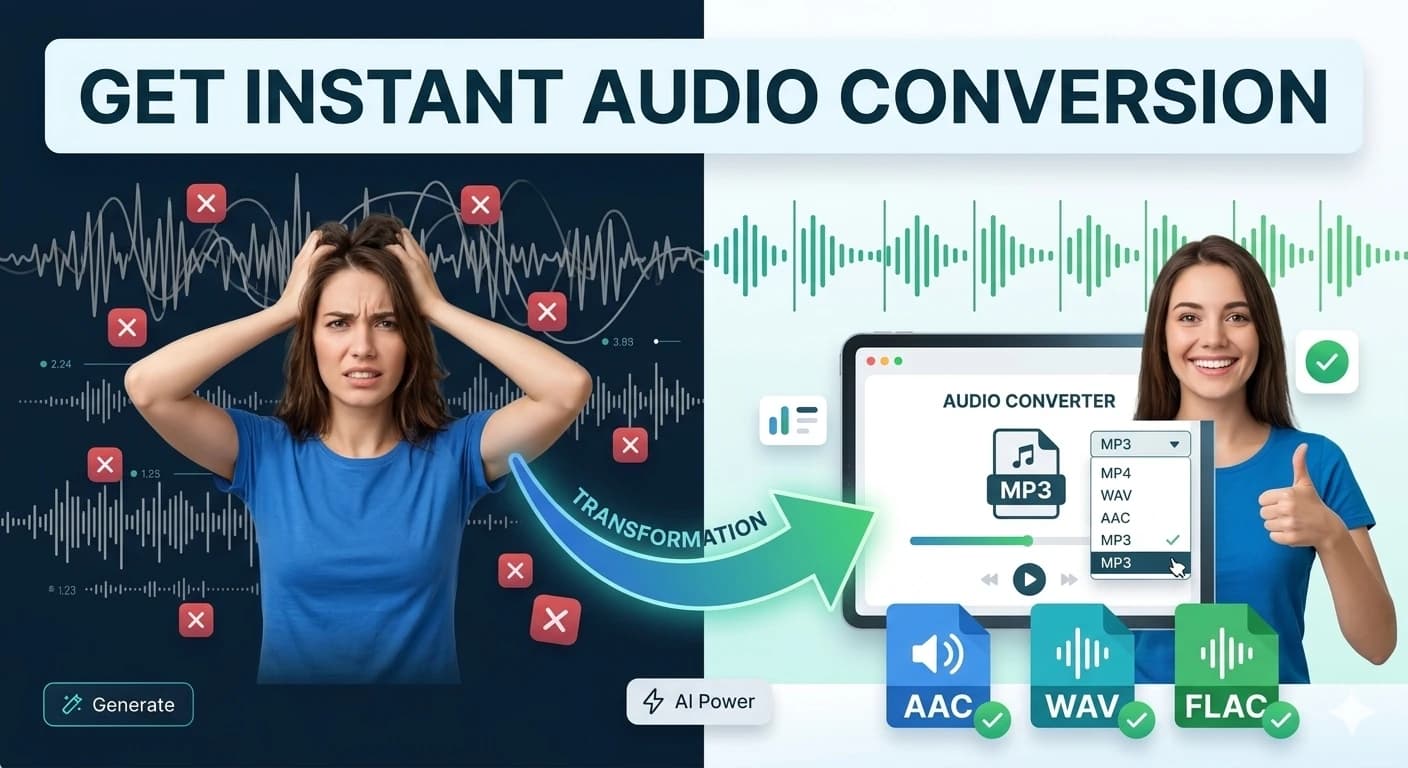
Convert M4A to MP3, FLAC to MP3, WAV to MP3, OGG, AAC, MP4, and AIFF — all free in your browser. Ideal for iPhone voice memos, podcast recordings, and music archives. Also trims, fades, normalizes, and exports waveforms. Everything runs locally on your device — your audio is never uploaded anywhere.
Quick Answer
How do I convert M4A to MP3 free without uploading?
Drag your M4A file (or any audio format) into this converter, select MP3 as the output, and download. All conversion runs in your browser via the Web Audio API — your audio never leaves your device. No signup required.
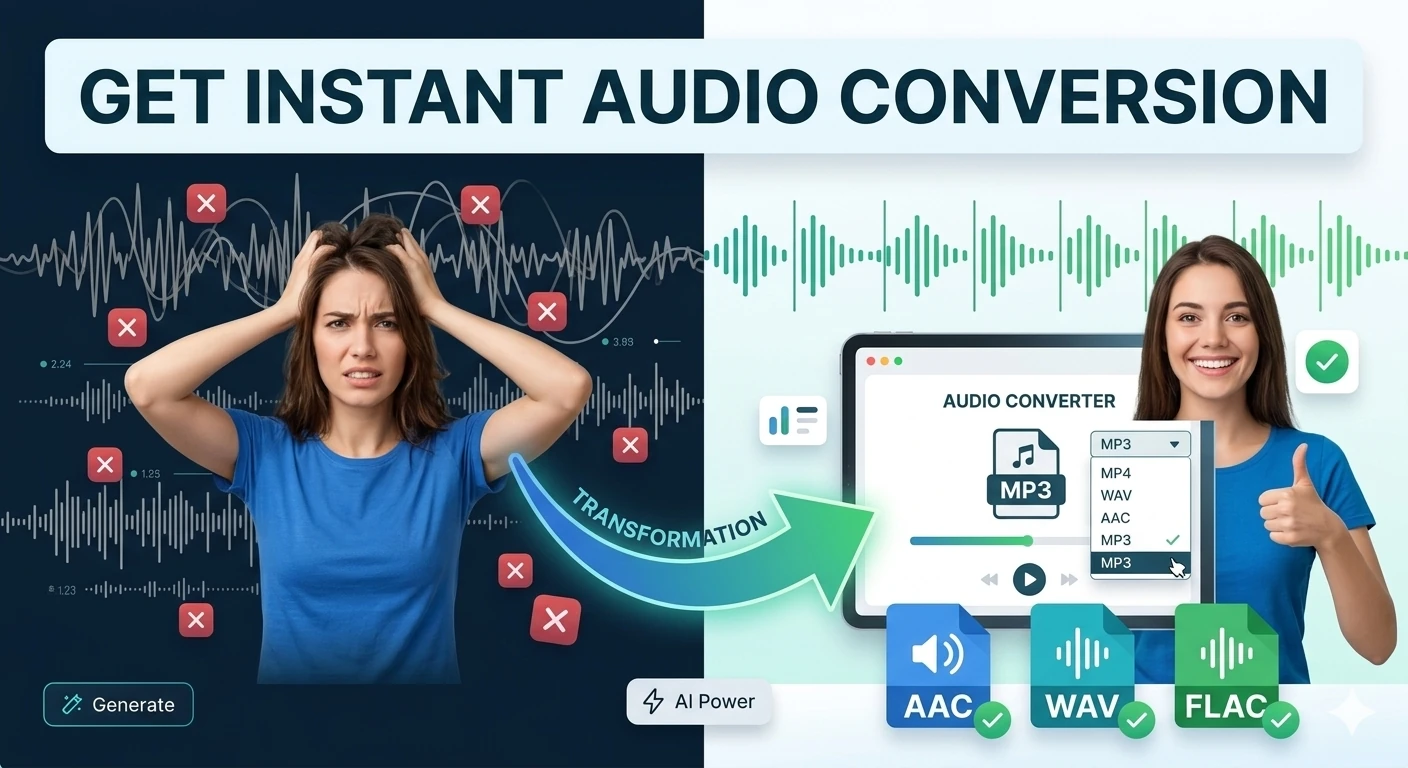
MP3 ↔ WAV ↔ OGG ↔ M4A ↔ FLAC ↔ AAC ↔ MP4 ↔ AIFF and 40+ editing tools. Everything runs in your browser. Your audio files never leave your device.
All Tools
Why Use Us
All processing happens in your browser using the Web Audio API. Your audio files are never uploaded to any server.
No waiting for uploads. Conversion happens the moment you click — typically just a few seconds even for long audio.
No subscriptions, watermarks, or paywalls. Every tool — from format conversion to advanced effects — is permanently free.
Works on Chrome, Firefox, Safari, Edge and any modern browser — desktop or mobile. No plugins or extensions needed.
Convert to MP3, WAV, OGG, M4A, FLAC, AAC, MP4, AIFF and more. All the formats musicians and podcasters need.
Designed for podcasters, musicians, video editors, content creators, voice artists and anyone who works with audio.
Most Searched
Convert compressed MP3 files to lossless WAV format for editing, mastering, or CD burning. Preserves full audio quality.
Compress large WAV files into smaller MP3 files. Choose your bitrate from 64 kbps up to 320 kbps high-fidelity.
Convert iTunes M4A / AAC files to universally-supported MP3. Perfect for older players, car radios and Android devices.
Reverse any audio file to play it backwards. Discover hidden messages or create unique creative effects for music & video.
Cut a precise section of any audio file. Set start and end times in seconds to extract exactly what you need.
Cut any song into a 30-second ringtone-ready clip with smooth fade in & fade out. Works on iPhone and Android.
Apply reverb, echo, distortion, low-pass, high-pass, bass boost, treble boost and more pro audio effects in one click.
Convert lossless FLAC, OGG Vorbis and AAC files to MP3 or WAV. Perfect for moving music between devices & platforms.
FAQ
iPhones record voice memos in M4A format (AAC audio in an MPEG-4 container). M4A plays fine on Apple devices but many platforms — podcast hosts, transcription APIs, audio editors on Windows, and most media players — expect MP3. The converter handles M4A directly: drag the file, select MP3 output, download.
Why no-upload matters for voice memos: voice memos often contain confidential content — interviews, meeting notes, personal reminders. Cloud converters like Convertio and CloudConvert upload your file to their servers before converting. This converter runs the Web Audio API entirely in your browser — the M4A never leaves your device.
| Use case | Convert to | Why |
|---|---|---|
| Upload to podcast host (Buzzsprout, Anchor) | MP3 128–192 kbps | All podcast platforms accept MP3; file size is 10× smaller than M4A/WAV |
| Feed to Whisper or Google STT transcription | WAV or FLAC | Transcription APIs prefer uncompressed audio for highest accuracy |
| Send via email or WhatsApp | MP3 | M4A attachments sometimes don't play on Android or Windows |
| Import into Audacity or GarageBand (non-Apple) | WAV | Some DAWs don't support M4A natively; WAV is universally compatible |
| Archive long recordings | FLAC | Lossless at ~50% smaller than WAV — bit-perfect playback forever |
FLAC is the audiophile archival format — lossless compression at about 50% of the WAV file size. Most car stereos, older portable players, and streaming platforms only accept MP3. Converting FLAC to MP3 at 192–320 kbps gives a file that's 90% smaller than FLAC with imperceptible quality loss for most listeners.
Best practice: keep the FLAC master and convert a copy. FLAC → MP3 is lossy and one-directional — you cannot recover the lossless quality from the MP3. Always start from the highest-quality source.
WAV is uncompressed — a 3-minute recording at 44.1 kHz/16-bit is about 30 MB. The same track as a 192 kbps MP3 is about 4 MB — an 87% size reduction. Converting WAV to MP3 makes audio shareable via email, uploadable to streaming platforms, and storable on mobile without consuming excessive storage.
DAW exports as WAV are common — Logic Pro, GarageBand, Audacity, and Reaper all export WAV by default. This converter handles those directly without requiring an additional export step inside the DAW.
The Audio Tools Suite is a browser-based audio workshop that converts between MP3, WAV, OGG, M4A, FLAC, AAC, MP4, and AIFF formats, and also performs common editing tasks like trim, fade in / fade out, normalize, and waveform export.
All processing runs locally in your browser via the Web Audio API. When you drop in a file, the browser decodes it into raw PCM audio, applies your selected operation, and re-encodes the result into the chosen output format. Nothing is uploaded — the audio never leaves your device.
Different audio formats exist because different use cases demand different trade-offs between file size, fidelity, and compatibility. An uncompressed WAV preserves every sample from the source recording but can be 10× larger than the equivalent MP3, which uses psychoacoustic compression to discard frequencies the human ear is unlikely to notice. FLACcompresses losslessly to roughly half the WAV size — the audiophile's archival choice. OGG Vorbis is open and patent-free, ideal for web audio and games. M4A/AAC dominates the Apple ecosystem. The right format depends on the downstream use.
| Format | Compression | Typical size vs WAV | Best for |
|---|---|---|---|
| WAV | Uncompressed | 100% | Studio editing, DAW import |
| FLAC | Lossless | ~50–60% | Archival, lossless music distribution |
| MP3 | Lossy | ~10% | Universal sharing, podcasts |
| OGG Vorbis | Lossy | ~8–10% | Web audio, HTML5 games |
| M4A / AAC | Lossy | ~10% | Apple ecosystem, iTunes, iOS |
| AIFF | Uncompressed | 100% | Apple legacy studio workflows |
Record interviews as WAV for fidelity, then convert to 128 kbps MP3 for Buzzsprout, Anchor, or Spotify upload — cutting file size by 90% with no audible difference.
Convert MP3 sound effects to OGG Vorbis for HTML5 and Electron builds — smaller bundle size, royalty-free playback in all browsers.
Archive final mixes as FLAC for Bandcamp, then generate lower-bitrate MP3 versions for SoundCloud previews — all in one workflow.
Convert iPhone M4A voice memos to WAV or FLAC for Whisper, Google Speech-to-Text, and other transcription APIs that prefer uncompressed input.
Convert recorded interviews from M4A or OGG to WAV for ATLAS.ti, NVivo, and other qualitative analysis tools that require uncompressed audio.
Trim, fade, and normalize audio for video voiceovers before importing into a video editor — no need to round-trip through a DAW.
Other free audio and media utilities — all client-side, all without upload.